Skip to content
View in the app

A better way to browse. Learn more.

Power Forum - Renewable Energy Discussion

A full-screen app on your home screen with push notifications, badges and more.

To install this app on iOS and iPadOS
  1. Tap the Share icon in Safari
  2. Scroll the menu and tap Add to Home Screen.
  3. Tap Add in the top-right corner.
To install this app on Android
  1. Tap the 3-dot menu (⋮) in the top-right corner of the browser.
  2. Tap Add to Home screen or Install app.
  3. Confirm by tapping Install.

Nicolette

Members
  • Joined

  • Last visited

  1. Please exlain how i can do what u said. If u can send me a pic where i can change it thank you.
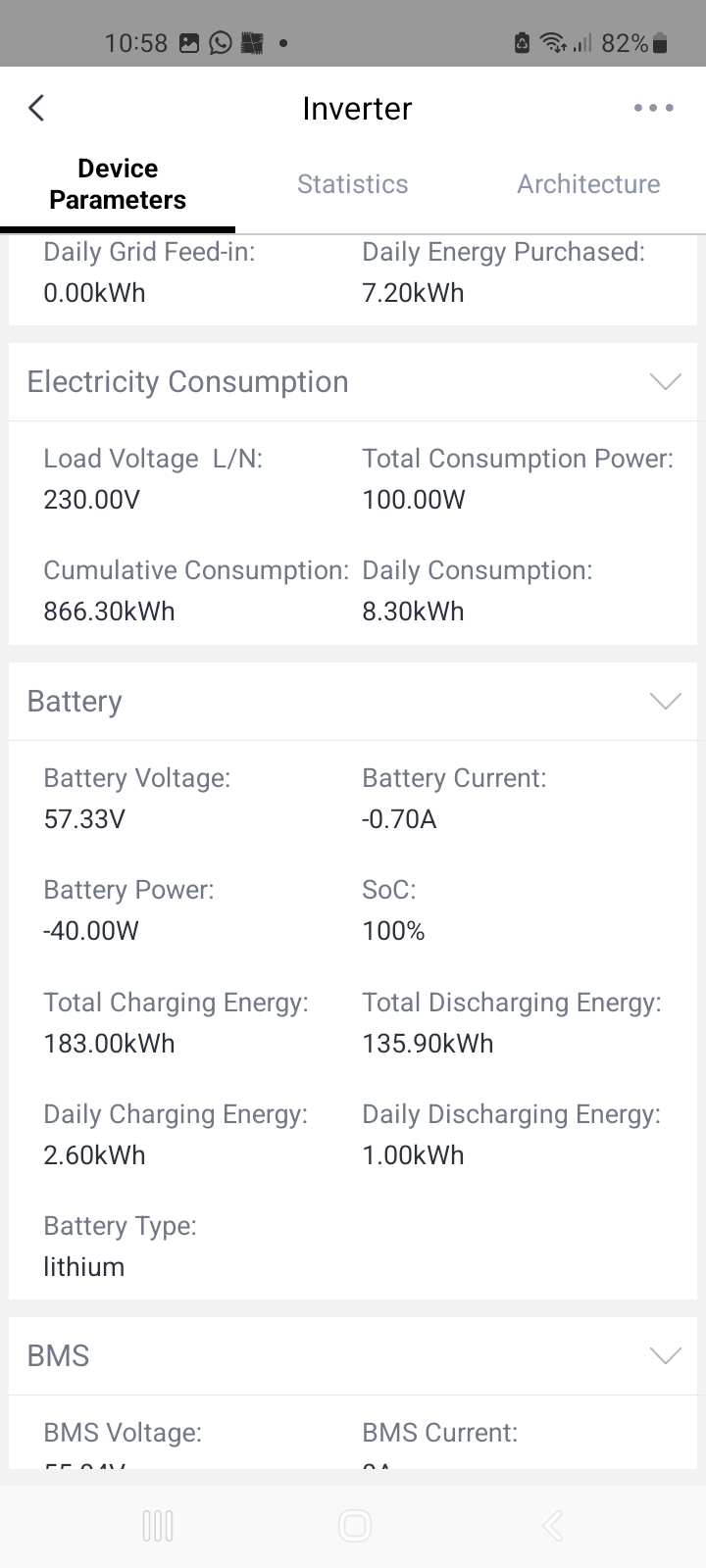
  2. No problems really im just using the same amount of prepaid electricity. Shouldnt u use solar in the day? But if i go check it shows the grid is proveding more than the solar.
  3. 5.12KwH sda10-48100 shoto. The panels name i dont know but i have 12 panels. Yes im using it
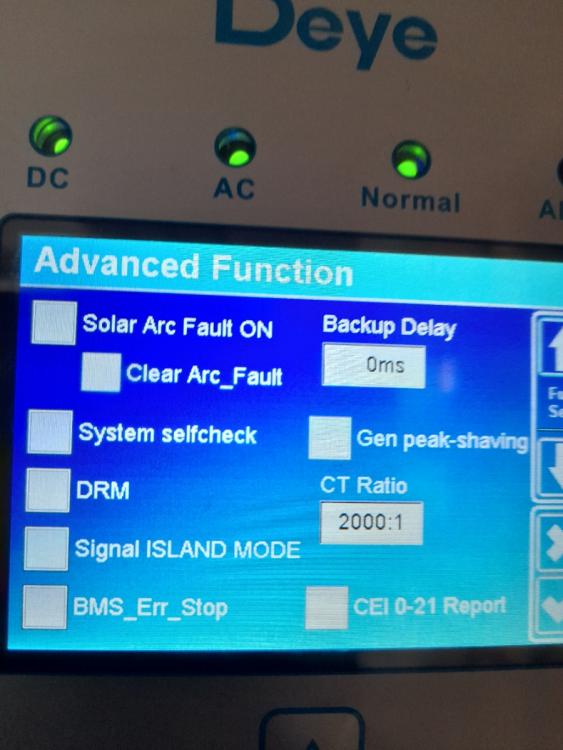
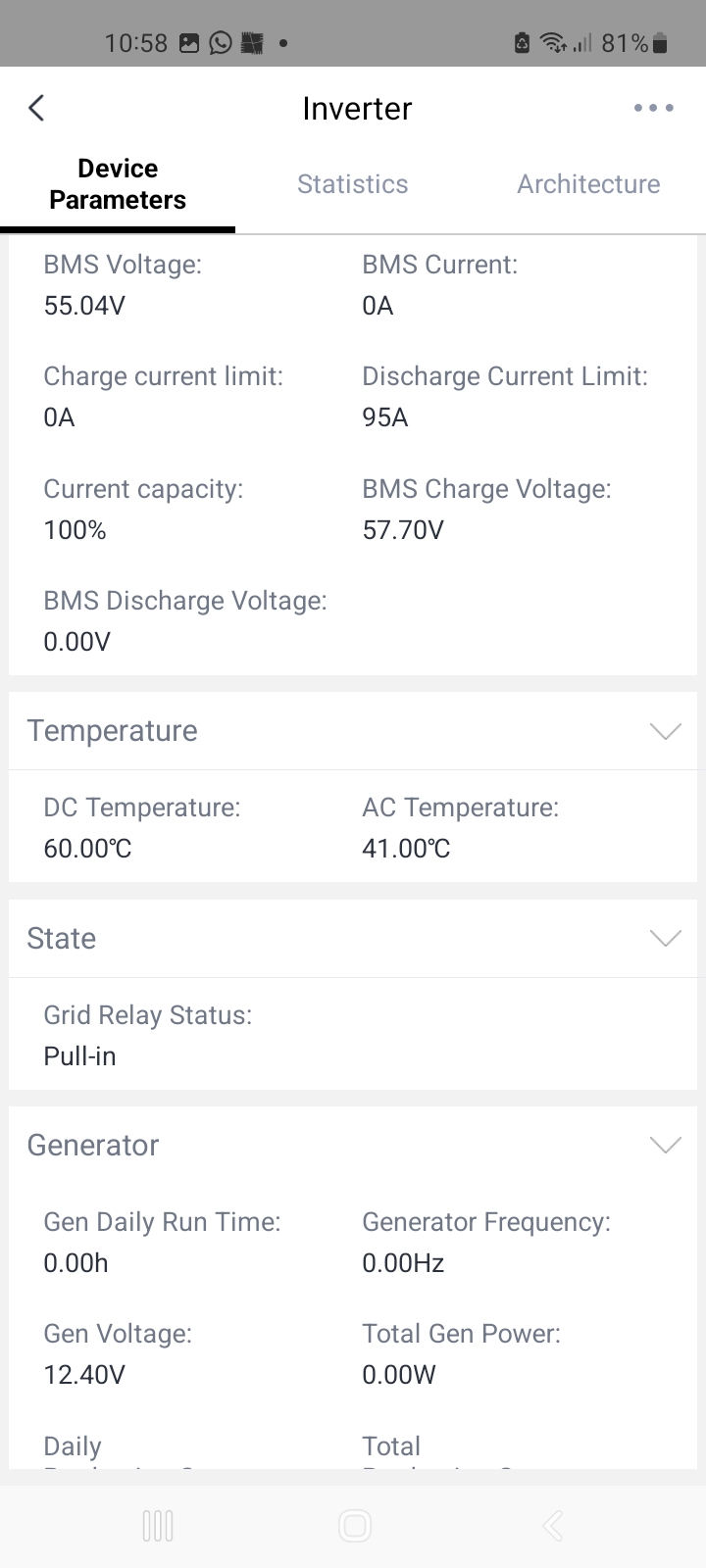
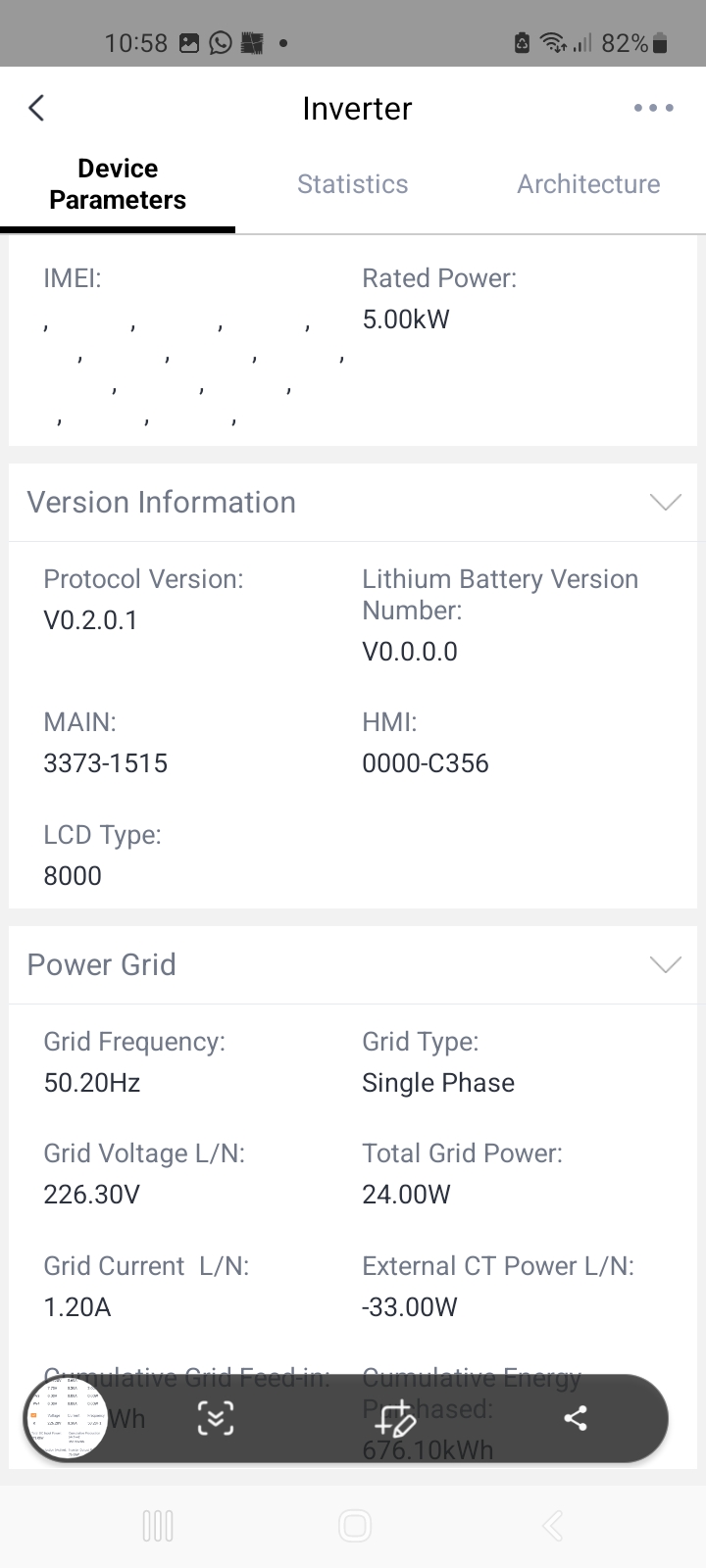
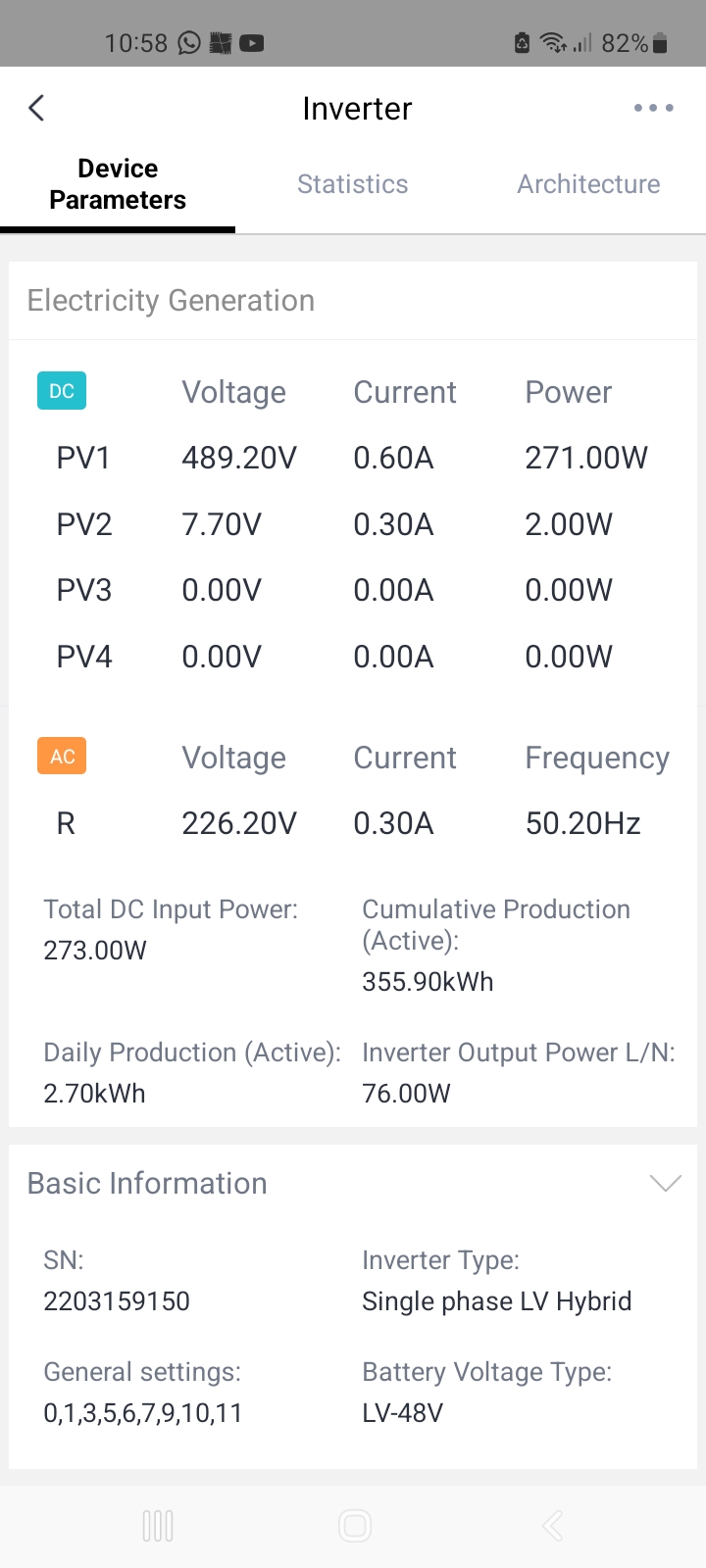
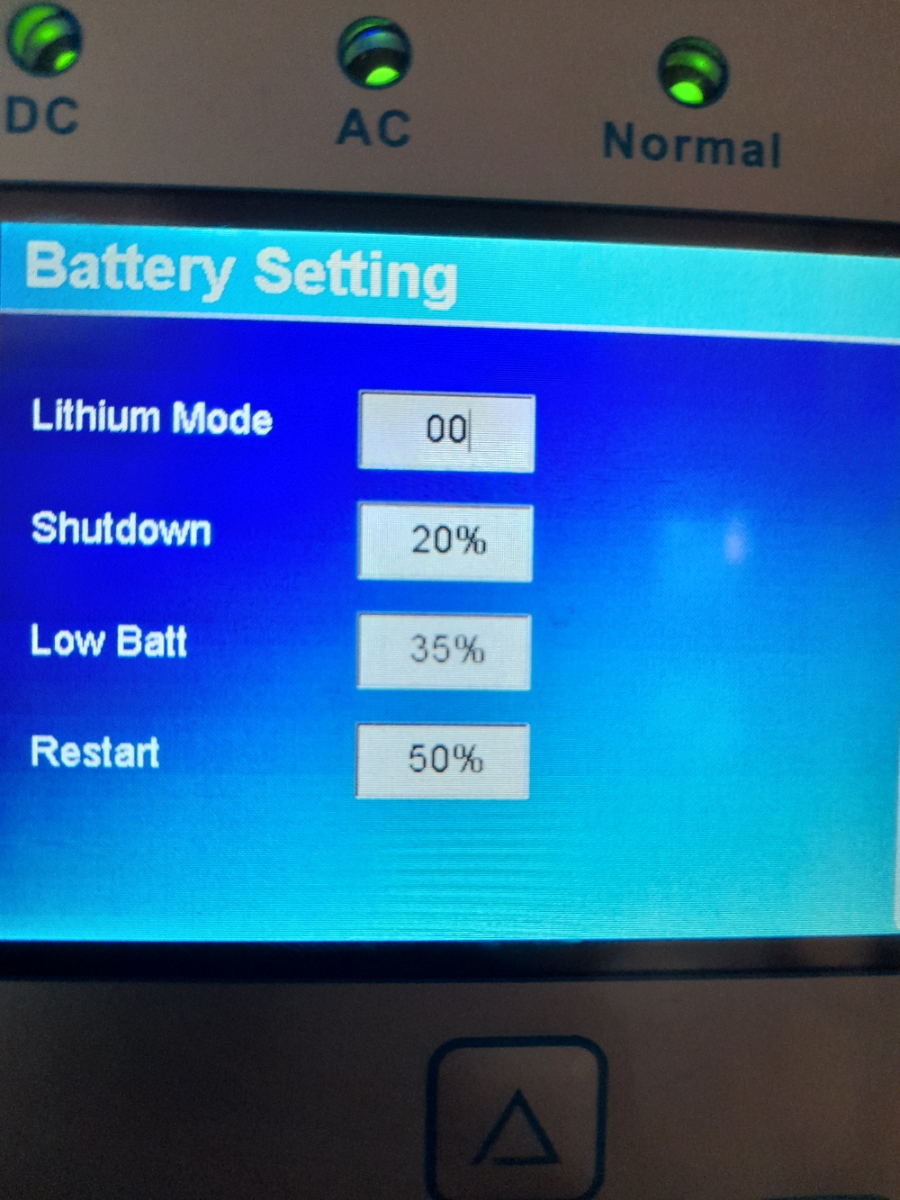
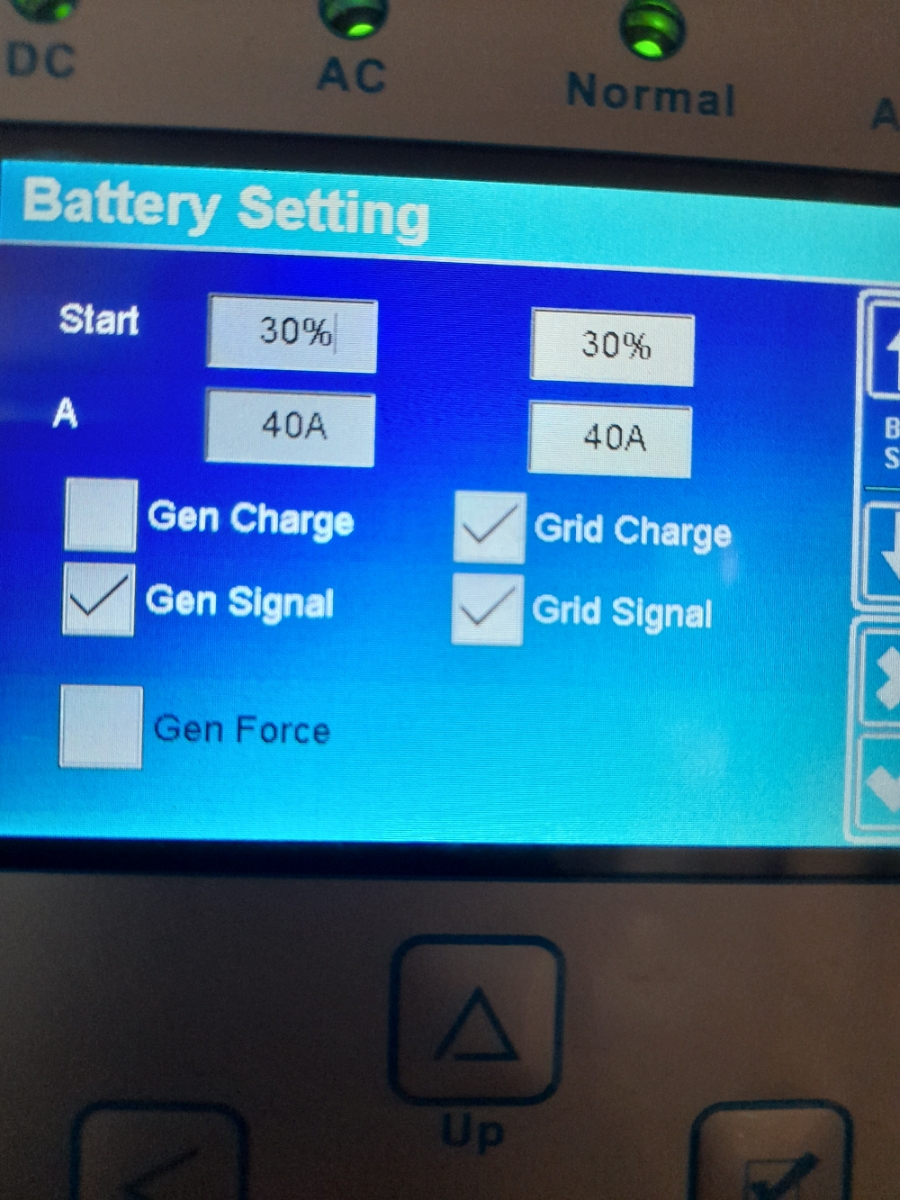
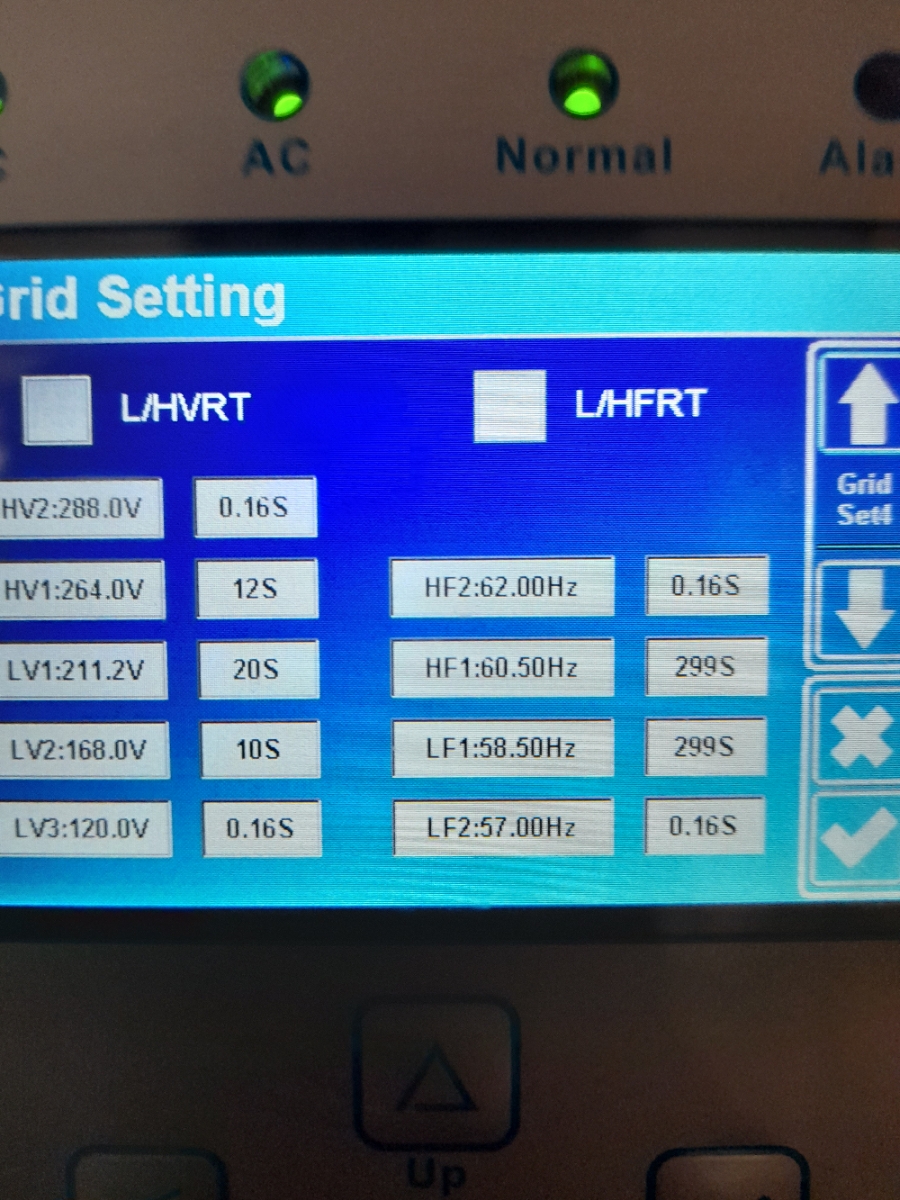
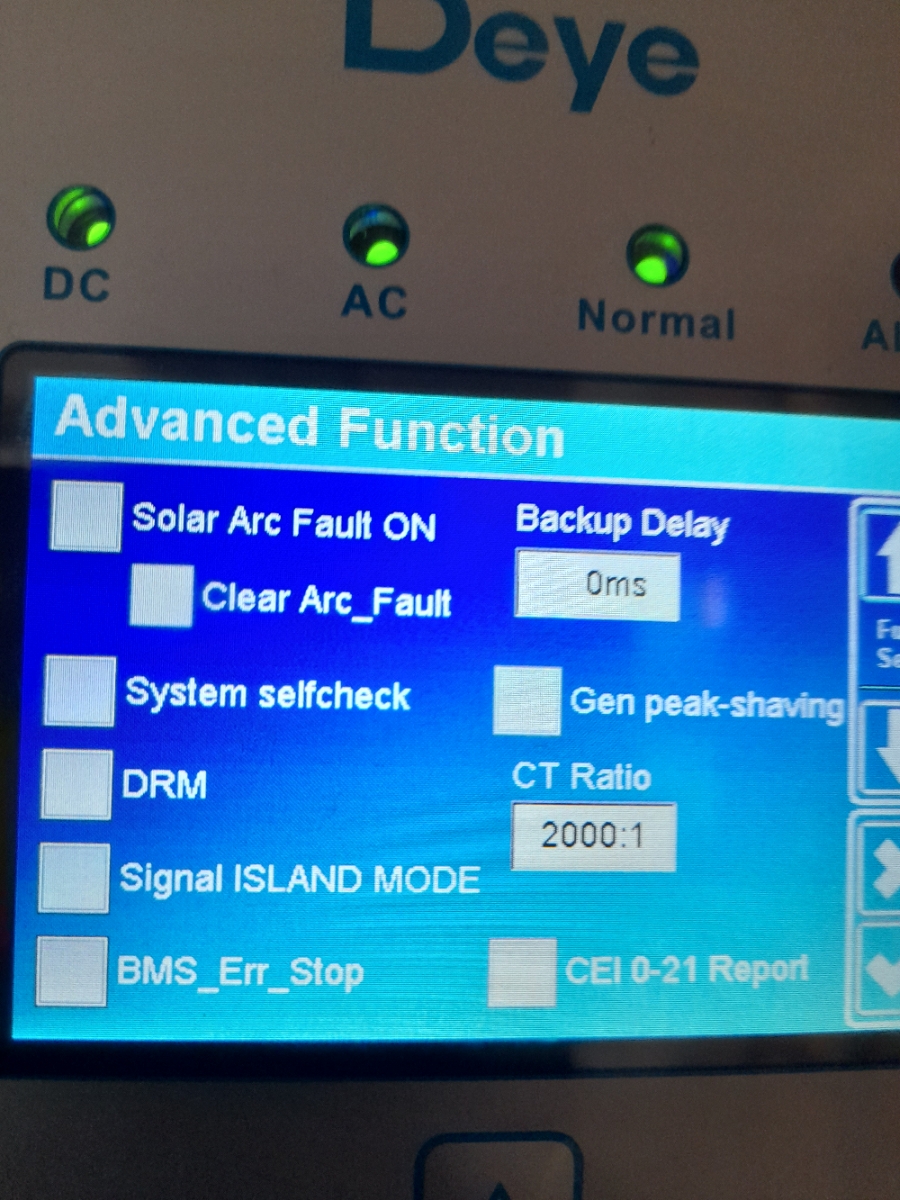
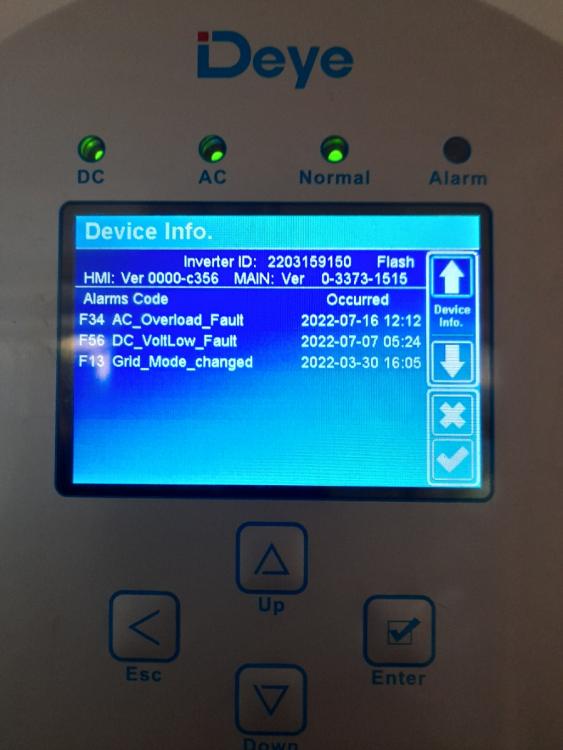
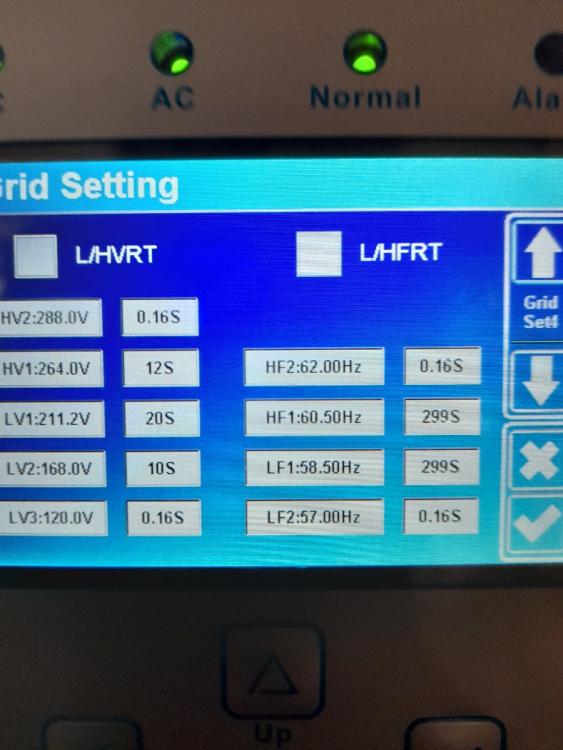
  4. Hey there im new ive got the sun 5k-sg01/02lp1-eu deye hybrid inverter. Im not sure how to get the most out of my system in these pics is my settings please advise me if some setting is wrong please. Im from south africa gauteng. i have a few more pics but i can only send so much. I dont know if my settings is correct or not???
Account

Navigation

Search

Search

Configure browser push notifications

Chrome (Android)
  1. Tap the lock icon next to the address bar.
  2. Tap Permissions → Notifications.
  3. Adjust your preference.
Chrome (Desktop)
  1. Click the padlock icon in the address bar.
  2. Select Site settings.
  3. Find Notifications and adjust your preference.