OttoN
Members
-
Joined
-
Last visited
-
Thanks Guys. I have found my problem. It was my dip switches on the pylontec batteries that were not set correctly. So for future reference to someone else.... the dipswitches on pylontec batteries should be all set to off position (ie up position as it is upside down). This is for the 3.5kva batteries and if you only have one group.
-
Tried that as well. No joy...
-
Hi all. Hope someone can help me. I have installed 5kva Sunsync with 2 x 3.5kva Pylontech batteries. I cannot get can bus cable to work correctly. I have tried 3 x xables allready. Even made up 2 x of them myself. Pin 2 - 6 (orange to green) Pin 4 - 4 Pin 5 - 5 As per manual. Dip switches on batteries both pin 1-on and 2,3,4 -off. The cable is in can ports both at inverter and master battery. If I select the bms option on screen it just shows garble. Any suggestions to solve this?
-
Thanx. Will work on that ratings then.
-
Hi Guys. Yes this shortage on 10mm cable is ridiculous. I use them on al the 5kva inverter installations feom db to inverter and back as the 6mm max current is just too low. So please let me know what you guys use for 5 and 7kva installtions.
-
Hi all. Hope someone can give some advice here. I just installed a 7.2kva Synapse 48volt inverter together with a 5.5kw Hubble battery. I see there is a can port on the battery and a battery port on the synapse inverter. I presume the cable will be a special type as with the pylontech batteries and not a standard ethernet cat5 cable. I did set the parameters as specified by Hubble website manually, thus second question is, is the canbus cable then still required / necessary or better than the manual settings? Regards Otto
-
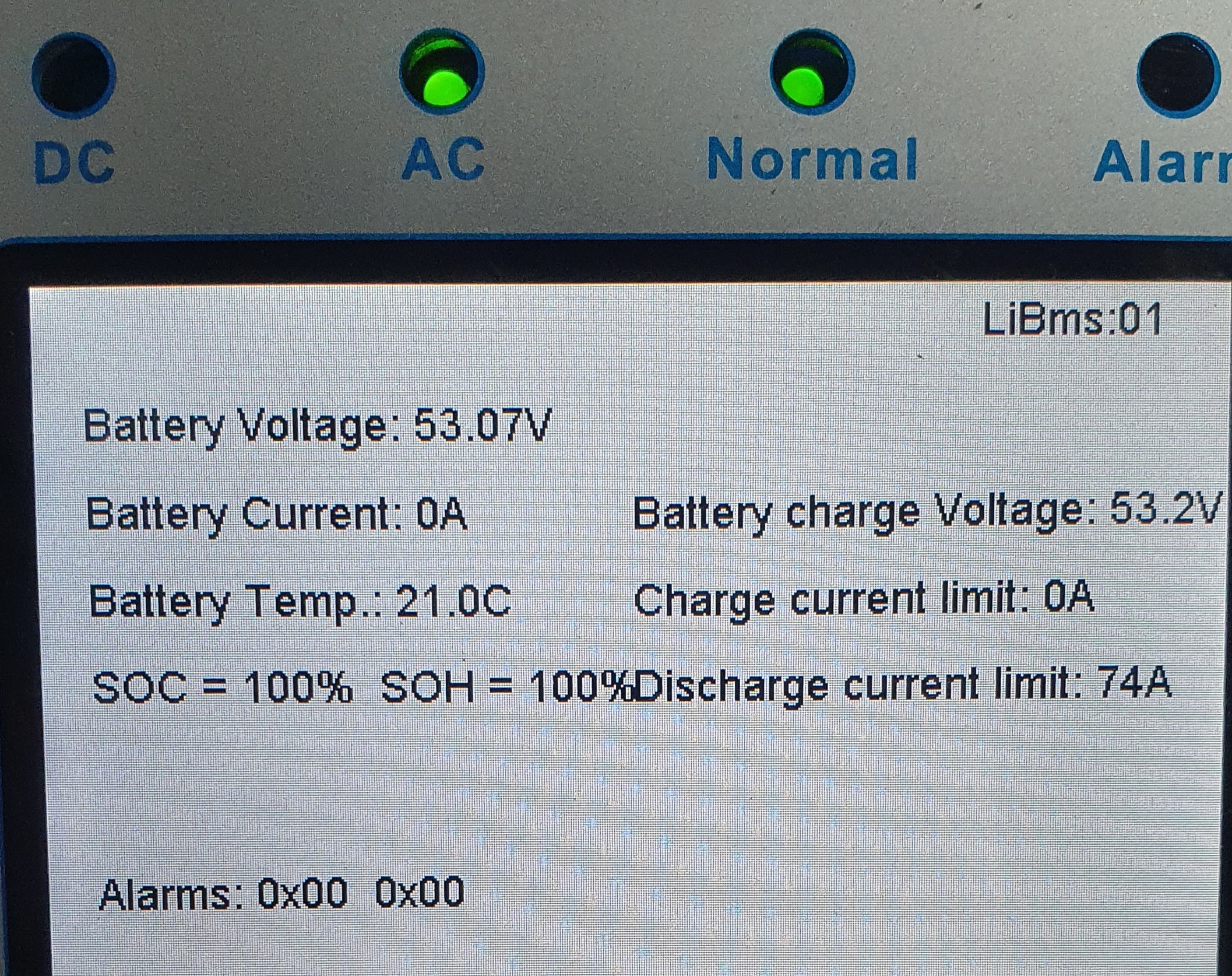
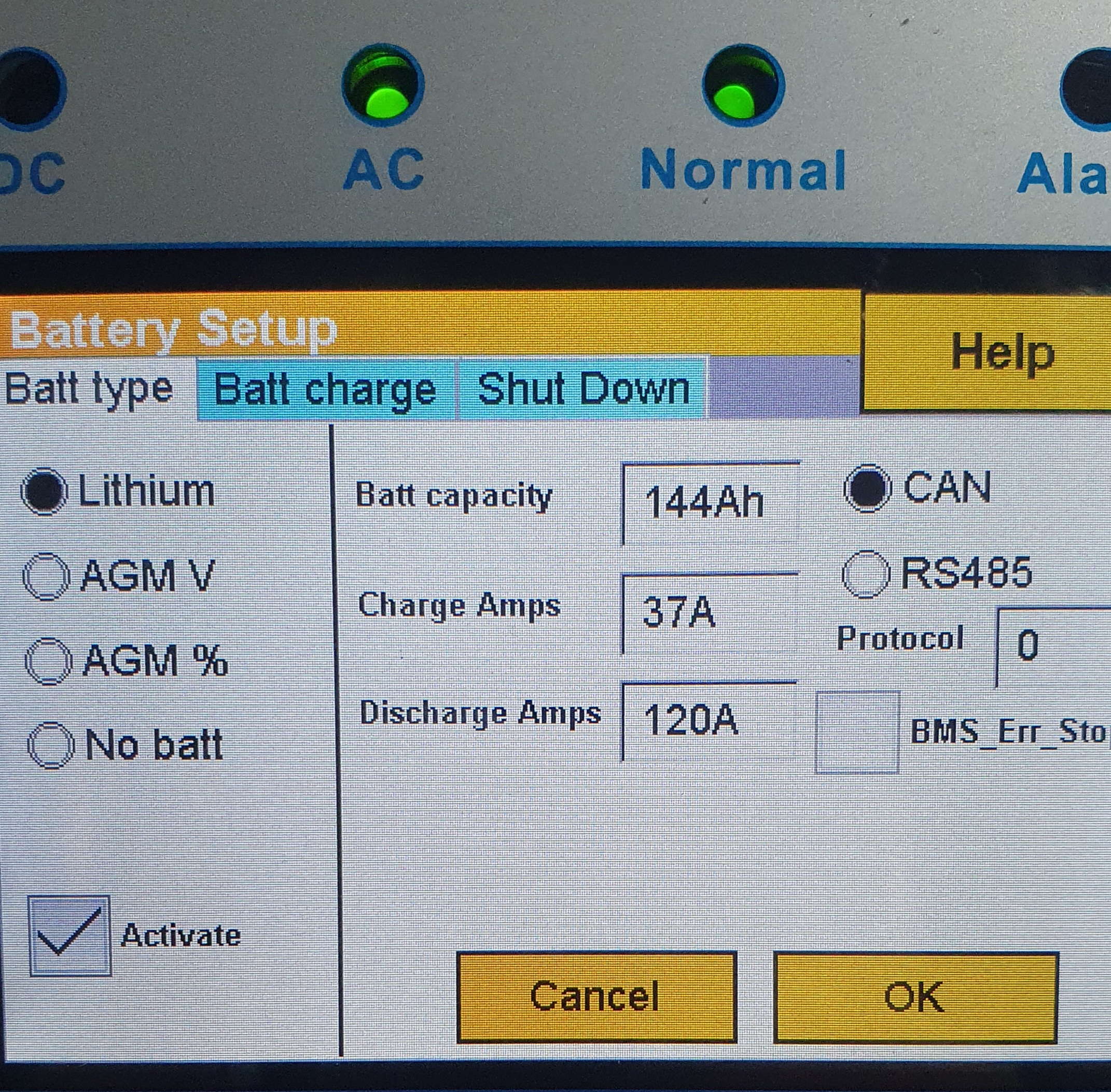
I see that although the set discharge current is 120a, the bms system shows 74a limit which is correct?


-
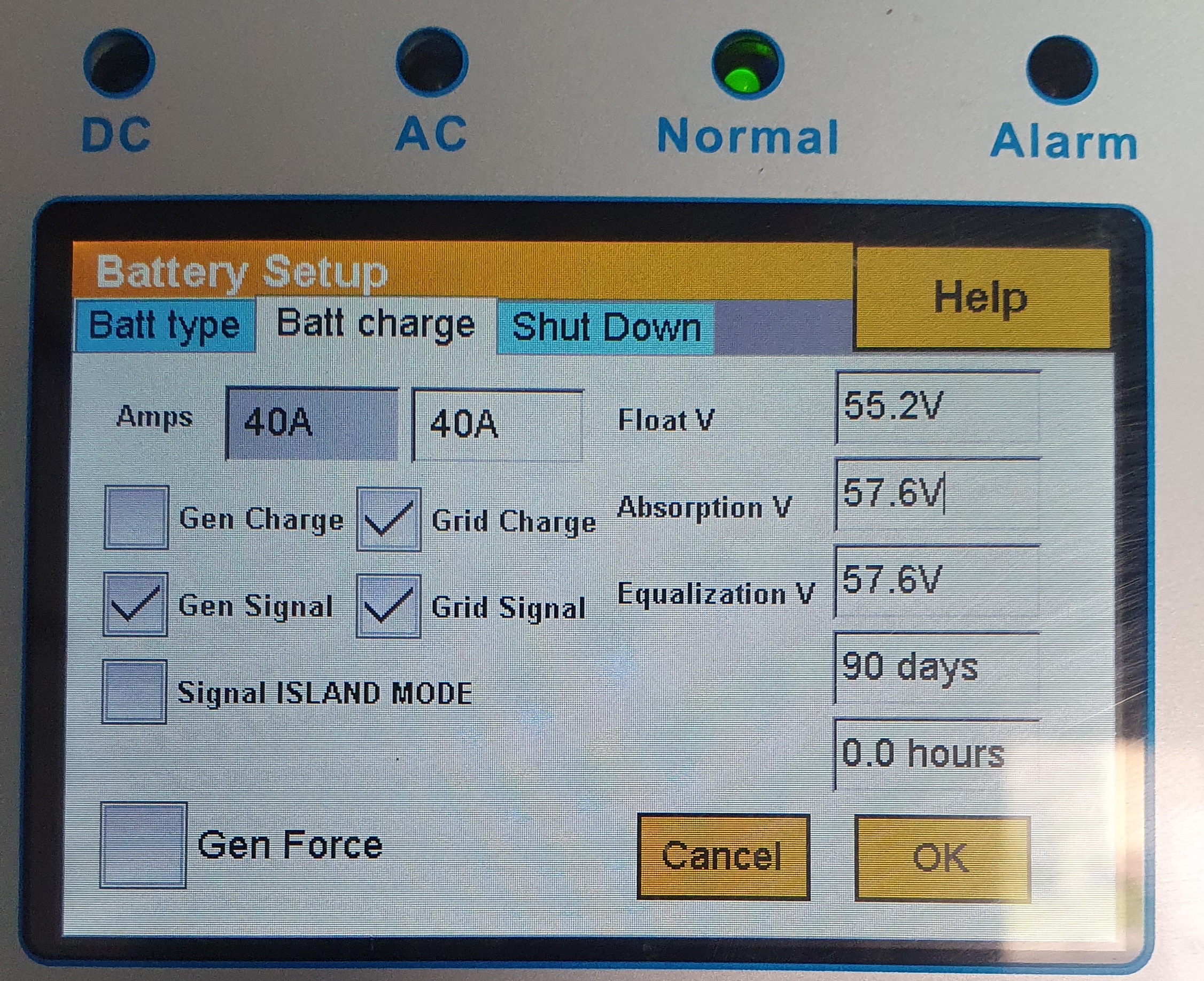
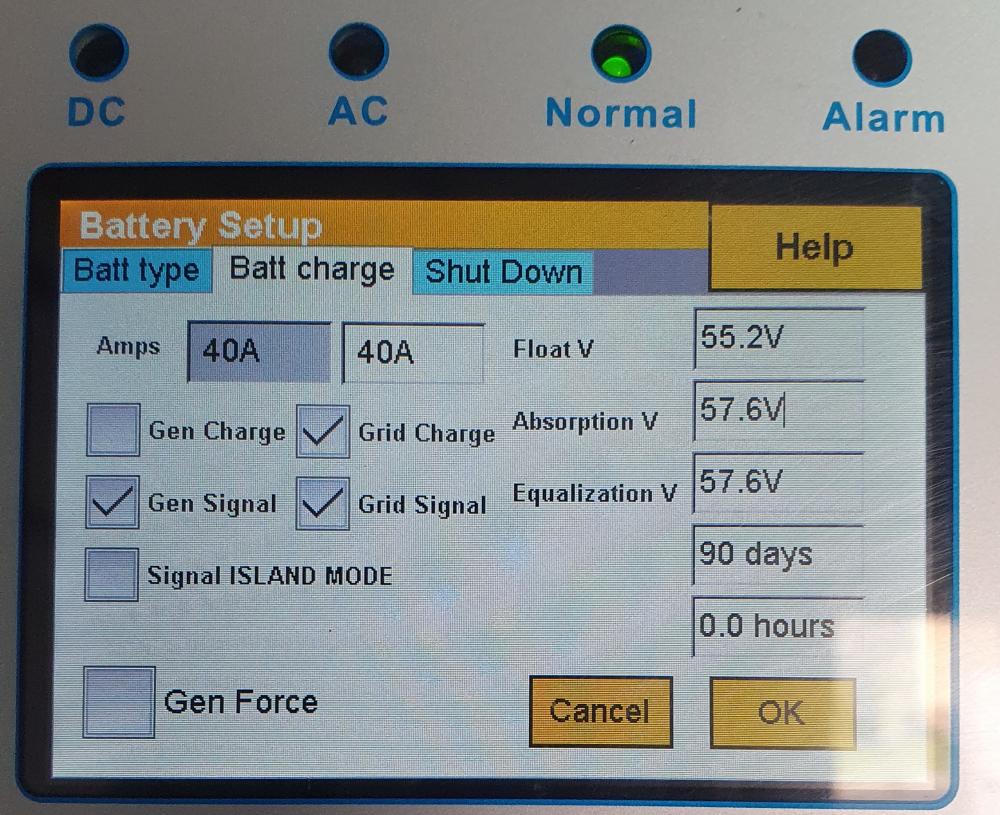
Yes but do I double on the settings as there are 2 batteries? or does it stay at 37ampsHi guys. Quick question. On the lithium battery (pylontech 3.5kva 48v), it states capacity is 74ah. Now I installed 2 of them in parallel with the bms cable correctly installed. If I go on the battery settings page it shows 74ah capacity. Shouldn't this be picked up as s x 74 thus 148ah then? I then increased it to the latter ah but then I saw later on that it also outomatically set my discharge amps at about 180amps. Now the battery max discharge amps on a battery is 90 amps. Will the 5kw inverter handle 180amps or should I change the value. What will the bms do then?Sorry forgot to ask. Do you combine the twisted pairs in the utp cable as there are nirmally 4 or 6 pairs or is one pair's thickness sufficient for the signal/current flowThanx guys. Will set down bulk voltage. Shall I keep absorptiin and floating voltage the same?Hi. Can someone please supply me with the correct charging settings (charge voltage, float, absorbsion, etc) for above batteries connected to a Sunsynk 5kw inverter. There are 2 x 3.5kva Pylontechs connected with bms canbus cable. The battery settings screen, the voltages looks a bit too high for me.
 Thanx. That will definitely be doable.OttoN joined the communityHi. I conpleted a Sunsynk 5kw installation. The problem I foyns is the distance from the db to garage where installation was done is +- 14m away. I hear that the ct coil wire lengh must not exceed 10meters. Is this critical or can I extend it a bit longer with thicker cable ie 1.5 twin&earth. There are no pv's connected yet but will cone in future. Regards Otto