Haider
Members
-
Joined
-
Last visited
Everything posted by Haider
-
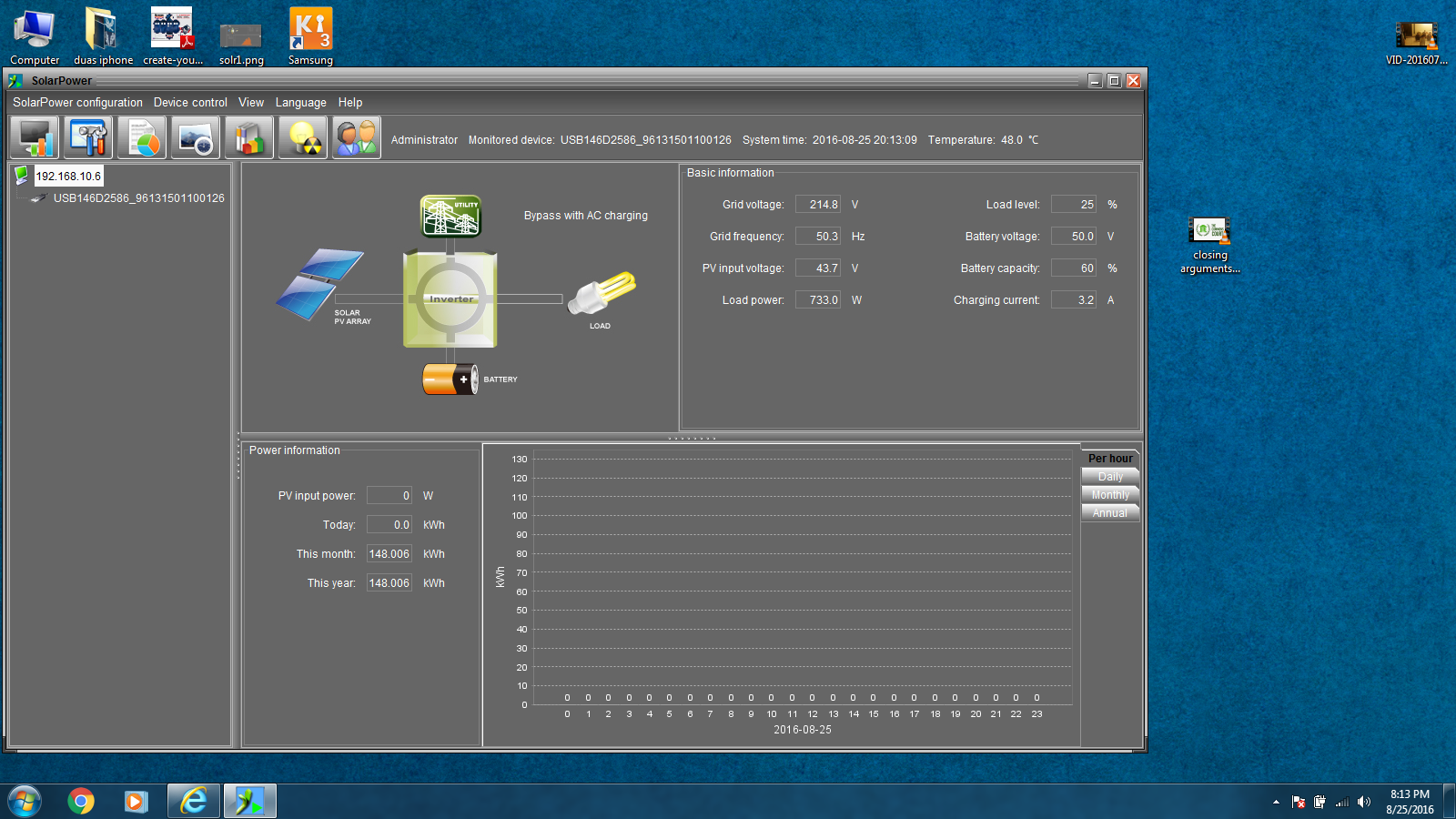
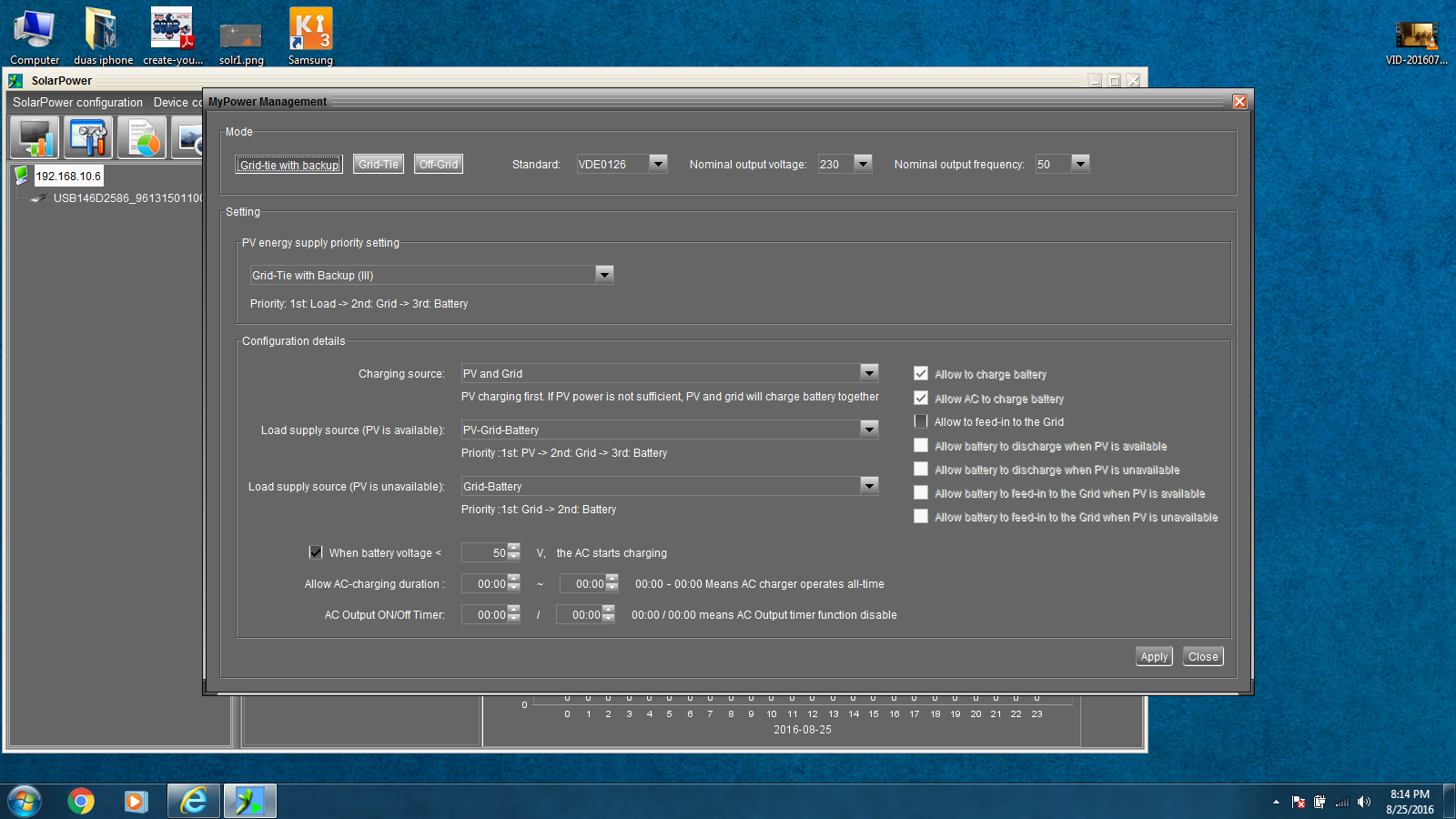
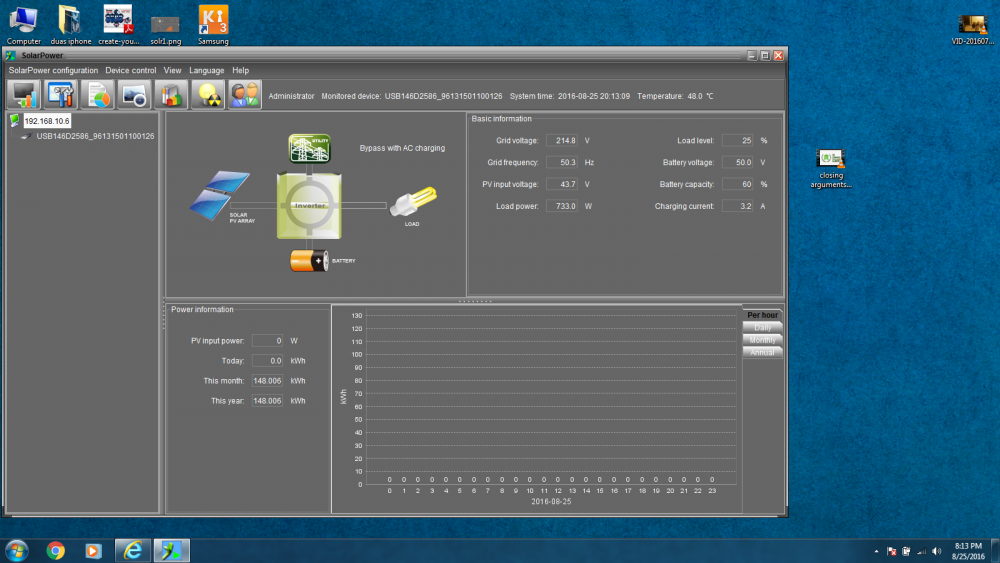
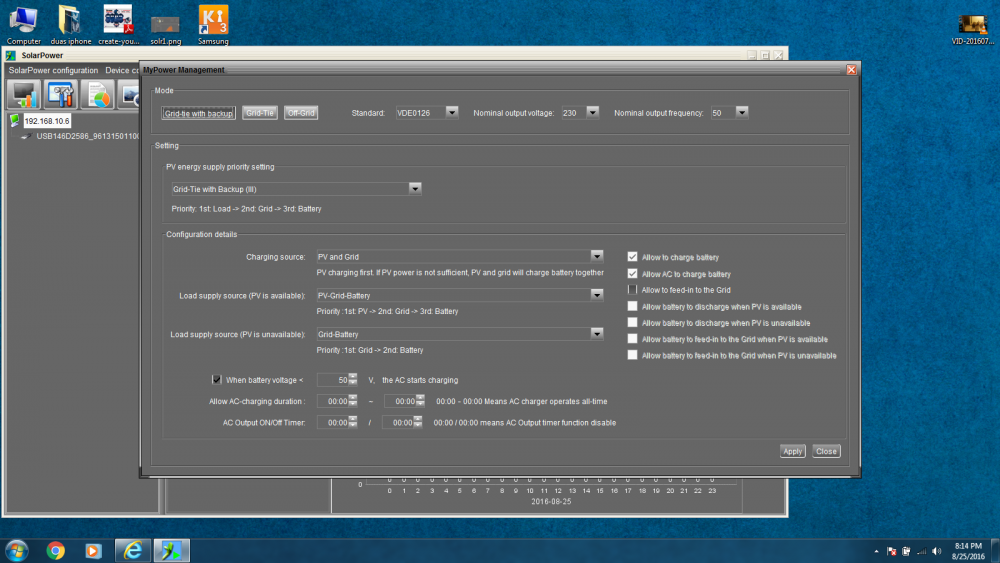
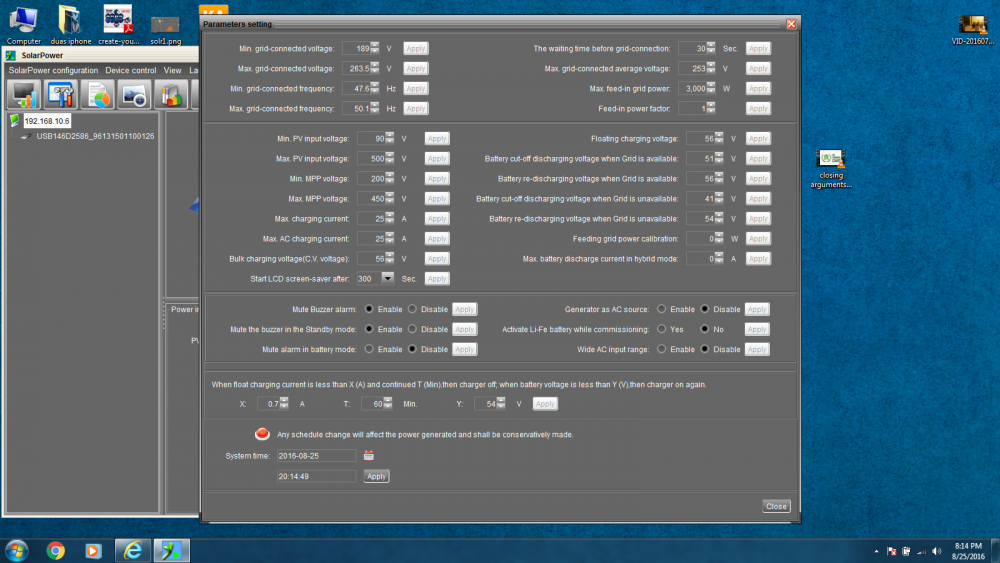
hi as per ur advise i ve attached a 3kva trickle charger for my 750ahc 24x 2v cells bank.now iwant to change AC charging amp,i am using infini 3kw plus, setting is as.it says bypass with AC charging /not understand.using\ 18x250w kingdom panel 24x2v 750ahc SEC japan batteries bank 3kwplus infini inverter
-
dear hristo thanx for software,i downloaded but it ask for password plz send password. haider [email protected]
-
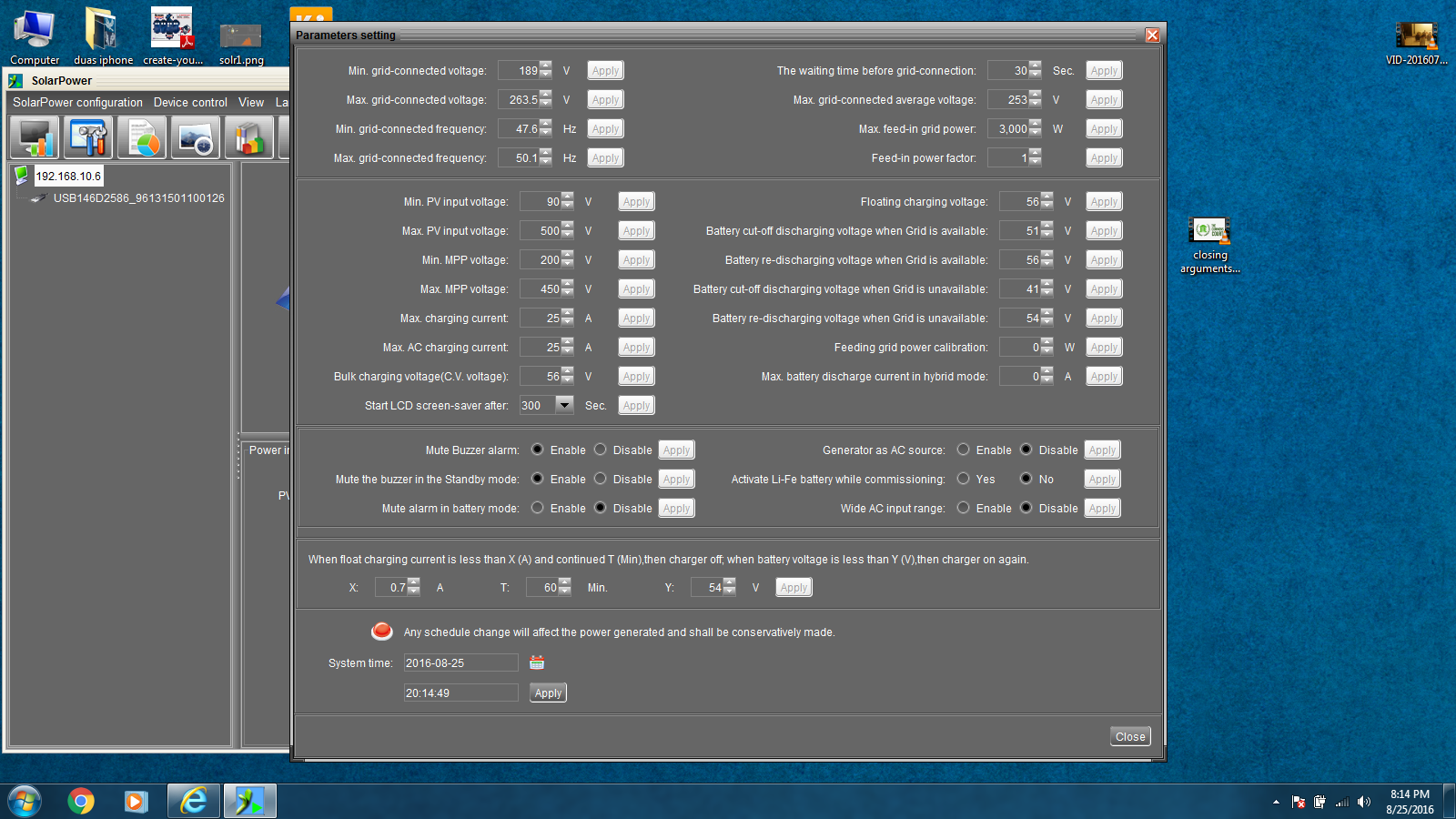
grid is connected permanently but here pakistan we ve energy problems.electricity went off after one hrs for one hours. thanx for suggestion i ve changed the bty cutoff voltages
-
thanx for helping ,i understood the problem .let me increase my charging then we ll move toward economy.plz let me know the seeting for max economy haider
-
thanks for response detail of panels= iam using 18x250w pannel made in china 3kw plus infini inverter(25 amp builtin charger 24 x 2v 750 ahc cells of SEC COMPANY solarpower v1.07 software no power to grid problems> cells dos not charge full when elecrticity goes inverter trip auto.. we ve to turn it on manually i dont know about more about solar but learning a lot from u people,plz send me pic of setting or now i can understand inverter setting under ur guidance. my requirement is to gentrate 3kw for home use for max economy. haider
-
Plz send me setti g of inverter and charging of cell.it is AGM cell of 2v.inverter is of 48v I am new in this field Col.Haider