MAS
Members
-
Joined
-
Last visited
-
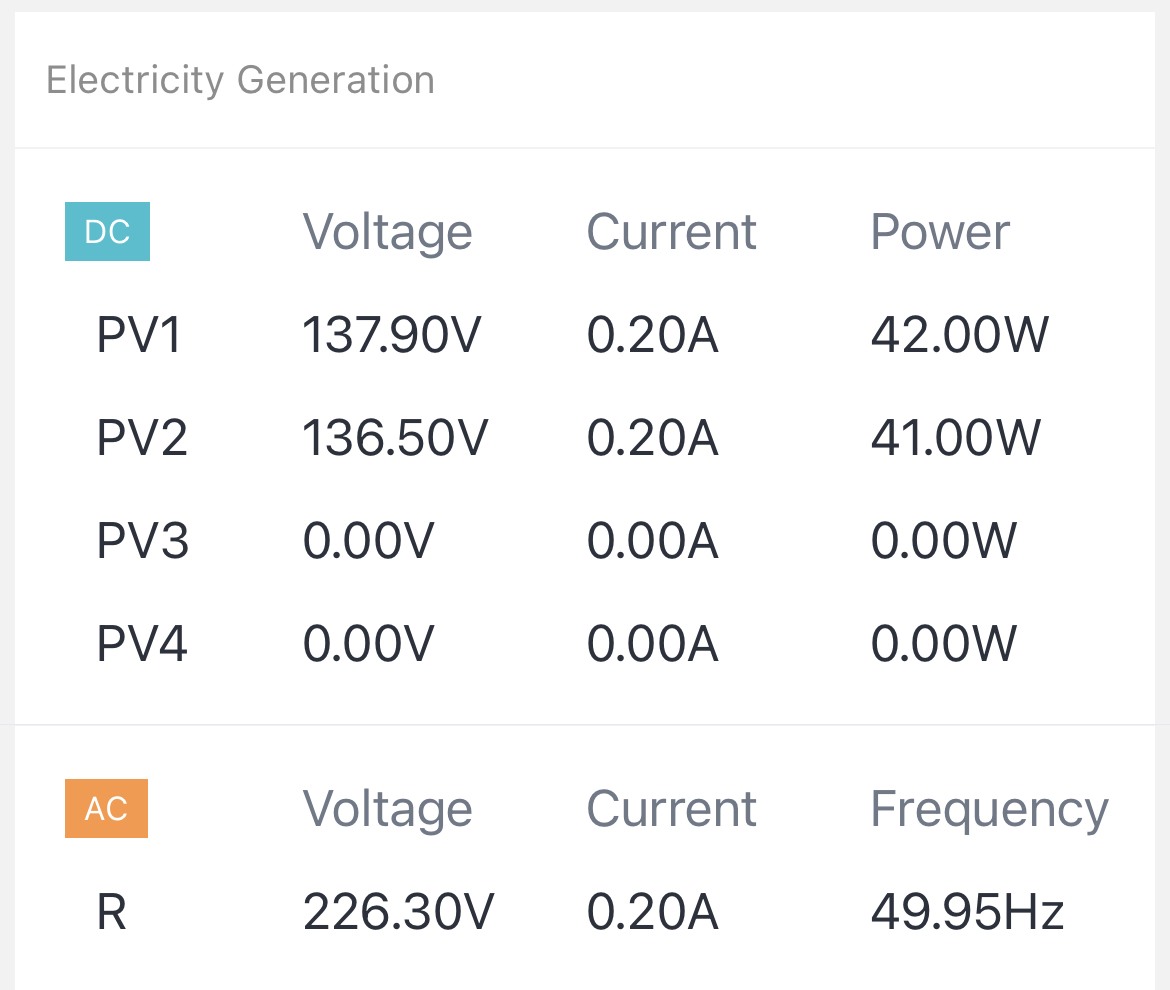
Yep I’ve reconfigured strings now . In around 250 range. Have 12 x 550w Canadian solar Mono. I'm planing to add a couple more onto a westerly direction as I have a bit of shading happening that reducing my late afternoon production how would you suggest I configure the strings ?
-
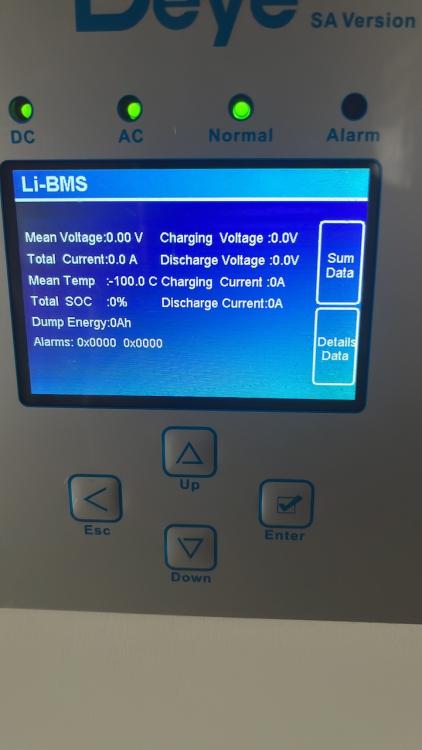
@Dyness-Tour @Dyness @Dyness Engineer Weizhong @Dyness Engineer Zhang See attached do Dyness have a WhatsApp support number I can use to contact ? I follow instructions as per manual . Cable supplied in battery pack. Black marked for Deye

-
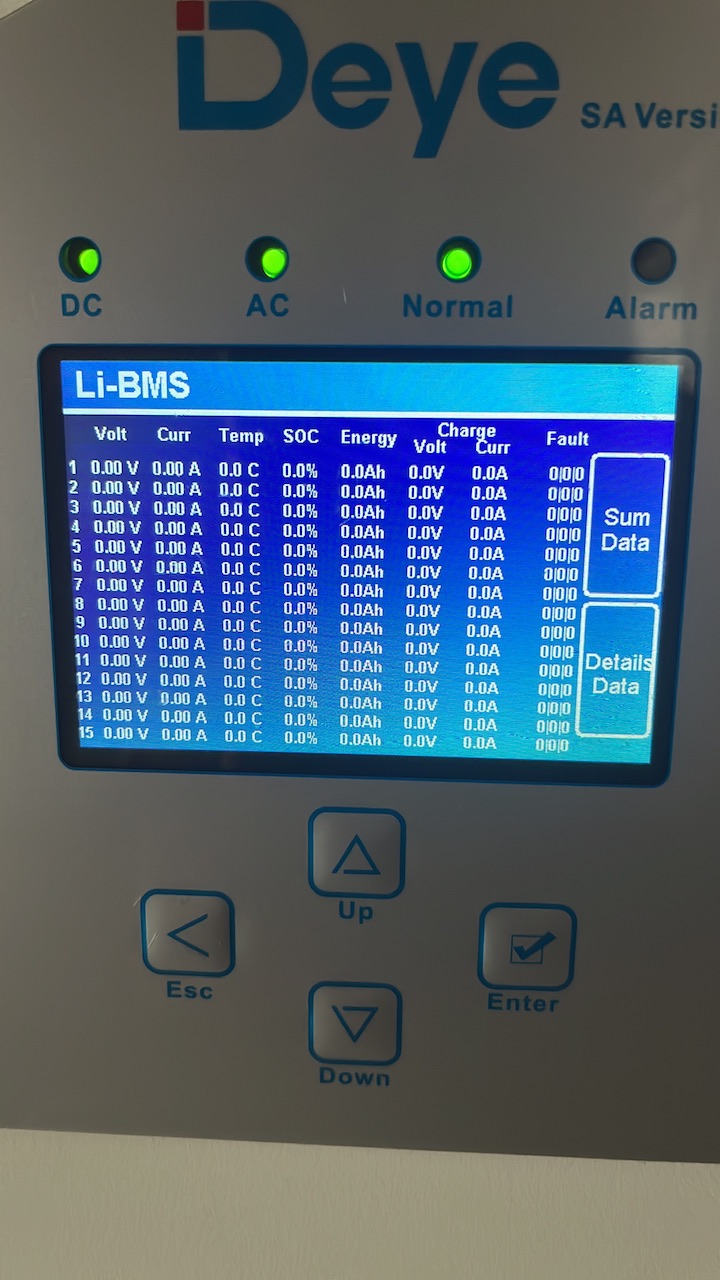
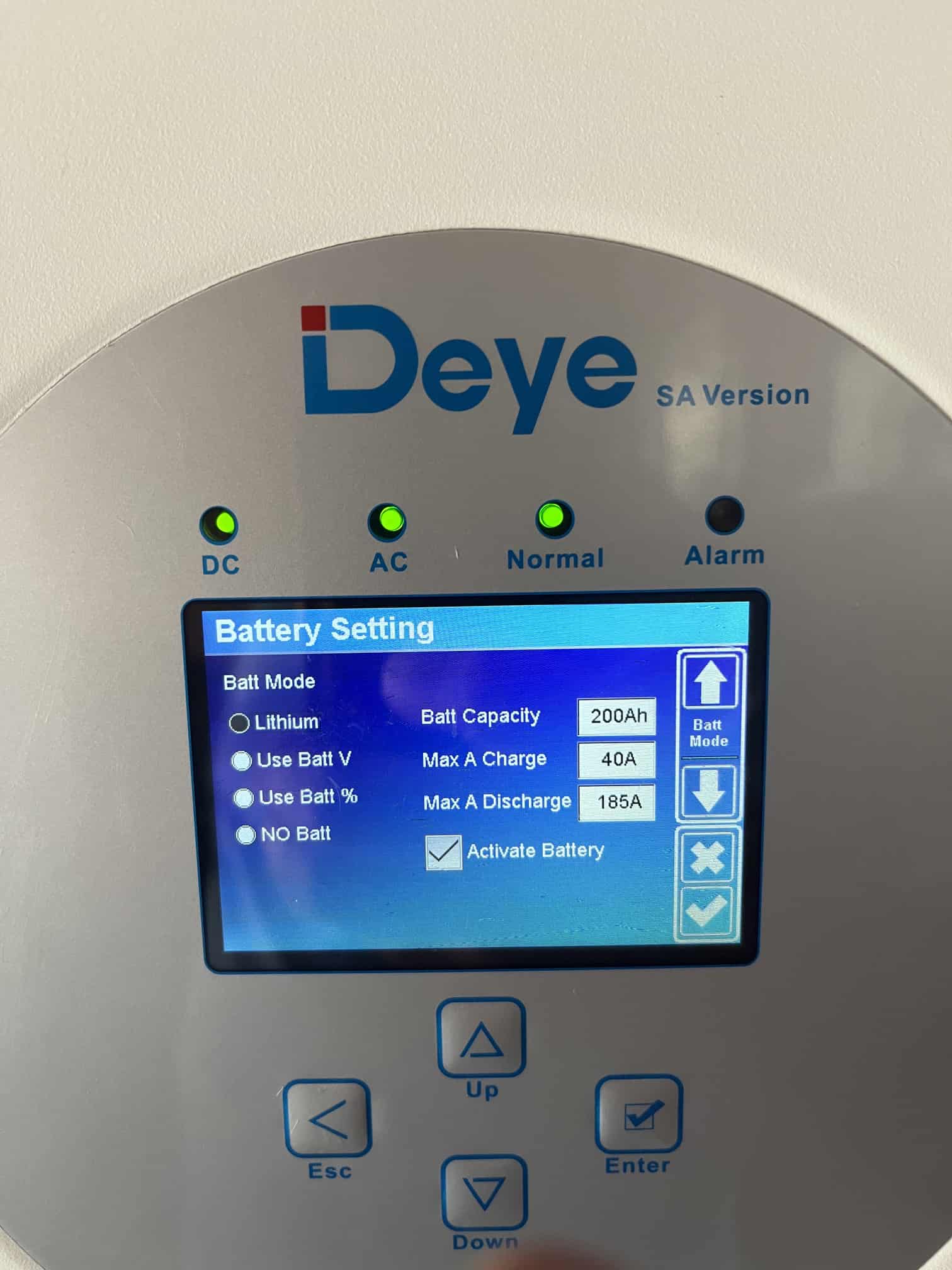
@Dyness @Dyness-Tour hi guys want help on my setup with Deye Hybrid 8kv with 2 x A481000 Dyness battery. issue: - no data is being logged on the inverter . See picture . What should be my battery settings on inverter I have the following as my setting . is the lithium mode correct ? inchecked the cables and both are fine as well for the connection to battery should I not see more data logged and also data on the BMS


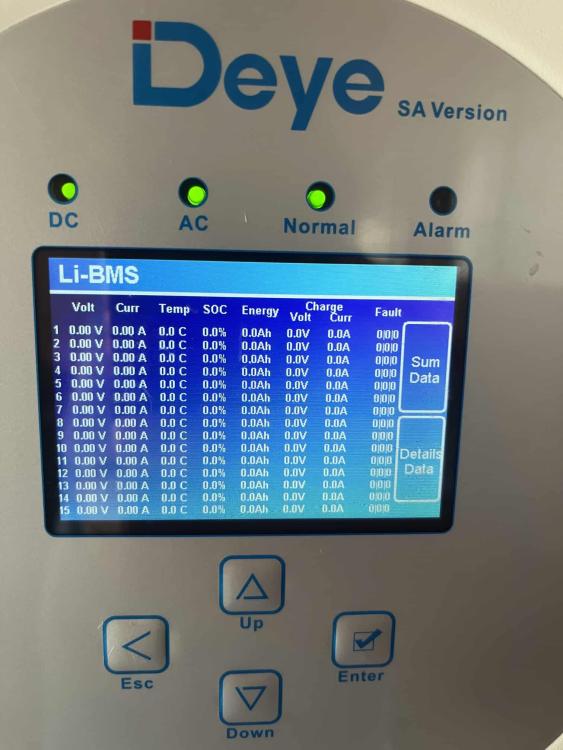

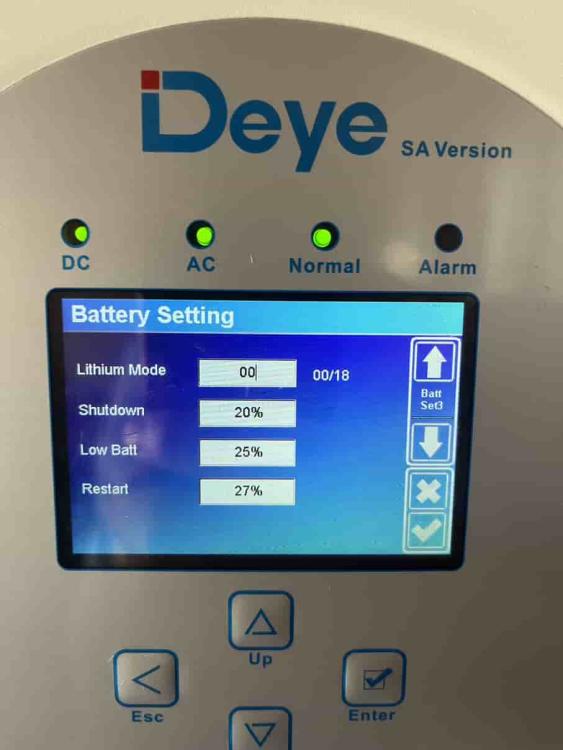


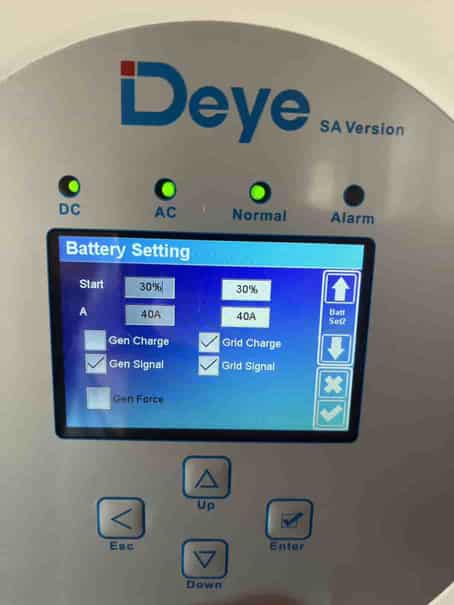

-
So been trying to fiddle with the settings. To get to a decent trade-off in terms of charging the battery with grid vs solar . challenge is weather is still not optimal to generate enough during the day to charge battery to 100 % SOC. Any recommendation for what sort of SOC should I try an maintain . I.e during the evening when I want to use battery and not grid. so question 1. Is there a recommended SOX that you should maintain as a minimum I.e 20 or 40 etc. I have 2 x 4.8 dyness a48100 batteries 2. currently lowest I go is 40 but what should I maintain for during the day peak and off peak load times etc

-
Ok thanks . Yep do have time of use settings . Might want to adjust your you suggest . With the rain + loadshedding schedule almost impossible to predict a schedule that will hold 🤦🏽. here is my settings for now . Just enabled grid charge for today due to the rain and loadshedding etc. @ 05:00 - 09;00 & 0900 : 13:00 let me know any suggestions

-
I Have a Deye inverter . 8k. Running on 2 x A48100 Dyness batteries
-
With loadshedding now at stage 6 and possibly 7 plus with all the rain in Johannesburg. Charging the battery via solar first is become an issue. Any suggestion on how best to solve for charging the batteries ? I was wondering if there is a way of temporary charging the batteries via the grid while I’m not generating any solar with the rain and while not loadshedding
-
Values are the same on the inverter as well. What you say makes sense. I’ve not yet finalised the wiring in terms of essential and non-essential. have my guy coming tomm. Thanks for the explanations !
-
@mzezman - I understand it is delayed . Just checking why would it be so low ? i.e maybe I am reading this wrong but if I have my pool pump running should it not be consuming over 1000w ? I cannot understand how the consumption can only be 70w. When I read other stats it showed o consumed around 1.4kwh


-
MAS joined the community
-
Hi I’m little confused on the app when It showing the flow diagram . is the watts displaying rounded find it strange that even with my pool pump and geyser running it shows I’m consuming only 240w ? Should it not be 2400w same goes for the rest I.e battery ,grid and panels production 141.00 w