RiaanC
Members
-
Joined
-
Last visited
Everything posted by RiaanC
-
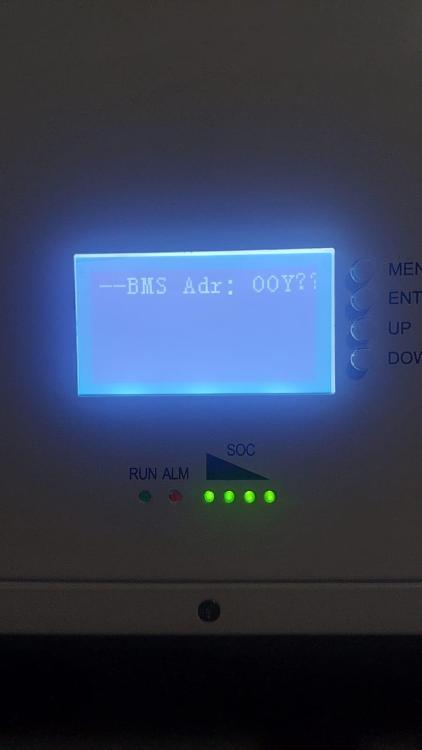
This is my battery setting on the battery itself. Perhaps there is a problem with my BMS?
-
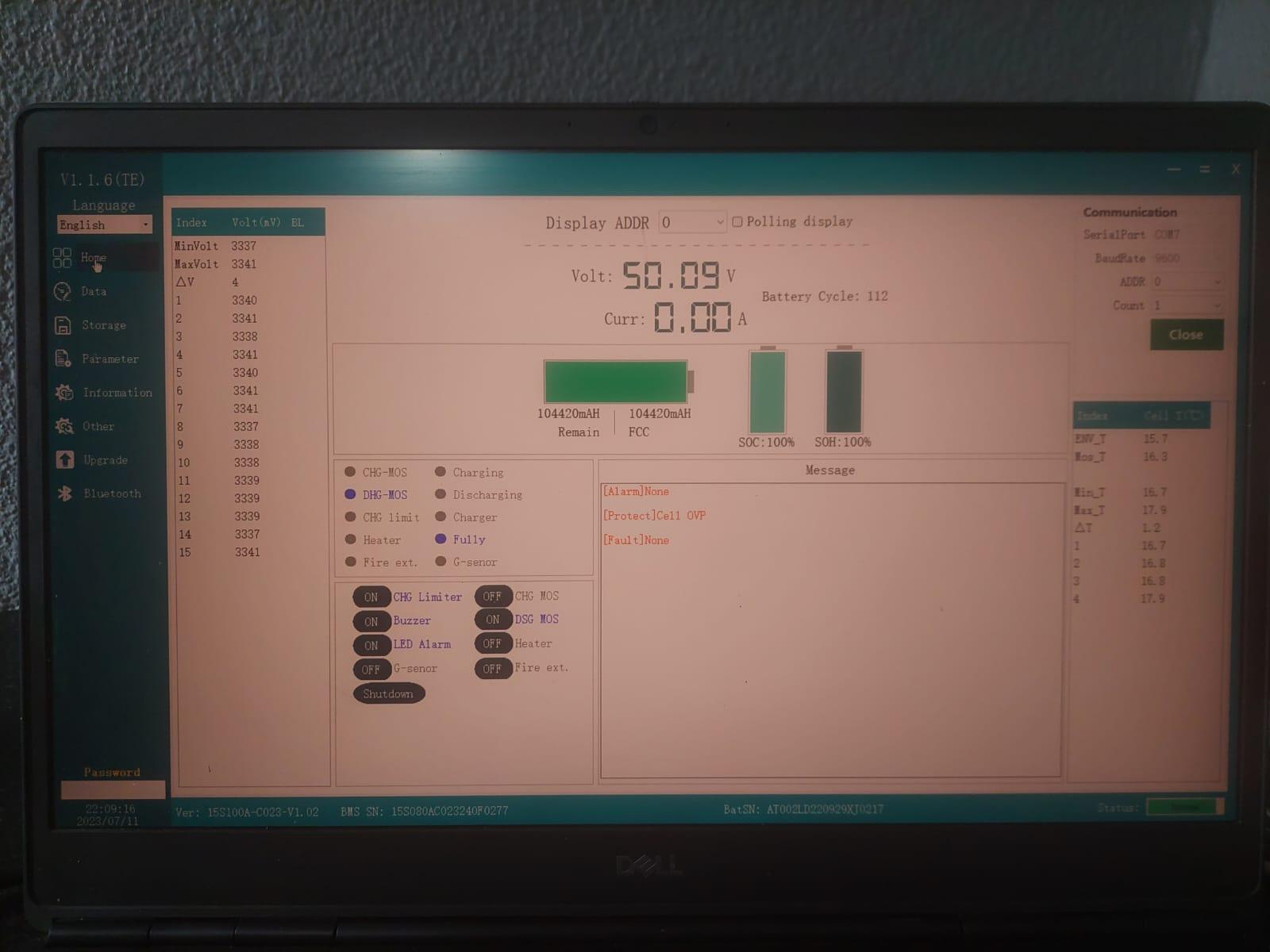
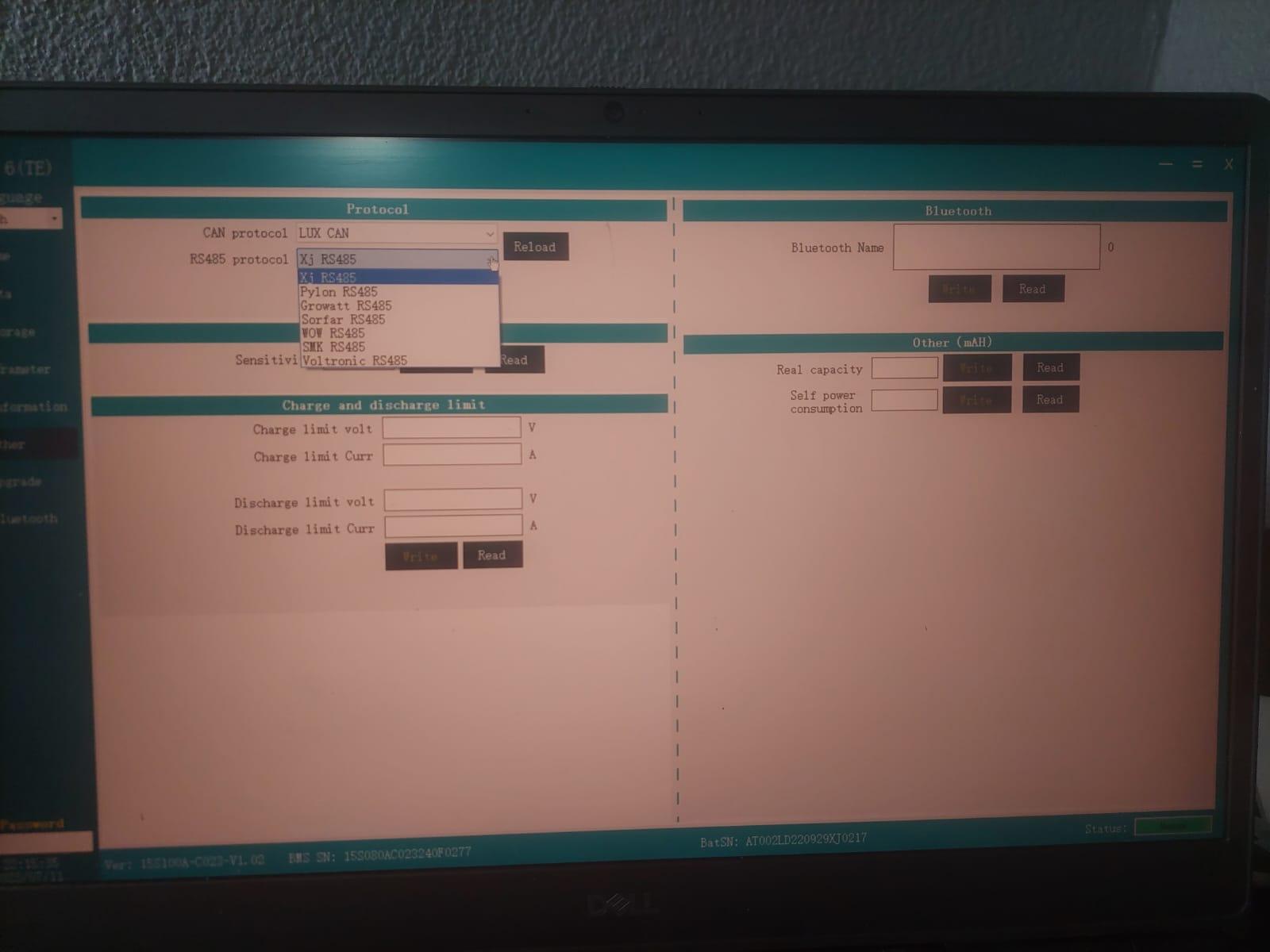
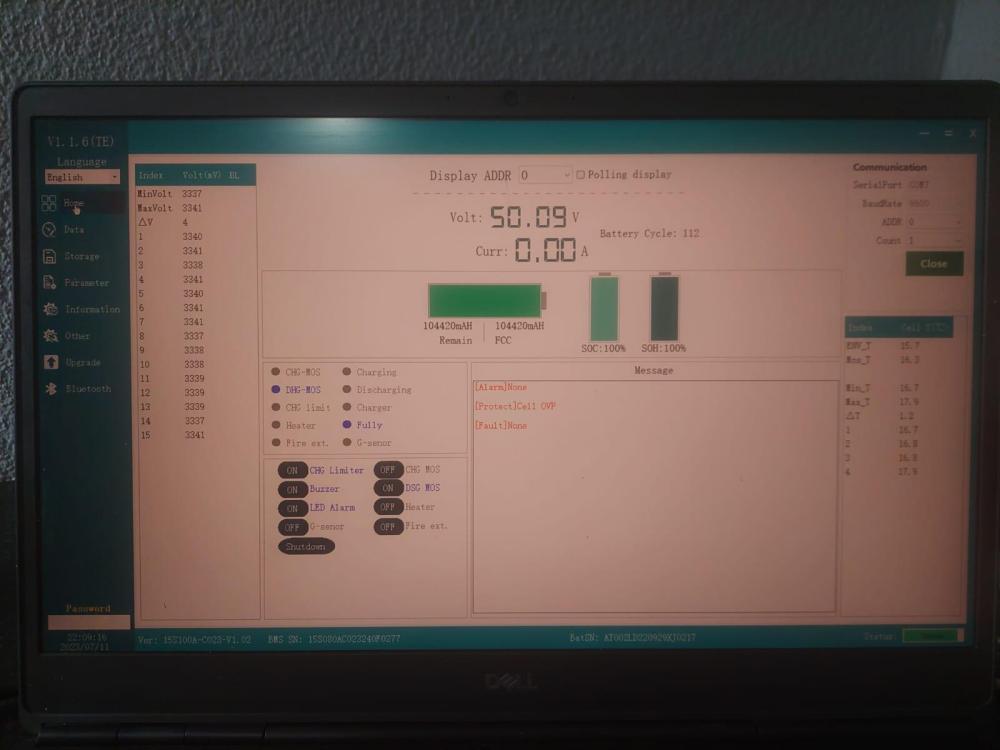
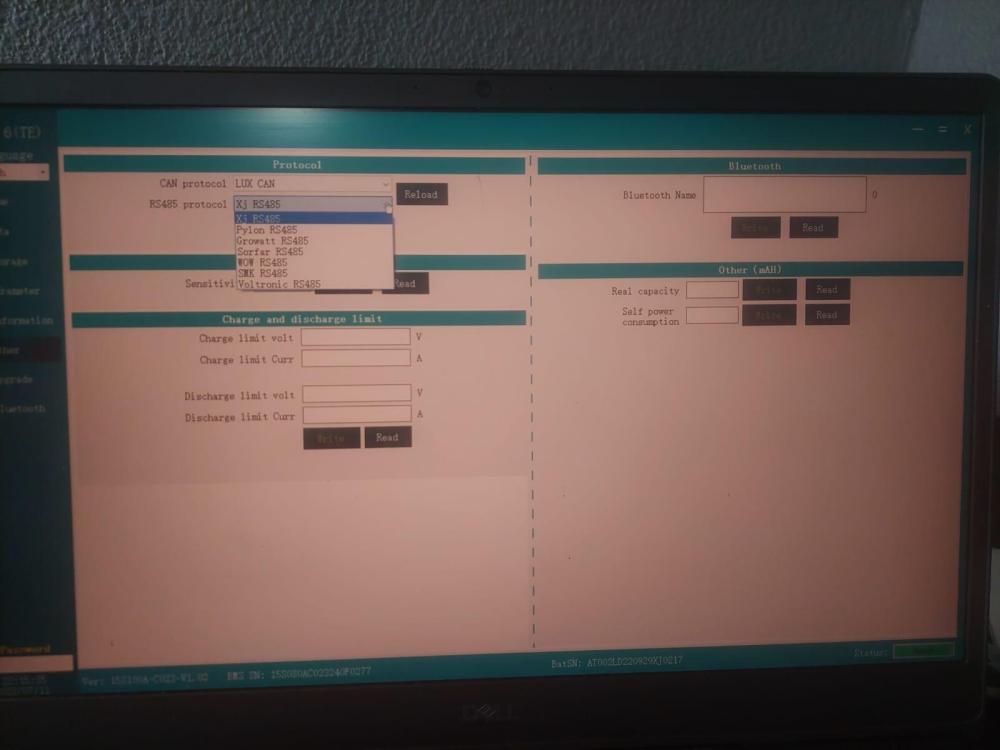
@Neurik and @Revnge_SevnFold I tried to replicate what you guys have done, but mine did not work on pin 4 and 5. It worked on Pin 1 and 2 as well as Pin 7 and 8 which corresponds to the RS 485 rather than the CAN. The password worked well and I got write to the BMS.....except when I want to change the RS 485 protocal to WOW RS 485. I got the error "Register address does not exist. Exit code -2". Any idea what could be wrong? I get this on the screen below for any item I try to read on the left hand side.
-
Excellent! I will pm for the software and hardware. Do you know where N Energy is manufactured or where to get local support for the battery?
-
How can we access the Installer account, I need to make some setting changes and update firmware.
-
Great stuff!! I have an N Energy battery, how can I access the BMS and check what protocol it is using?
-
How do you get access to the installer web page, if you purchased it directly from a vendor. I am also setting it up myself and dont make use of an installer.
-
Anybody that got an N Energy battery working with a Luxpower SNA5000WPV?
-
Had the same problem and then installed a SPD on the AC in and the problem went away. I assume it is the power surge when power is restored after load shedding that is causing the problem