BdJ
Members
-
Joined
-
Last visited
Everything posted by BdJ
-
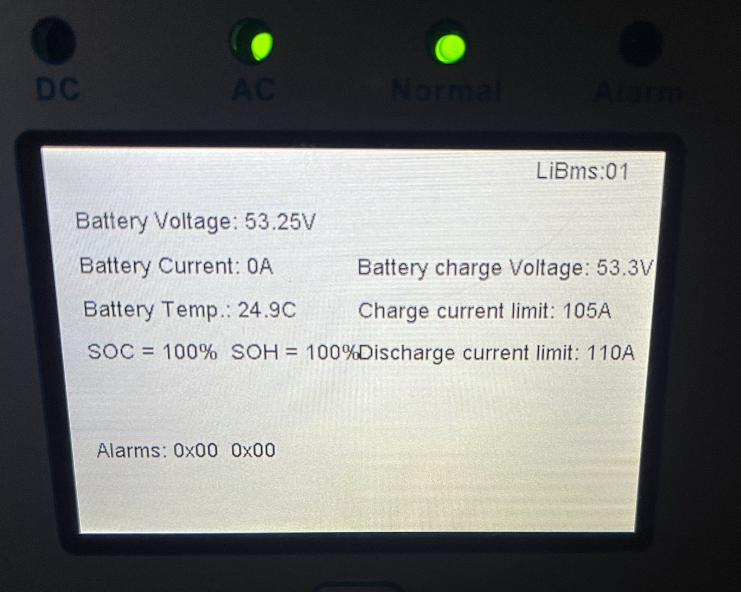
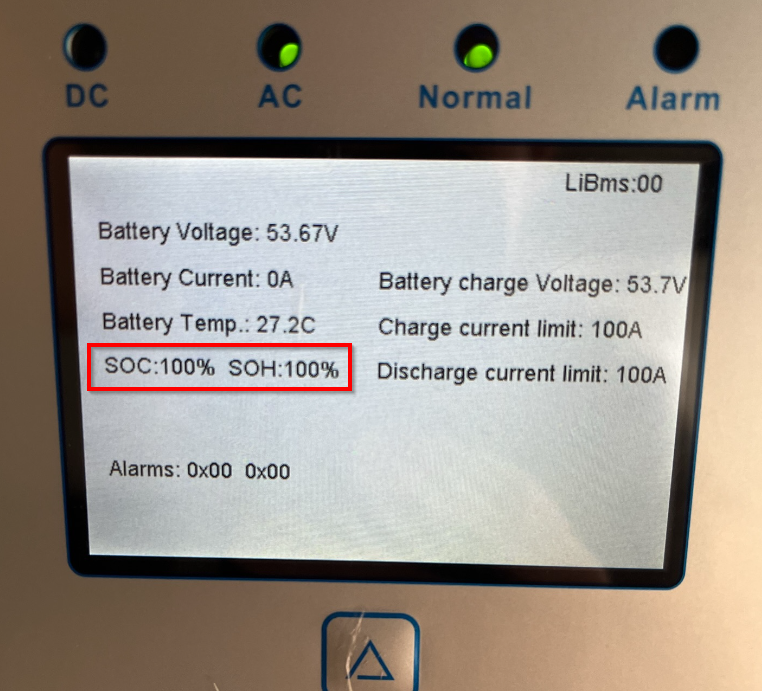
The Li BMS screen, it seems the SOC and SOH is now close and doesn't overlap with the Discharge current
-
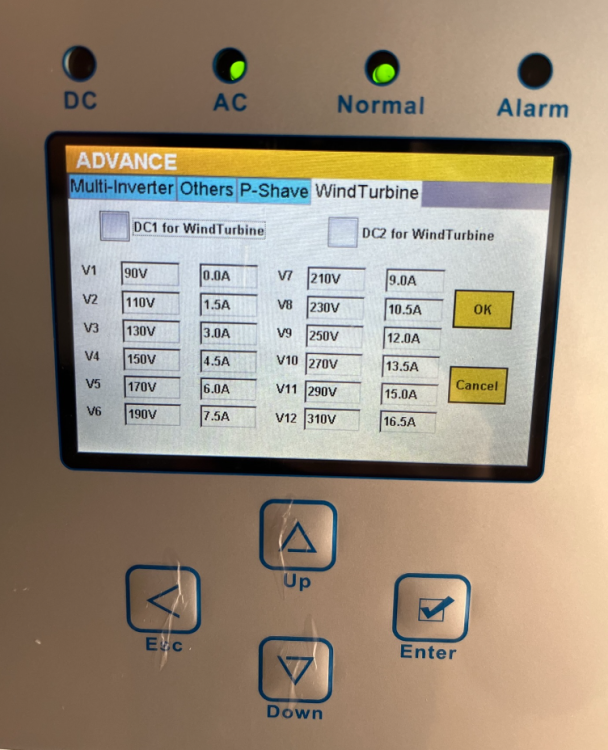
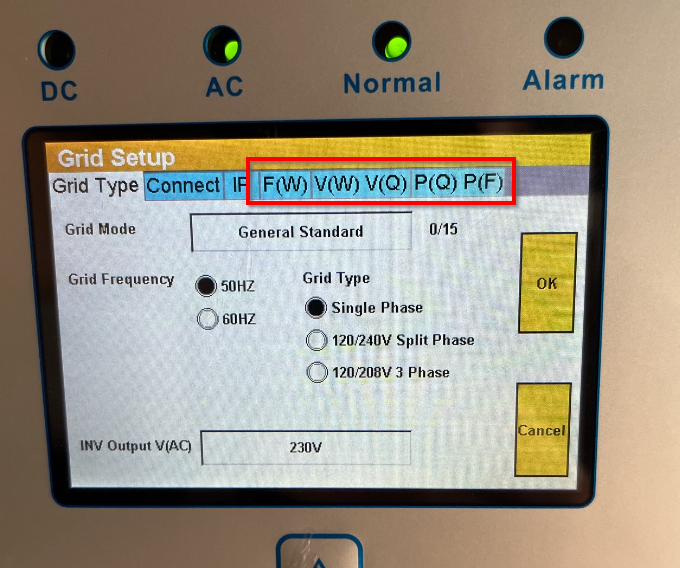
Requested my 5kw to be upgraded, yesterday around the 2pm mark, all power was cut in the house. However the inverter was still kicking, noticed the "On" turning into B and started counting. It was updated to 3.3.8.2, will test and play with the screens. Not sure what was changed yet
-
They've updated mine yesterday, it's on 3.3.8.2
-
Who'd be able to check if my Inverter has a firmware upgrade available? or do I email Sunsynk

-
Did you use the cables it came with? Or those set of special extra RJ45's
-
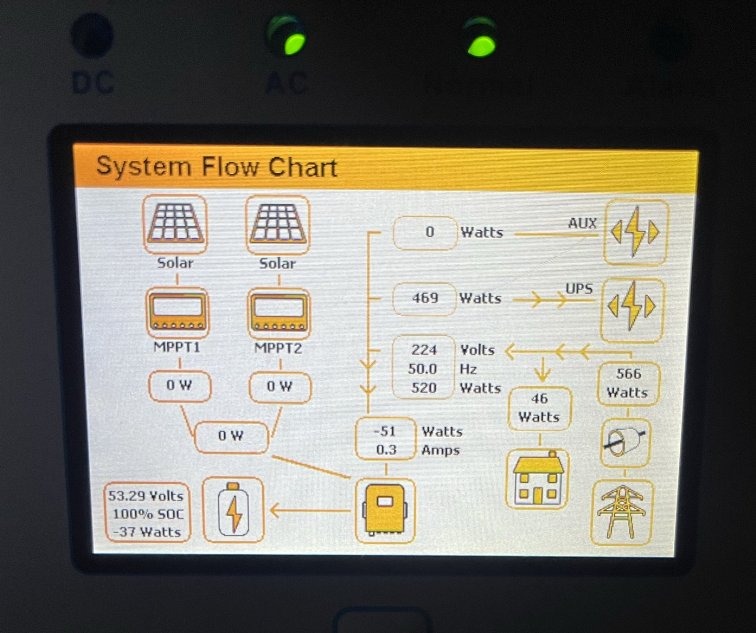
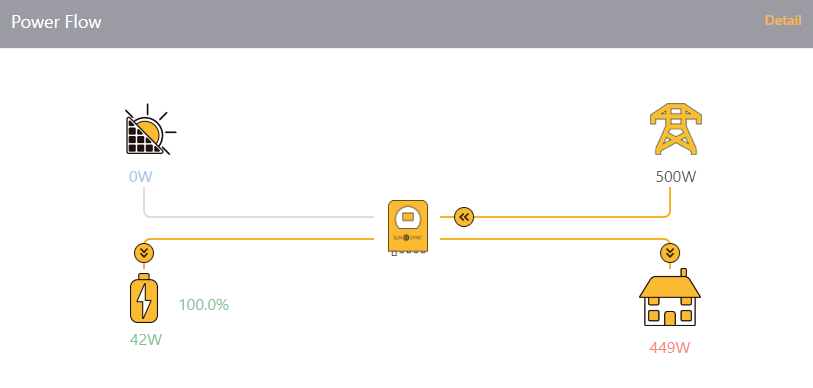
See mine keeps a 20-60 W constant feed? Which feels strange, or I don't understand these Hybrid inverters yet. Coming from an Axpert type inverter, still loads to learn
-
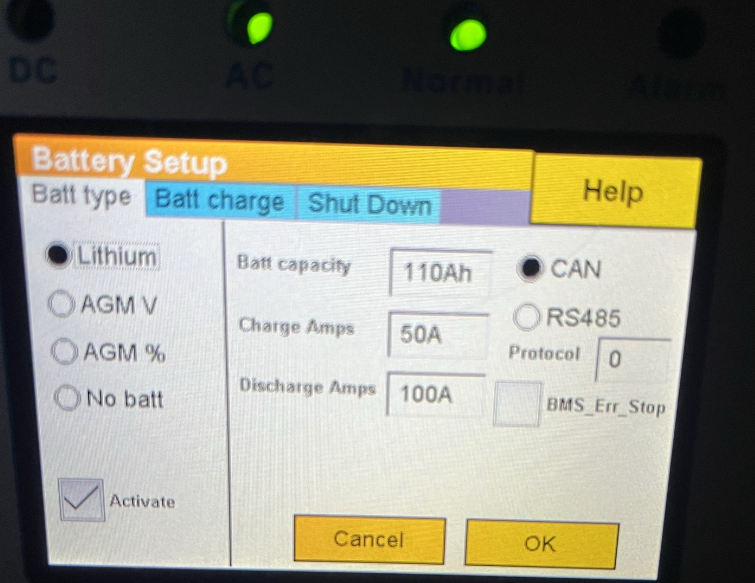
Highly appreciate this feedback So keep the volts the same, across Float, Absorb, and Equaliz, gothca. Battery setup can go lower, will amend as per your suggestion. 10, 15, 20%
-
Now it's back at 100% Seems the Sunsynk and Hubble have some issues talking to each other?
-
Interesting! Thank you for the insight
-
Received feedback from Hubble support, they want me to buy the Cloudlink. This apparently resolves this issue.. My pain with that is, I need to pay R3000-3500 for something that's my problem haha.
-
Well it’s not 96% anymore, neither is it 100%
-
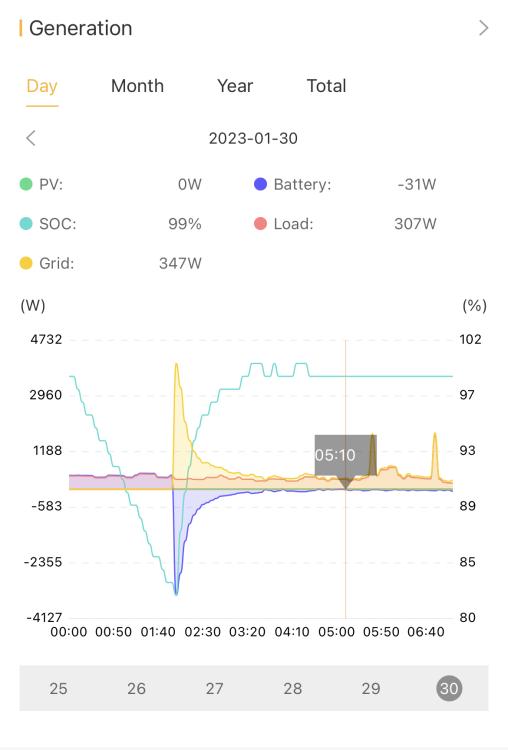
I see yours shows no power drawn, mine keeps a 40-60w power draw going, even when fully charged The unit is a week old, so not quite sure if it’s the cells trying to balance still? Edit, how are you getting the cycles output, or is that only for certain wifi dongle’s and apps. I’ve got the sunsynk wifi adapter
-
Thanks! I’ll quickly set it and monitor the outcome
-
Now, sadly, i'm only seeing a 96% SOC. I've reset the battery and inverter, no success.
-
Thanks for tagging. Started noticing a new trend, might be the battery or wrong information given from the inverter. The battery is only charging to 99%, last few charges, it only reached 97%.
-
Oh excuse me, i'm going to expand later in the year and add solar panels and another battery. Just wanted to get the basics in for a start
-
If you're thinking of the Hubble AM2, I picked up mine for R26 444 at Voltex in George, their website is pricier, in store it's much cheaper.
-
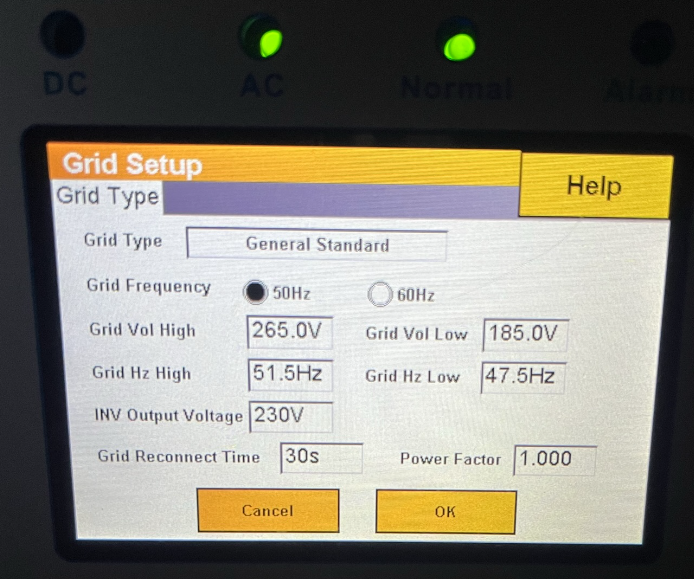
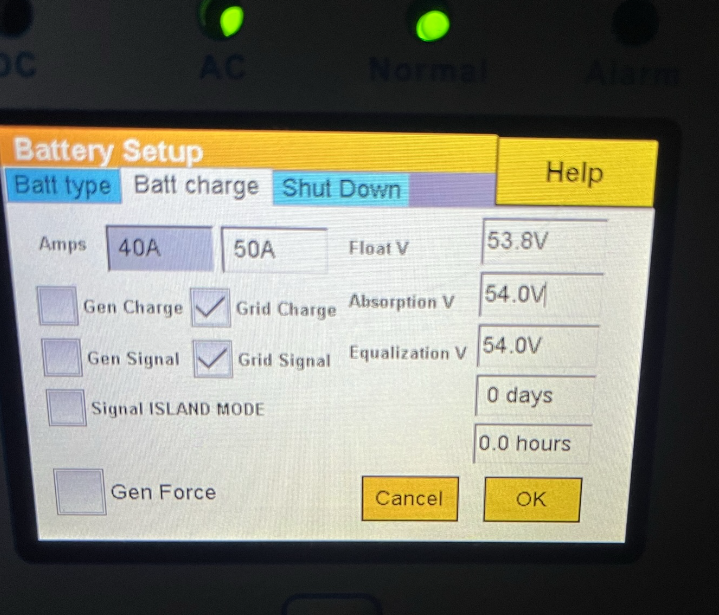
After some serious homework being done, understanding DoD's, SOC's etc. I came to a point where on a load of 500-900W of power usage, a Hubble AM2 would be a good spot to start, paired up with a Sunsynk 5KW inverter. With everything installed yesterday, I'm super happy with the transfer rate from Eskom to Battery. Nearly no sign of lights flickering or dimming! FYI, no solar yet, that's part of the future expansion and reason i got this inverter. However, all that said, I'm not sure if my settings are correct? The battery's DIP switch has been set to 1 on, 2,3,4 off. I've setup the Wifi dongle that came with as well, seems it's the Synsynk dongle. Quite easy to setup.