g szo
Members
-
Joined
-
Last visited
-
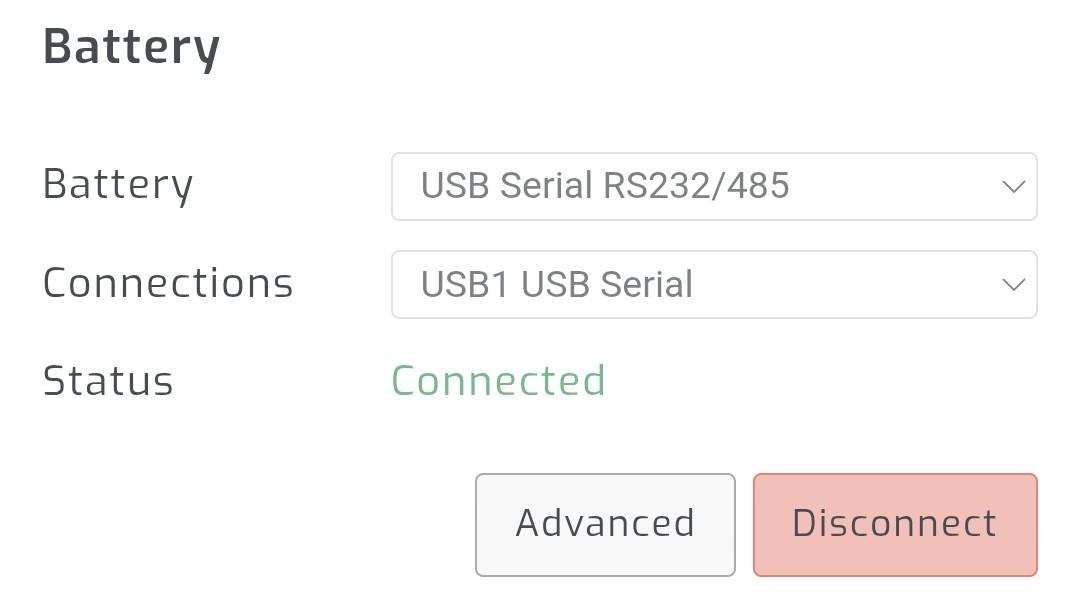
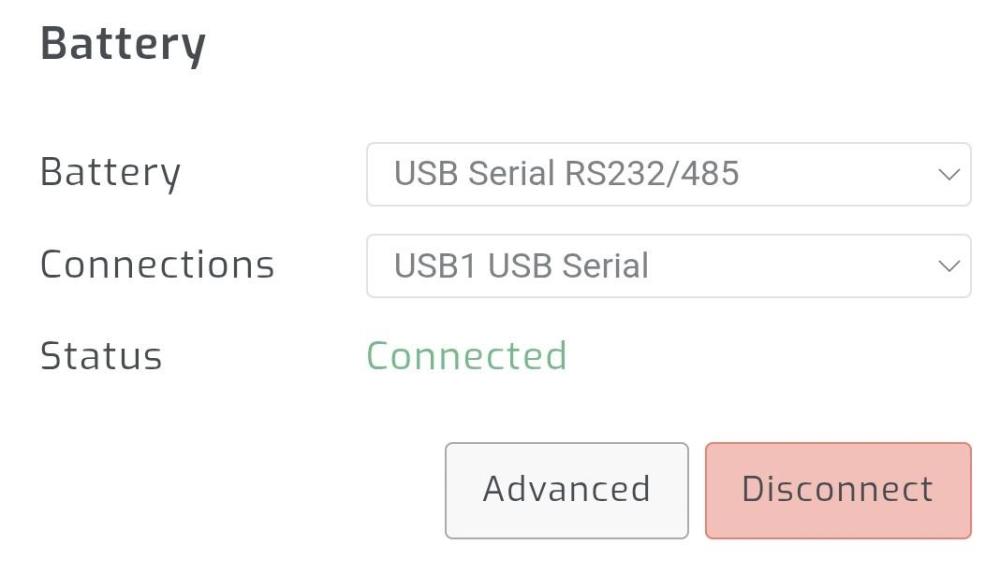
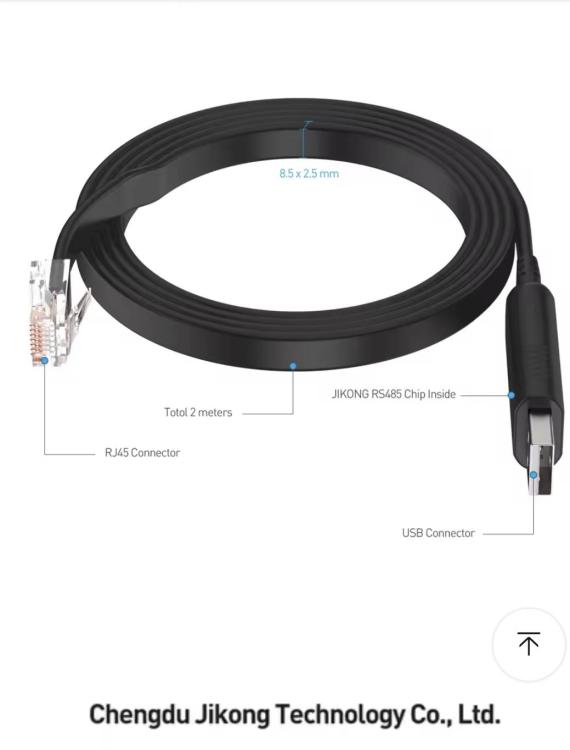
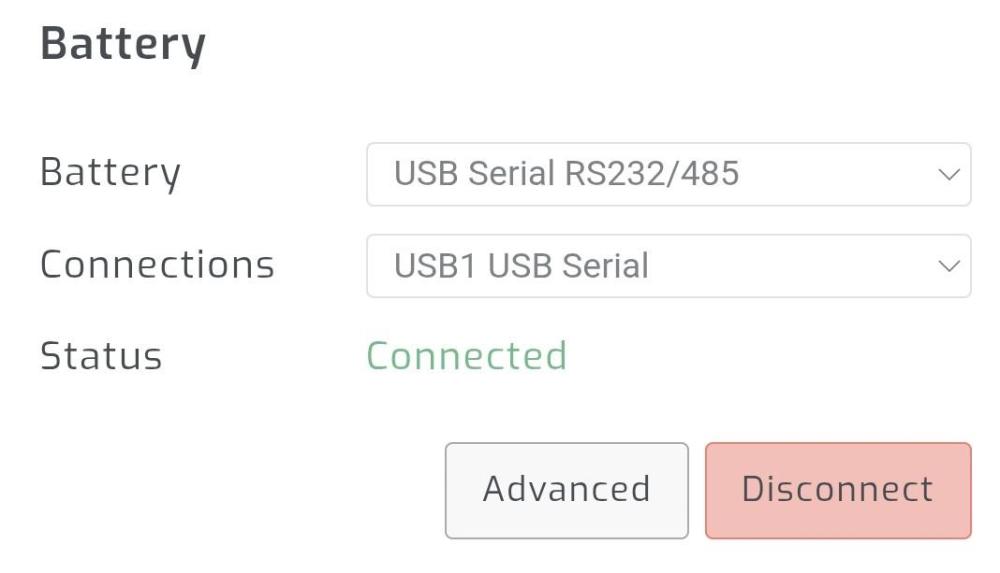
I use the following cable, cheap and good. RS485. The SA setting is in the attached picture. BMS setting pylon rs485 (1 menu), it only communicates with this.
-
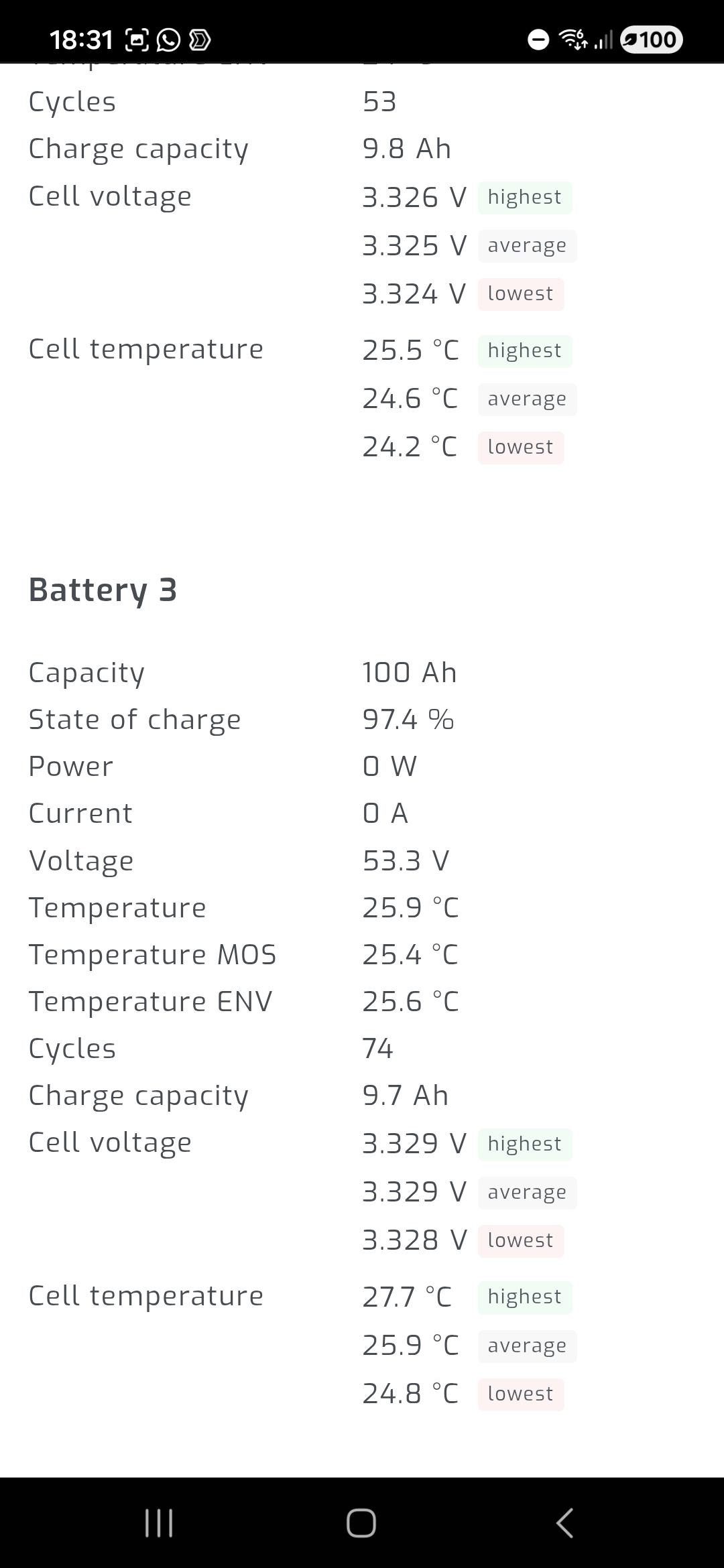
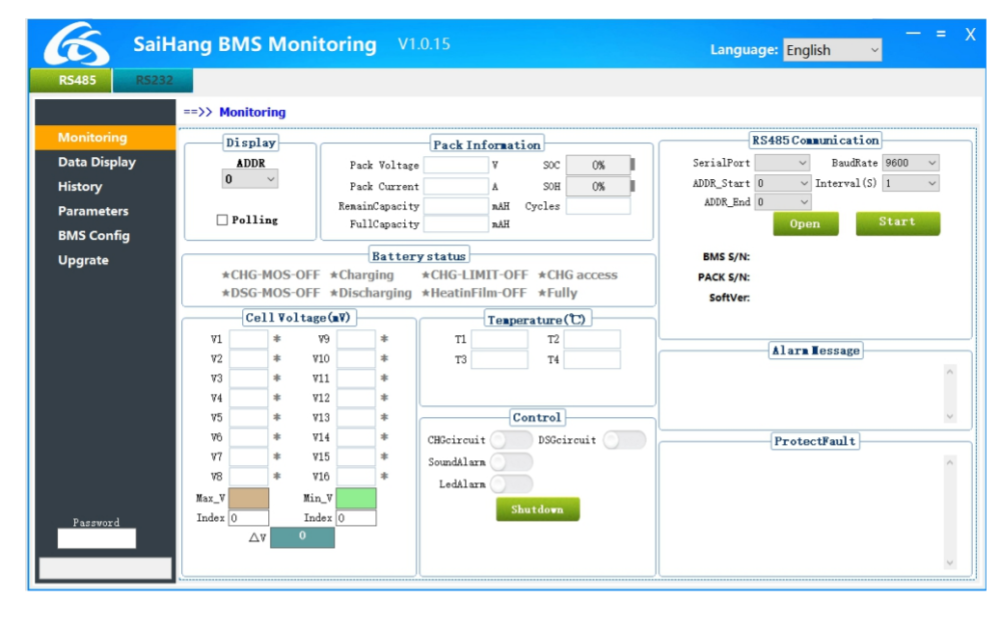
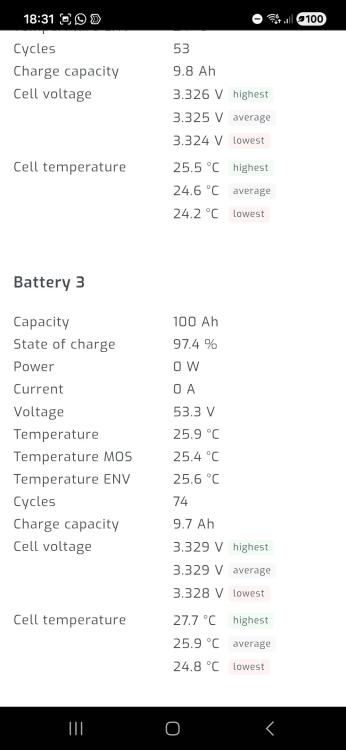
Anenji does not use jk bms. This is Saihang SH bms. I have one too. You can communicate with it. RS485 and RS232 both work for SolarAssistant and PC communication.
-
https://energy.ironws.com/batteries/optimizing-lifepo4-battery-settings-for-inverters/ Use USER (US) setting for the battery. The link sent describes how to charge a 15 cell battery pack. (I don't think the cells are damaged, the built-in BMS is responsible for protecting against overcharging..) Good luck
-
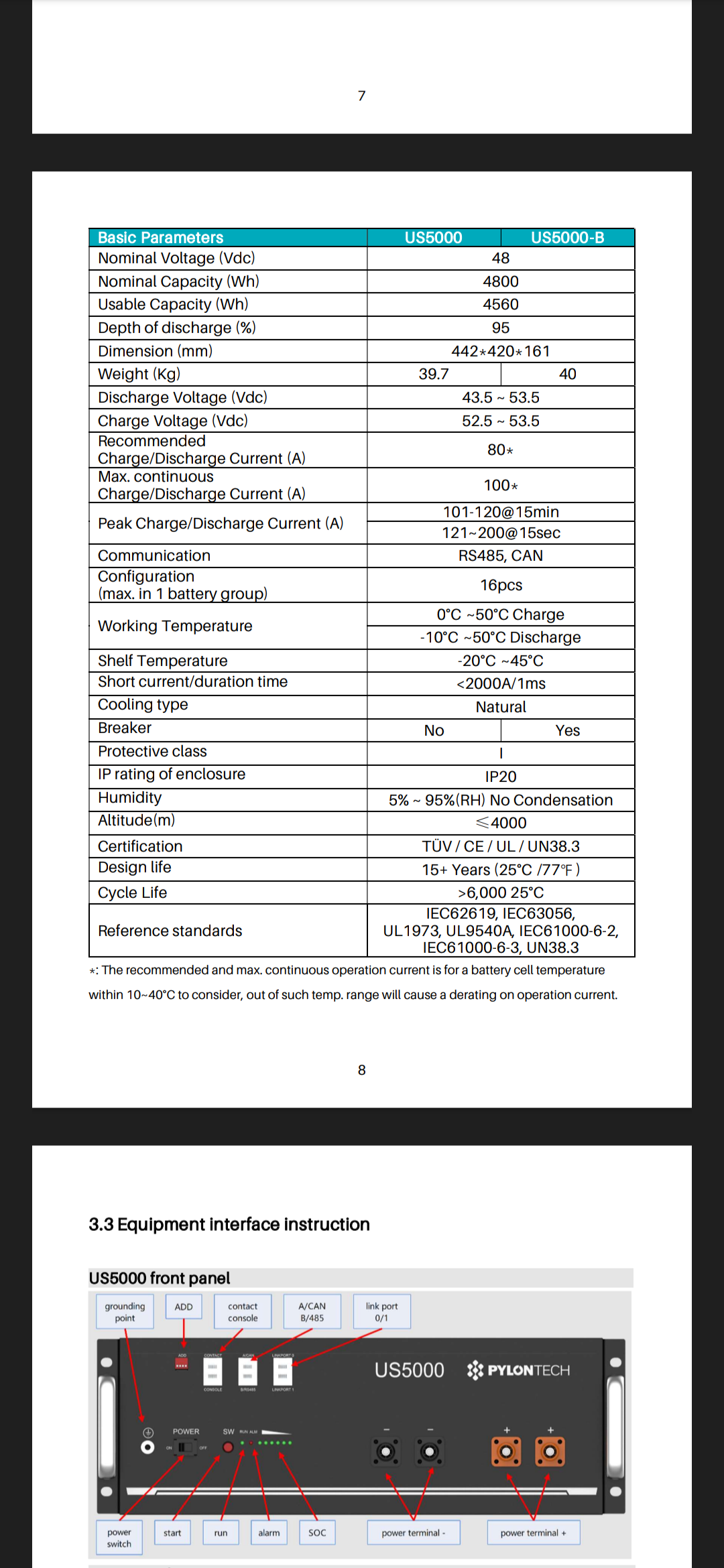
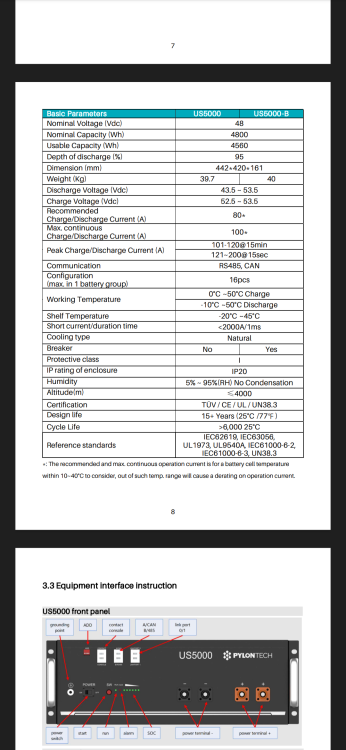
The inverter charging profile applies to 16 cells, you are allowed a maximum of 53.5V. See attachment
-
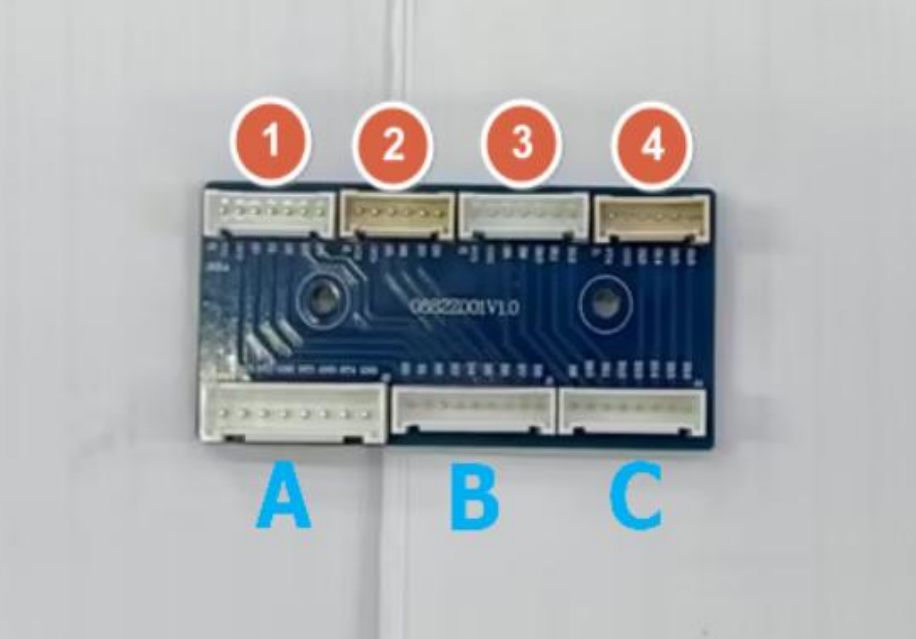
The solar assistant communicates with the sh bms rs485 port (besides the can port), the inverter does not communicate, you inverter settings 5-USE not LIC. 26 bulk and 27 float charging voltage can be set. SA looks at the battery voltage and not the SOC. You set the battery charging current according to your own battery. For me 600 Ah is enough 60-70 A. With the SH software you look at the cell voltages, check, do not exceed the COVP ( cell over protect ) limit. If you have two or more batteries, connect RS485 1 TO RS485 2 (parallel connection) . I tried it, it works, the solar assistant needs to be created as an automation, it sets everything up, if the EASUN inverter accepts the SA commands...If you replace the BMS you need a cell cable adapter, this is good SH-PACE, SH-JBD, I got it from China, maybe you can buy it. I attach a picture of it . Blue sh connectors , red pace or jbd .
-
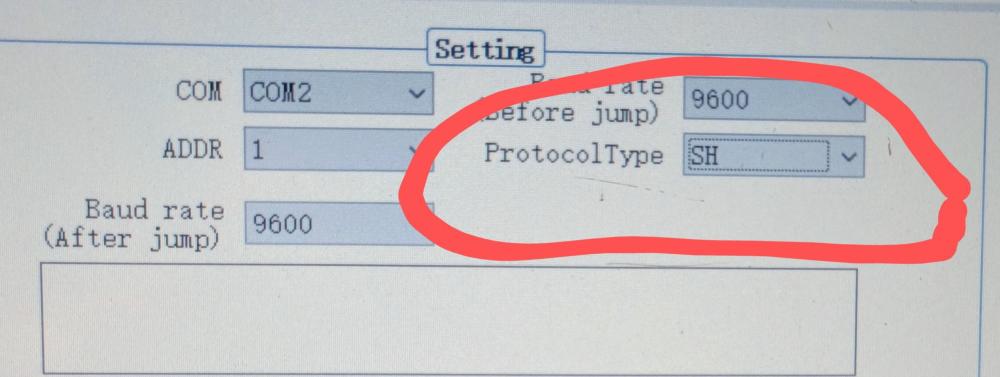
sh bms protokoll sh .... , not ok for solar assistant , ok : pace bms rs232 or jbd bms rs485 , or ........
-
Dear Juha, sh bms protocol changes pylon in the menu. Password "shbms". I do not use LIC setting, because it overcharges the battery. I charge max. 90% and discharge to 30%.This is my experience.
-
Manual for SH BMS sw . BmsTools.pdf
-
https://www.shbms.net/list_24/53.html Dear friend, andrew96a , the sh bms software is here, but it is not always available. You need luck ( pw for sw : shbms )
-
-
https://leoch.com/Uploads/20231221035755_478313.rar PBms tools V3.0