Skip to content
View in the app

A better way to browse. Learn more.

Power Forum - Renewable Energy Discussion

A full-screen app on your home screen with push notifications, badges and more.

To install this app on iOS and iPadOS
  1. Tap the Share icon in Safari
  2. Scroll the menu and tap Add to Home Screen.
  3. Tap Add in the top-right corner.
To install this app on Android
  1. Tap the 3-dot menu (⋮) in the top-right corner of the browser.
  2. Tap Add to Home screen or Install app.
  3. Confirm by tapping Install.

huzii7

Members
  • Joined

  • Last visited

  1.    huzii7 reacted to a post in a topic: SunSynk Logger Integration into Home Assistant
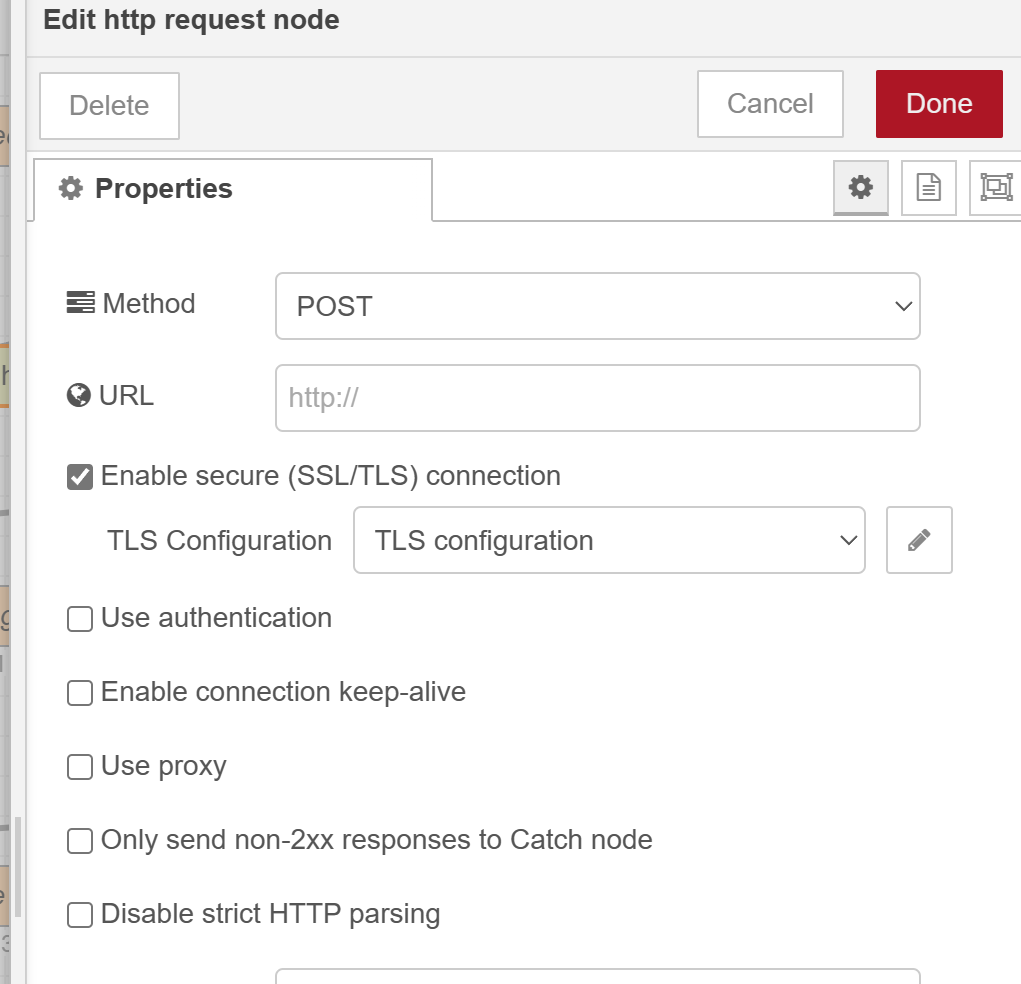
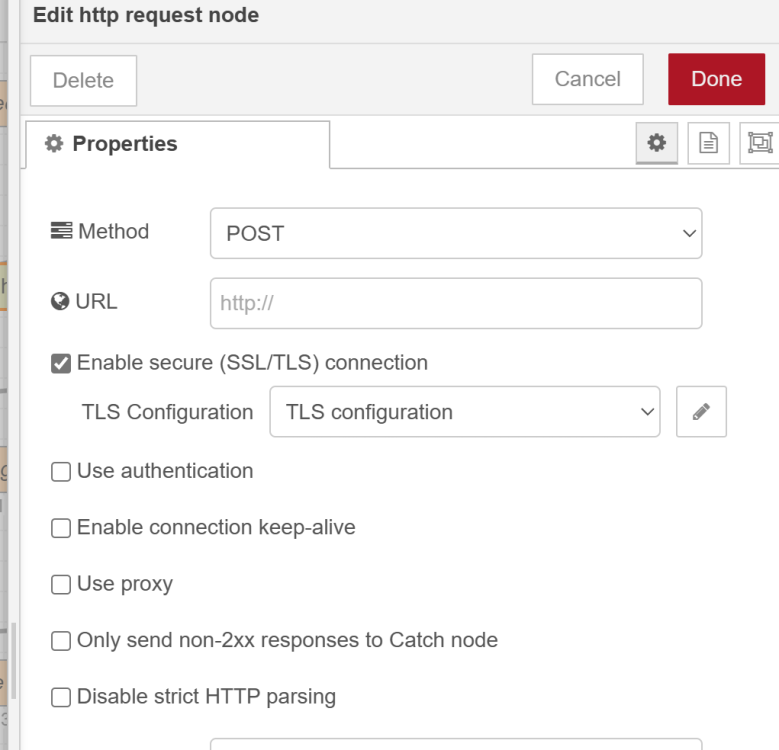
  2. To fix the issue, I checked the SSL/TLS option on all HTTP requests. Add a new config if one doesn't exist, and uncheck 'Verify server certificate' and Update. Redeploy the node and that should fix the issue. https://stackoverflow.com/questions/42983635/error-unable-to-verify-the-first-certificate-in-node-red
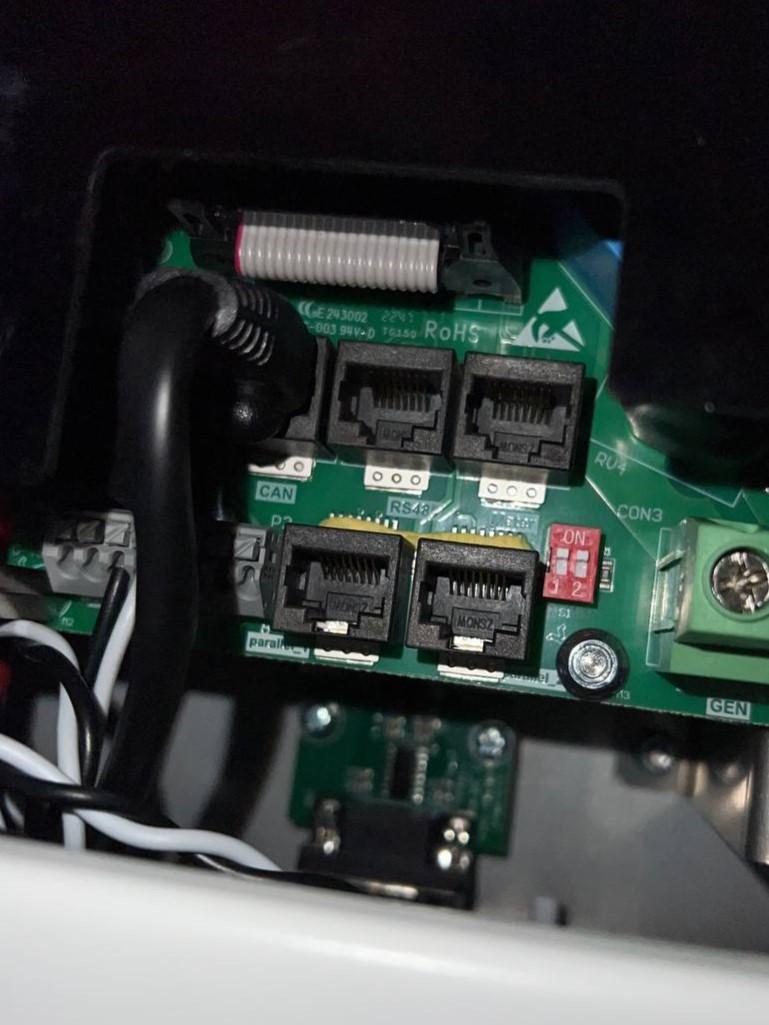
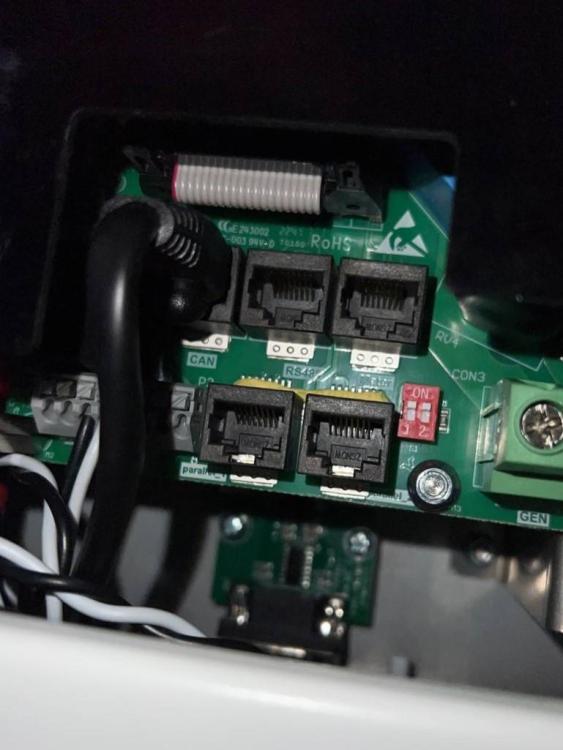
  3. Hi @Ivan_E I'm in the UK and I think my SunSynk 5.5kW inverter is the same one as yours. See pic below: I'm looking to set up a similar ESP32 set up like yours. I was wondering how you have it set up. How are you powering the ESP32 board? If you have a link of which ESP32 board you bought plus modules would be a great help. Many Thanks
Account

Navigation

Search

Search

Configure browser push notifications

Chrome (Android)
  1. Tap the lock icon next to the address bar.
  2. Tap Permissions → Notifications.
  3. Adjust your preference.
Chrome (Desktop)
  1. Click the padlock icon in the address bar.
  2. Select Site settings.
  3. Find Notifications and adjust your preference.