Skip to content
View in the app

A better way to browse. Learn more.

Power Forum - Renewable Energy Discussion

A full-screen app on your home screen with push notifications, badges and more.

To install this app on iOS and iPadOS
  1. Tap the Share icon in Safari
  2. Scroll the menu and tap Add to Home Screen.
  3. Tap Add in the top-right corner.
To install this app on Android
  1. Tap the 3-dot menu (⋮) in the top-right corner of the browser.
  2. Tap Add to Home screen or Install app.
  3. Confirm by tapping Install.

vankosolar

Members
  • Joined

  • Last visited

  1. This is firmware is to my friend
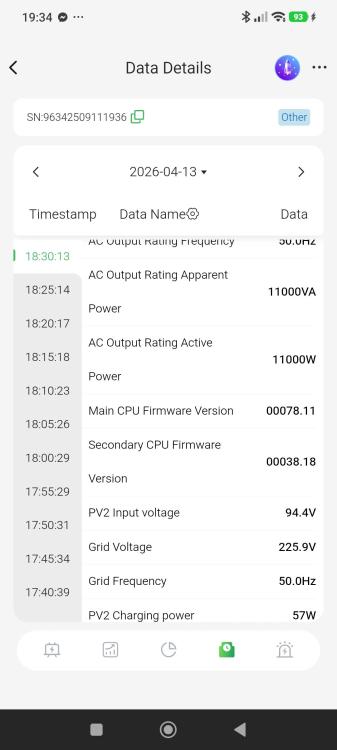
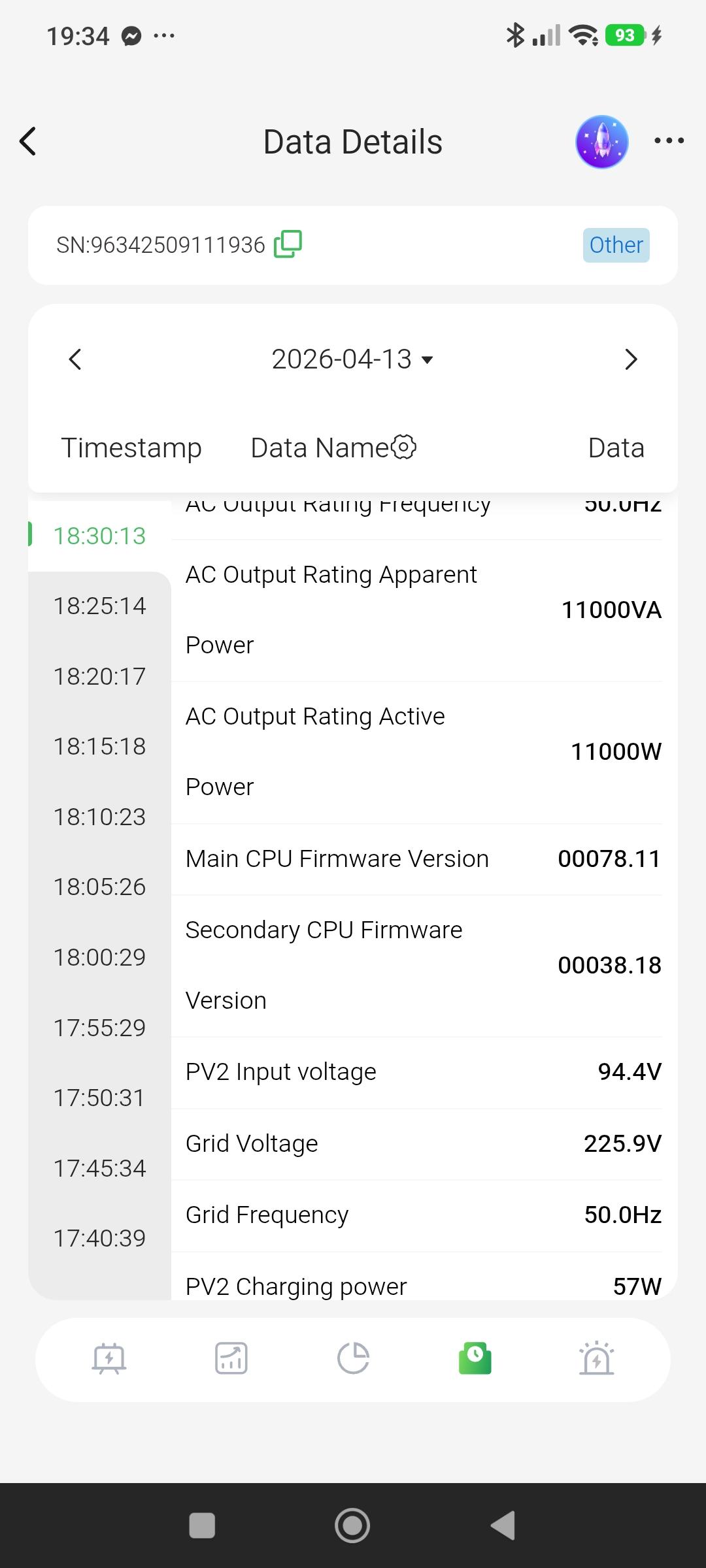
  2. Hello, does anyone have firmware version 78.11 or 78.12 available?
  3. Hello,anyone has been able to find and install firmware for Daxstromn 10.2kw?
  4. Hello ,i have one question .Change communication or PV board and work normally .
  5. Здравей,намерихте ли решение на проблема ,моят е по абсолютно същия начин.
  6. vankosolar joined the community
  7. Hello try this way Charger source priority-solar priority Max utility charge current-2A
Account

Navigation

Search

Search

Configure browser push notifications

Chrome (Android)
  1. Tap the lock icon next to the address bar.
  2. Tap Permissions → Notifications.
  3. Adjust your preference.
Chrome (Desktop)
  1. Click the padlock icon in the address bar.
  2. Select Site settings.
  3. Find Notifications and adjust your preference.