Fielies23
Members
-
Joined
-
Last visited
-
-
-
Hi All, Just want to give feedback incase someone else runs into a similar issue. The problem was with the Hubble AM5 battery firmware. I think the underlying calculation used to determine SoC was causing an offset that kept on accumulating. Called their support team (really great!) and they did a remote firmware update. Working great now.
-
-
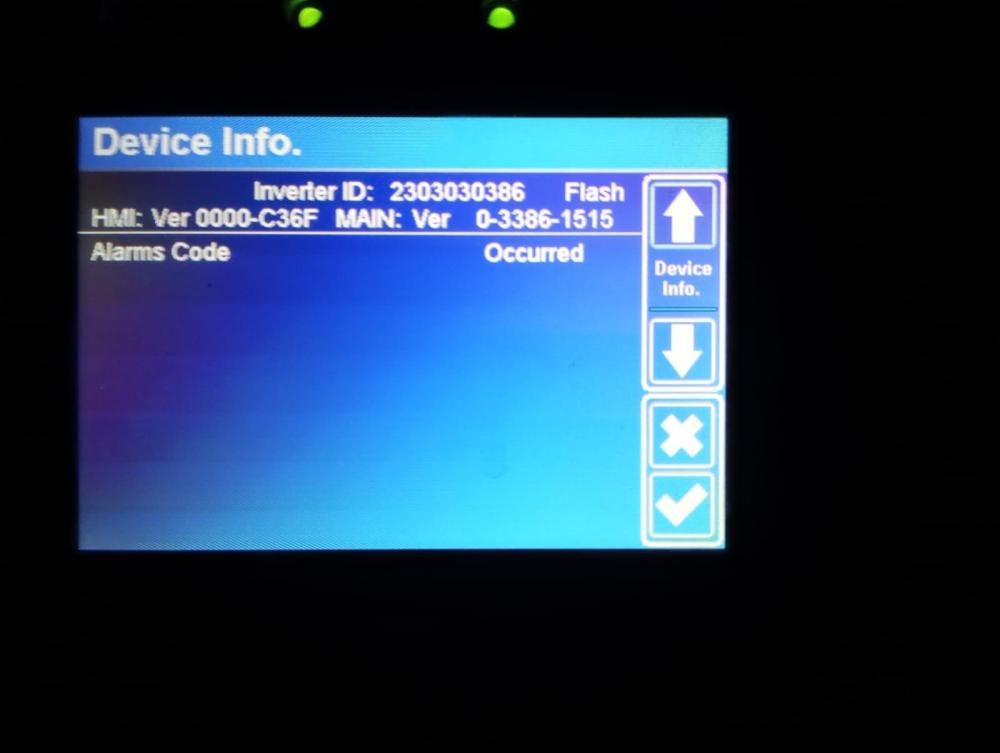
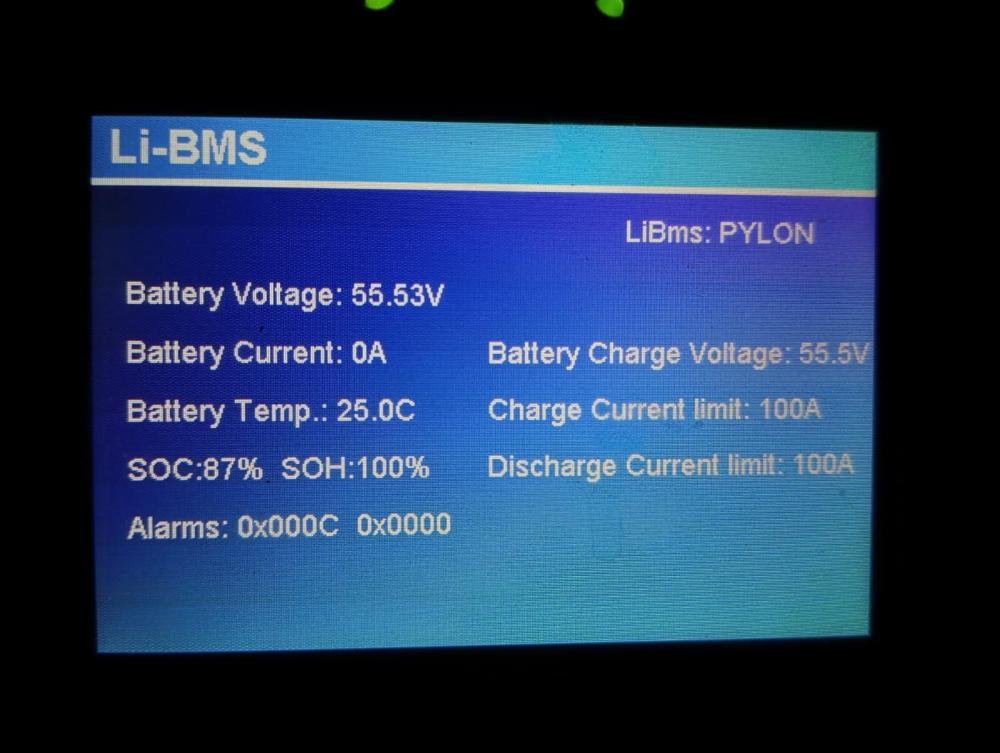
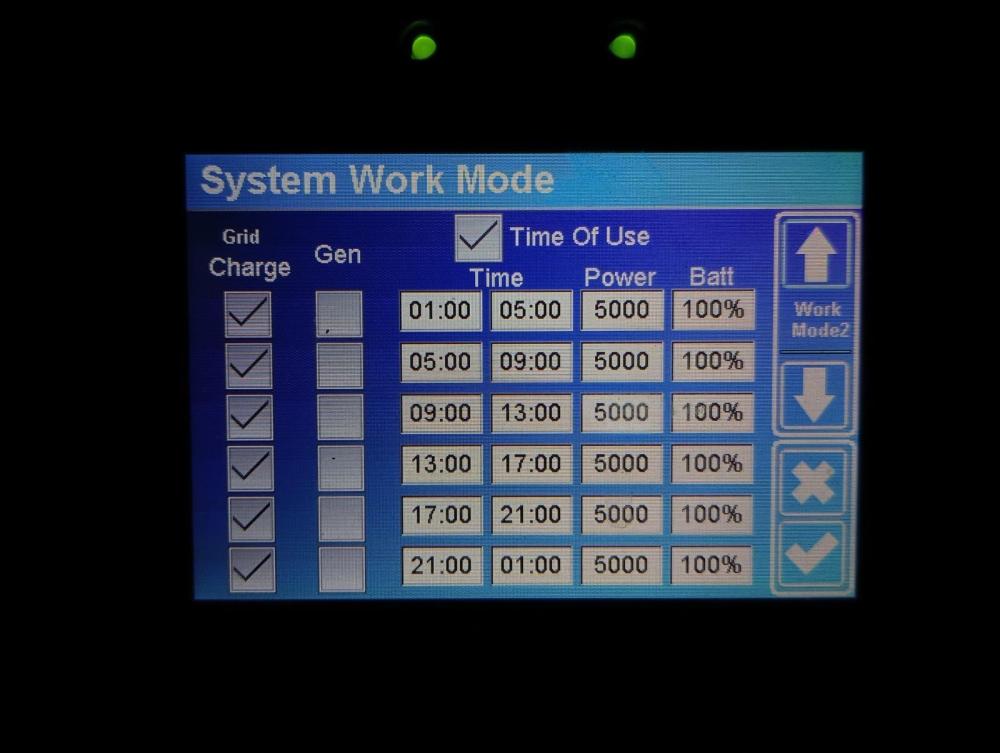
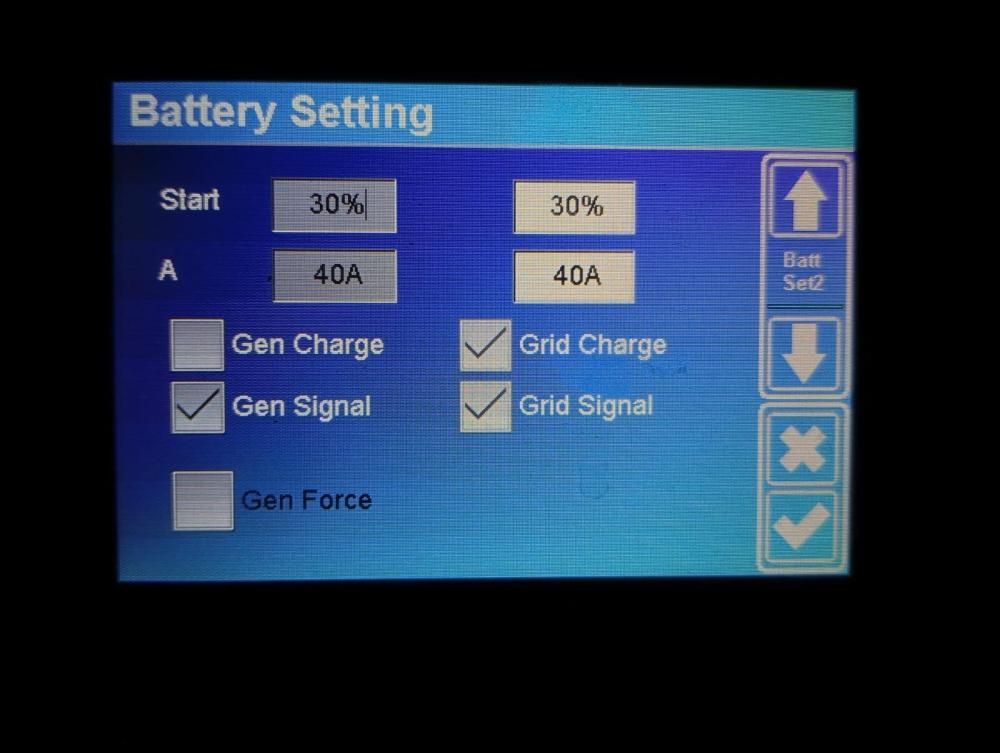
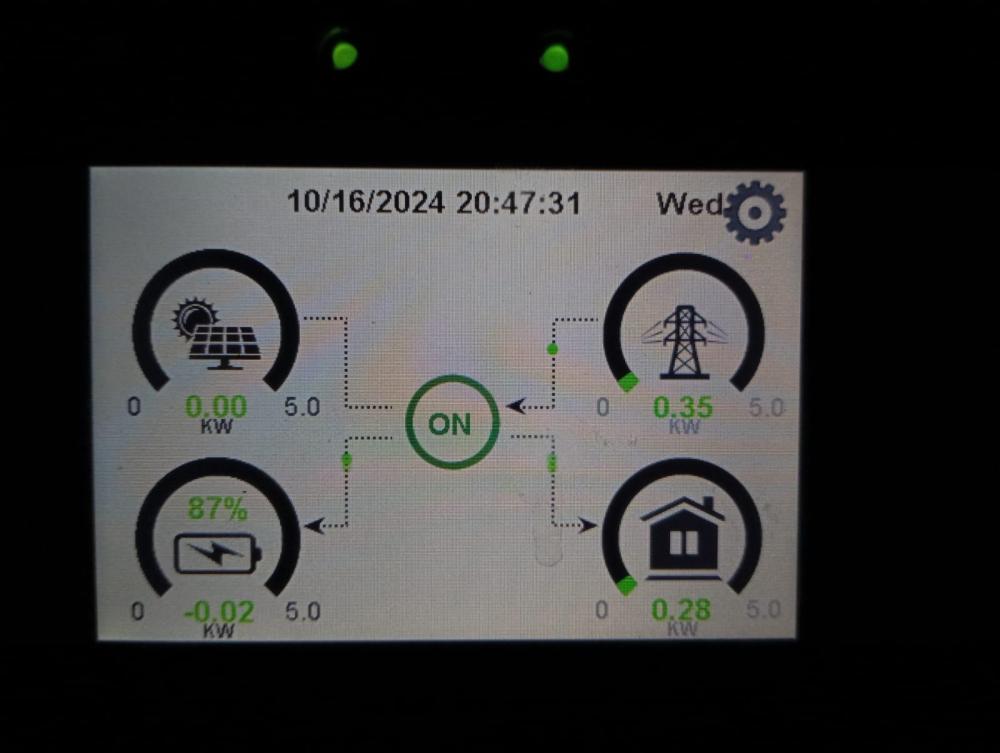
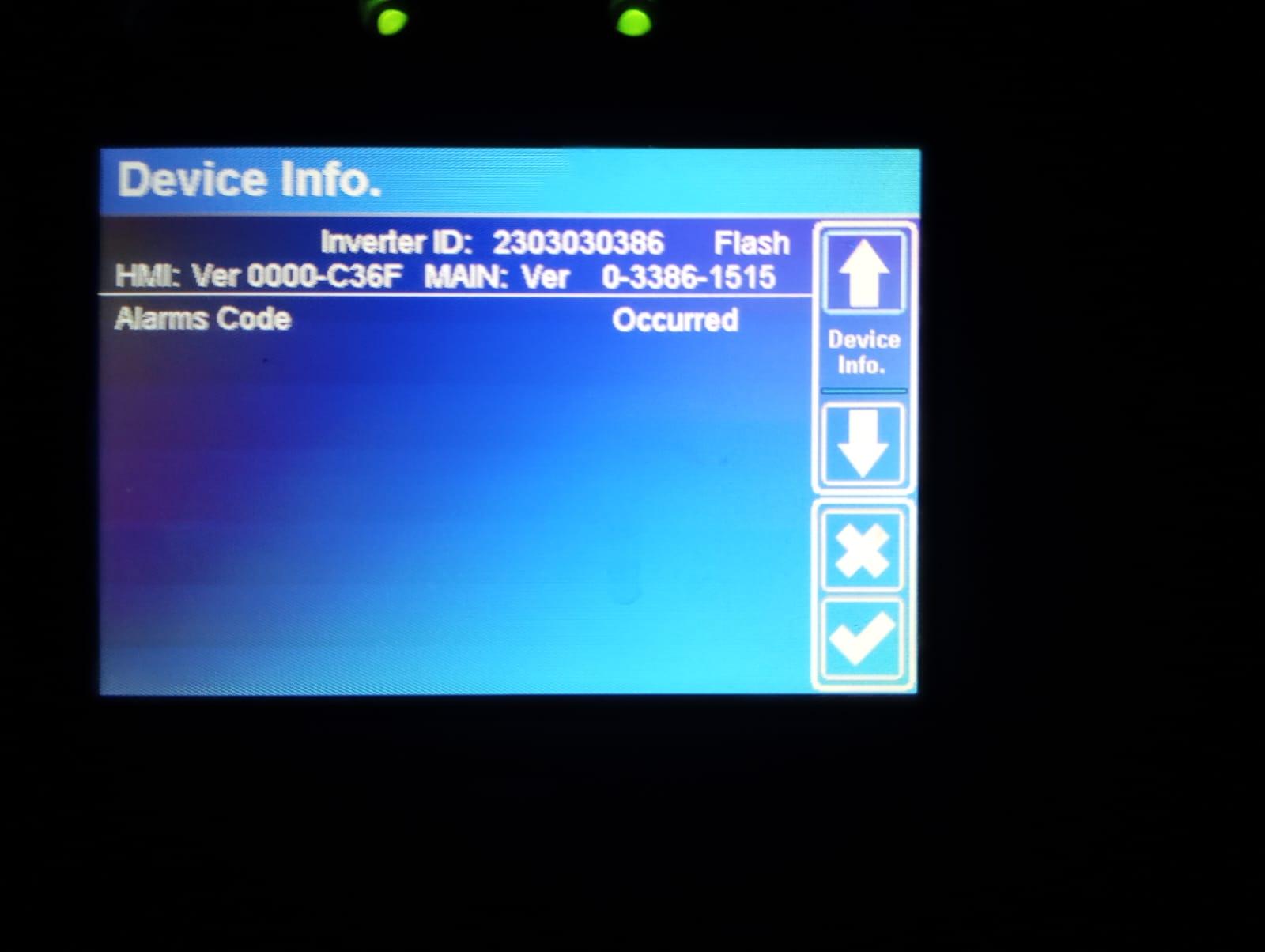
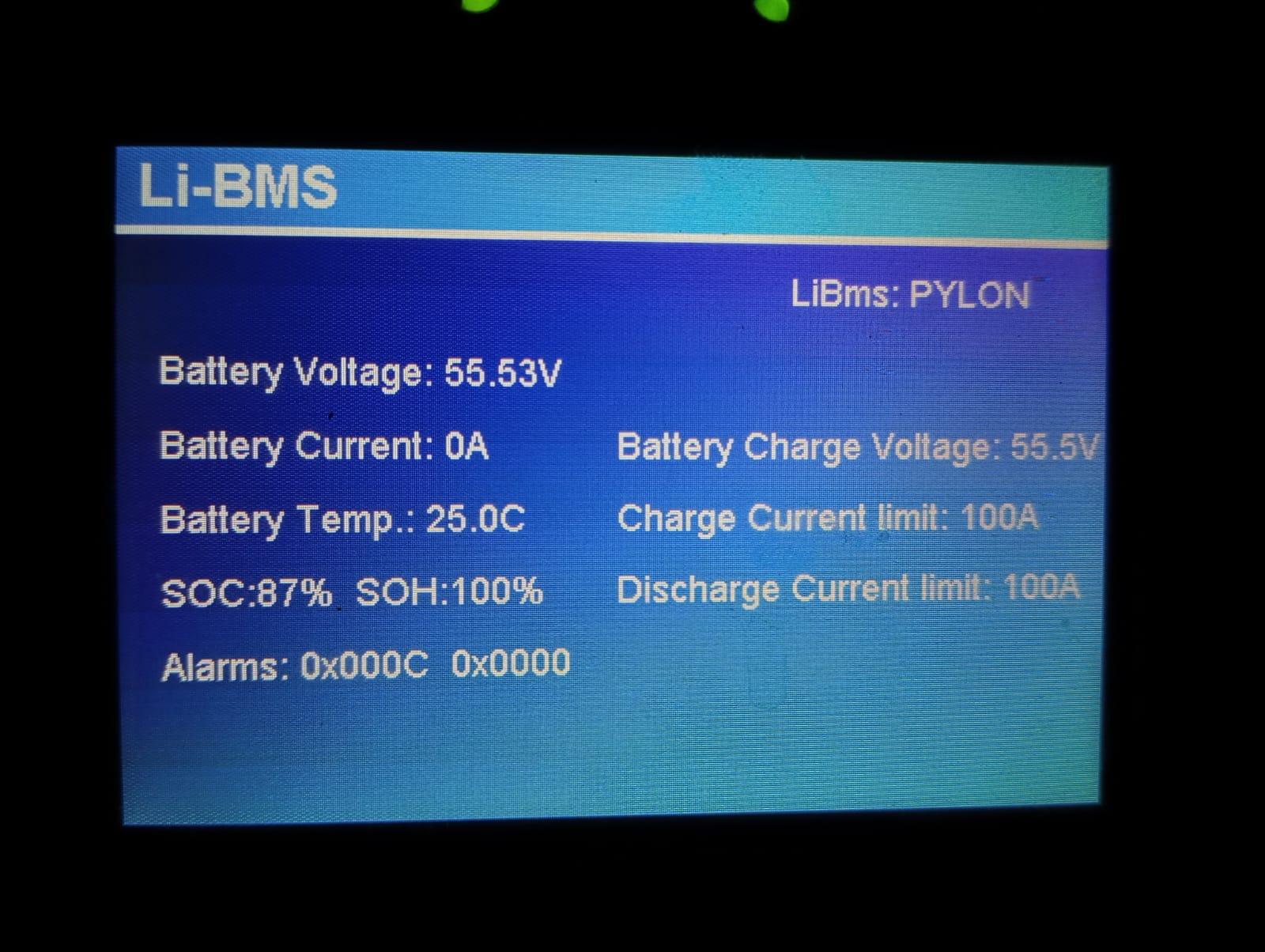
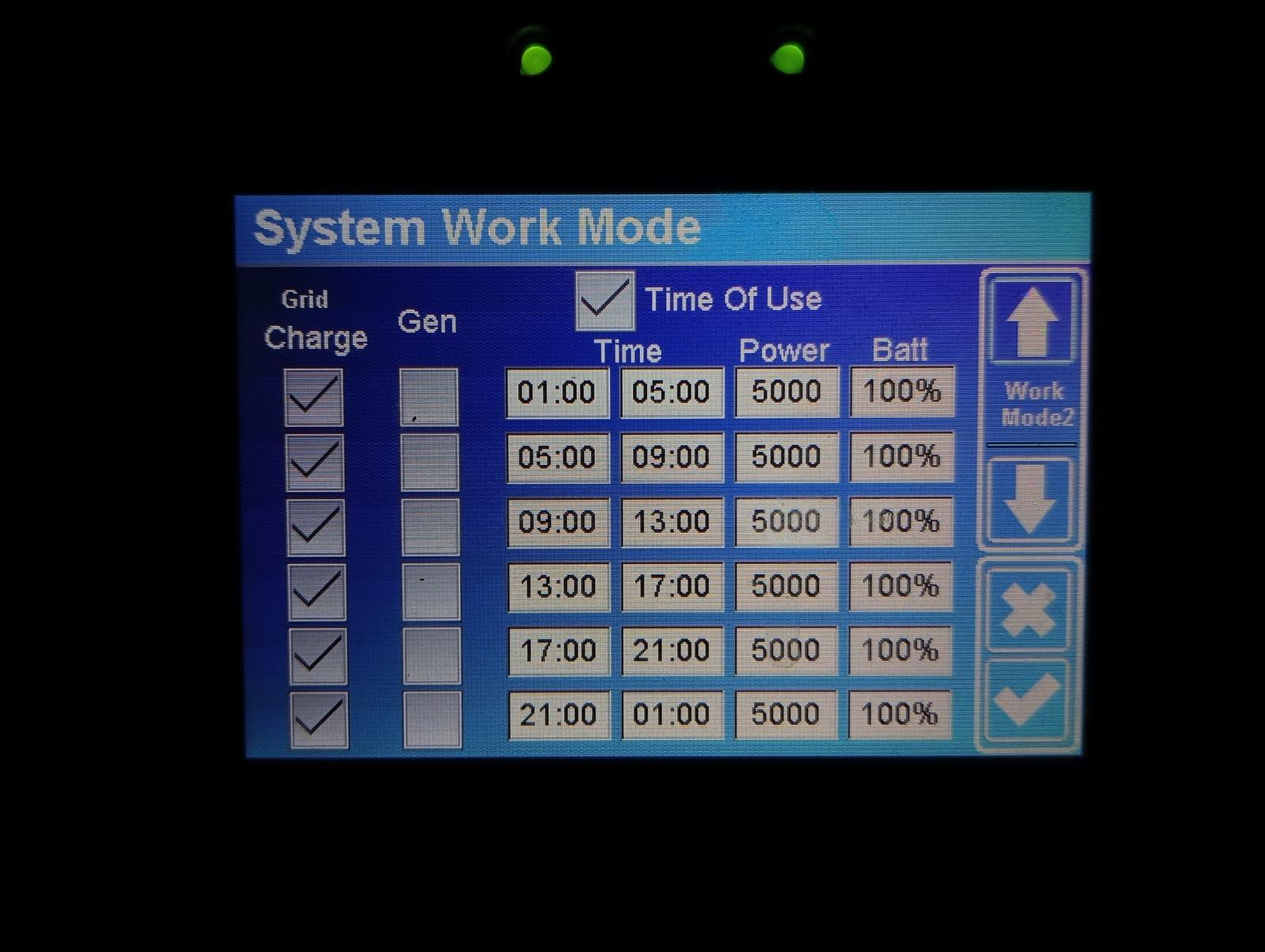
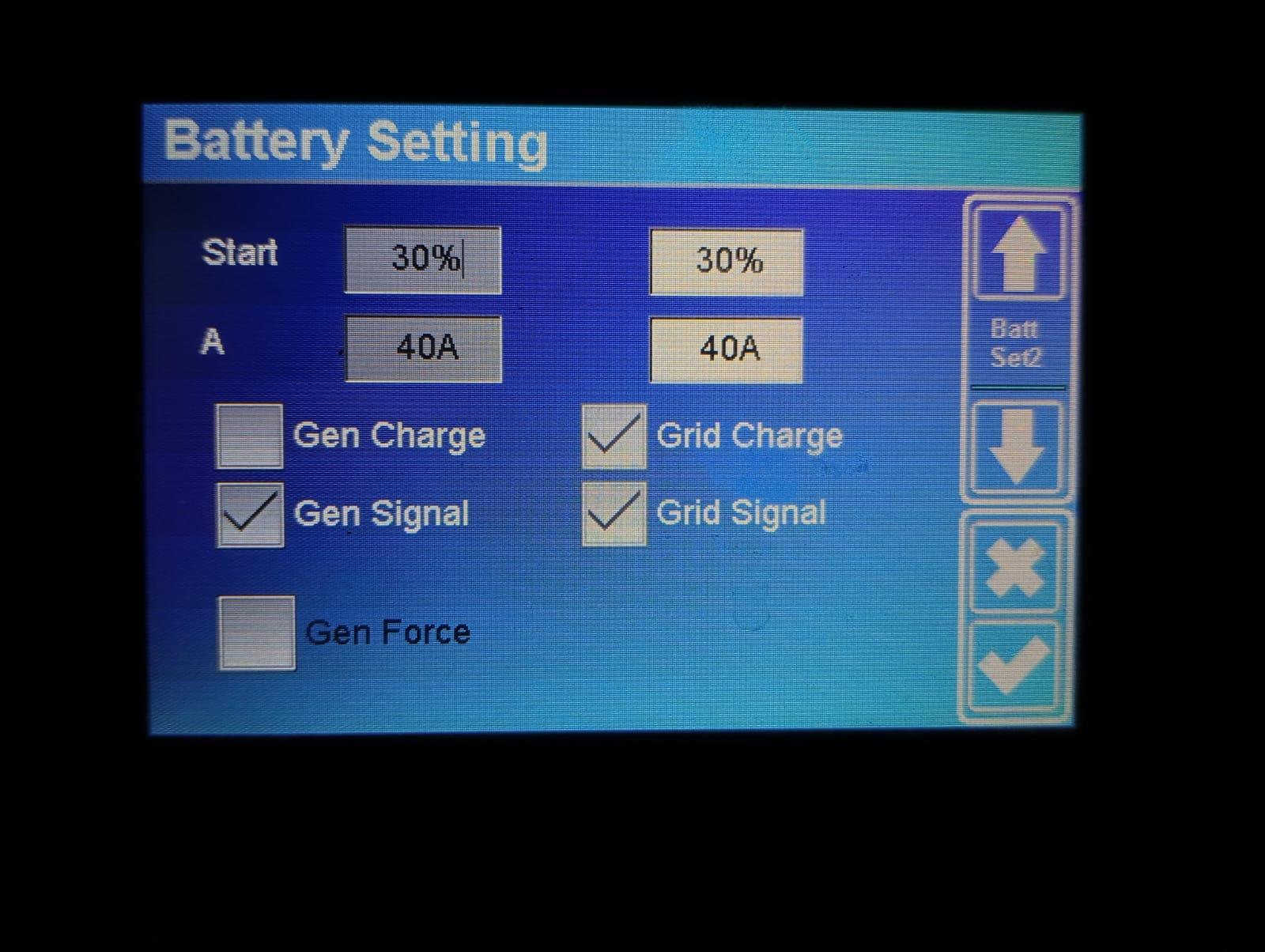
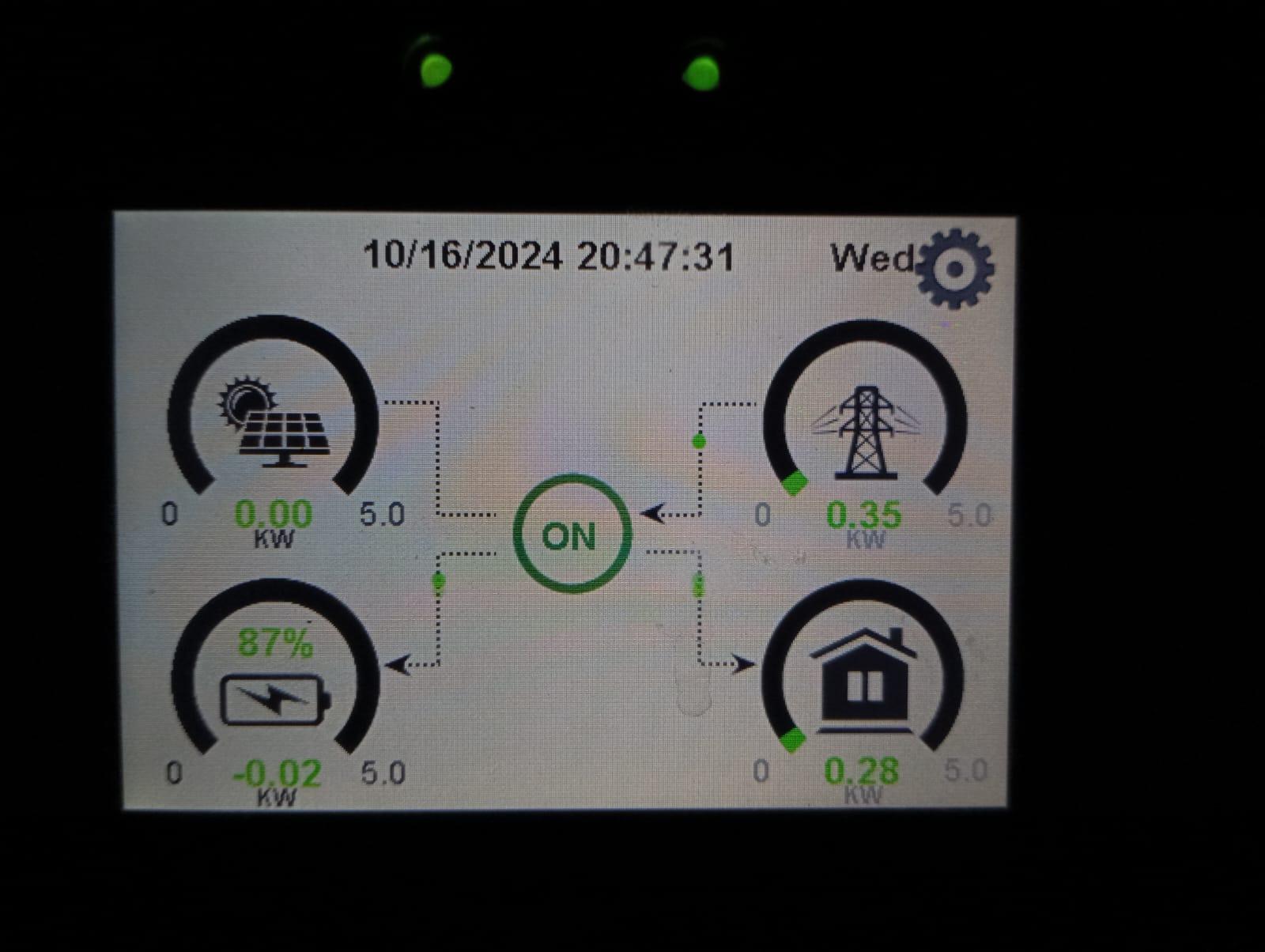
Hi all, Very similar issue to what @Longbow2000 experienced: Over a couple of months my SOC kept on falling. When it reached 60%, I called Deye. They helped me do a MAIN version update (Fig1). It then jumped back to 90% but over the last couple of months it has again kept on falling steadily (Fig2 - not very clean but SoC is dropping over time). I don't have solar panels, I am simply using it as a battery backup. The grid is supposed to charge the battery all the way to 100%? The rest of the figures show all the relevant settings. What could be causing this problem? I am worried that this might be damaging the capacity of my battery. Also, I know a suggestion was to downgrade to an older version in the above-mentioned post. But that post is from early 2023. I would assume the latest firmware has resolved this bug? Any help would be greatly appreciated.