Can
Members
-
Joined
-
Last visited
-
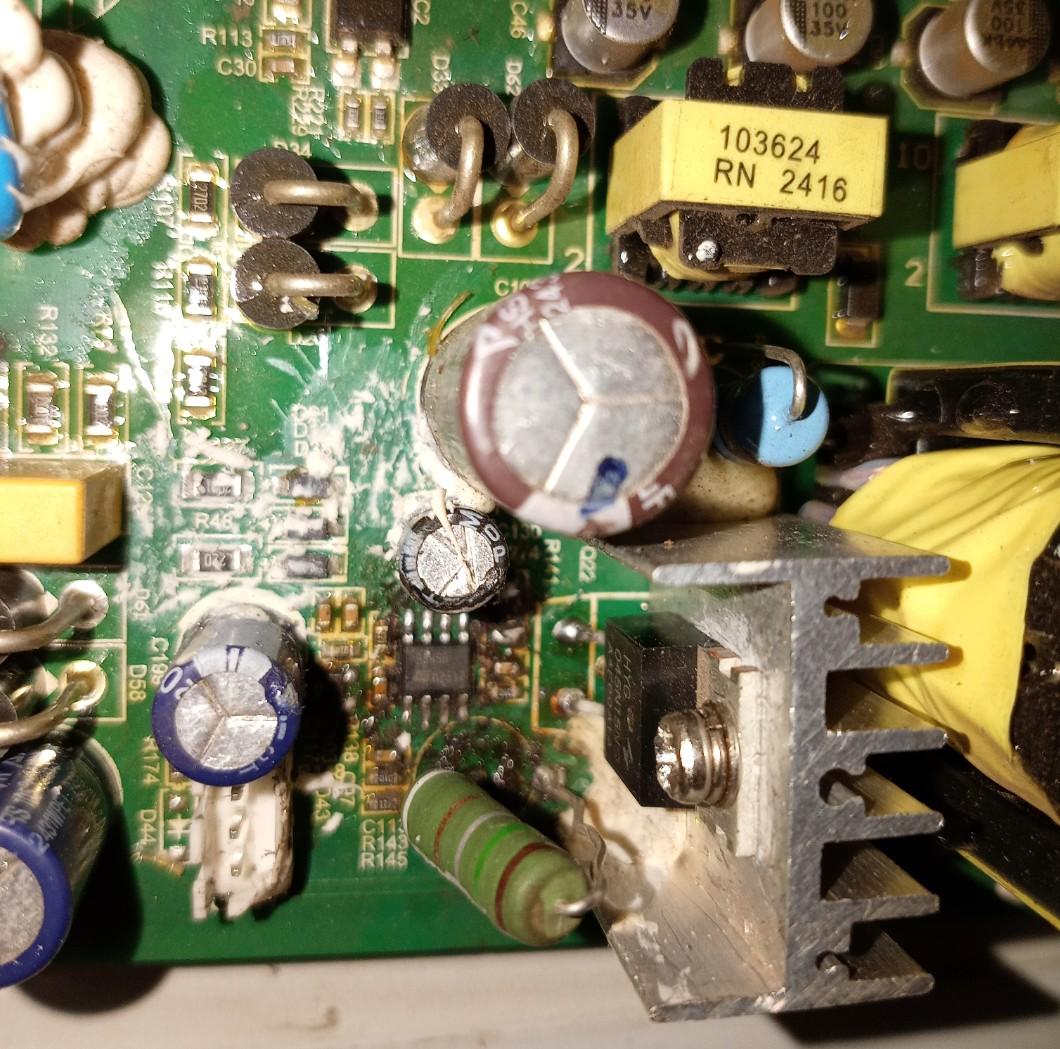
Greetings again just realized that under the power supply section. Capacitor C24 is missing does anyone know it's value... See attached photo

-
Thank you so much This has definitely helped me indeed...God bless you...
-
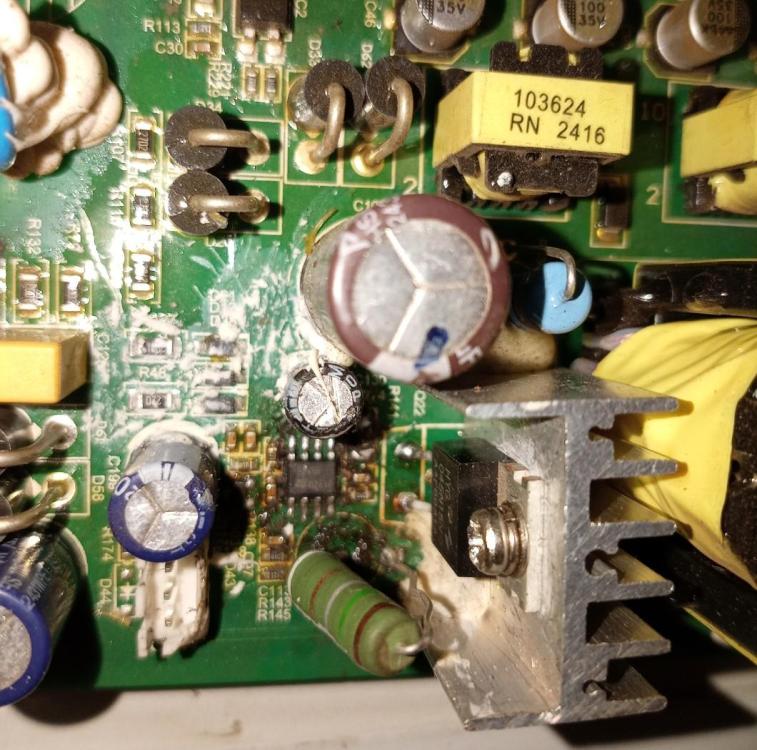
Wanted to confirm do you know the Mosfet part number Q22 near the UC3845 ic
-
Oh thank you so much @Coulomb you have answered me...
-
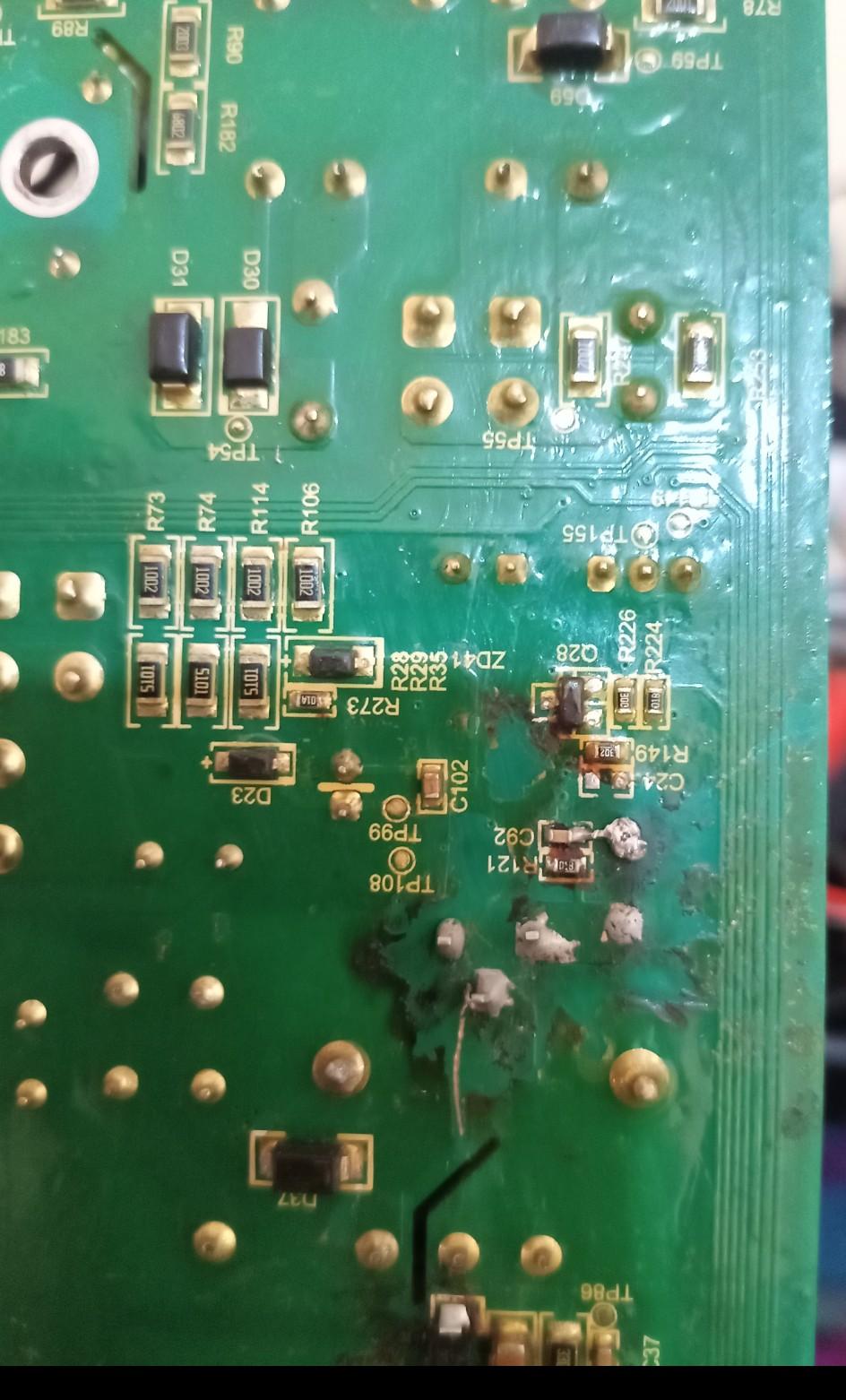
Hi all Have an SRNE HF2430S60-100 inverter with burnt ICs does anyone know what this section is for And does anyone have the Service manual. Attached is the board and burnt section. Thank you
-
-
-
-
Thank you all, we managed to change the IC5 circled with red on the attached photo, it is related to the EPROM. Now it is working well and settings are remaining... Am forever grateful to @HennieL and @Sidewinder be blessed...

-
Thank you so much for all this information @HennieL . I managed to find someone who said I should replace the IC5 24 Thank you so much @HennieL . I was told by one to change IC5 C2404 on the control board, as it is the one responsible for the settings. Am now looking for the IC and will update as soon as I try this solution.
-
Thank you all for the valuable information... it's a 2019 model and the control board doesn't have a small 'button' battery...
-
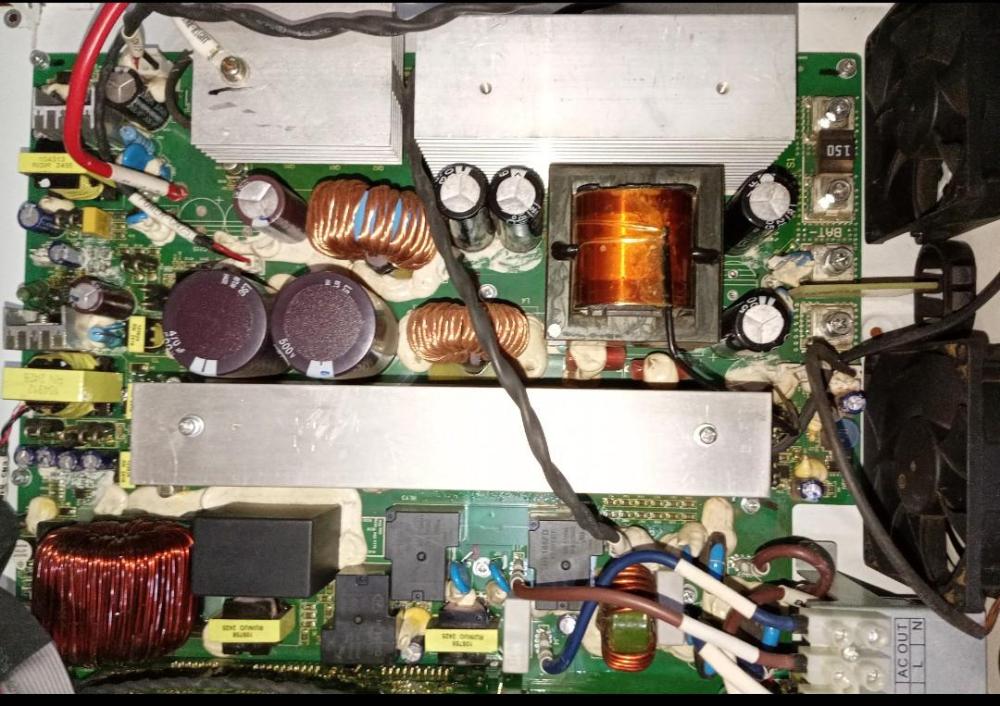
Yes I have cleaned it it's now clean of dust had taken the picture before I did anything to it...kkkk On the data plate it's written Model name : Inverter 5kva-48vdc Brand name New Horizon (see attached data plate and picture). When it's on grid it doesn't lose its settings. Only when there is no grid and the battery switches off it goes to default settings, so am now afraid it will charge the battery using wrong default settings.


-
Have a 5kva 48v inverter. When the DC battery switches off the inverter will lose all the settings and go back to default settings. Has anyone ever found the solution to this problem?...