ddano007
Members
-
Joined
-
Last visited
-
Thanks for fault code info. I`m almost sure timer`s are off. However from my testing last week: it looks like Solar Assistant is not able correctly change inverter`s output source priority mode. I don`t know, if it`s caused by Solar Assistance bug or by my inverters, but once again this week Solar Assistance automation tried to change SBU mode to Utility first and again I see every hour problem on outputs. Again I checked default config in inverters and two were in SBU mode and one in USB. So I removed that automation and I continue monitoring inverters 😀
-
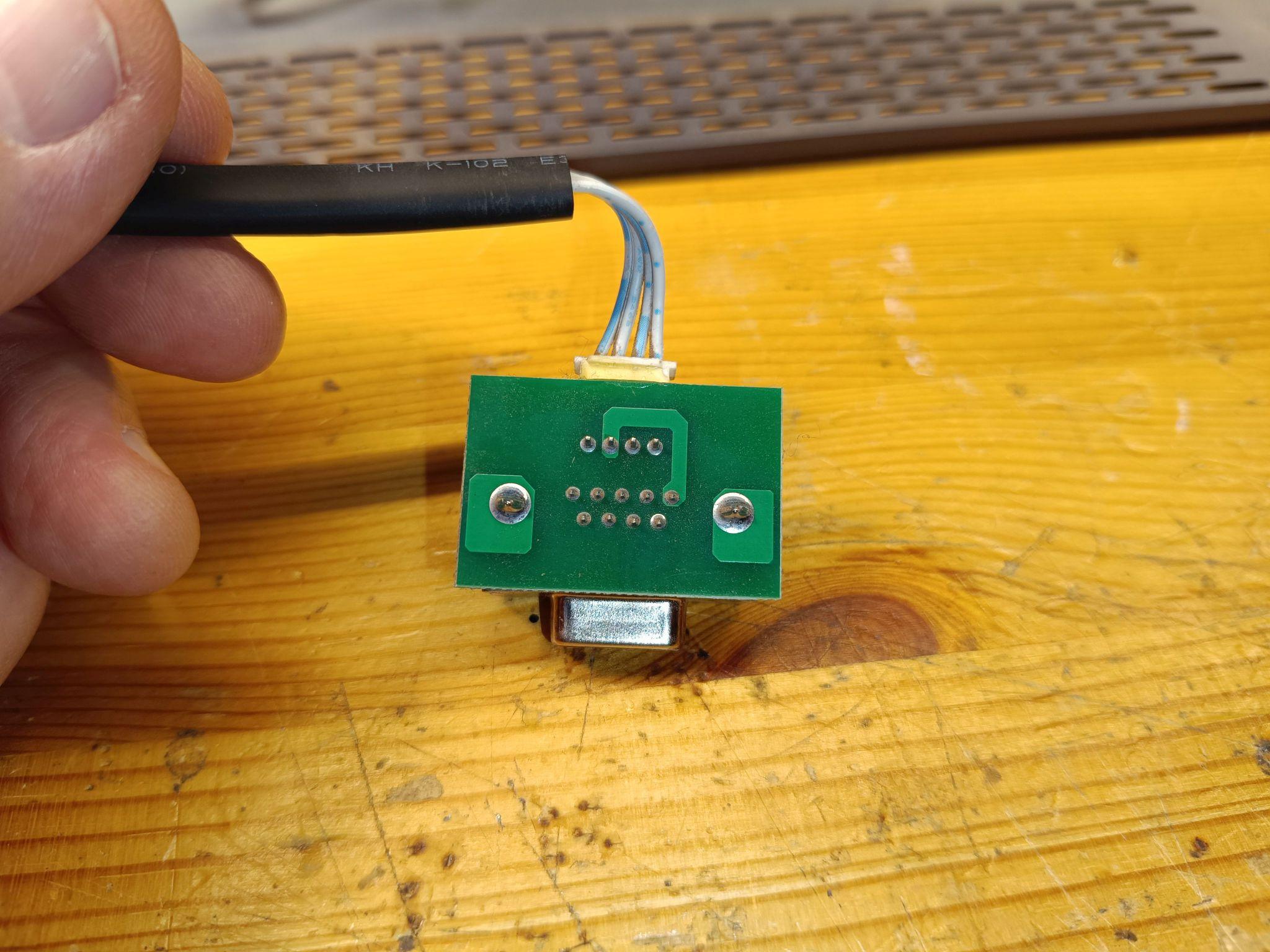
I found, that I have two versions of RS232 board.


-
Because I was checking my displays on Sunday, some photos.


-
@Coulomb Thanks for tips, this is the conclusion: 1, the cable mknecht mentioned in this post is here https://forums.aeva.asn.au/viewtopic.php?p=90225#p90225 However: Solar Assistant can use this cable, generally it looks working, but the only advantage over standard display communication it that it shows correctly inverter config single mode/ parallel/ phase1...3. There are dop- outs on output AC voltage, it doesn`t show grid voltage and inverters are not able to handle switching from battery to grid. So this cable is unusable for normal inverter control. 2, the reason of my problem was that one inverter had default output source priority USB and two others has SBU. Maybe something became wrong, when I switched them off last time. Now ( three days ) they are working fine, but still they are in SBU mode. I will monitor them. 3, answer to Coulomb`s a) yes, it`s clone of Voltronic, they have timers for output source priority, but I`m not using this feature b, I`m running my inverters over two years without any problem, but `till now they were running in Single phase output mode, because I had no battery. In three phase parallel mode with battery and Solar Assistance monitoring on RPI they are running maybe for a month. Question: what is it fault code 90? In my manual I have fault codes only F01 - F58.
-
 Youda reacted to a post in a topic:
Trouble with Easun ISolar SMP 5KW (Removable Display / WiFi Version)
Youda reacted to a post in a topic:
Trouble with Easun ISolar SMP 5KW (Removable Display / WiFi Version)
-
You are close: 55355535553555 Generally You need one RPI per inverter, however in parallel mode You can with one RPI read info via one inverter from all inverters, however... If inverters have the same serial number ( like my have ) You must use separate cable for each inverter. Not in my case, I have JKBMS connected just to RPI. SollarAssistance have something called "Automation" where You can set various conditions to control Your solar system. I`m using battery voltage from JKBMS to switch inverters mode ( Utility first/ SBU ) or enable/ disable FeedToGrig function.


-
Hi, guys! I`m looking for help with this problem: every hour my inverters switched to Utility mode until Solar- assistance switched them back to SBU mode. Battery is charged enough. My configuration: 3x iSolar SMP 5kw hybrid inverters, parallel mode, one inverter per phase. I have the same SN on each inverter, so I have 3x USB/RS232 cable to RPI, one to each inverter. I have also DIY 32kWh LiFePo4 battery with JKMBS connected via USB/RS485 cable. up: Raspberry Pi3Bplus. Any tip is welcomed, Daniel.