Skip to content
View in the app

A better way to browse. Learn more.

Power Forum - Renewable Energy Discussion

A full-screen app on your home screen with push notifications, badges and more.

To install this app on iOS and iPadOS
  1. Tap the Share icon in Safari
  2. Scroll the menu and tap Add to Home Screen.
  3. Tap Add in the top-right corner.
To install this app on Android
  1. Tap the 3-dot menu (⋮) in the top-right corner of the browser.
  2. Tap Add to Home screen or Install app.
  3. Confirm by tapping Install.

riesa

Members
  • Joined

  • Last visited

Everything posted by riesa

  1. What is the difference between "S" and "G" software? 4165-09S1 FW Upgrade_28066_DSP INFINI V IV 5.6K 56.14 4165-08G RS232 FW Upgrade_28066_DSP INFINI V IV 5.6K 56.13 also Remote Panel - 3573-08S9 INFINISOLAR V IV 80.42 Remote Panel - 3573-11G INFINISOLAR V IV 80.41. maybe S = iSolar G = iGrid
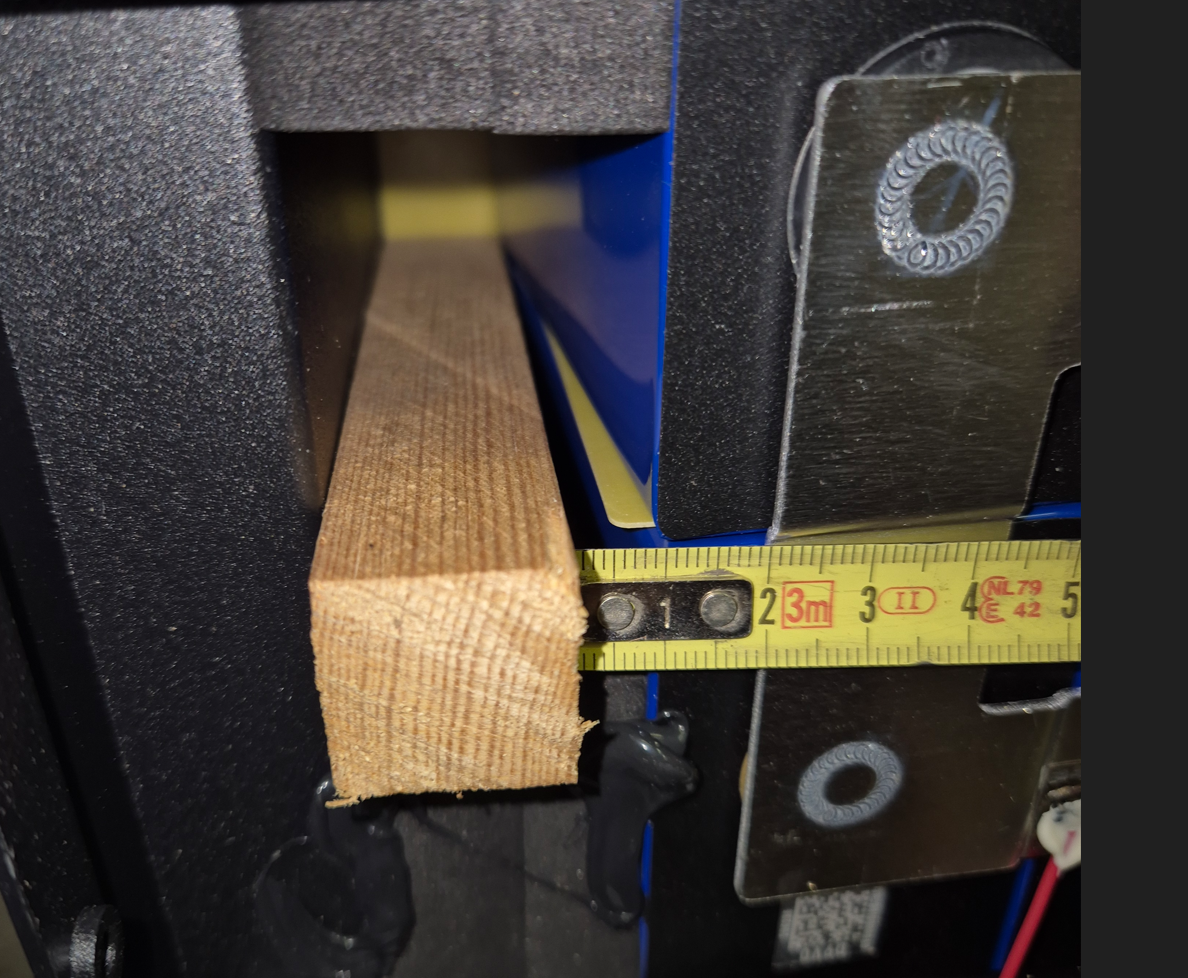
  2. Apparently these have practically no warranty. They hardly respond to anything, then to two different email addresses, now to a third WhatsApp number, and no one is commenting on the bulging cells or the BMS not working.

Account

Navigation

Search

Search

Configure browser push notifications

Chrome (Android)
  1. Tap the lock icon next to the address bar.
  2. Tap Permissions → Notifications.
  3. Adjust your preference.
Chrome (Desktop)
  1. Click the padlock icon in the address bar.
  2. Select Site settings.
  3. Find Notifications and adjust your preference.