QBannister
Members
-
Joined
-
Last visited
-
-
I will sent you some more pics over this weekend as Im at work and moving company.
-
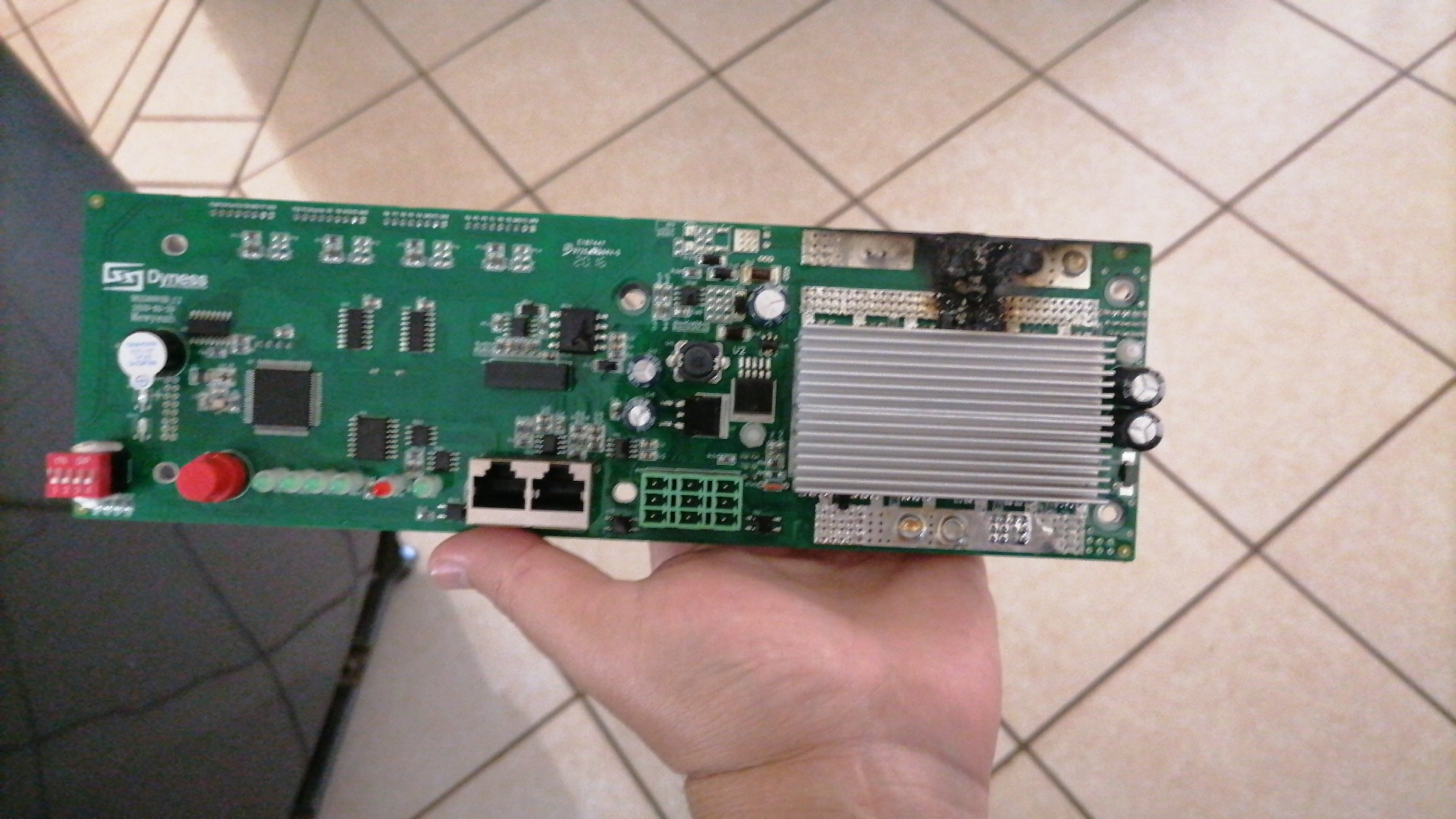
The battery packs was tested individually and all in good order. I would like to get this module going again.Module was bought November 2020. We had a lighting strike and that caused the BMS to go. Thank you for your assistance Gelo I will definitely give Andy a call.Hi there. I'm looking for a Dyness B4850 module BMS PCB only. Anyone knows where I can find one as my units PCB got damaged. Even a second hand one will be great.

 QBannister joined the communityAnyone that can help me with a Dyness B4850 BMS pcb. I need to replace the BMS only. I dont mind a 2nd hand one. Please give me a call if you know where I can find one. QuintinAnyone that can help me with a Dyness B4850 BMS pcb. I need to replace the BMS only. I dont mind a 2nd hand one. Please give me a call if you know where I can find one. Quintin