Holla
Members
-
Joined
-
Last visited
-
I have got the same problem and is planning to fit the same timer. How did you get the black cover off to get to the pc board?
-
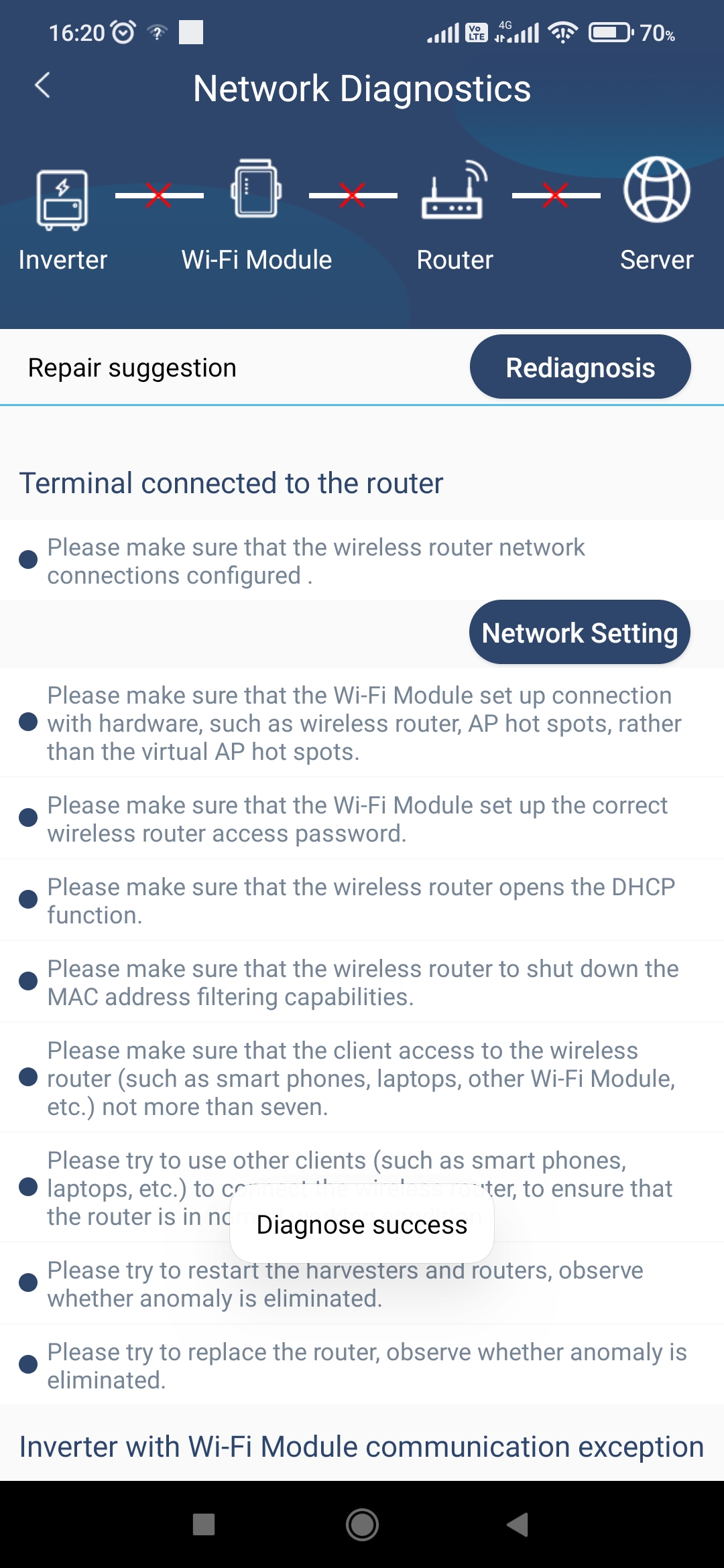
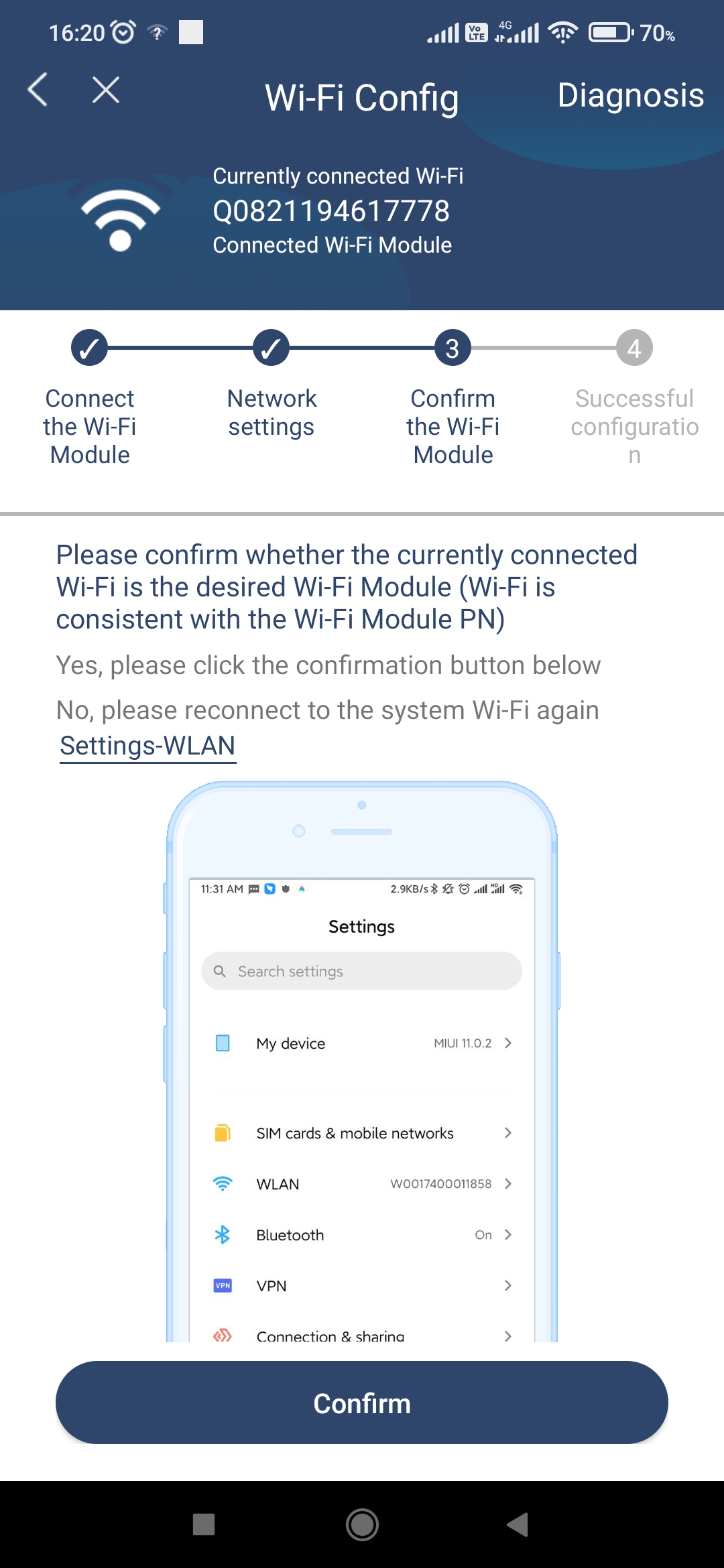
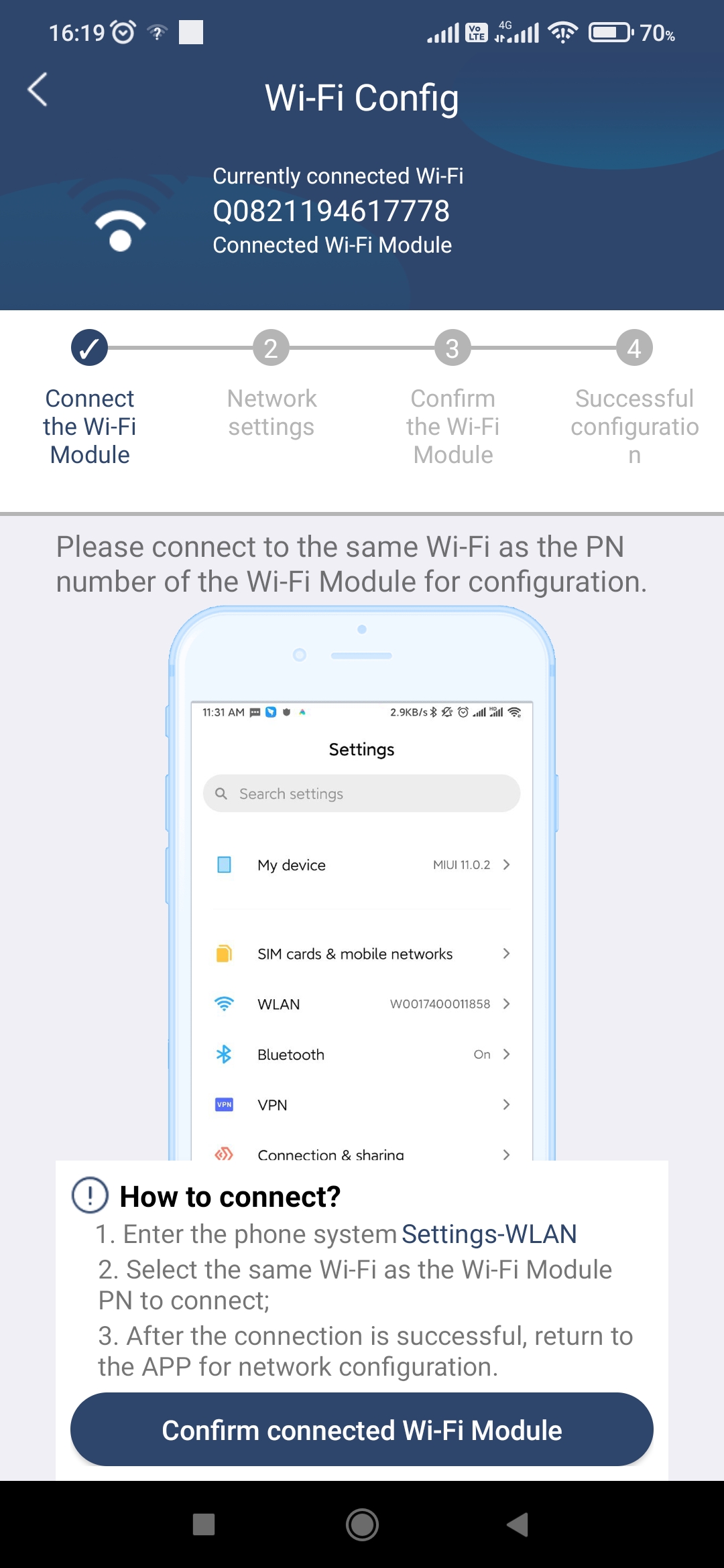
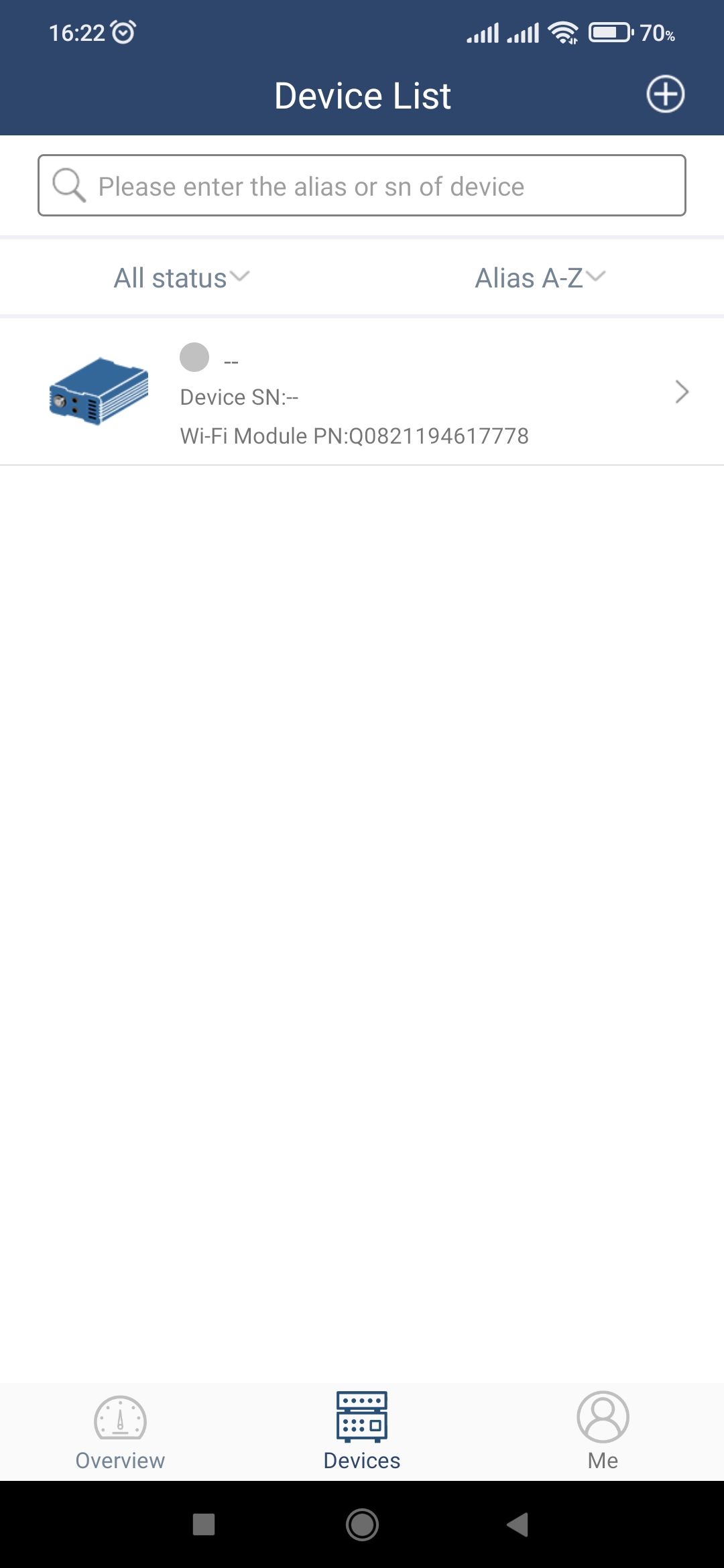
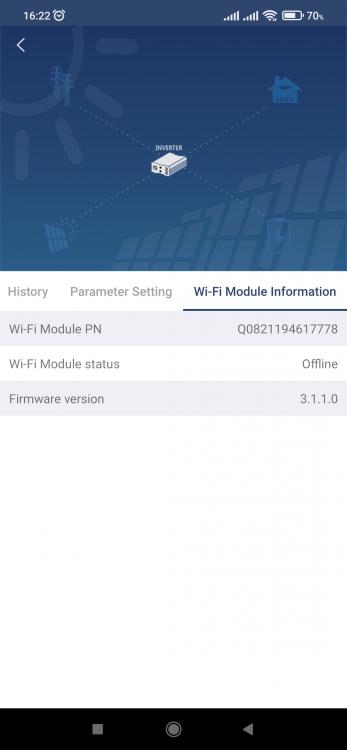
Good afternoon, I've been trying to configure the wifi module with my Synapse 5.0K+ using watchpower wifi. I make sure that I'm connected to the module during the whole process. Everthing goes well until I have to confirm the module after entering the router and password. After that the app does a diagnostic and shows errors between inverter and module, module and router and router and network. What am I doing wrong? After opening the app and going to devices, I can see my module but it shows offline. Can anyone assist me?



-
I have a Synapse 5.0K+ inverter, 2 x US2000 Pylontech Batteries and 12 x 330 watt Solar Panels connected 3s4p. If I run the unit in SUB mode, utility carries most of the load with PV input only at about 45 watt. If I run the inverter in SBU mode, I run out of battery power at around 5:00 am. This puts me at risk with having no power at all if we have load shedding in the morning. During the day, in both modes, I can hear the inverter fans revving up and see the PV input spiking. The inverter cuts the PV input and Fault flashing 69 appears for the screen. After a while pv input returns and the cycle continues. I is this normal??? Here are couple of photos of my setup and settings: