MorphZan
Members
-
Joined
-
Last visited
Everything posted by MorphZan
-
Thanks for this. I will give it a try tomorrow and see. Oven and Geyser are the non essentials and I was hoping if they worked through the inverter then I'd have an accurate record of all power "purchased" from the grid but if not my next option is to replace the breakers with smart breakers (sonoff or CBI perhaps) and then add it all to Home Assistant.
-
@Superfly As I mentioned before - Brand new house, Brand new board - HORRENDOUS DEVELOPERS - many units here have soo many issues (All lights on one breaker, all plugs on one breaker). Most units that have sold have had to redo the entire board so in fairness I don't think the mess is from the installer but I feel he should have come to me and said, you have these issues and for an additional fee we can fix this!!!
-
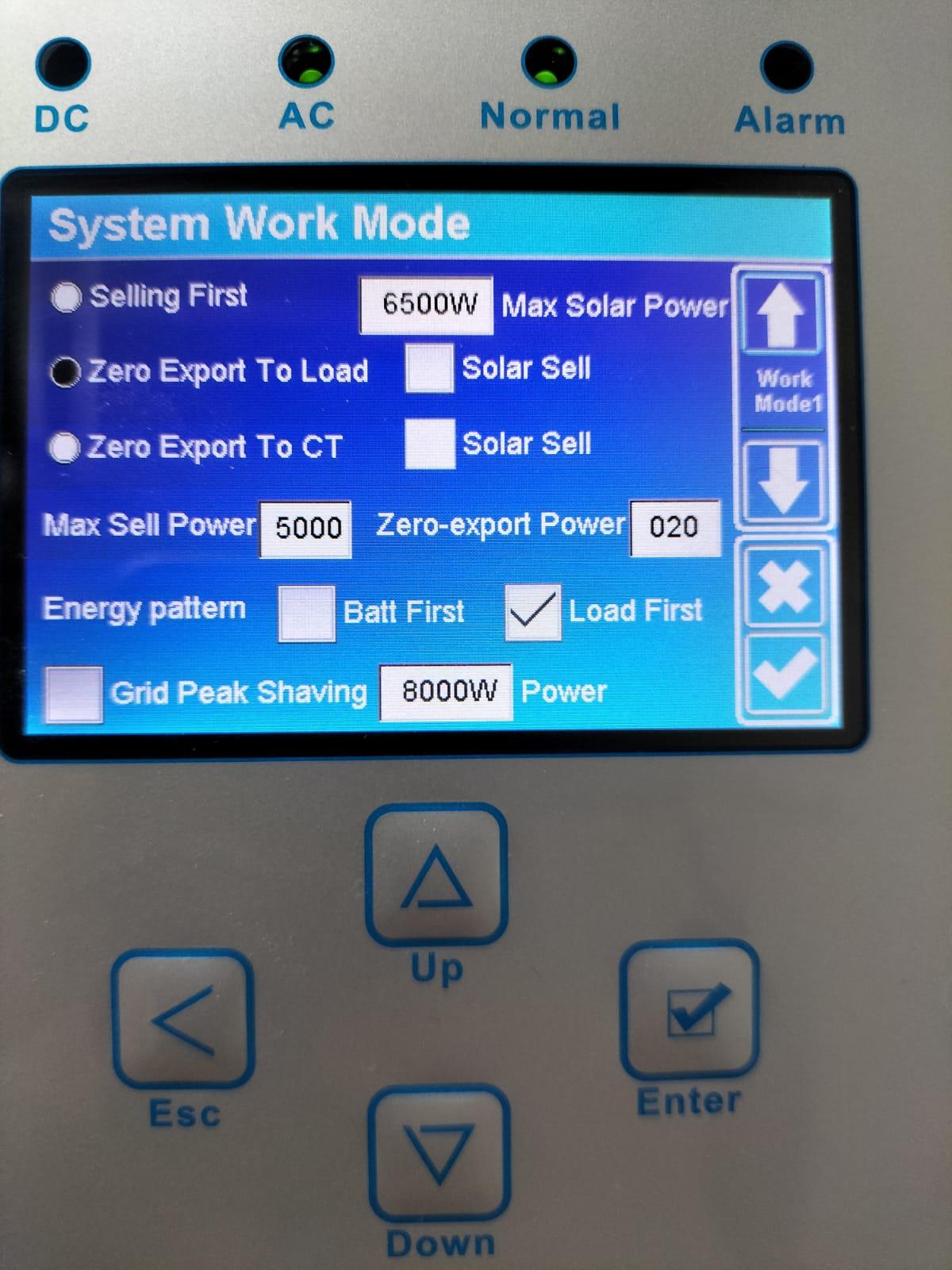
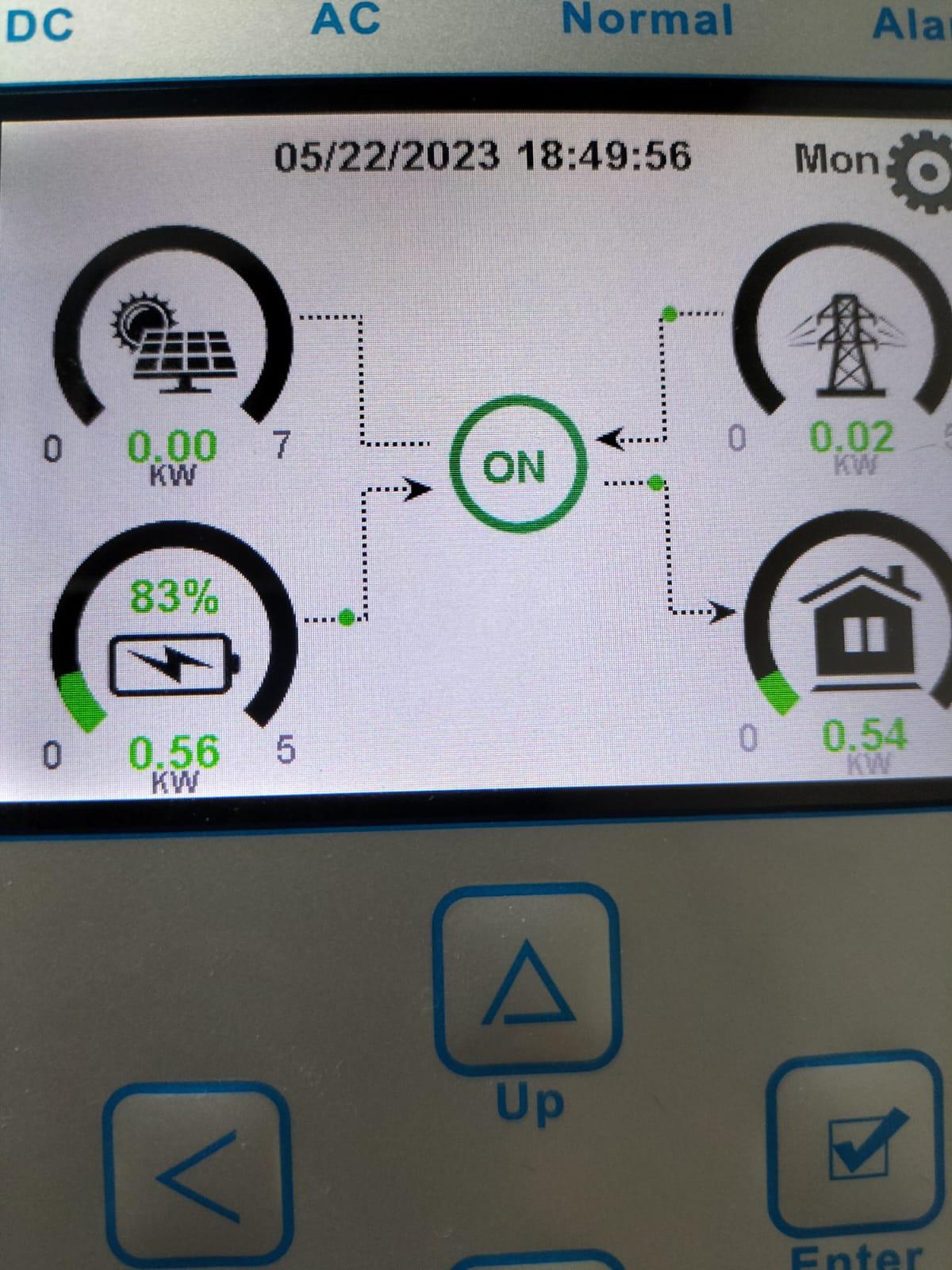
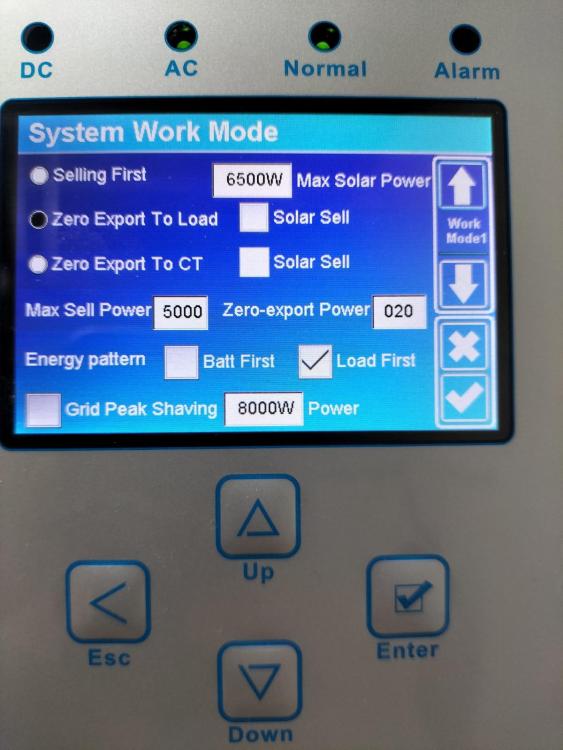
System is set to "Zero Export to Load" and Time of Use is on and been working fine for the last month: When the oven is on there is no "jump" in power at all: @GreenFields If I set "Zero Export to CT" will the system work as it did before (PV power to load then battery) and will I see non essentials (Oven, Geyser) showing on the house load on the inverter? If the Coil is facing the wrong way for some reason - will this cause any damage/issues or will it just not work correctly?

-
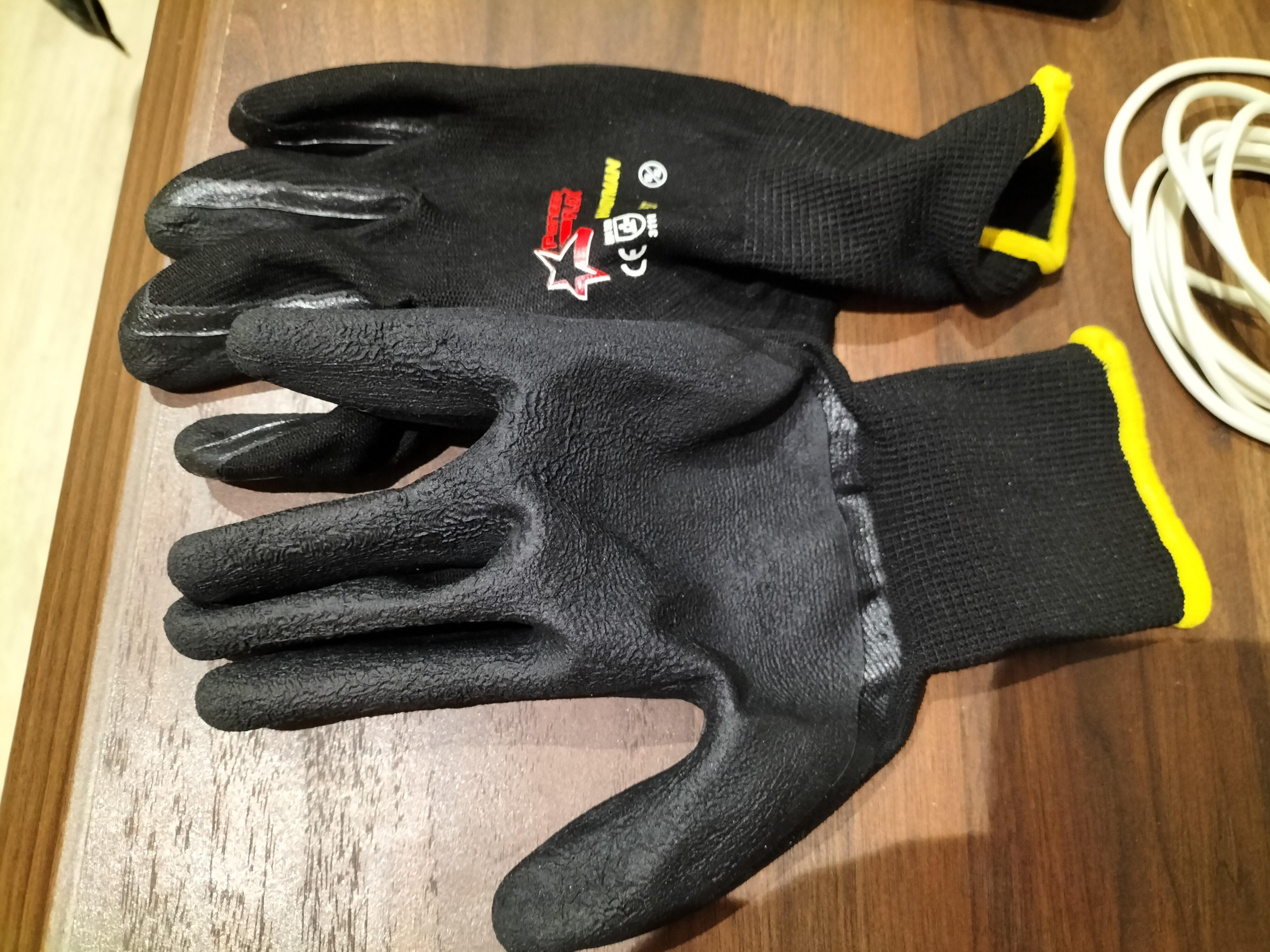
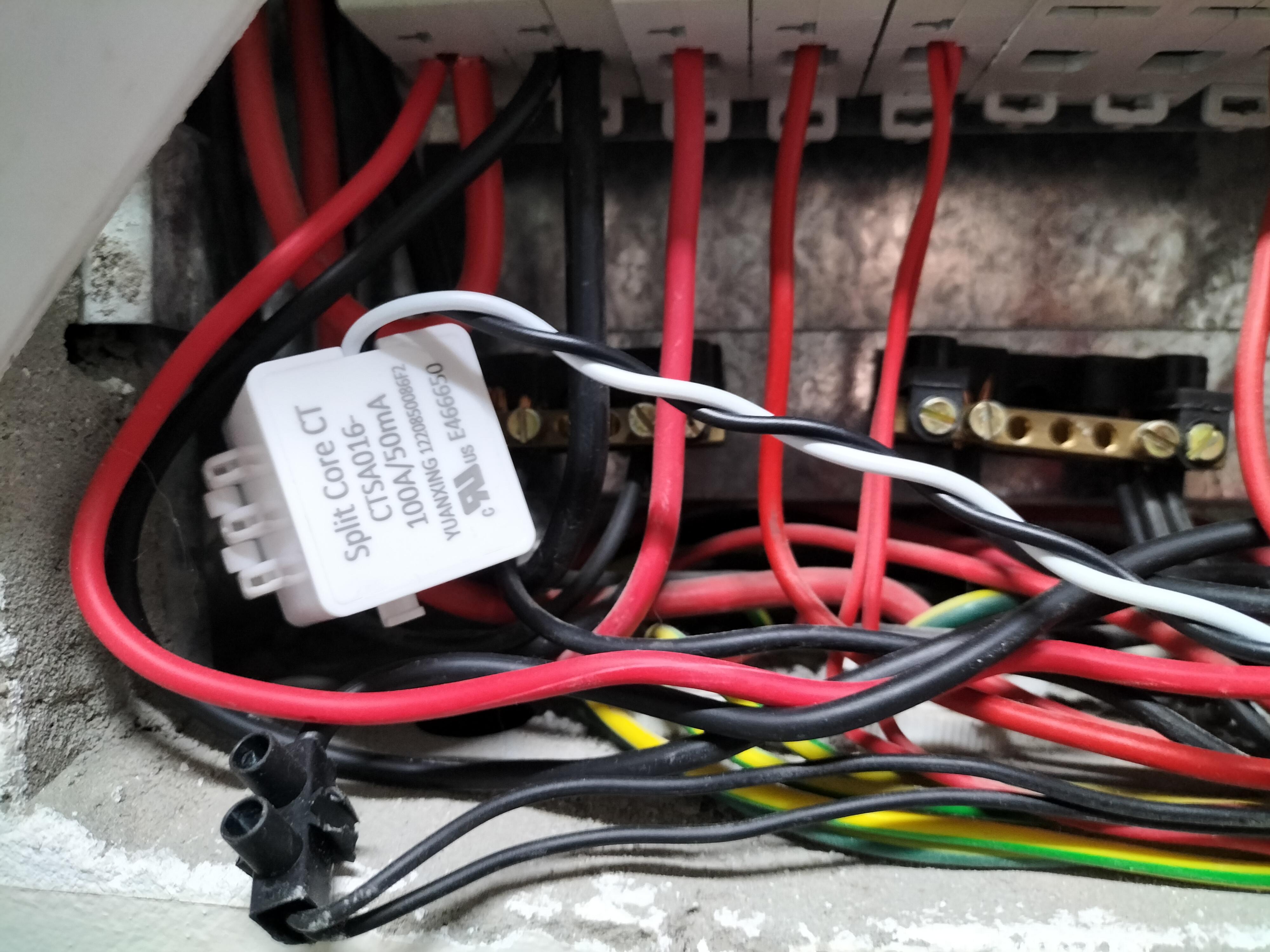
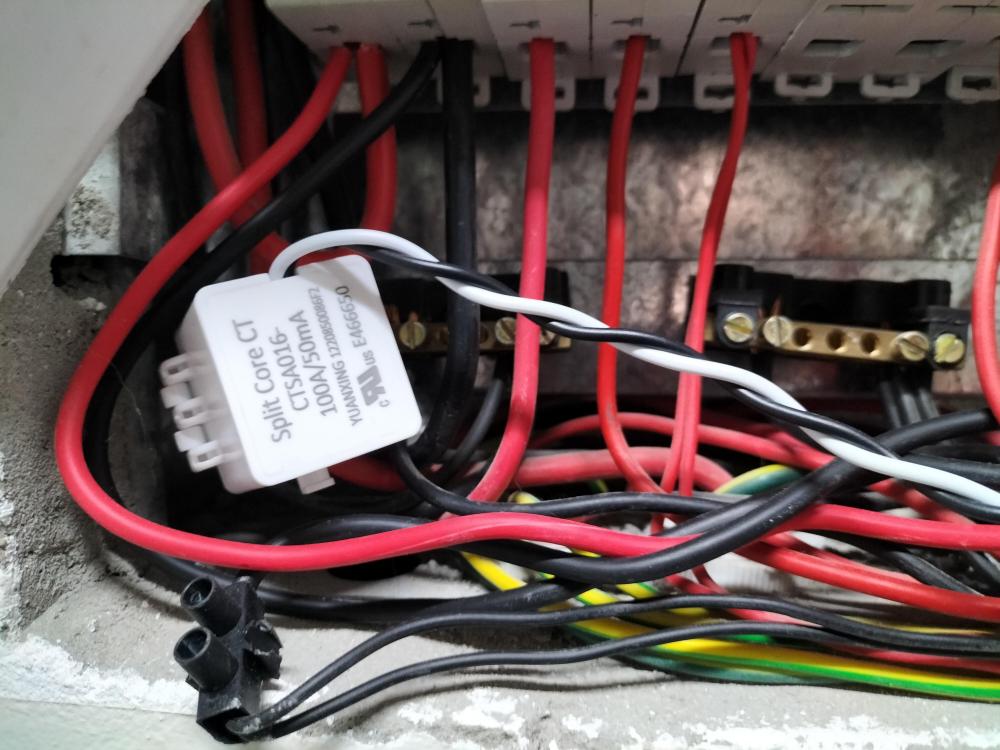
Used these gloves as they were all i had. Sad that a brand new home got an electrical COC with a board like that.
-
I can confirm CT Coil is installed but as @Superfly said earlier in the thread this DB does not inspire confidence 😔 I don't want to touch anything myself 🤣 If I change the setting to export to CT and the coil is facing the wrong way will anything "bad" happen?
-
This is the DB the house came with Brand New 😂 Many in our complex have had to redo their boards in order to get a COC to sell their property. My installer tells me the clamp is in there but I'm not a out to remove that cover to look!!! How will I know if the CT is connected to the inverter?
-
He says it is IN the DB board. How will see if it is connected to the inverter?
-
I what's apped him earlier and he told me it is connected in my main DB already (Connected to the load breaker)

-
Thank you for that. I have asked him as the manual indicates a Sensor Clamp (I would think a sensor clamp is an external CT clamp but I could be mistaken) which I have never seen and can't see it in the inverter either.
-
My Installer not only said nothing about the CT, he asked if he could bin the box for me which I said thank you . As they were binning the box I asked if there was anything in it I would such as OH SAY THE MANUALs etc!!! As of a month and half later I still do not have an ORIGINAL COC (I got a photo of one via whats app a month after install) I notice the L-type Hexagon wrench is also gone. I have caught him in multiple blatant lies with regards to delivery of said COC (Told me he was in Hermanus, when he was down the road working on an install at someone who i know very well - he obviously didnt know we talk)
-
So from this I can take it that the Unit should have an External CT and the installer walked off with it?
-
HI All I have a Deye 5Kw inverter (Deye SUN-5K-SG01LP1-EU). I was told there is an internal CT. Is there anyone that has successfully connected theirs up to the system and if so how you did this. I have searched and cannot seem to find an image/photo showing what the internal CT even looks like.
-
Hi Boyd Just to confirm, once I have added this to my Calendar - it will update with any changes that Eskom makes to the schedule automatically ?
-
@TaliaB Is there somewhere that we can check if our installer is licensed to issue a COC. I've also been waiting a rather long time for mine and the excuses are starting to become a bit thin. (What do you mean its not in your inbox, will be in the area next week and will drop it off, please remind me tonight etc)
-
Did you ever get an answer to this - I am rather curios if connecting a Sunsyk logger to a Deye inverter would work
-
I am trying to do this but my installer registered the plant and I would like to register it to myself. Any ideas on how to go about this ?
-
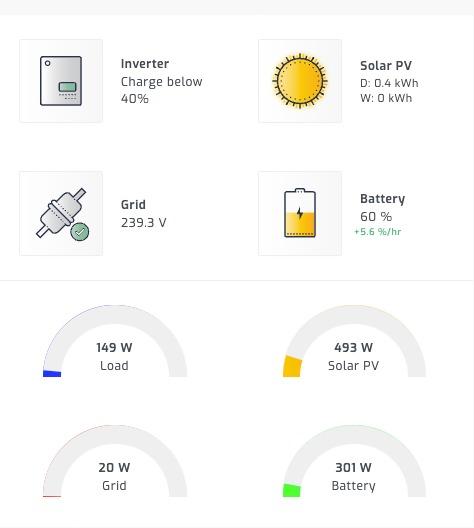
@Steve87 Again thank you for all your time and assistance - very much appreciated.... Cable arrived and system is up and running 100% - I am waiting on a Pi Zero as I want to see if it works on there. Image from Yesterday sometime:
-
Brilliant - thank you for that!!! I am hoping once I get Solar Assistant up and running this will be a lot easier to do!!!
-
I know where to change the battery charging setting but how would you allow solar to charge more quickly (Deye 5kw Inverter) ?
-
Thanks for all time and advice, very much appreciated. Ill let you know once I have the cable and I have managed to get it up and running!!!!
-
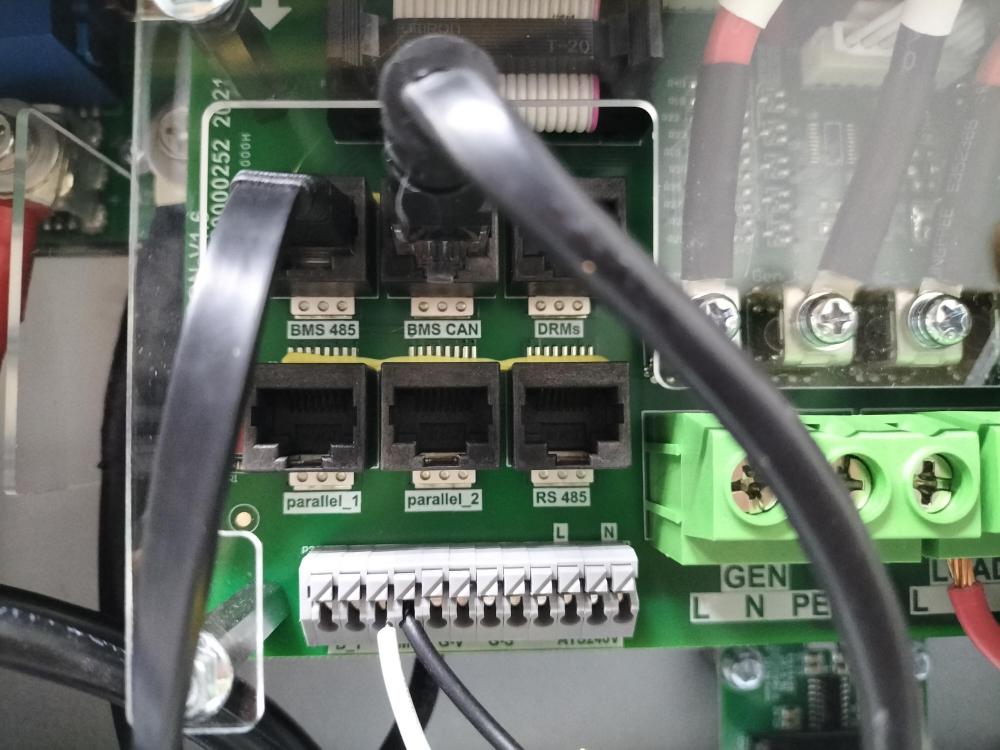
Based in Cape Town but much appreciated. It's a once off cost so will purchase the cable from SA and be done with it. Just to confirm though the cable should be connected to the BMS 485 port as in this image?
-
The ports are the same as in the image you posted. I believe the cable I was given and told would work is incorrect. UGreen USB2.0 to RJ45 Consol 1.5m Cab -Black https://www.takealot.com/ugreen-usb2-0-to-rj45-consol-1-5m-cab-black/PLID53646762
-
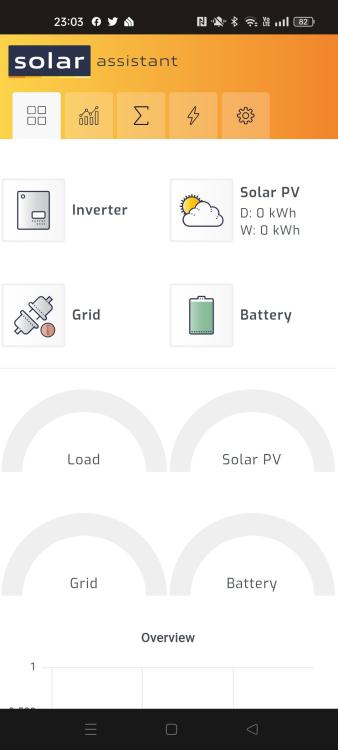
Dashboard is empty
-
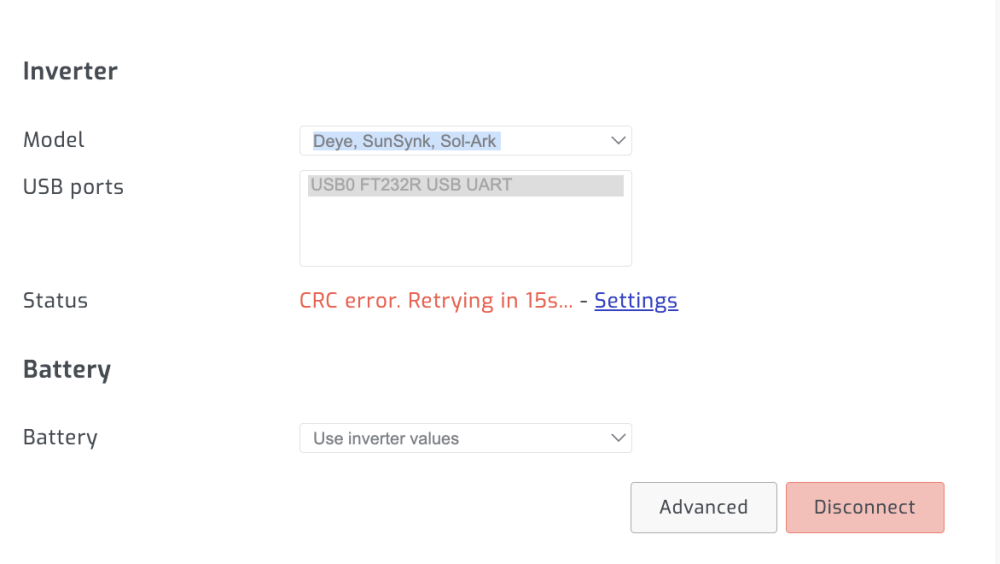
Ive connected up to this port but I get a CRC error:
-
Hi All Anyone running Solar Assistant with a Deye 5kw inverter who can share a photo of how their Pi is connected to the inverter?