Rouxenator
Members
-
Joined
-
Last visited
-
-
I just got a Deye 5kw and managed to add it on Deye Cloud. It shows my account as Super Admin yet I am unable to select Firmware Update. How can I get my account upgraded?
-
-
Thanks, that is exactly what I plan to do. I am leaving the unused fuses and breaker since we plan to add 6 more panels on the garage roof at some stage. Then I can just add another DC surge protector for it and have two independent strings of 6 panels.
-
-
Yeah I was also thinking the same. Looks like I'm forking out for a LXP 6K and joining those two strings of 3 into a single string of 6 as it enters the combiner box.
-
-
Unfortunately not the same orientation - 3 horizontal, 3 vertical. What is the downside of just putting them in series right as they enter the combiner box?

-
-
OK, before the combiner then - thanks.
-
I have 6x 550w Longi panels that have been doing duty since 2023 in 2 MPPT strings of 3 panels. They are combined at a single DC surge protector before being fed into the inverter. This works nicely since the Luxpowertek SNA5000 specs state PV Array MPPT Voltage Range 120Vdc~385Vdc with a start voltage of 110Vdc. Now I am thinking of upgrading to the LXP 6000, but it has an MPPT start voltage of 140Vdc. The panels being around 40Vdc typically output 120Vdc~139Vdc. Thus, they will have to go in series, but where is the best place to do this? Before the fuse or after the fuse? Current combiner setup below, solar coming in from the top, passing through the fuse, then to the breaker and in parallel to the DC surge protector:


-
One of my SNA5000 inverters went in for repair as it developed a fan stuck warning and a stuck relay causing an EPS input fault. Since I got it back all is well except the maximum solar input is 1.2kw instead of the usual 3.3kw. Could this be an indication that the new board they installed have a dodgy MPPT?
-
Anyone that has the latest firmware for the Stage 1? Would also like to know if there is an update for the Stage 4 since in the year I have had mine I see it only goes up to 98% and it had one drop out a couple of months ago.
-
My one Luxpowertek SNA5000 has been running for a year but for the last 6 months it will occasionally lock up with error 020 EPS Connection fault. Removing the load from it, turning it off and on again, then returning load to it, solves this issue for a while (days or weeks or months). I suspect it is detecting AC on the output side since it is about 10m from the DB board and the wires to and from it run tightly packed in a very small trunking. Is such a thing possible? The other possibility could be that this is just a dud unit. I have an older one that runs without problems for 18 months now. The inverter in question also developed a "Fan Stuck" warning yet all the fans inside still work fine. I am thinking of replacing it but first want to be sure a replacement unit will not suffer the same issues. Any advice will be appreciated.
-
-
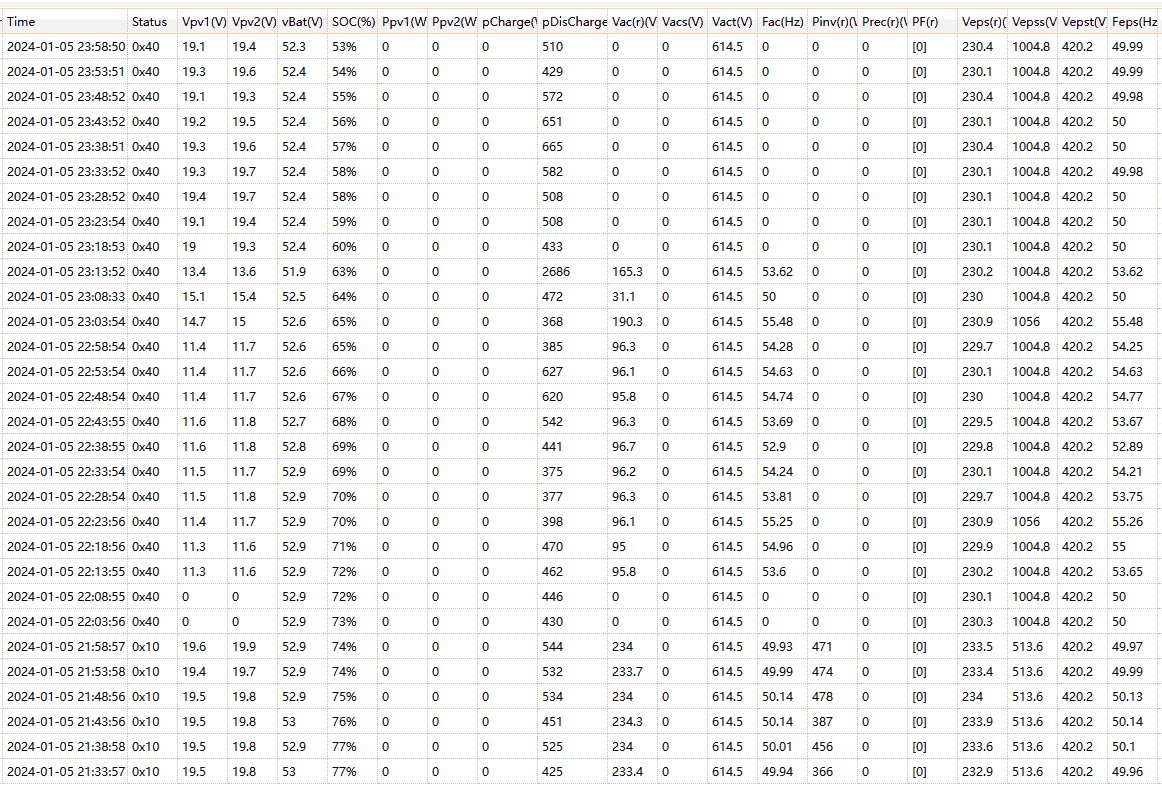
This is the first time I have seen something like this. I got a warning for "Frequency out of range" on my Luxpower 5kw inverter and sure enough it was above 55hz. This was during load shedding (22:00~00:00). Could this be due to someone running a dodgy generator in the neighbourhood? Perhaps equally concerning is that the inverter latched on to that out of spec Hz for the EPS, but that is a different story.

-
When I got it at the start of 2021 it was charging a 100AH Vision lead acid battery at 10A. Then when that battery died in 2022 I replaced it with two Joule 100AH gel batteries (in parallel), briefly upped the charging to 20A but the fan ran too loud, so I dropped it back down to 10A where it stayed until the inverter died in April this year.
-
When I still had one it kept tripping the power when load shedding ended and it would start charging. Did that for months until one day it never came back. This is what I found inside :


-
The past year I have helped a couple of friends and family on their journey to beating load shedding - and some going solar too. My recommended inverter has always been the SNA5000 from Luxpowertek. All installs were done by qualified electricians and CoC were issued. I only assist with the software side such as creating an account and setting up the inverter. Recently the customer code inf01 that I used for account registration stopped working. Can someone please assist?
-
No, the Stage 4 is fine, SOC drift is only on Stage 1 as far as I know. I have had not dropouts on my Stage 4 and since the update it seems the Stage 1 is also behaving. The only reason I tried to connect to a Stage 4 was because it is all I have here at home and I wanted to test the RJ12 to Serial cable I made. The Stage 1 I needed to update was 200km away. Thankfully it turned out my cable was good. 7kWh you say - what Volta is that? Stage 1 is 5.12kWh
-
-
-
No luck on the Stage 4 software yet - I would appreciate any help. I did a complete siterip of cleverbms.com yet could not find a package there that will talk to the Stage 4. I updated yet another Volta Stage 1 today - it did not want to do the update the first 2 times I clicked Download but on the 3rd one it did! Success again 😉 The previous update I did it stalled at 76% so I just had to restart it - something I was taught to never ever do with updates - but it too worked in the end. Attached is the tool you will need to do the update. Please use the BMS Tool beforehand to read the values on the Parameter tab - specifically the RS485 and CAN protocols. Mine stayed the same with the update to 15.52 but it is always a good idea to check. IAP_Demo.zip