


chessmaster
Members
-
Joined
-
Last visited
-
Thanks guys, I think what I will do is stick with the 9 panels connected to a single MPPT at 353v, then wire 14 panels in two strings paralleled giving me 274v (27amps) to the other MPPT, to effectively use all 23 panels I have
-
Thanks Wouldn't the max dc input value of 500v apply here though meaning ok? Or should I be looking at the max mppt value of 425v?

-
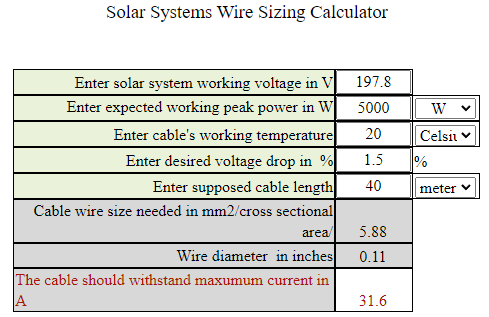
Uk based in the south. 2 degrees is the lowest temp during day in the last 5 years Longi HiMo6 HTB 425W All Black Mono Electrical Peak power 425W Vmpp 32.96V Voc 39.23V Impp 12.90A Isc 13.93A
-
Hello, I've currently got an 8kw Sunsynk Invertor with 9x 425w panels connect in series to one MPPT, I plan to add another 2 which would bring me to my limit of 430v on the invertor MPPT port I also plan to install a further 12 panels on a chicken shed / bird aviary connected in two sets of 6 paralleled does anyone foresee any issues with running the higher voltage? The bank of 2x6 panels will be approx 40m away from invertor using 6mm cable
-
-
Nice bit of work My folks spend 6 months of the year in Margate (we're originally from South Africa) so hear all about it. Being in the UK its all about loading your batteries when the price is cheap but i feel I might need an automation in the summer when solar is high, but the pool needs heating and I need enough battery to keep supplying the house. 😀
-
😀 I must go back and sort this Dashboards look great btw, curious as to what you have in your Automations tab?
-
-
-
Basic, but at least it's working

-
-
Top Man! Re-applied Long life tokens and restarted home assistant and its working now, getting entities now 🤩 Forgot to say earlier, 8kw Sunsynk here in the UK with two Seplos Mason upright batteries Now to create some dashboards, although might be one for Sunday when I have some time again - Any tips much appreciated in the meantime, but glad I moved forwards today

-
Mine appears to be missing, SS_Consolid

-
Thanks CK Have used your file, but still getting the "No Items Set in "Setup Global Vars" in nodered. Have also setup the secrets file with email, password / Set sunsynk_sn_flow to 0 with the serial number for SN_data Struggling to figure out how do to these checks, perhaps could be related to the error im getting: ##### Do a run through then in node red look at global context data under ##### SS_Consolidat -> Config Data -> Inverter Plant ##### [Inverter SN]:[Plantid] ##### sn_flow: Plant ID to use for flow data ##### Do a run through then in node red look at global context data under ##### SS_Consolidat -> Config Data -> Inverter Plant ##### [Inverter SN]:[Plantid]
-
-
Thanks Gary, appreciate everyone has their day job too Didn't notice the wiki before, that is useful! Doh! 🤪 I've now followed those steps and added the flows into node red, also wasnt sure if I needed to add sensors to the yaml file? from https://github.com/gdwaterworth/Home-Assistant---E-Linter-Logger---Sunsynk/blob/Stable-Release/V1.1/Templates ( Region 2 ) - Sunsynk.txt I'm now getting a "No Items Set" in the node: Setup Global Vars Also can't see any entities being pulled through in Dev Tools - States, yet! config yaml file.txt

-
Hi Gary / Others, I've been struggling to get things working on my Pi 4. Before I totally give up, in desperation to get things working I thought I would reach out I had my Pi working to a degree, pulling dat from my sunsynk using V1.0, but could never get it to show the actual figures on the powerflow card, perhaps a mapping issue. Recently I have re-installed Hassio and started from scratch, but I'm now having an issue when importing the flow using V2 where im getting this error What would really help me and I'm sure others is a simple guide, perhaps using one of the spare "blank" posts at the beginning of this thread or a guide like https://kellerza.github.io/sunsynk/ ? Perhaps this is something that could be built by a shared select few for everyone to benefit from, I for one would be happy to contribute if this was available to simplify things - idiots guide so to speak I.e. How to install on a Pi from scratch The basics 1.) Flash SSD with Hassio Pi image using Raspberry Pi Imager 2.) Install File Editor - Any specific instructions 3.) Install Advanced SSH & Web Terminal - Any specific instructions 4.) Install Node Red - Enter any "credential secret" in the configuration page and turn off SSL 4.)a - Start Node Red, Launch Web GUI, Import flows from "here", etc 5.) Import xyx files using the file editor into yaml / secrets files etc 6.) Enter specific user information i.e. synsynk username, SN into xyz files Methods Pulling from Sunsynk Web (Default) easier for majroity of users MQTT with RS485 cable etc MQTT with ESP32 Dashboards 7.) How to setup a really cool dashboard Install xyz additional packages Create dashboard, add card, import code from a here add additional cards from here... Automations Install x Drop x code into y files This is ultimately where everyone is trying to go, to help with the DSF, how to export and import easily with a single click or using automations

-
-
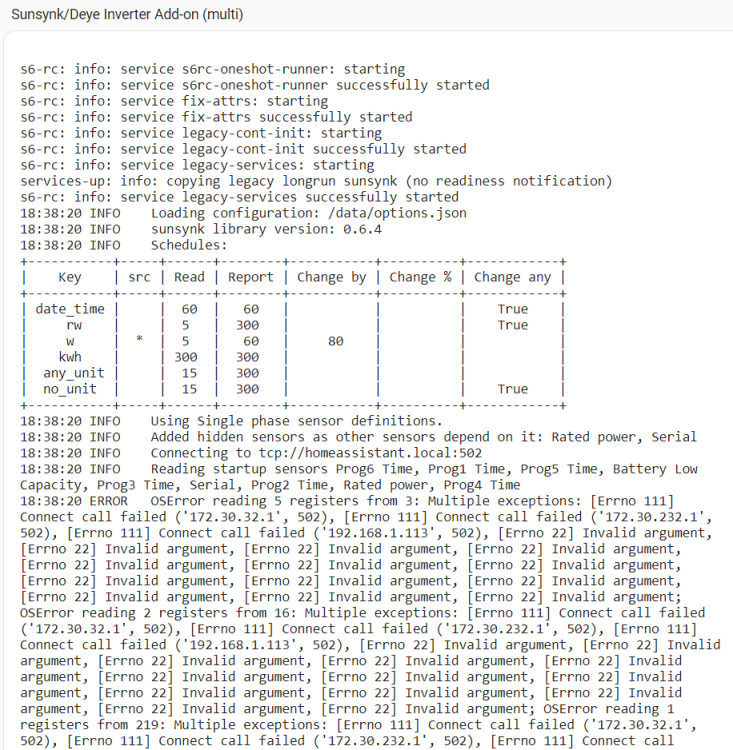
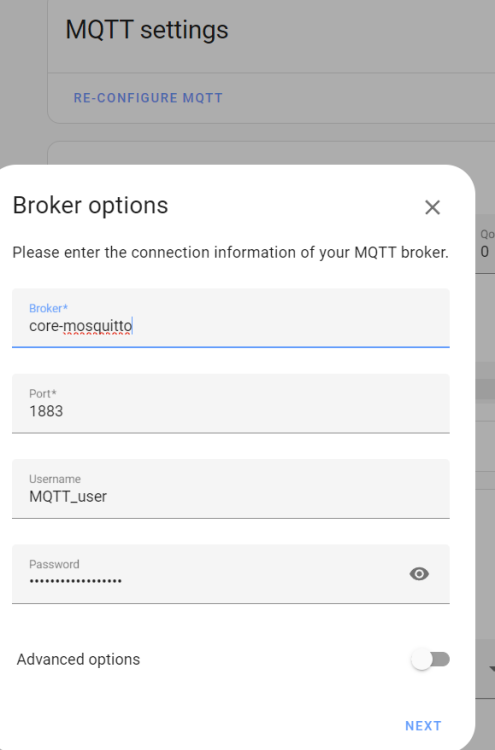
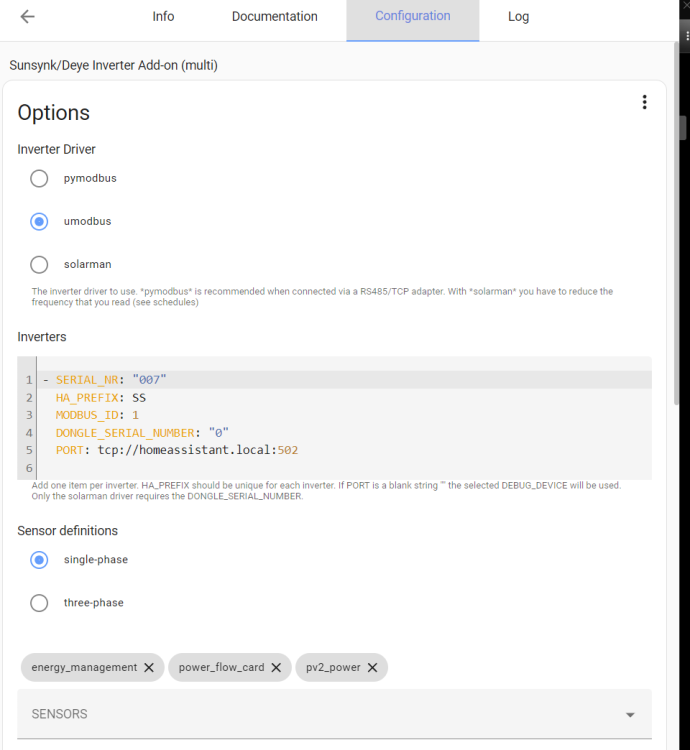
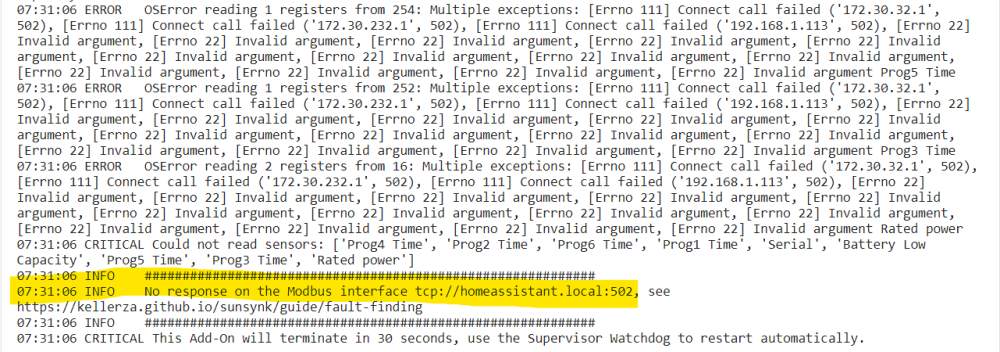
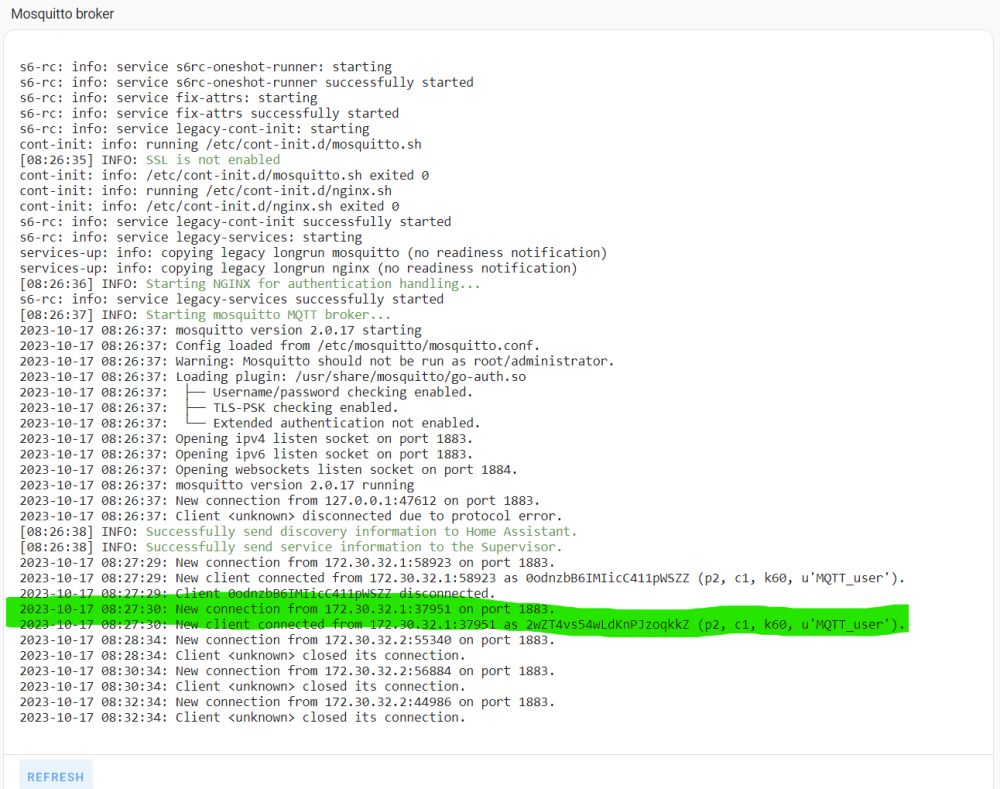
Small update, looks like MQTT is looking healthier after installing this https://github.com/SharkyRawr/hass-mqtt-fix However I'm still getting these errors in the sunsynk multi logs:

-
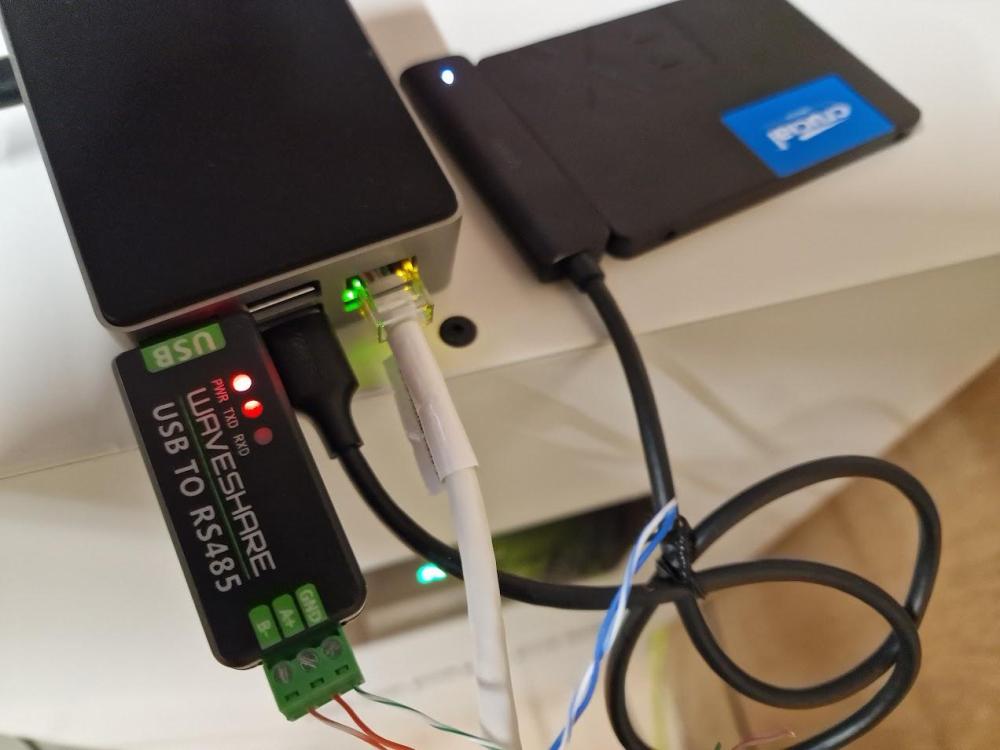
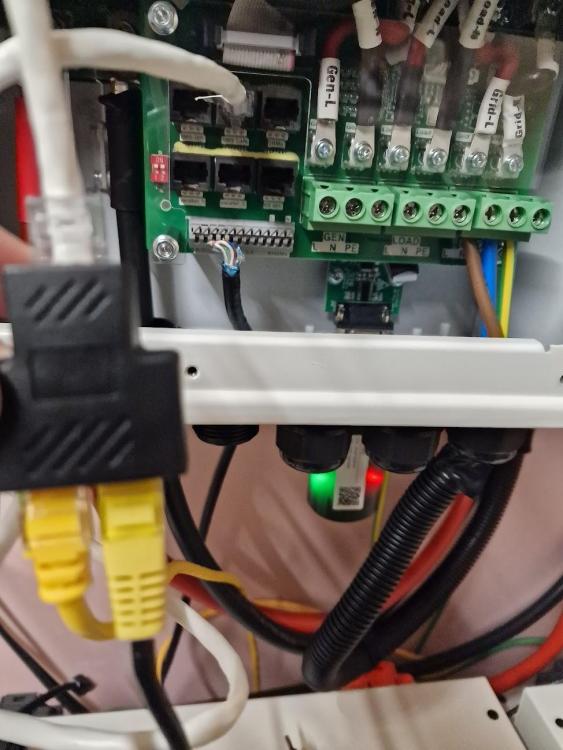
I think I've connected my sunsynk 8.8kw via the same method however getting a few errors, anyone have any ideas what I can try to get it working? MQQT shows this in the logs Sunsynk Multi shows these in the logs: Appreciate any help getting this working as I'm close to giving up at this stage but feel i'm sooooo close...
-
-
Hi all, new the the forum after watching @Sc00bs videos, Thanks btw and great work @Gary Waterworth and Other who have contributed! I'm struggling to get my card to show data after following instructions via these two videos (Link 1 / Link 2)and and I'm only getting battery state, any ideas? I am however seeing daily totals as per below and seeing the stats pull through against the correct entity's


