


IggyP
Members
-
Joined
-
Last visited
-
Hi Slipx, I found this fix already and was going to share here as well. But you already did. Thank you very much! Regards Iggy
-
For me it do not work for both Desktop or Mobile.
-
Hello Silpx, Since today my Horseshoe card are not working anymore. Didn't changed anything. Any idea where to check? Thanks Iggy

-
Hi all, Hi Slipx, I asked Deye Support regarding the issue that after Firmware update Battery SOC is showing 100% though no Battery is connected. Also I have asked for the latest version of Modbus RTU address list (see attached) My inverter is giving the value 100 which I checked in ESP32 logs. Battrey 1 SoC address is 588 and Battery 2 Soc address is 589. So it looks like that inverter is giving wrong values which I raised already to Deye support. Does anyone seen this behavior before? Regards Iggy MODBUSRTU_V105.2-20240401(1).doc


-
 IggyP reacted to a post in a topic:
A much better way of connecting Home Assistant to your DEYE/Sunsynk inverter
IggyP reacted to a post in a topic:
A much better way of connecting Home Assistant to your DEYE/Sunsynk inverter
-
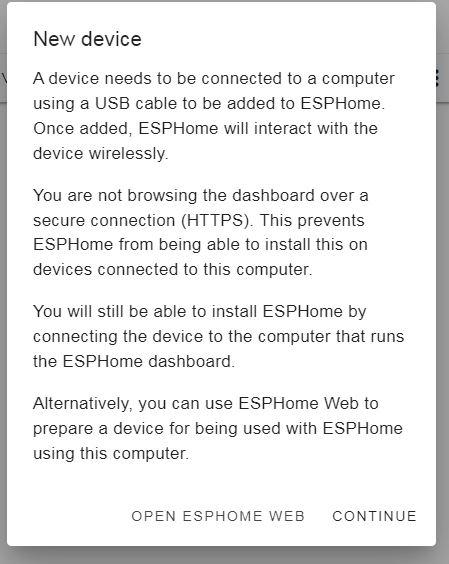
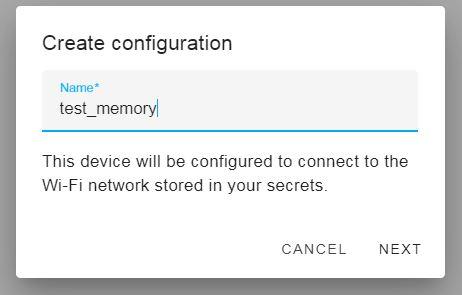
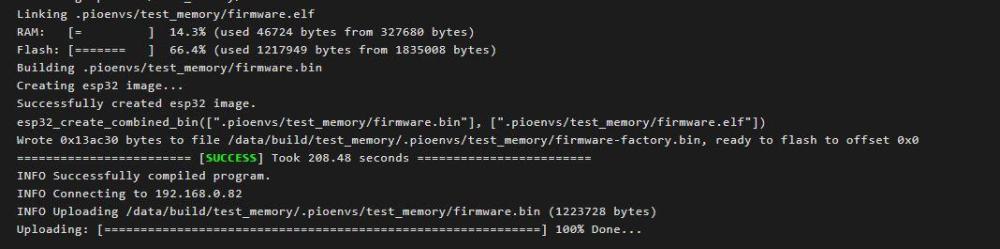
Hi MornéM Please have a look at my post. Had also an issue with memory an those steps solved my problem. Regards IggyP


-
Hi all Since Deye 12k HV inverter firmware update my ESP32 is reading battery SOC 100% instead of 0%. No battery configured and connected to my inverter. Please see my post in Power Flow card thread. Any ideas? Thanks in advance. Regards Iggy
-
Update: I forgot to add that in the logs of ESP32 it is reading 100% from inverter. in config of inverter is no battery configured. Hi all, Since June I have running this power flow card without issues connected via ESP32. Yesterday night Deye support installed a new Firmware to my inverter Deye 12kw 3p HV. Don't have any battery installed but since this morning it is showing the Battery SOC at 100% (see screenshot) before it was 0% Any where I can look into? Thanks in advance. Regards Joern
-
Thank you Gambit for clarification
-
IggyP reacted to a post in a topic:
A much better way of connecting Home Assistant to your DEYE/Sunsynk inverter
-
Hi all, I have just exported the PV current data of my PV1 current entitie and found that data in .csv file has a time difference to the graph e.g in the graph high current is shown at 13:27 and in csv it's showing 11:27. is this comming from Inverter? Any idea? Thanks.
-
IggyP reacted to a post in a topic:
A much better way of connecting Home Assistant to your DEYE/Sunsynk inverter
-
Hi Slipx, Thanks you very much! I changed the settings in ESP Home and now it is working perfectly. Think I'll have some additional questions later on regarding changing the layout of dashboard, like how to get load shedding removed without breaking the whole dashboard and so on. I'm not that good in programming layout. Regards Iggy
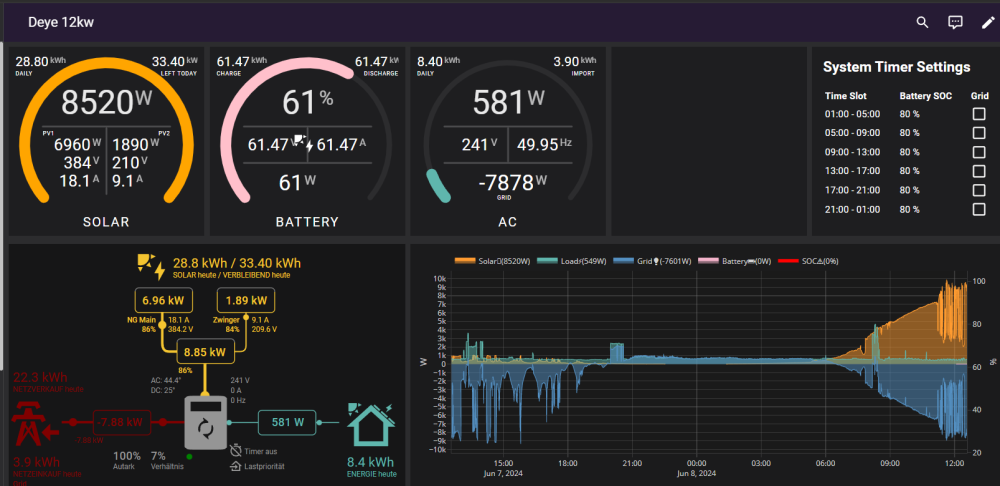 Edited because I had a look at the inverter itself. @slipx I had a closer look to the values showing in Dashboard and on the inverter itself. When I compare the dispaly values of the inverter vs Solar power shown in Dashboard it is exacltey factor 10. e.g. Inverter shows 3380W and Solar power in Dashboard is showing 338W.Hi Slipx if you can tell me how and where to fix that would be great 😉 Regards IggyHi Scoobs, Switched off DC and hit Power button. After restart Inverter shows still right solar power values but ESP is still sending e.g. 600W instead of 6000W. Don't know what esle to do to get this sorted. Regards IggyThanks for quick reply Muttley, will have a closer look to this.


