ahmad almawal
Members
-
Joined
-
Last visited
Everything posted by ahmad almawal
-
Thank you for your reply.
-
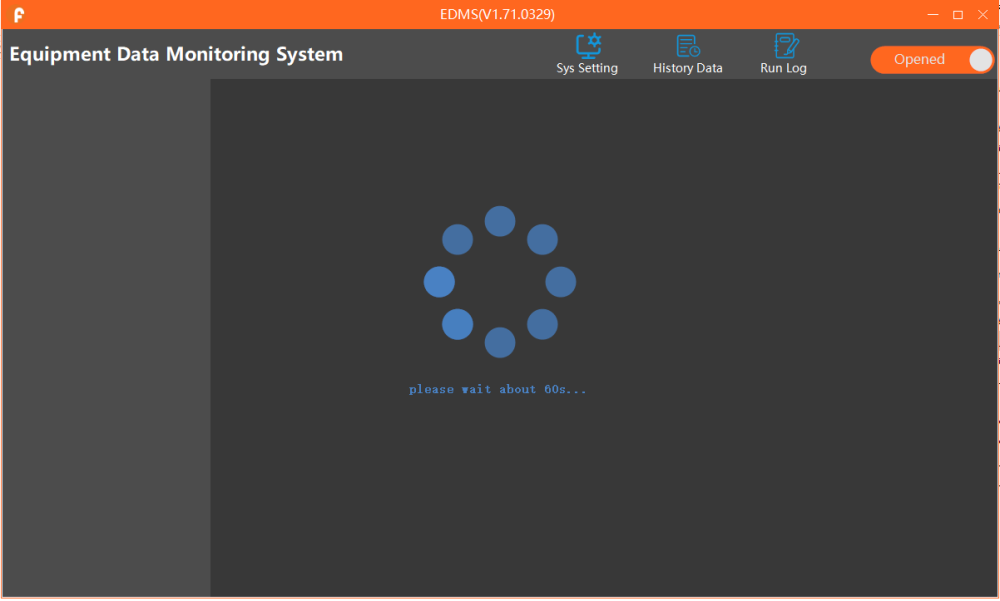
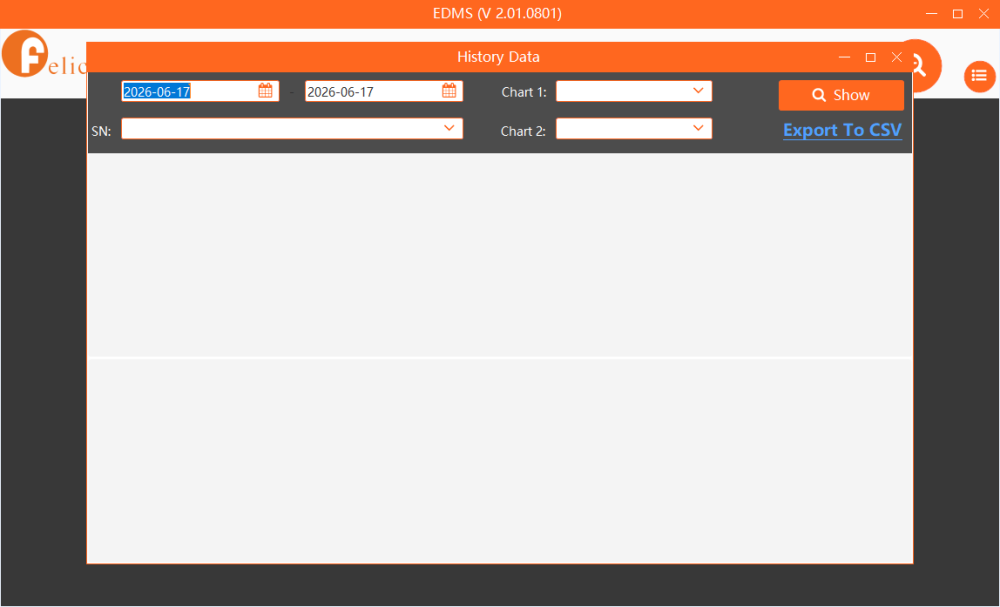
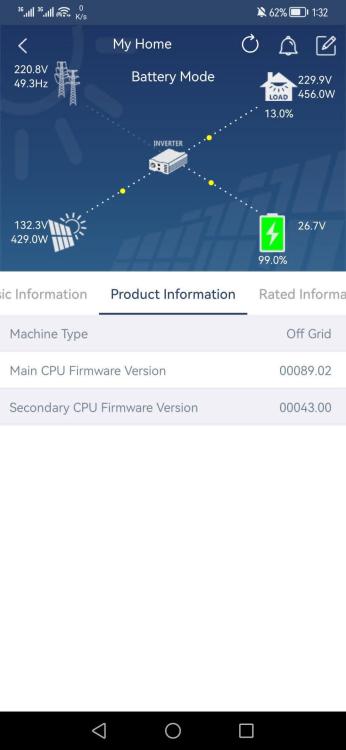
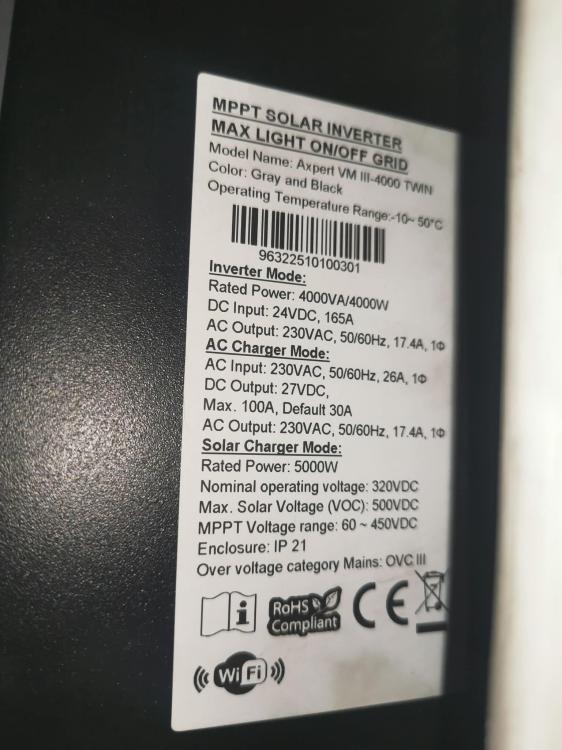
I'm having trouble connecting to EDMS_V1.71.0329. I'll attach a screenshot of the problem. Currently, I'm using this version of EDMS (V_2.01.0801), and it works fine, but I can't access the data file related to the BMS card, for example, the date and parameters. I'll attach a screenshot.
-
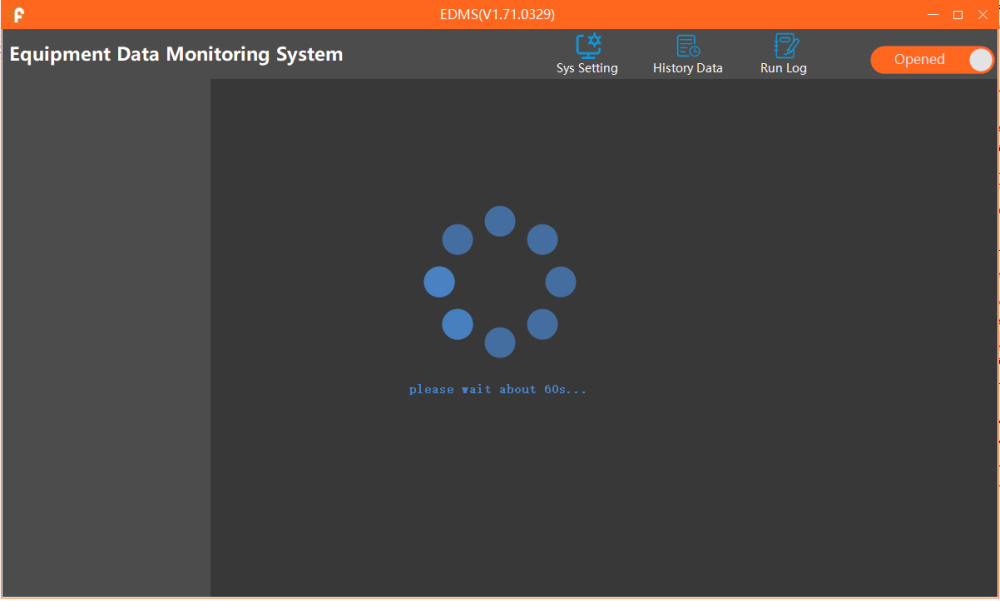
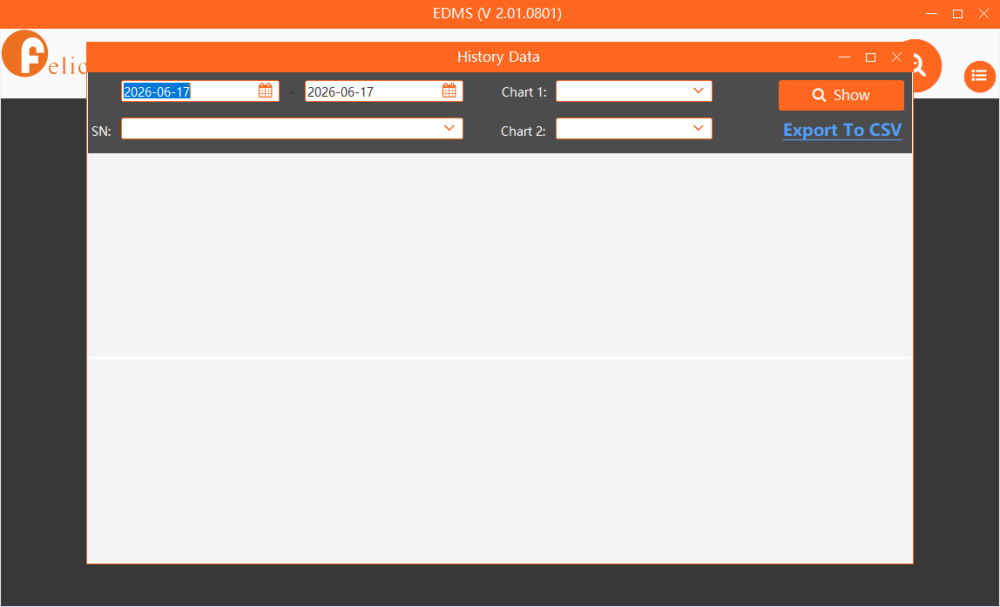
I'm having trouble connecting to EDMS_V1.71.0329. I'll attach a screenshot of the problem. Currently, I'm using this version of EDMS (V_2.01.0801), and it works fine, but I can't access the data file related to the BMS card, for example, the date and parameters. I'll attach a screenshot.
-
What is the appropriate software for this inverter?
-
After close monitoring, the battery voltage was 54V and the inverter screen showed 67V.
-
I have a problem with my 11kW Ultra inverter I connected it to a lithium battery, and when it was fully charged, the battery voltage increased. At first, I thought the problem was with the battery. After a long struggle, I tried replacing the BMS board, but it didn't work. Yesterday, I tried replacing the battery with a different type, but the problem persisted. If I update the inverter, will that resolve the issue? Sorry for the long message.


-
I will go to the battery website and attach a photo of the cell voltage reading.
-
Someone told me that all batteries need their cell readings adjusted using BBMS Tools software.
-
All batteries are of the same age, but there is a difference in electrical voltage between all the cells inside the battery.
-
I have four lithium batteries connected in parallel, each with a capacity of 10 KW The problem is that when the SOS percentage for all four batteries is 100%, the voltage of the four batteries is not equal. Note that the BMS type is JBD
-
I have a problem with the axpert vm iii inverter. The lithium battery is not charged with more than 10 amps. U1: 60:13 U2: 25:16
-
I have a 4k VMlll inverter with a Felicity lithium battery connected to it. Sometimes, every day or two, an error 61 appears.
-
I have a 4k VMlll inverter with a Felicity lithium battery connected to it. Sometimes, every day or two, an error 61 appears.
-
I did not make any update
-
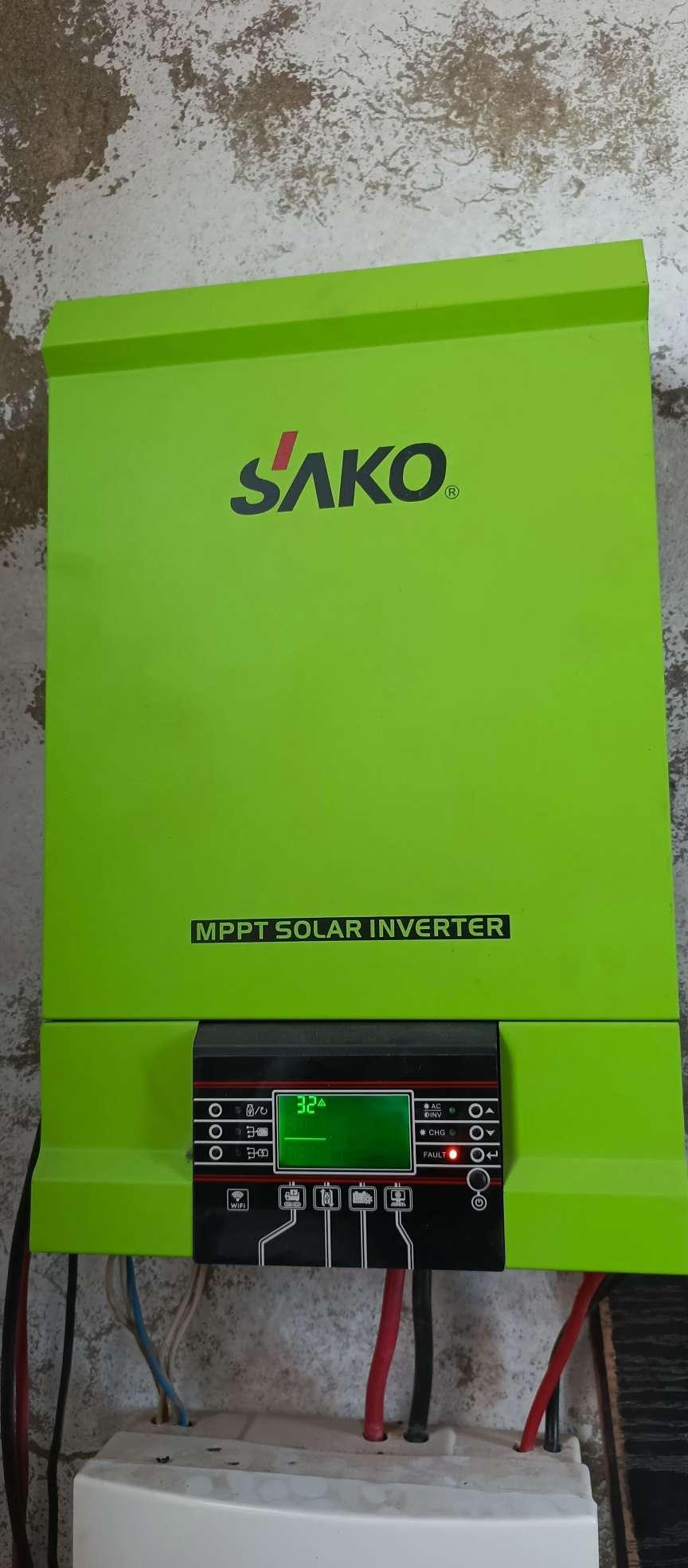
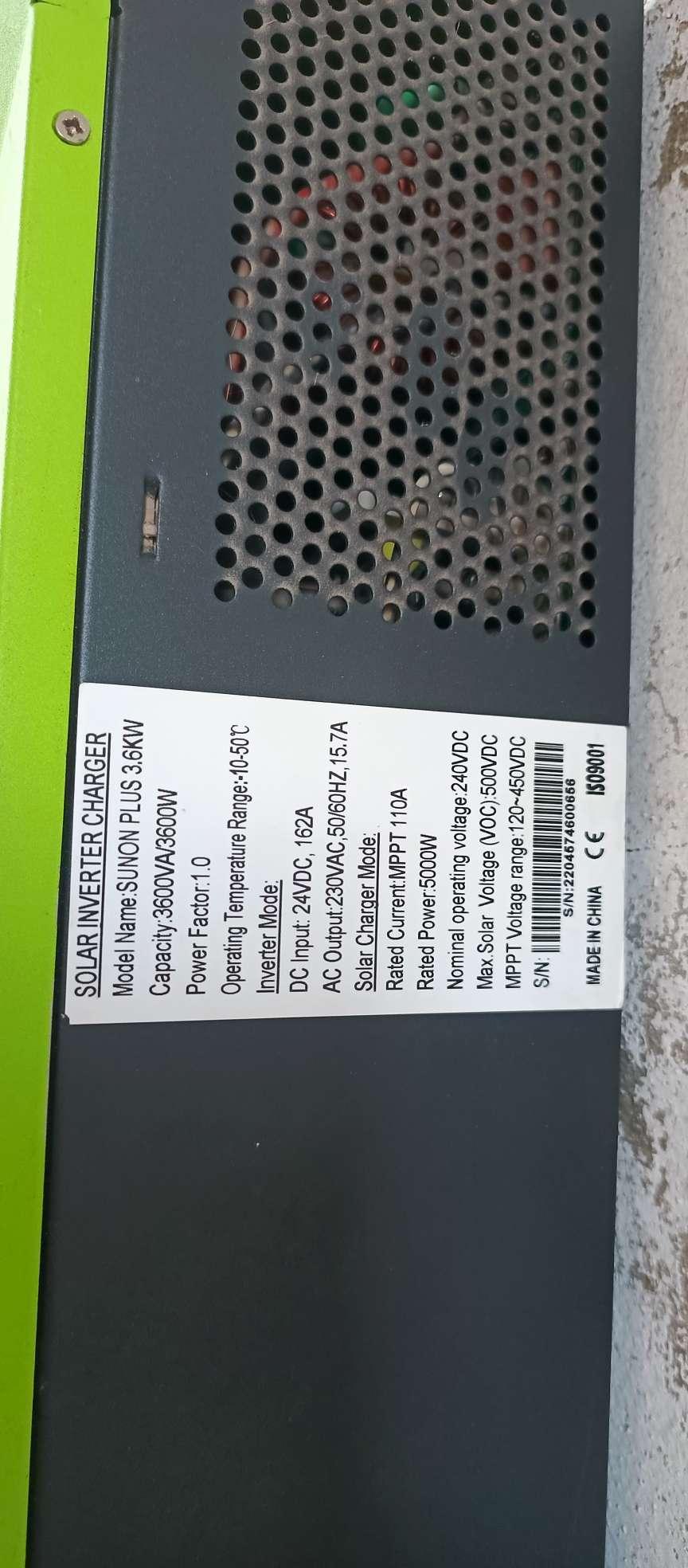
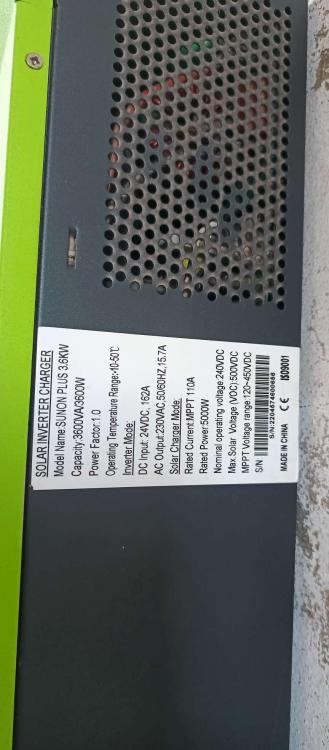
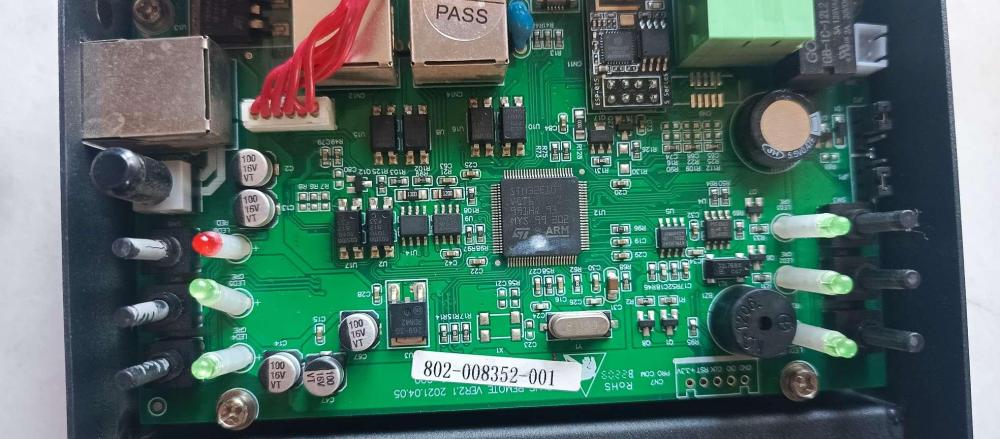
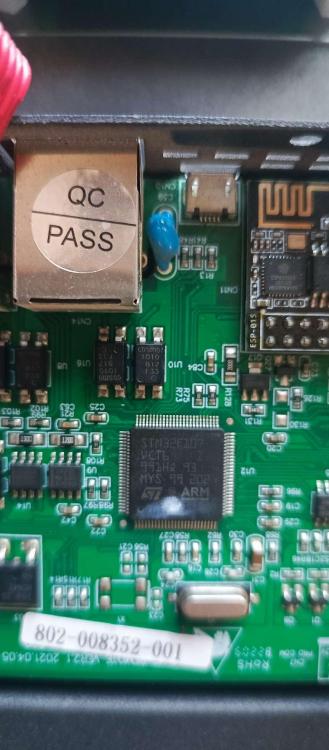
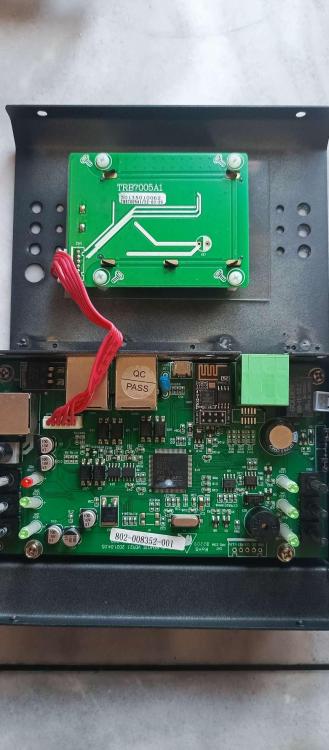
Error 32 on the 3600W inverter screen


-
Thank you Mr. Coulomb
-
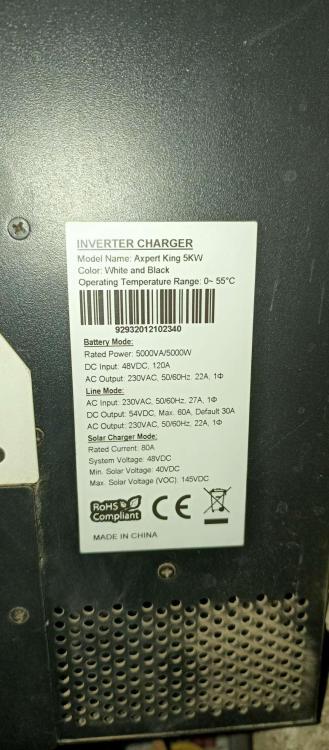
I have a problem with this device, it does not connect to the lithium battery. Can I update it to the following versions? U1: 71.97 U2: 2.70


-
Some users have 4.2 kW units. The unit type is winged. The following versions are available: U1: 68.06 U2: 28.01 What is the appropriate update for these devices?
-
I did all the protocol and cable requirements correctly and it still didn't work.
-
Battery type: Lithium Felicity
-
Can you help me update the device 3.5K VMIII U1 : 20.10 U2 : 2.68 The problem is not connecting to the lithium battery.
-
The damaged screen has version 60.02. The new screen has version 38.08. Can I upgrade from version 38.08 to version 62.03?
-
Thank you very much
-
Yes, that is what is meant.
-
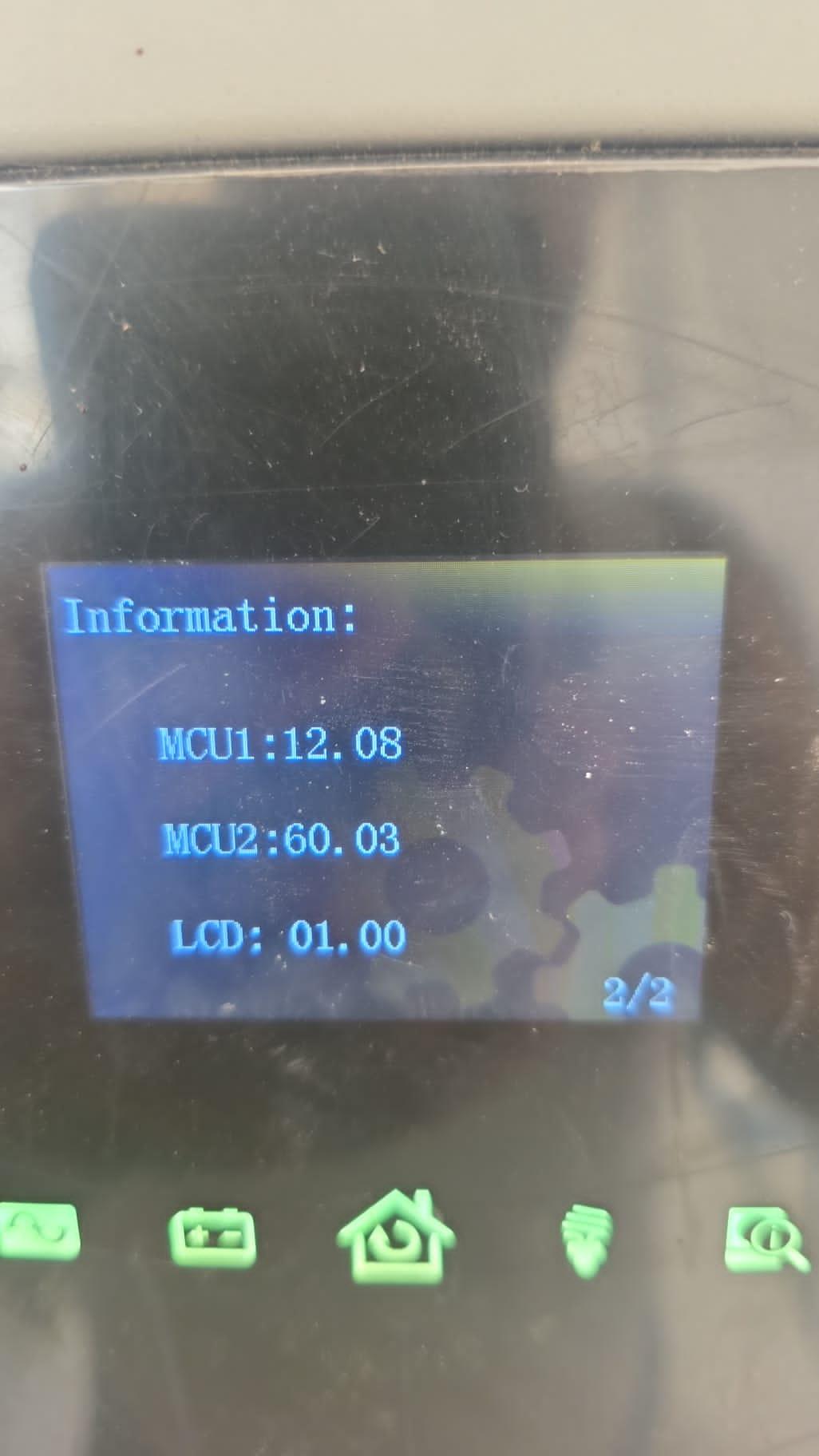
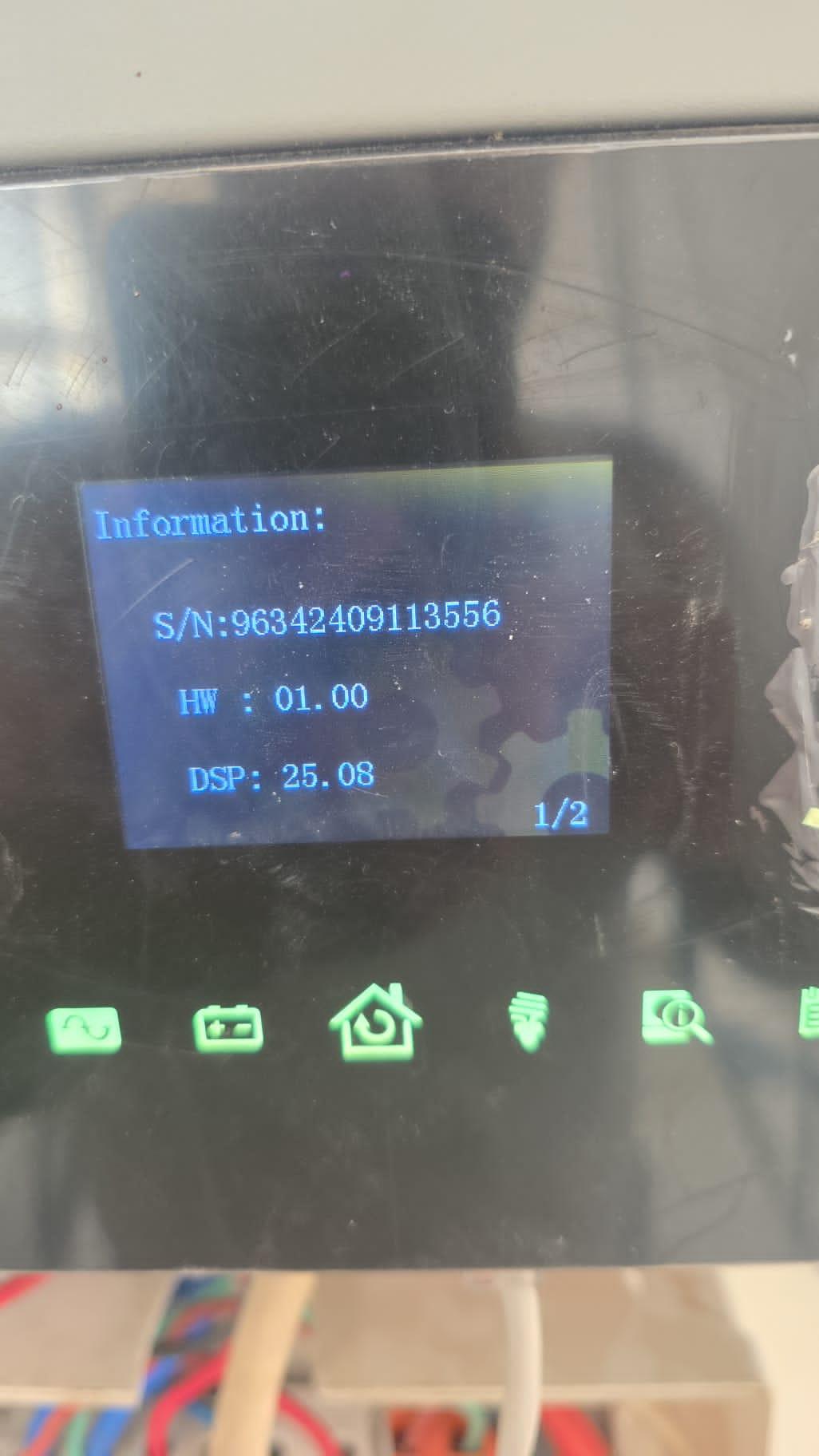
I have a problem with my 11 kW inverter. The external screen malfunctioned, and I replaced it with another external screen. However, the screen software version was incompatible with the inverter software, as the old version was missing. U1 : 11.03 U2 : 62.02 Whereas in return, the software version of the screen that was replaced was released. U2 : 38.08