salmoallemi
Members
-
Joined
-
Last visited
-
I mean is it compatible with my inverter
-
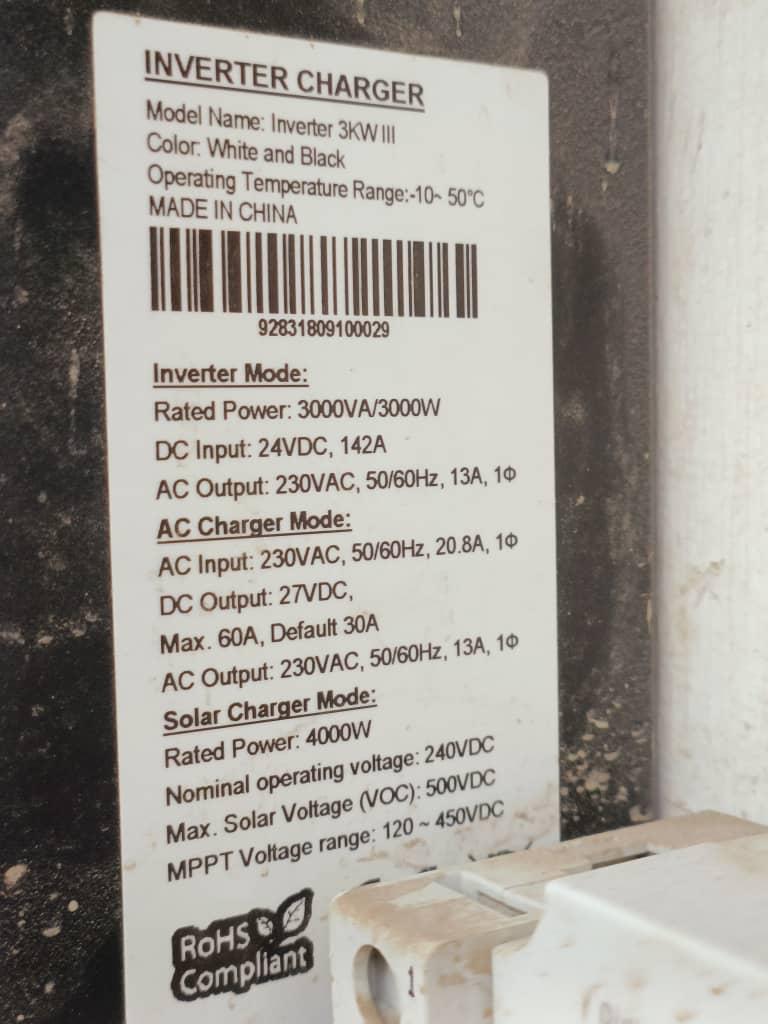
So, what do you advise me to use for my axpert VM III 4KVA TWINS 24V? And what about this VM TWIN_84.03 Also, what is the best and latest one for axpert VM III 3KVA 24V inverter 🙏🙏🙏
-
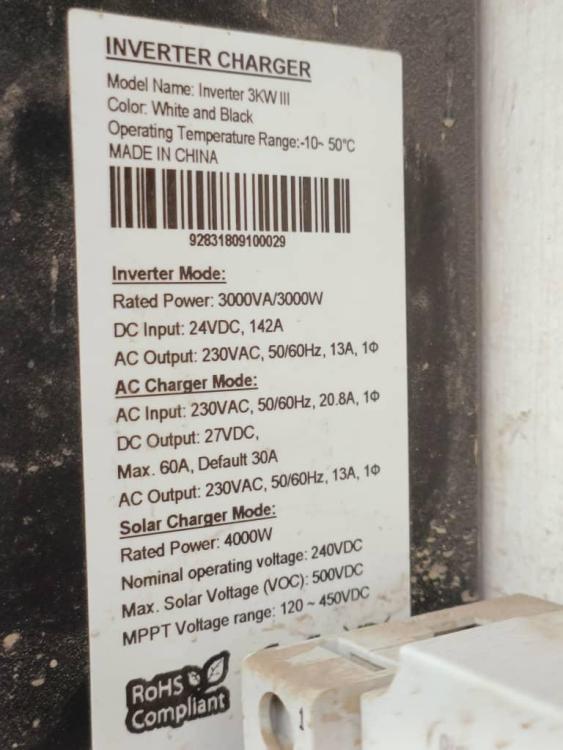
What about the version 84.03 VMIV 84.03.hexAlso the weather is good between 5C and 28C here in Yemen Sana'a cityFor the connection between the inverter and battery is RS-485 Mostly everyday it chareged till 100% I had the error code 70 just this weekthe inverter capacity and rated power as it is in the attached file notice that there are only 8 cells, also i bought the battery more than a month ago
 salmoallemi changed their profile photowhat is mean if error code 70 appears while the battery still 20% capacity with 25V in 24system? it happened lately many times