


Imran Aslam
Members
-
Joined
-
Last visited
-
-
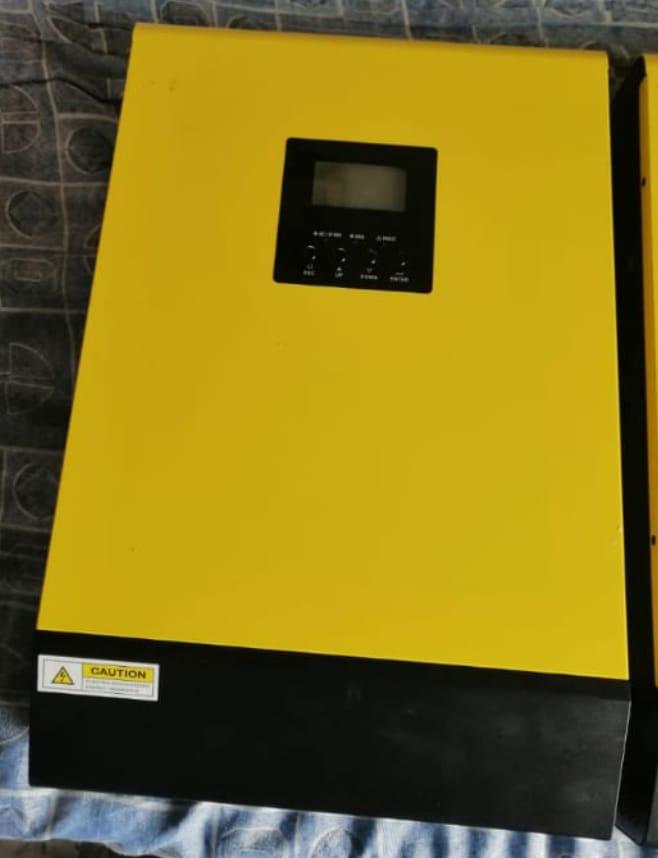
I have voltronic VM3 3KW 48V Inverter having BMS dedictaed port i want to connect Battery BMS with Inverter Although Inverter Shows only 3 option Pylon Wecco Sol plz guide can i connect my Narada battery by using inverter BMS

-
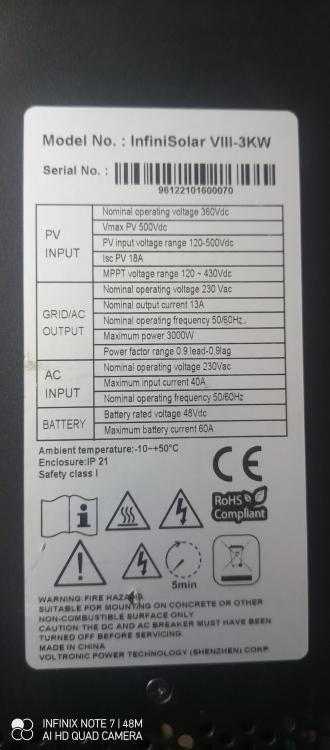
make is Voltronic (attached file for reference) Model is infinisolar V2 3KW Inverter 1 firmware U1 11 31 Inverter 1 firmware U1 13 21 InfiniSolarV_II_DS.pdf
-
thansk icepick1957 , my inverter is 48volt and vm2 infini
-
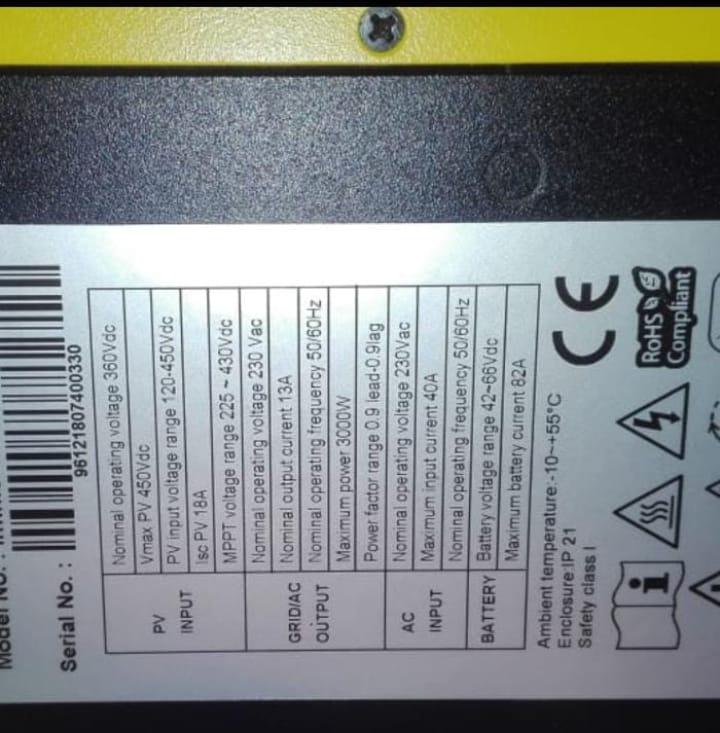
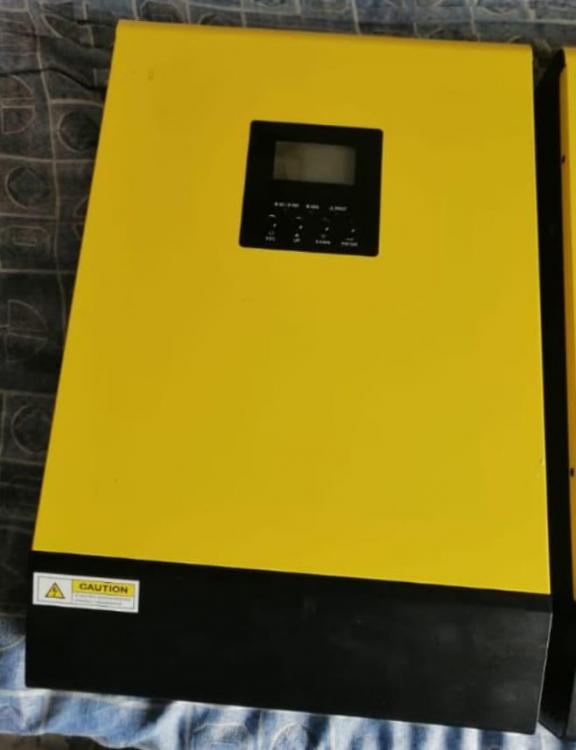
Firmware Required 3KW 48 Volt Infini (On Grid /Off Grid)Parallel Option Basically i want to parallel these two inverter 3KW 48 Volt, some tell me firmware should be same thats y i need firmware so i can update same firmware on both inverter and parallel them please help me out
.thumb.jpeg.2026c9ed85f66fd6fde8e5d1f627d74d.jpeg)
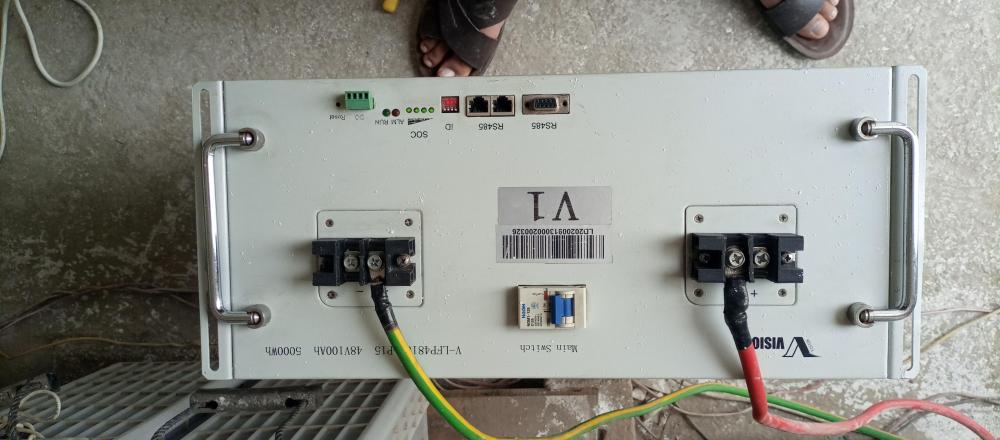
 Using vision lithium battery V-LFP48100-P15 48V100AH 5000WH need pinouts of it's battery to inverter communication cables inverter I am using Voltronic vm3
 When output goes to zero battery is full 54 volts, Load is constant and under limit One thing is serial code of inverter automatically changed now it's not it's original serial number as stated on side sticker I think it's firmware corrupt need reflashingGood Day, I have voltronic VM3 5Kw inverter, it start to disconnect output for 5 sec and reconnect it Do this 3 to 4 time then remain stable for whole day ,I service in detail but make no difference Kindly suggest what will be the issueThank you sir Soooo nice of you I make it and will update youThanks I try itCan you confirm pinouts of my cable I using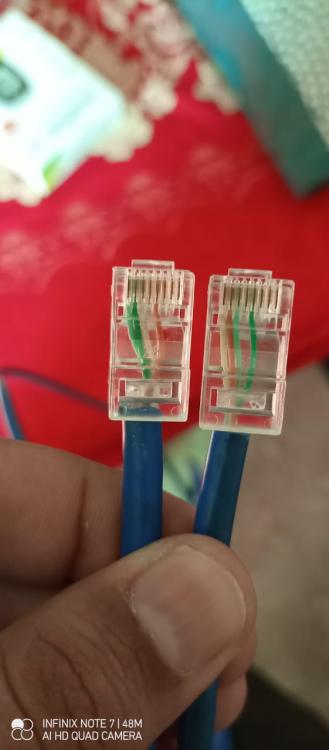


.jpeg.184143baf8c2a0585912bce293d503c5.jpeg)


Account
Navigation
Search
Configure browser push notifications
Chrome (Android)
- Tap the lock icon next to the address bar.
- Tap Permissions → Notifications.
- Adjust your preference.
Chrome (Desktop)
- Click the padlock icon in the address bar.
- Select Site settings.
- Find Notifications and adjust your preference.
Safari (iOS 16.4+)
- Ensure the site is installed via Add to Home Screen.
- Open Settings App → Notifications.
- Find your app name and adjust your preference.
Safari (macOS)
- Go to Safari → Preferences.
- Click the Websites tab.
- Select Notifications in the sidebar.
- Find this website and adjust your preference.
Edge (Android)
- Tap the lock icon next to the address bar.
- Tap Permissions.
- Find Notifications and adjust your preference.
Edge (Desktop)
- Click the padlock icon in the address bar.
- Click Permissions for this site.
- Find Notifications and adjust your preference.
Firefox (Android)
- Go to Settings → Site permissions.
- Tap Notifications.
- Find this site in the list and adjust your preference.
Firefox (Desktop)
- Open Firefox Settings.
- Search for Notifications.
- Find this site in the list and adjust your preference.