Mika
Members
-
Joined
-
Last visited
-
Answer from Tommy Wu -Voltronic, (...but I'm not sure that's exactly the case...) Dear Sir, 69⚠ Charging the battery status is not allowed If, after successful communication between the inverter and the battery, charging the battery state is not allowed, the code 69 is displayed to stop charging the battery. Lithium battery communication is abnormal, please check the battery setting type and communication protocol. Tommy Wu, [email protected]

-
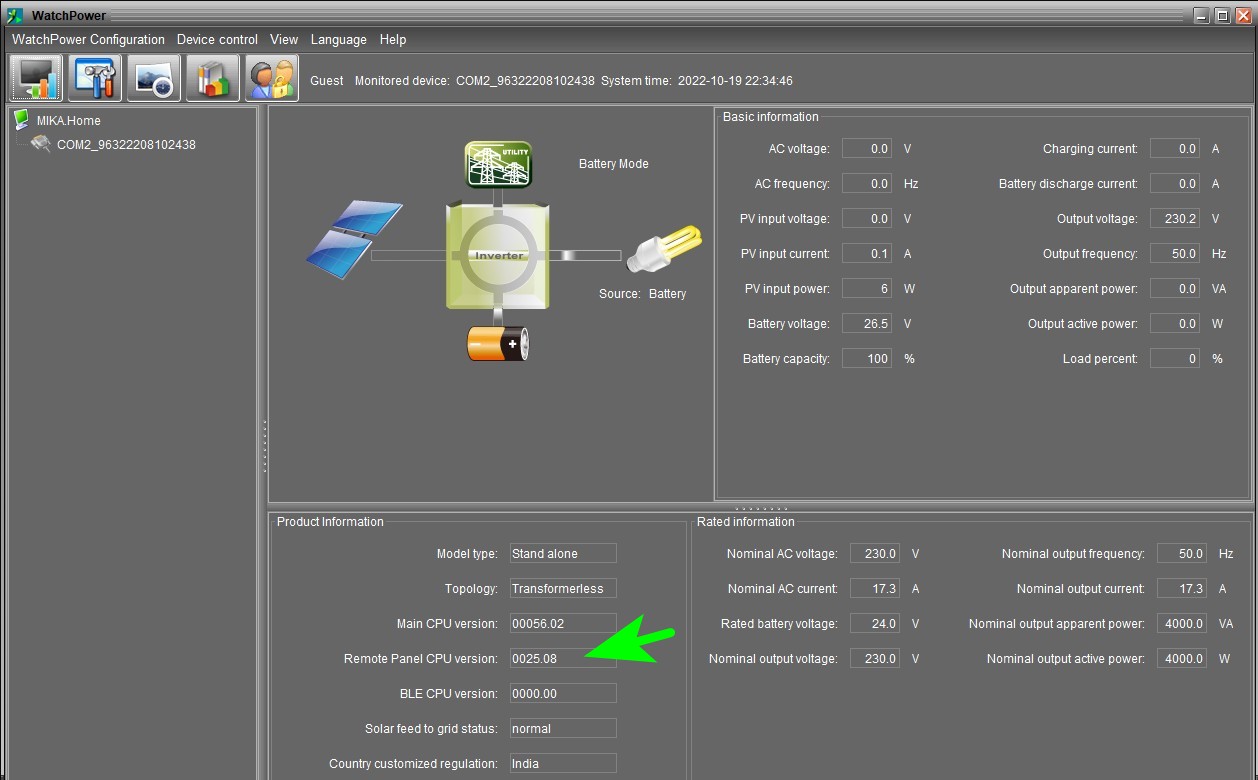
Hello! I have Voltronic Axpert VM-III 4000 Twin and battery Felicitysolar LPBF24200-M (LiFePO4, Pylontech compatible). The inverter works; it regularly gives 230VAC to AC OUT, but warning 69 occurs occasionally. Main firmware is v60.05, and MCU firmware is v25.08. I see that many of you write here that it is nothing dangerous, but that it is just a warning that the battery is full. However, that warning is irritating and I wish it wasn't there... How to solve this? Thanks in advance...
-
-
Here it is: https://ueeshop.ly200-cdn.com/u_file/UPAZ/UPAZ775/2311/16/file/IVEM30245048.pdf
-
-
-
-
Solved with update Remote panel (v25.08) on the Axpert, plus update* BMS on LPBF. Remote Panel_Reflash_MCU(25.08).rar

-
Hi! Here is the newest firmware (v60.05) for Axpert VM III-4000 TWIN. Good luck! VM III_TWIN_60.05.ZIP
-
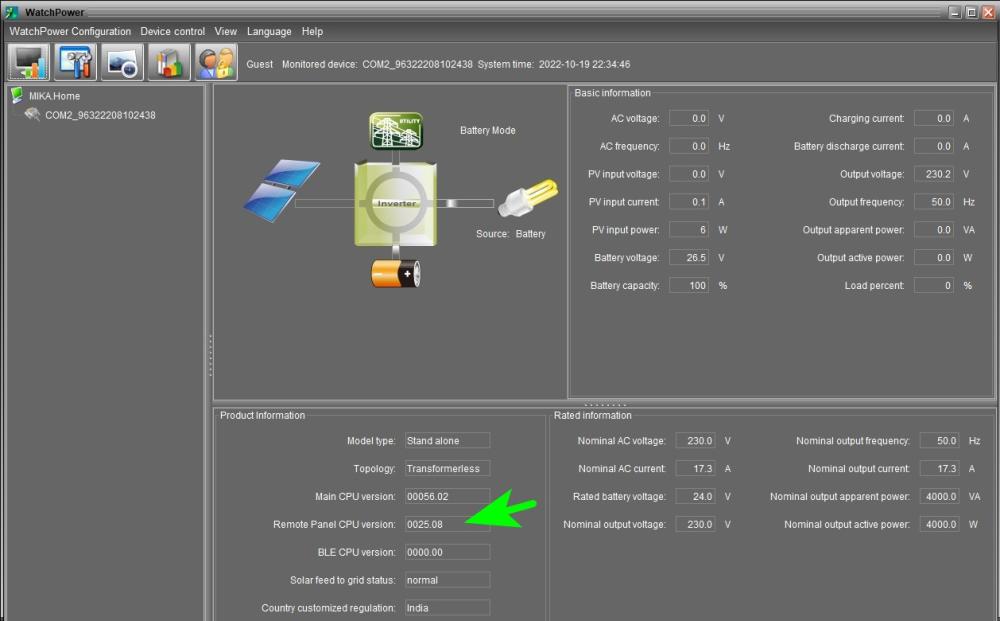
Yesterday I updated the MCU to newest version 25.08 (the old one was 25.05), but it still doesn't work...
-
-
Hi! I'm trying to connect the Axpert VMIII Twin 4K to the Felicitysolar LPBF2400-M lithium battery, but no luck... I tried everything and I'm almost sure that the problem is in the firmware... So, I made the communication cable according to the instructions: inverter 3 >> 5 (BMS port on Battery) inverter 5 >> 6 (BMS port on battery) And, I'm trying with all options/settings in Axpert's program 05: Pyl, Lib and Lic. It doesn't work with any option, it always gives error 61... Further, I generally have a problem with communication with that model of Axpert... Watchpower works fine with Axpert VP/VM 3KVA, also with VMIII-5000 48V, but won't with VMIII-Twin 4K. Neither via original RS-232 cable, nor via WiFi... I even tried the USB connection from the PC. Does not work. Again Firmware...? Maybe anyone can help me?