


Iceman_1970
Members
-
Joined
-
Last visited
-
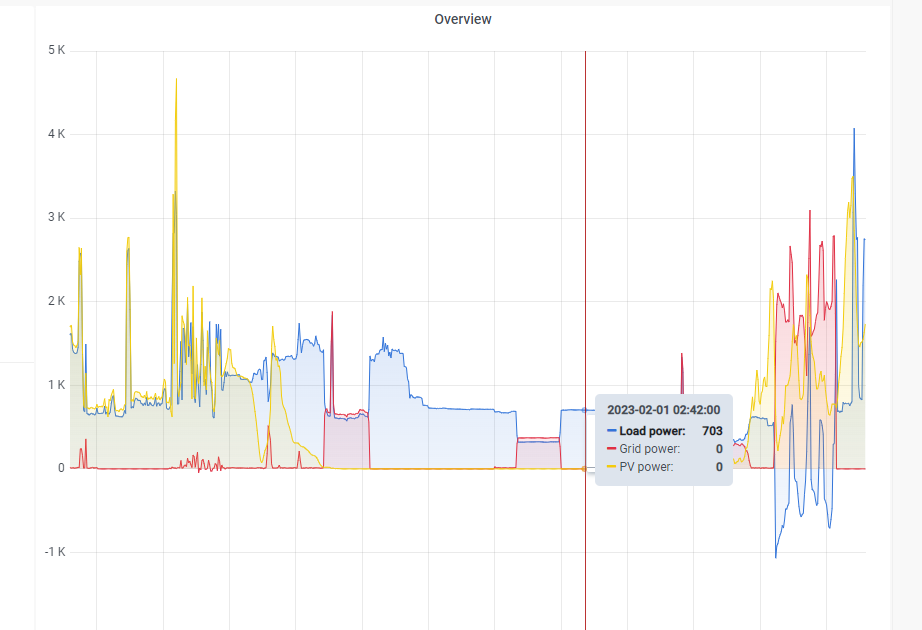
I have a question , not sure where to post it, so I am asking here. May be that my CT is installed incorrectly? When I grid charge my load goes into negative. My load/grid values don't match to my prepaid meter. If my real load (as per my prepaid meter) is 1000w, my inverter shows Load 500w and grid use 500w (when no solar is available.) Switching to battery power (grid power off) the load shows correctly 1000w - battery use 1000w? Any ideas?


-
https://solar-assistant.io/
-
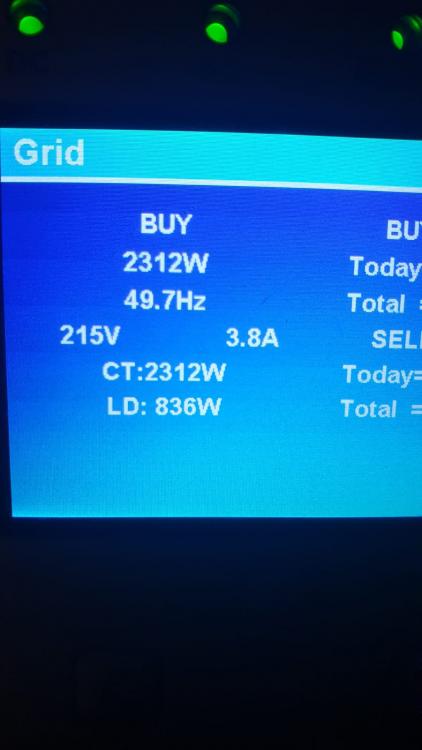
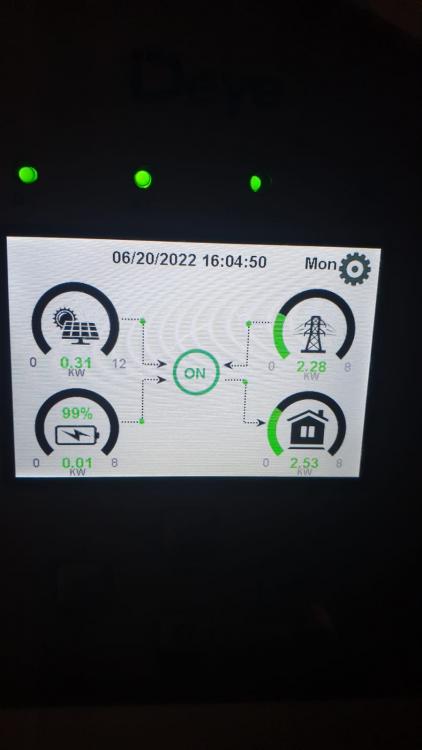
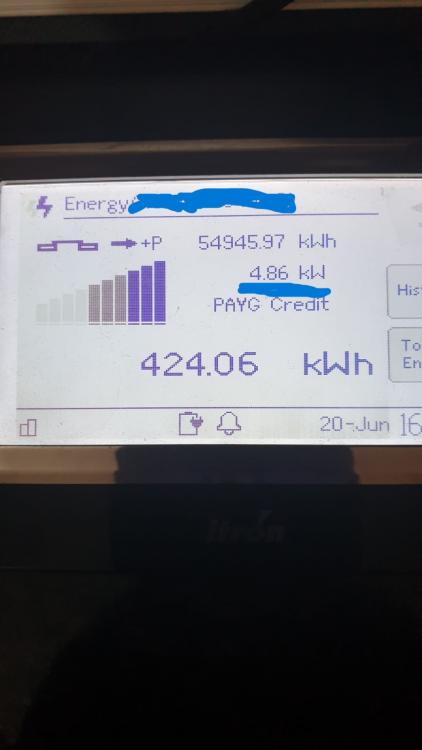
Hi I suspect my CT is not installed correctly. My prepaid meter shows the correct grid usage, but the inverter (and SolarAssistant app) shows the incorrect readings. If you add Grid + Load it equals the correct figure for actual grid usage. In my mind the Grid usage should be = Load - Solar production? At the moment my grid usage readings are only about half of the actual usage. Anyone got a solution to this?
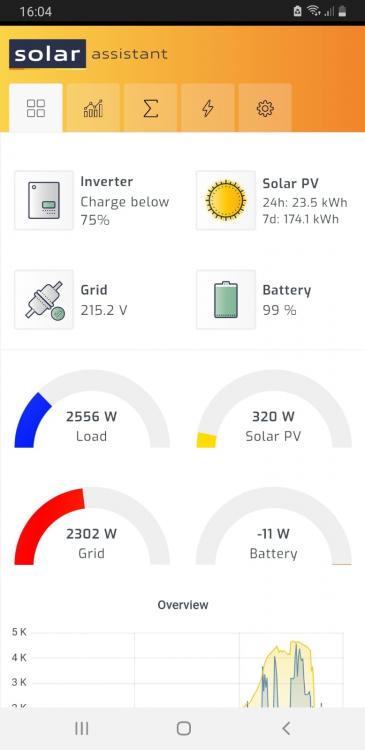
-
Thanks will try that.
-
I have the same issue. Deye 8kwh inverter using solarassistant will read for example Load = 1000w Grid = 1000w but my COJ prepaid meter will be reading 2000w. If I switch to battery it will read Load = 2000w and battery discharging 2000w and grid zero, which is correct. Not sure if the problem is my hardware setup or solarassistant. Any ideas?
-
I have two Freedom Won E-tower 5kwh batteries and am very happy with performance so far after a two months, I will probably add a third in future.


