Bloubul7
Members
-
Joined
-
Last visited
-
-
Hello, because I copied and changed the text from another sales post. I forgot some. I edited it now. Hi, The battery and has never been used. Very good condition
-
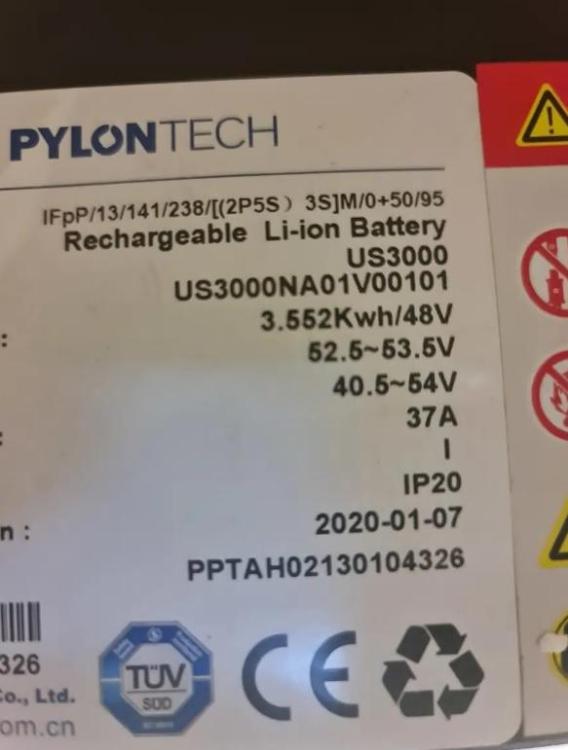
I have a Pylontech US3000 3.5kWh 48v Lithium-Ion Solar Battery available for sale. The battery and has never been used. With loadshedding on the rise, this is the best way to get your home on backup when there is power outage. Shipping included price. Pm me please. Item: Pylontech US3000 Age: 2 years Price: R6500 Payment Method Accepted: Instant EFT Warranty: No Packaging: No Condition: Good, Location: Sandton Reason: Upgraded Shipping: YES

-
-
I will share my Node Red flows to do this over the weekend. Currently in Germany and don't have access to my server
-
-
What I have done is to set up different timetables in Node Red variables. When loadshedding is detected through the API (eskomsepush) then a flow would change the battery charge points in relation to the set timetables. Different settings set up for different loadshedding stages.
-
-
-
-
-
-
-
-
-
You need to change the device/ unit ID on the inverter to 1
-
-
Not that I know off directly from the monitoring side. You could try a mix between using the forecast solar from solcast and then turning on a high draw appliance for a period with some node red logic
-
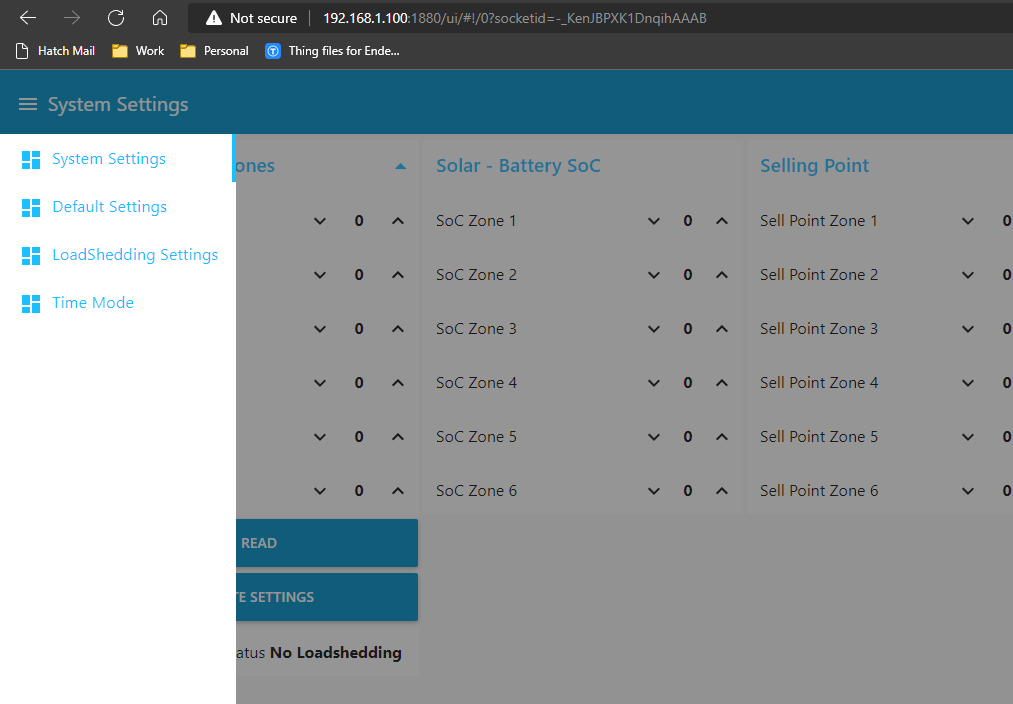
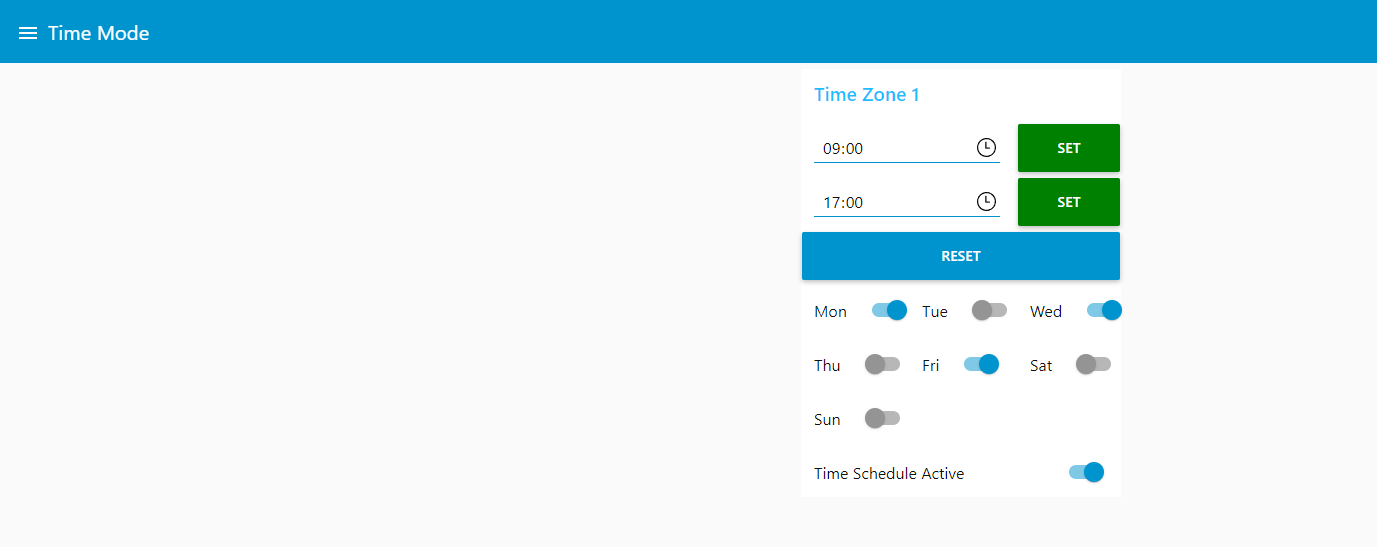
Awesome, Just an explanation on the other menus: System Settings: Reads the settings that is currently applied on the inverter. You can change settings and write it back to the inverter Default Settings: This save your default settings (typically used) to the local storage LoadShedding Settings: This save a second set of settings (to be used when there is loadshedding) to the local storage. The flow checks a website to see if loadshedding is currently active. If not active it applies the "Default settings" to the inverter, if loadshedding is active then it applies the load shedding settings. I use this flow to preserve the battery capacity during loadshedding times, our area used to be load shedded 4 hours at a time.
-
See below screenshots from the Node Red Dashboard. These flows are active as part of the flows shared. On the Time mode screen you can select the time and days when the inverter should switch to limit to load only. Make sure to press the buttons next to the timer to set these times.


-
You shouldn't need to alter the flows, the flow as it is should work for your current needs. I will post a screenshot of the user interface tonight when I'm at home
-
You can access the dashboard by going to http://ipaddress:1880/ui
-
Did you try and change it through the dashboard?
-
Hi, Yes it is part of the Node Red flows that I have shared previously. I have my limit to load enabled to different days and different times of days
-
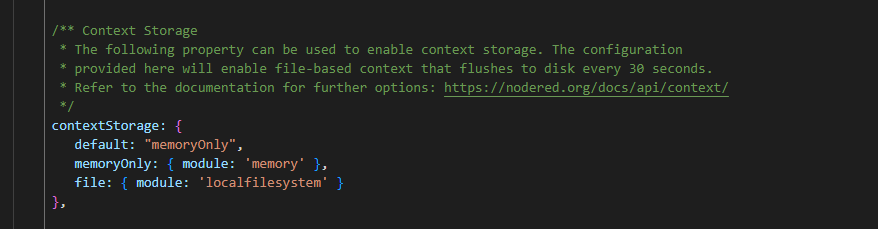
Hi, The dashboard should be available at http://noderedip:1880/ui If you want to safe the settings to a local storage file then you would need to enable context storage in your settings.js
-
Well done, it is looking good
-
 Bloubul7 reacted to a post in a topic:
Sunsynk5.5 Simple Local Data Monitoring (No Cloud/Internet Needed) Setup Guide Step 1 (The Software)
Bloubul7 reacted to a post in a topic:
Sunsynk5.5 Simple Local Data Monitoring (No Cloud/Internet Needed) Setup Guide Step 1 (The Software)
-
Based on the above the flow is definitely communicating with the inverter. Check your MQTT settings on HA.