Bocian
Members
-
Joined
-
Last visited
-
Thanks
-
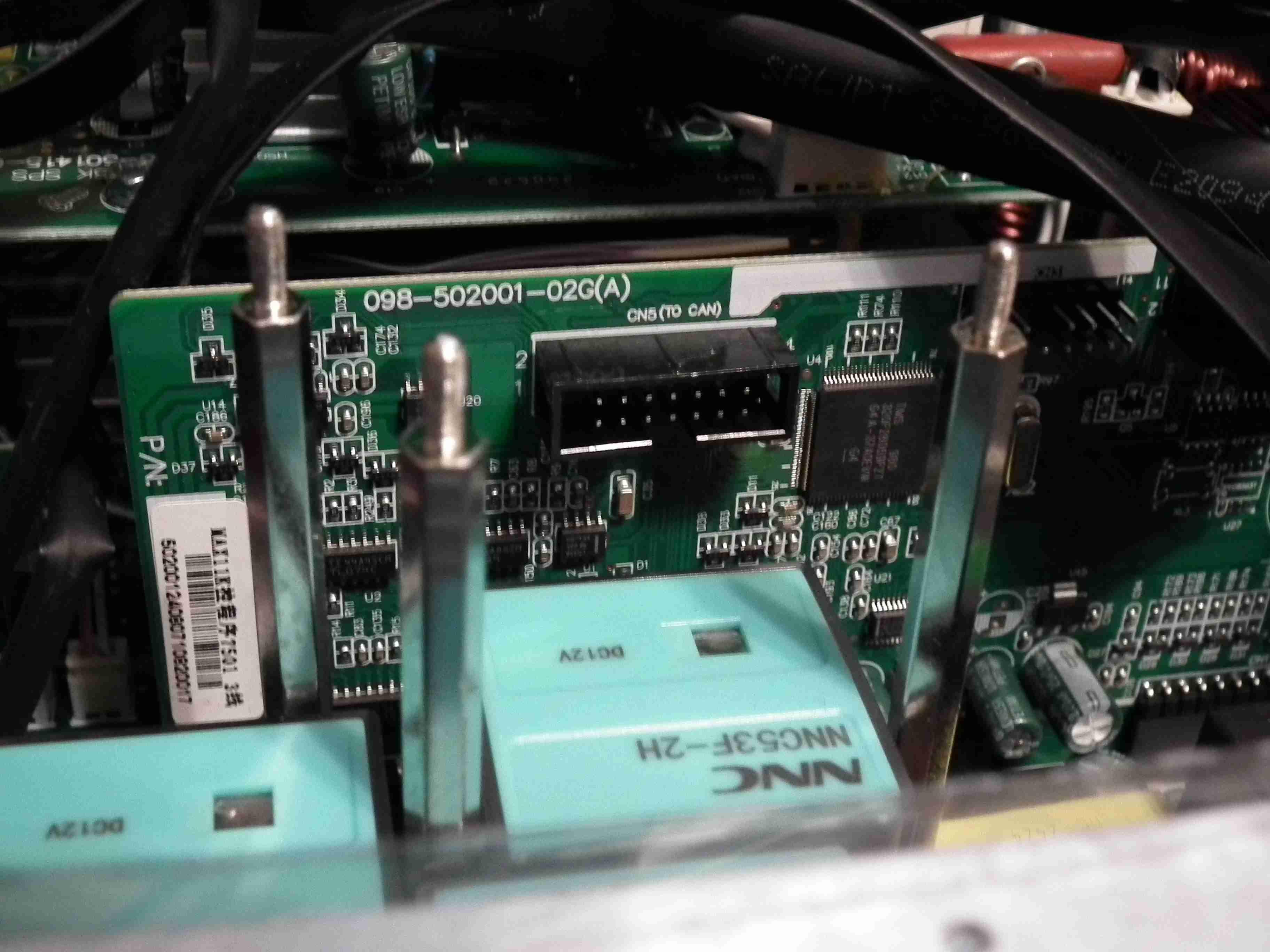
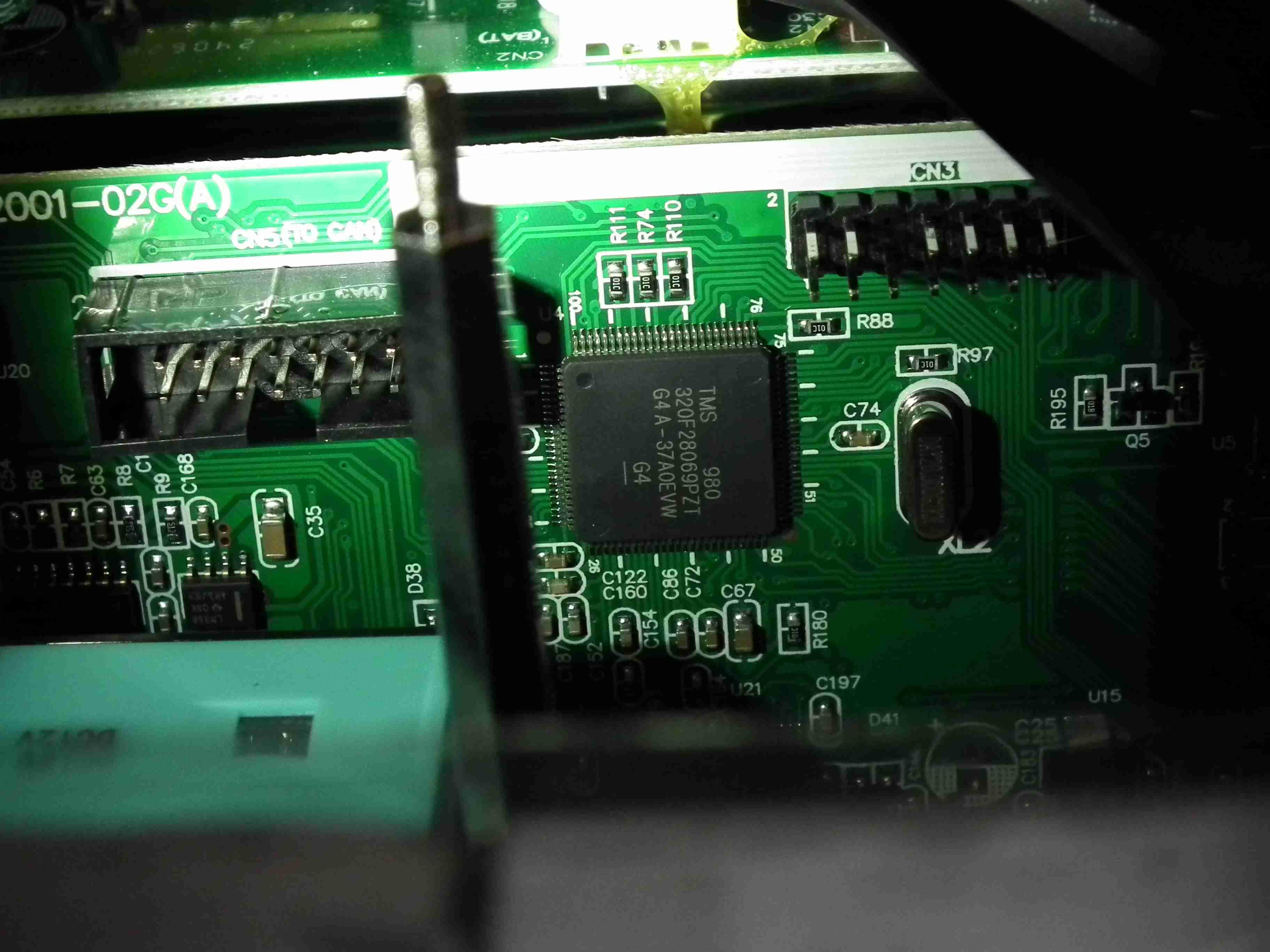
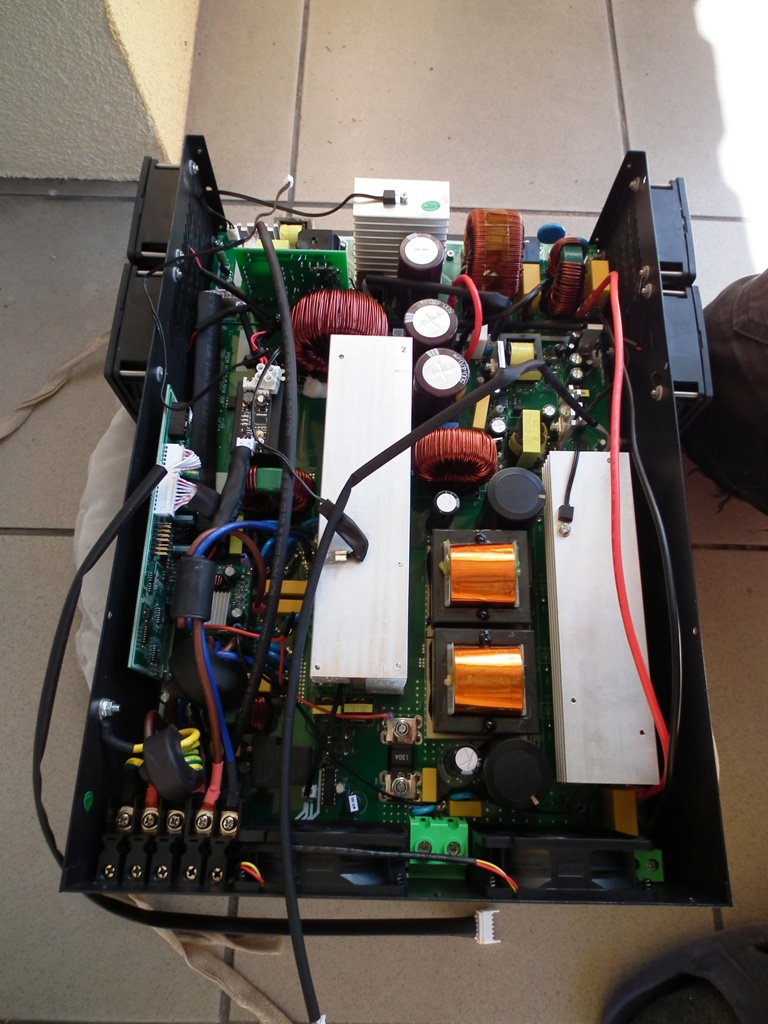
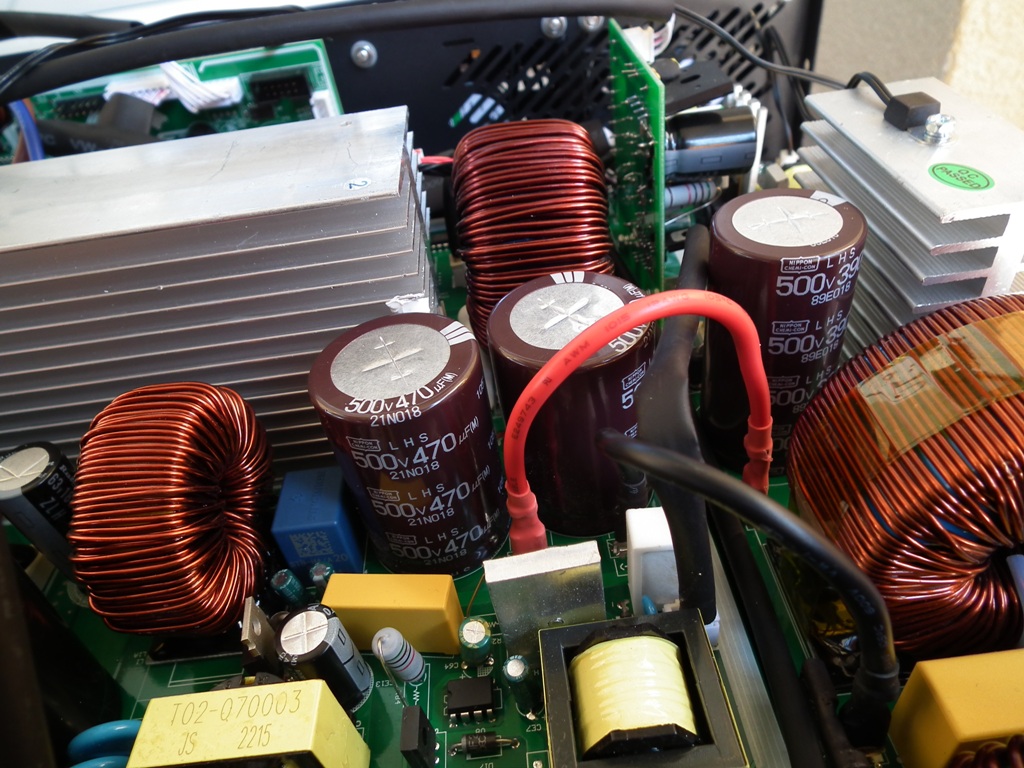
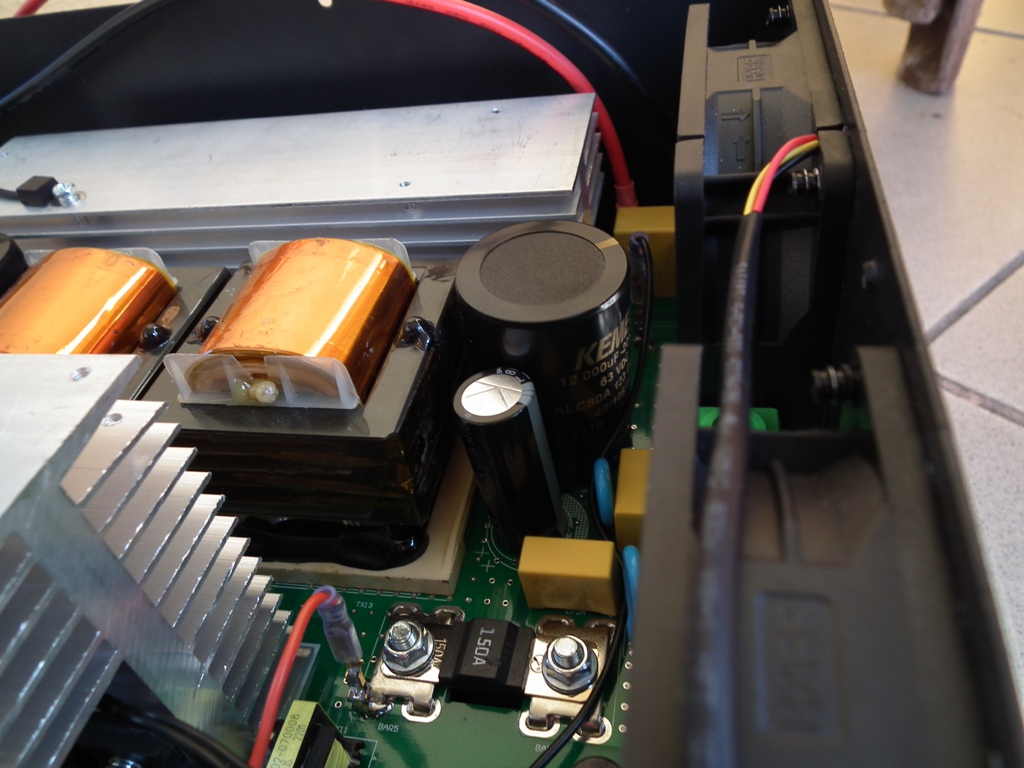
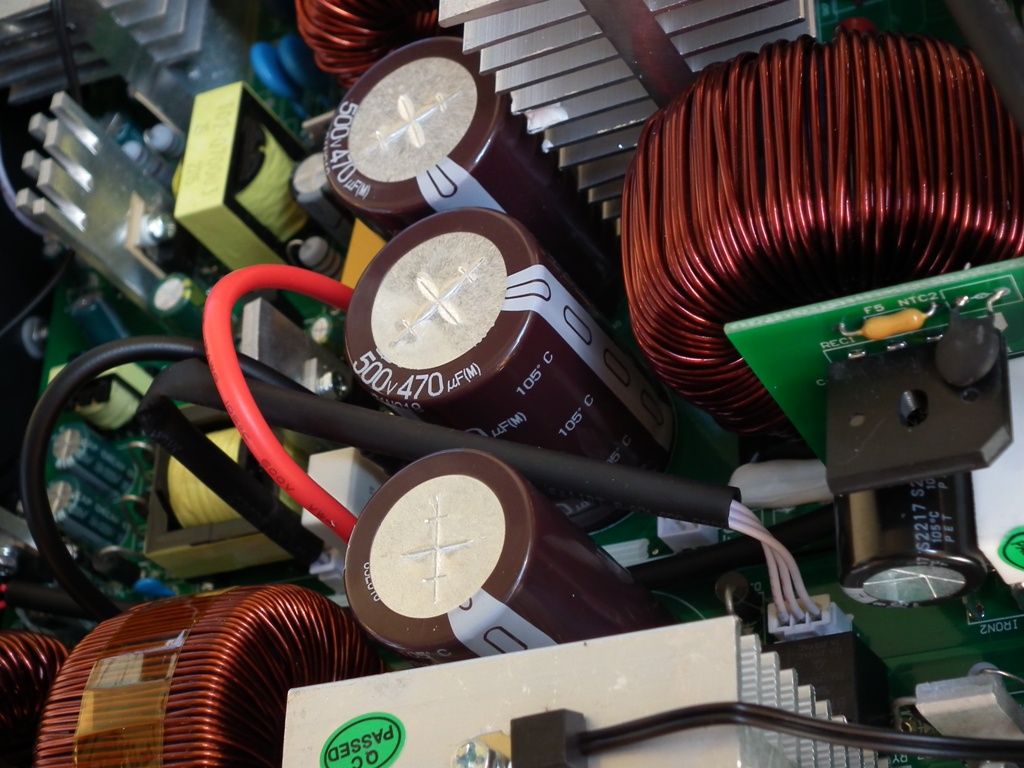
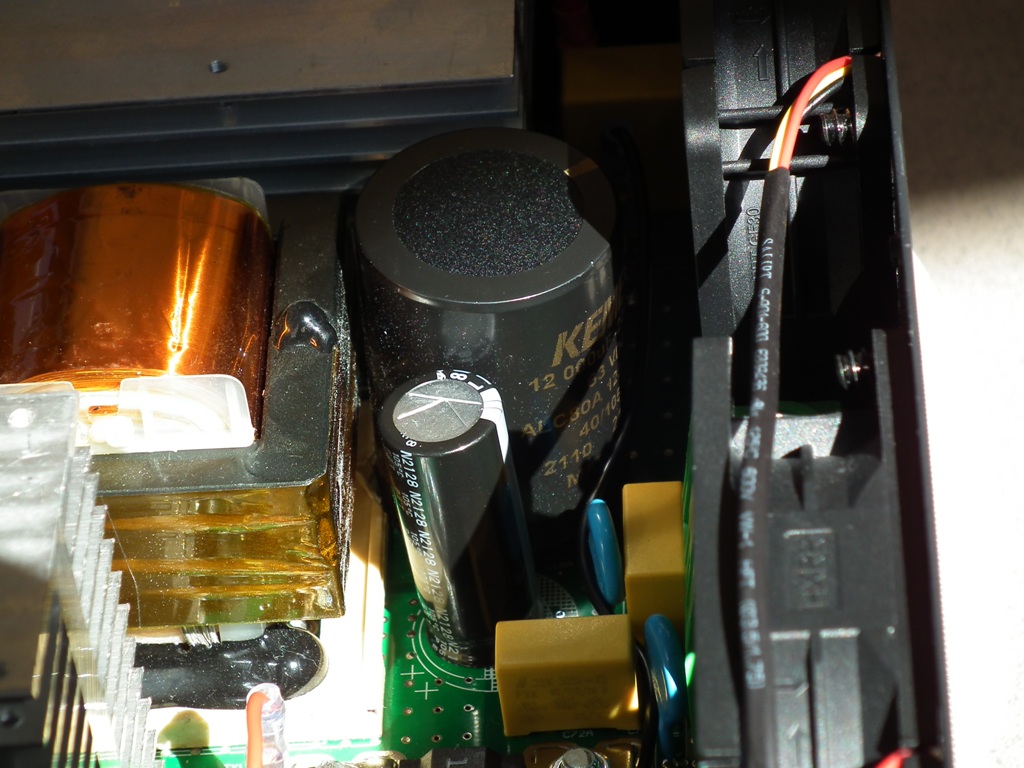
Photos attached.
-
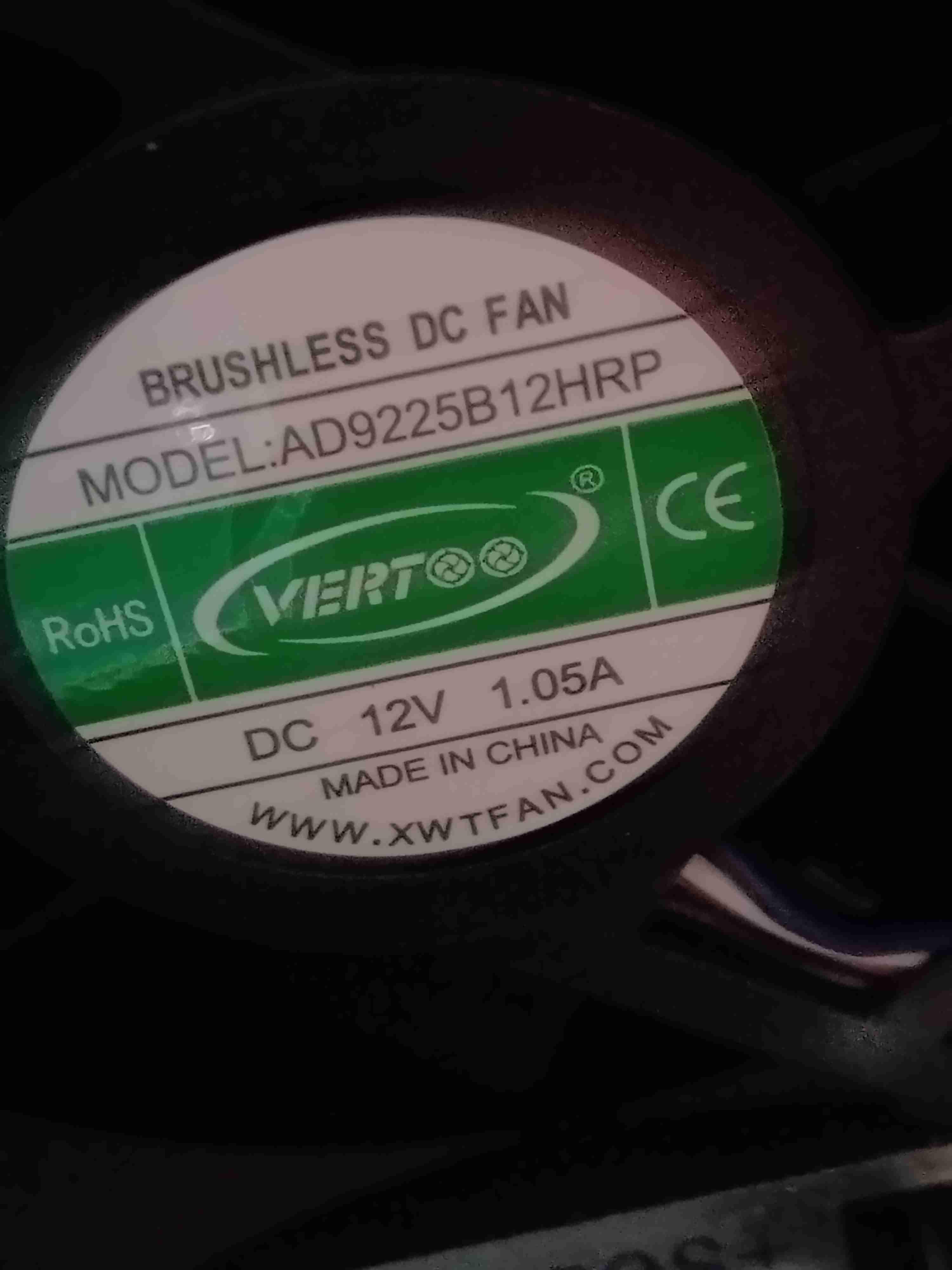
Also I will try to change original very loud fans with better quality Sunon Maglev 92x92x25mm fans. https://www.digikey.com/en/products/detail/sunon-fans/PF92251V1-1000U-G99/7927803 BTW. You may think that 0,37A fan as a replacement to 1A will have not enough power to cool the components inside but You need to know that current declared on a sticker is twice to the real one. This one was measured 0,51A at 12V DC voltage.
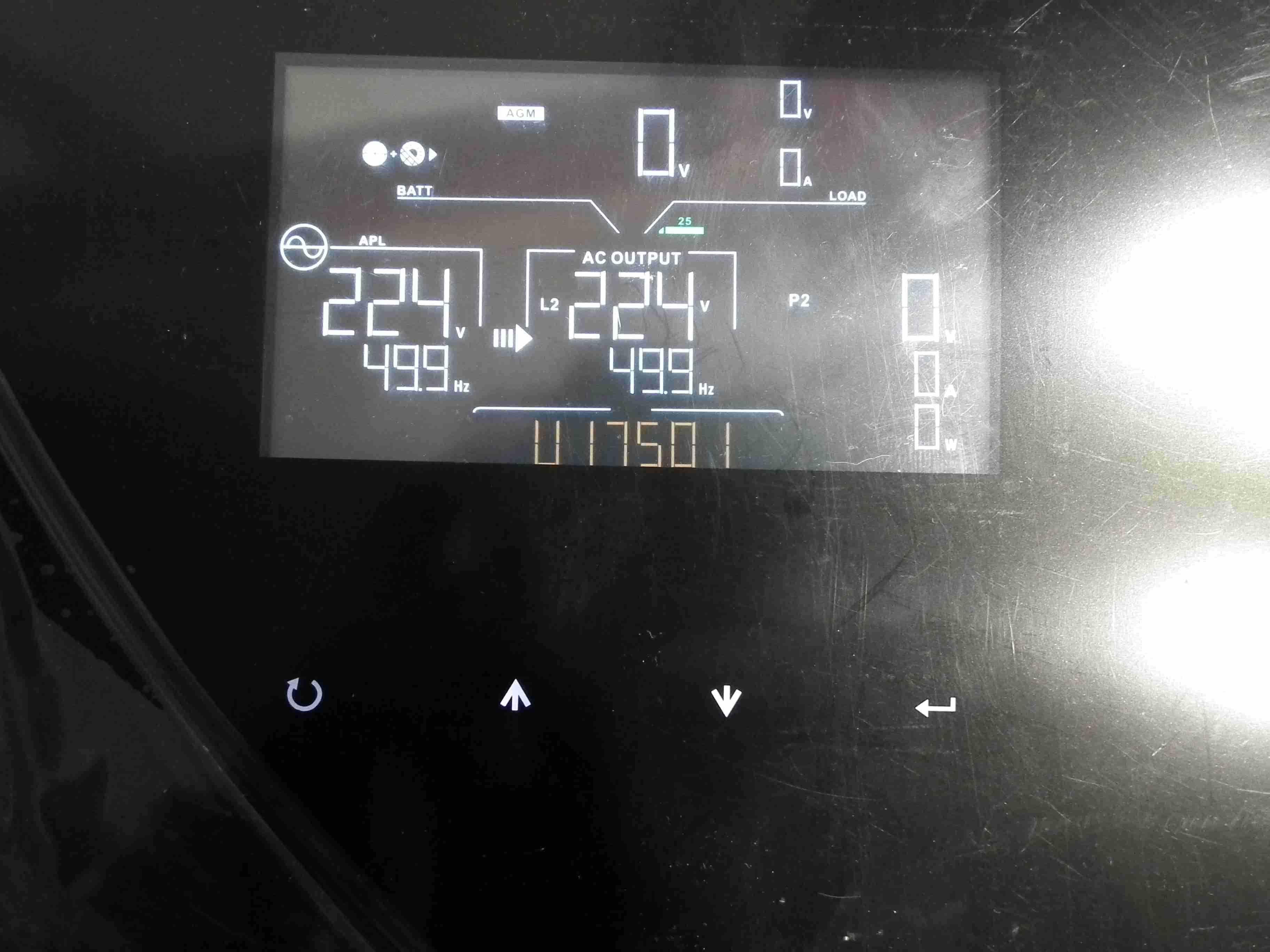
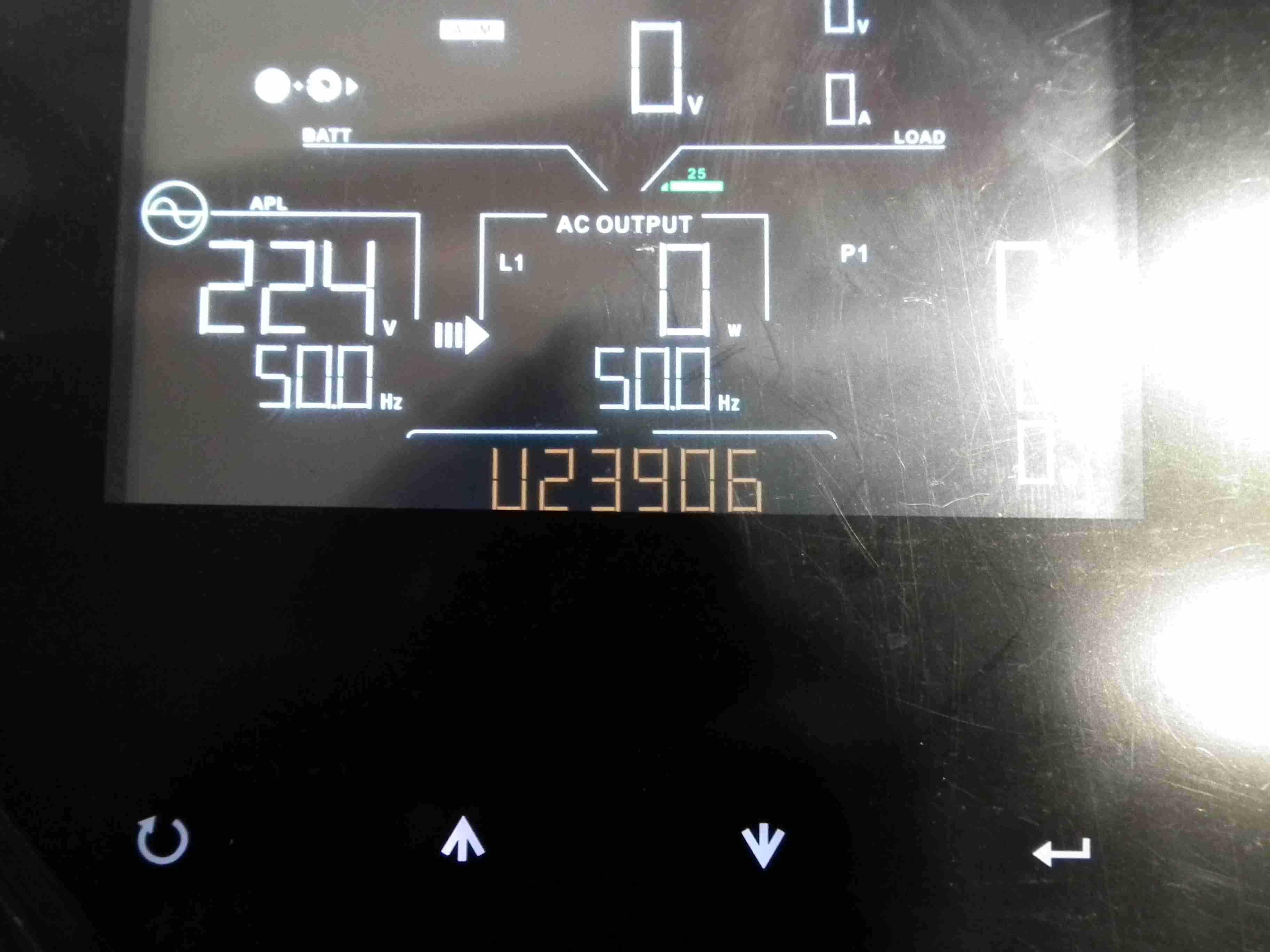
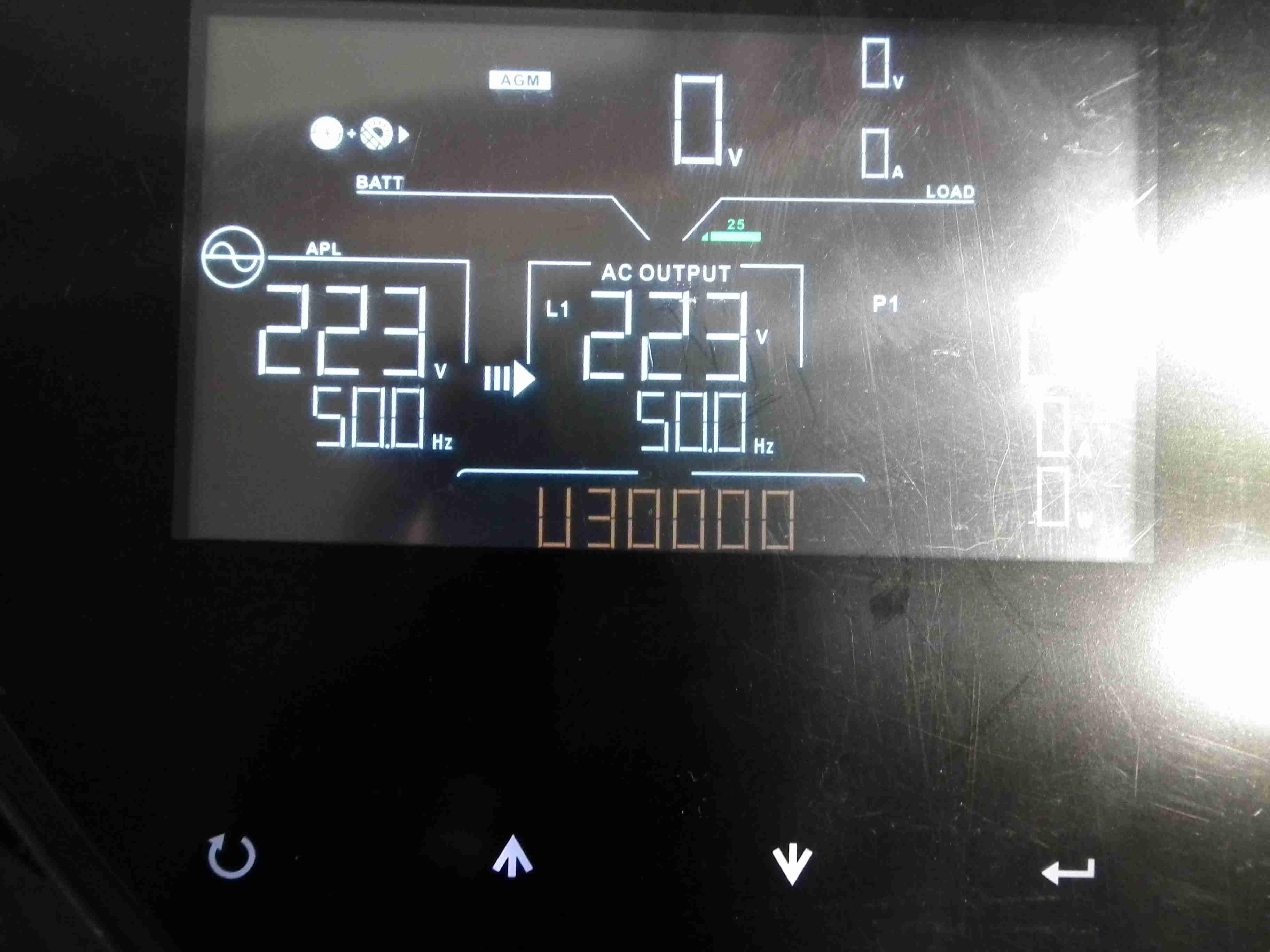
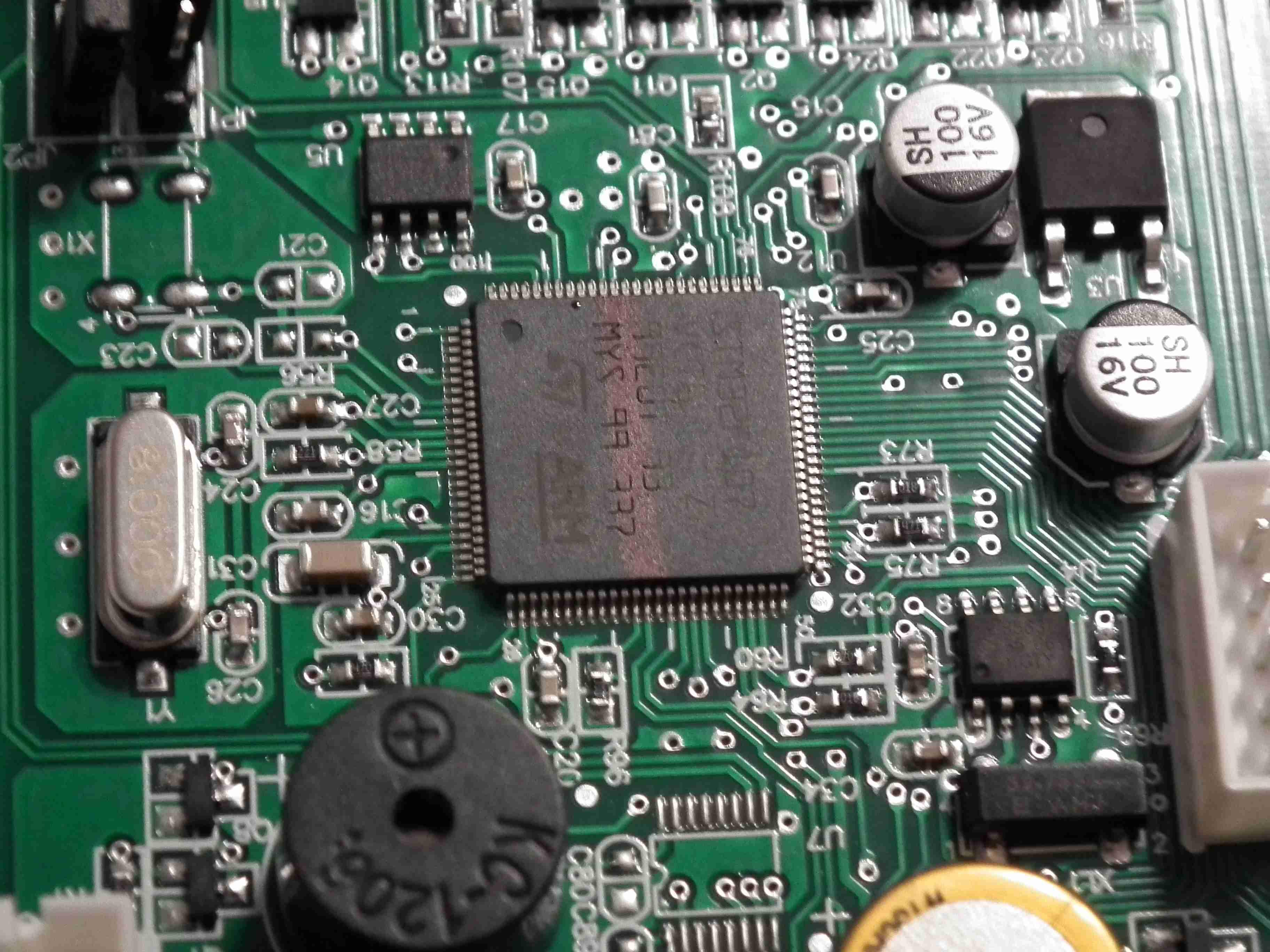
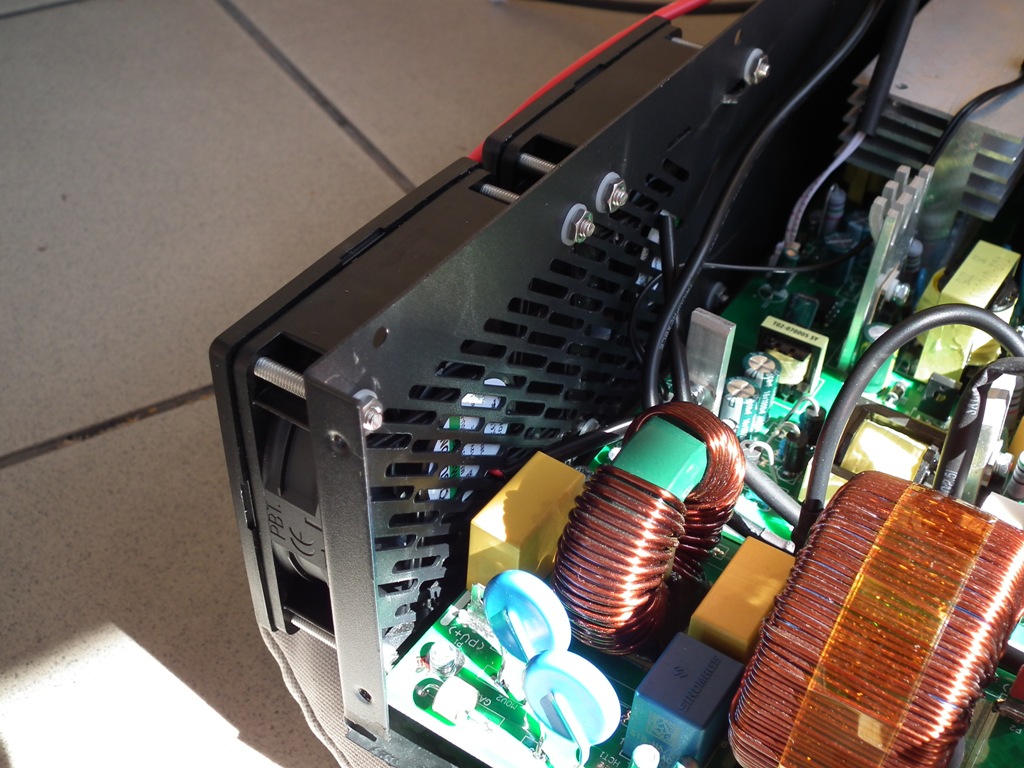
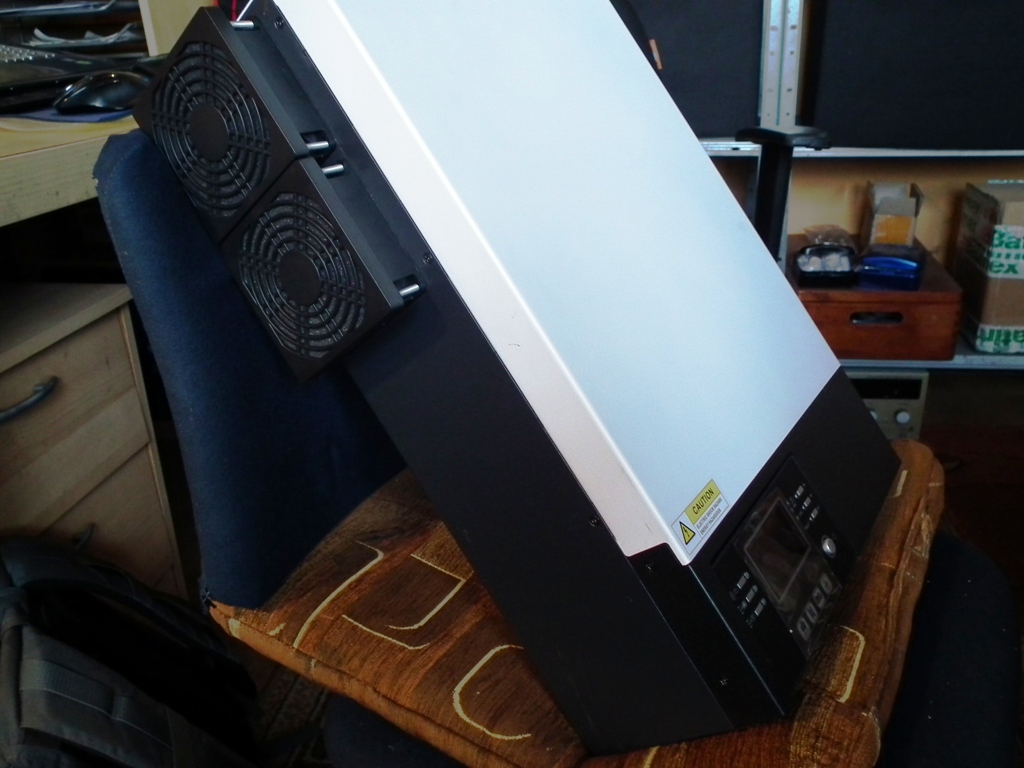
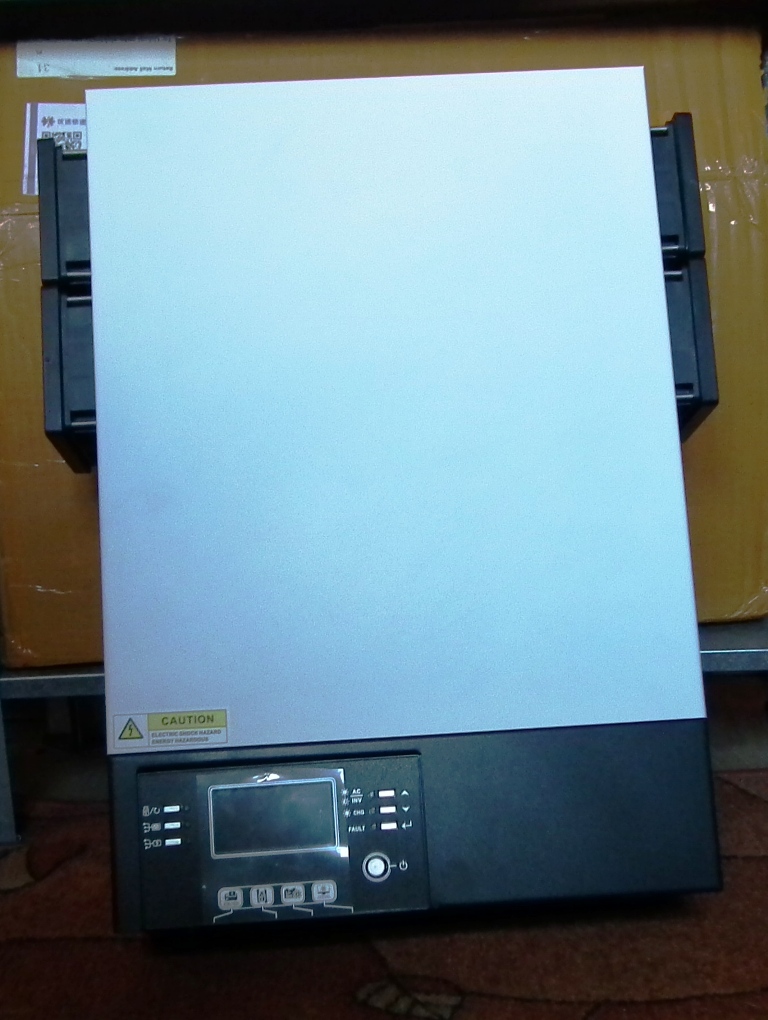
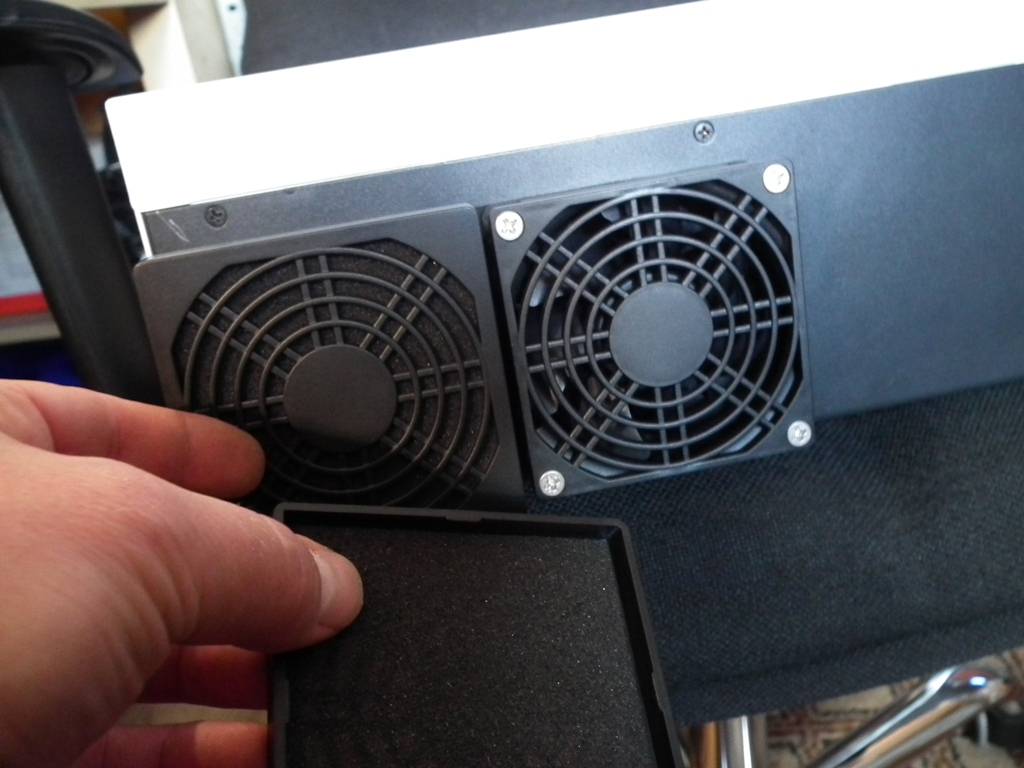
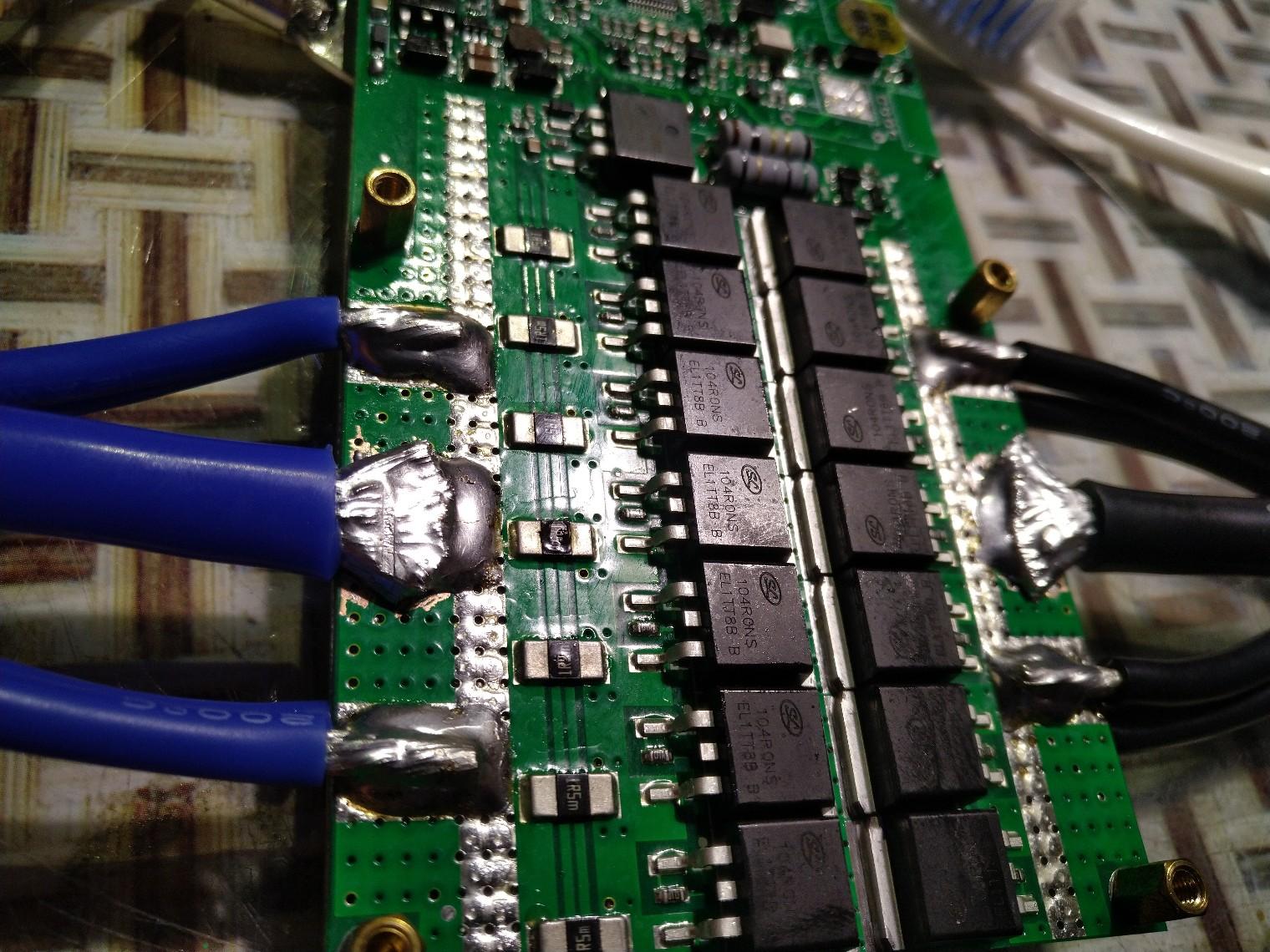
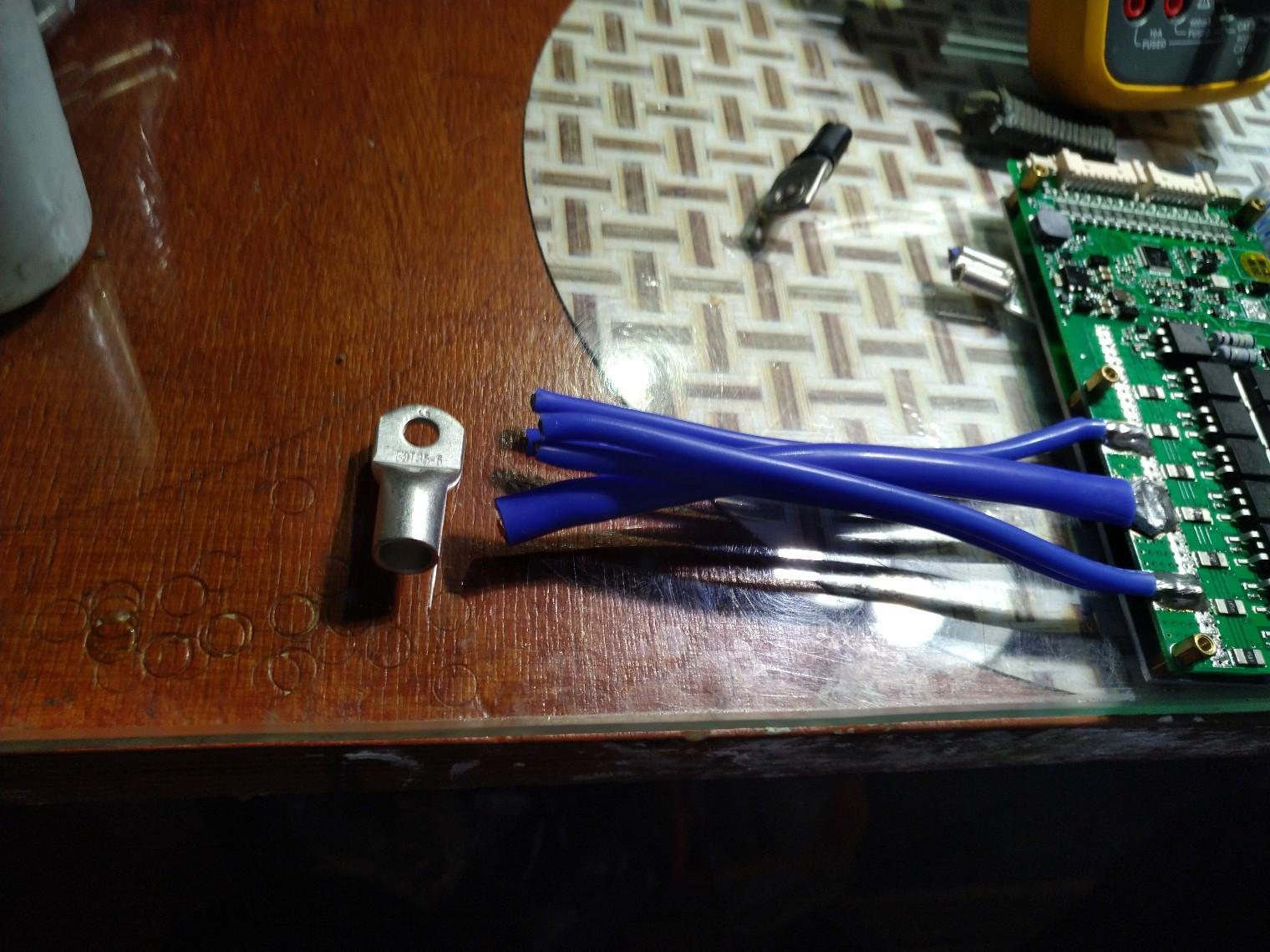
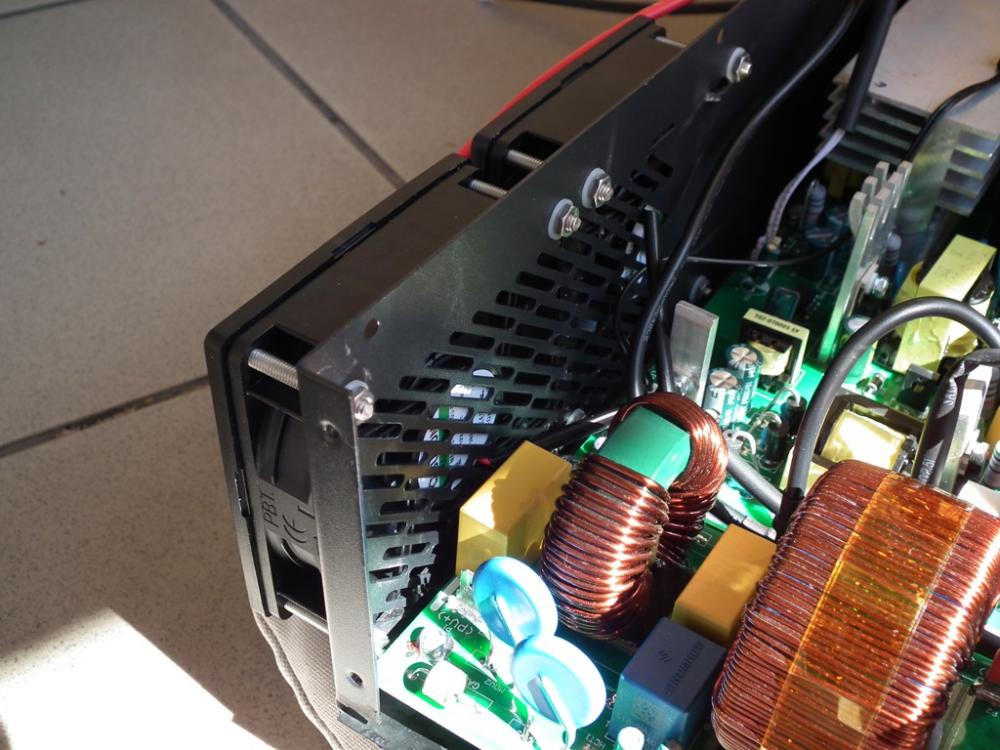
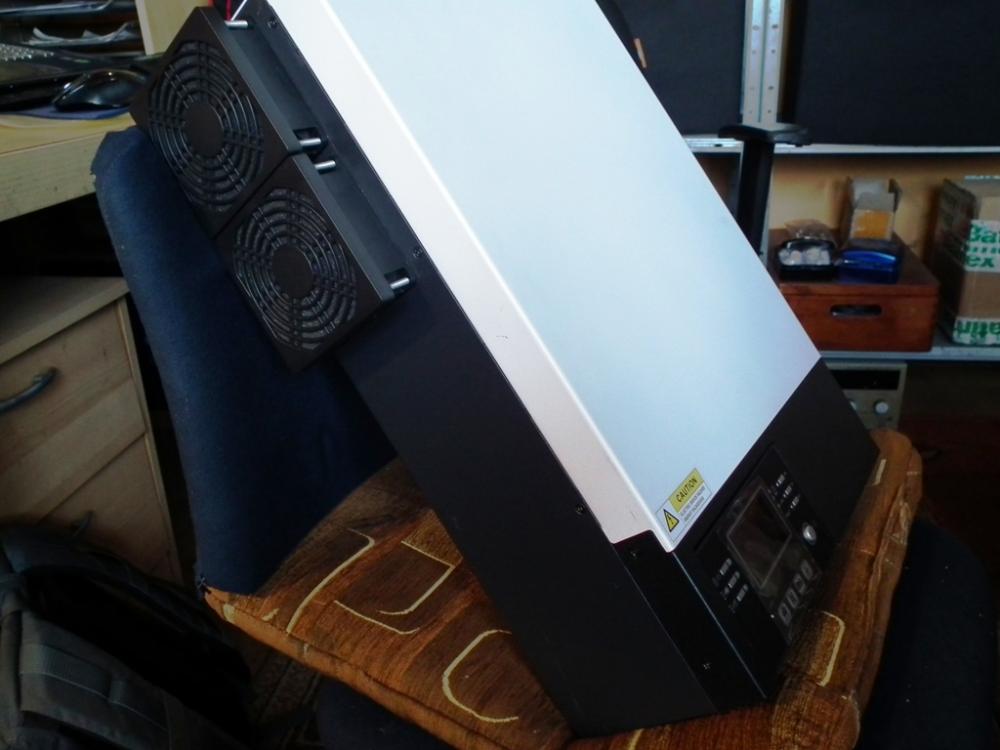
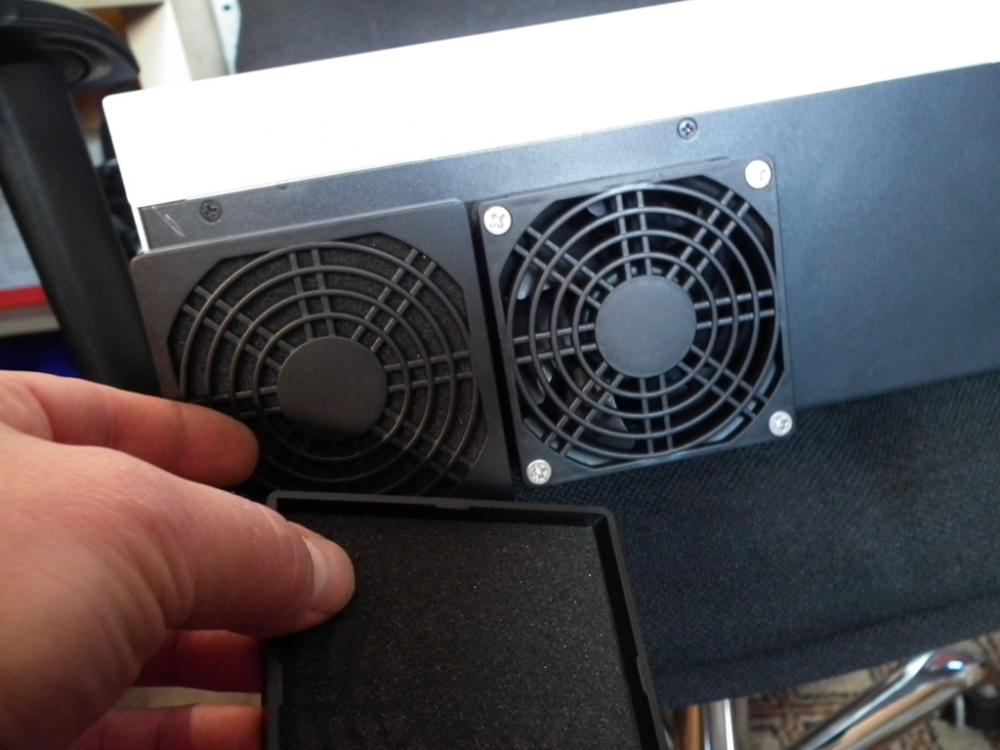
 Hi Coulomb. Thanks for reply. Here are photos already taken. I will add photos of control board and main processor soon.OK I found what HS/H5 issue is all about. Whether output 230V is turned on or off from the button, I cannot change it from PAL to SIG with #28 (tried with only 48V DC connected, only AC in, both connected still I cannot change).Hi. First time I switched on MAX II 11kW and can't really believe how loud (fans noise) is that model. Is it normal? Also what means H5 indicated on a screen? VIDEONow I know propably why they put ferrite filter on PV HV connectors in VM IV 5,6kW clone 😀Hi guys. I've just swapped from 24 to 48V off-grid system. Inverter is a VM III 5,5kW clone (with remote display/controller). All the parametrs can be set from display panel level but device does not save time and date parameter. After leaving setup there are factory values Year 17 etc Anyone knows why? Is there any real time battery on control board?It was one of the main parameters for which I was looking for brand-name replacements. Below ale declared lifespans: United Chemi-Con ELHS501VSN391MR60S 5000h@105C United Chemi-Con ELHS501VSN471MA50S 5000h@105C RUBYCON 450BXC47MEFC18X25 12000h@105C RUBYCON 63ZLH1800MEFC16x40 10000h@105C KEMET ALC80A123DF063 8000h@105C Replacing transistors is pointless in my opinion. The benefits compared to the cost and time are not worth it.Hello ladies and gents. I want to share what I've been messing with recently. Patient: Axpert VM III type 48V inverter with rated AC 5500W and 6000W PV input. All electrolytic capacitors in power circuits were replaced with brand-name ones (photo shows specific models Rubycon, KEMET, United Chemi-Con). I’ve added also active ventilation based on Sunon fans with magnetic bearings (MTBF 70k hours) + anti-dust caps. The ventilation mechanism is activated when the temperature on the main heat sink (IGBTs) rises above 35 * C (it turns on inaudibly at low speed, consuming 0.5W). If the temperature continues to increase, the fan speed gradually increases, it reaches its max at 50 ° C and higher (then the consumption from the DC 48V line is 3.5W). When the temperature drops below 35 * C the fans are turned off. What do You think?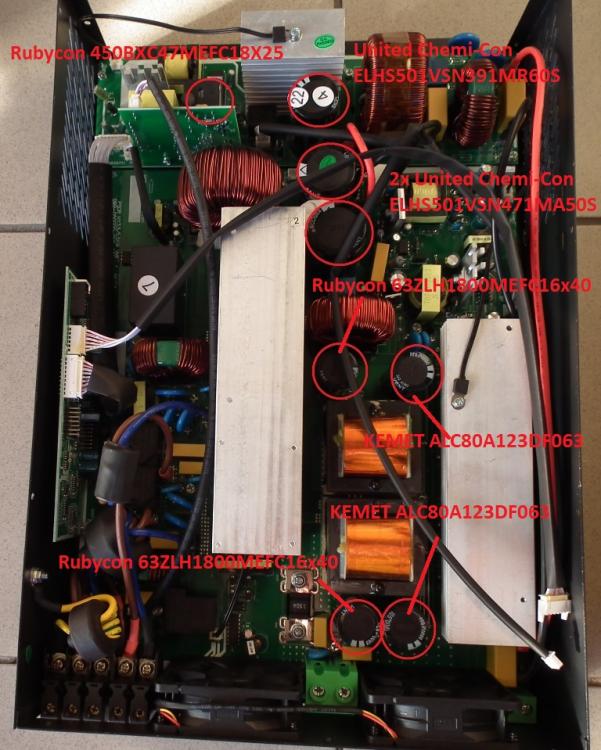
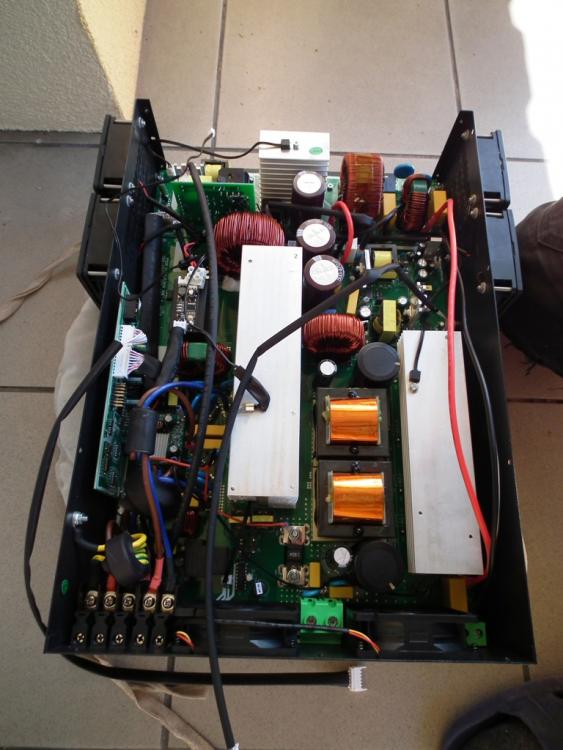
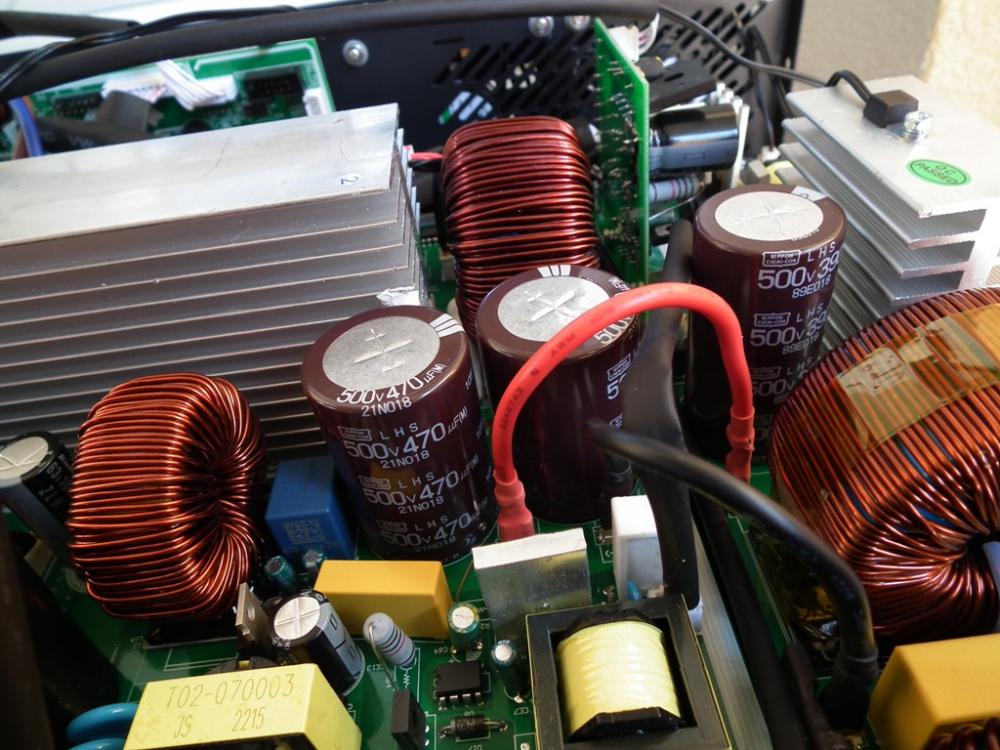
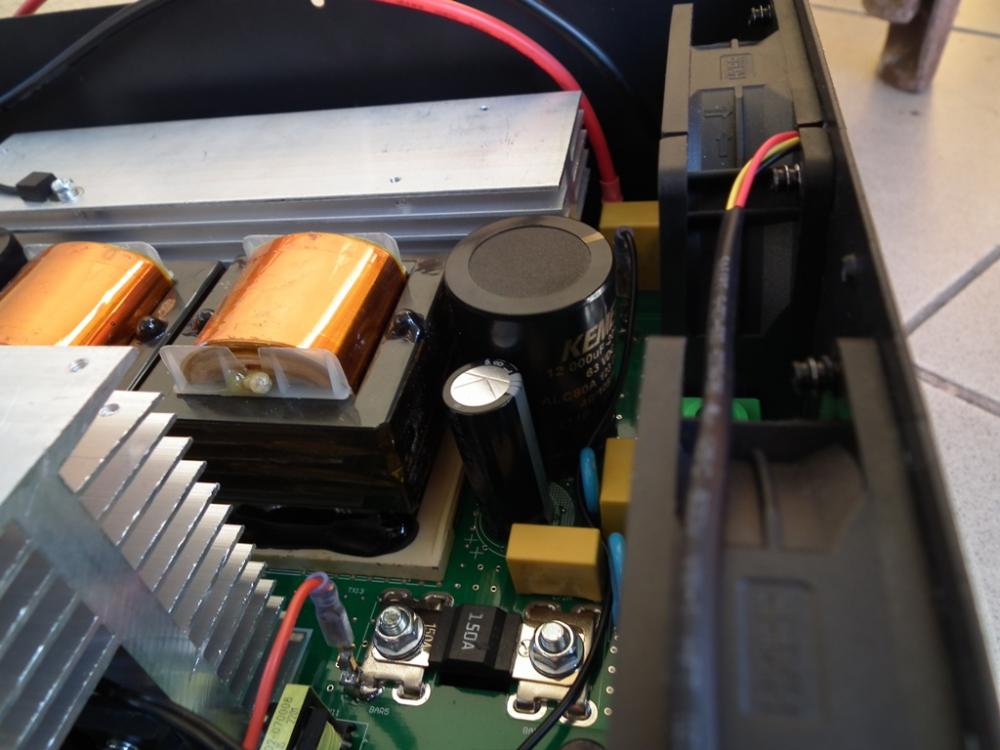
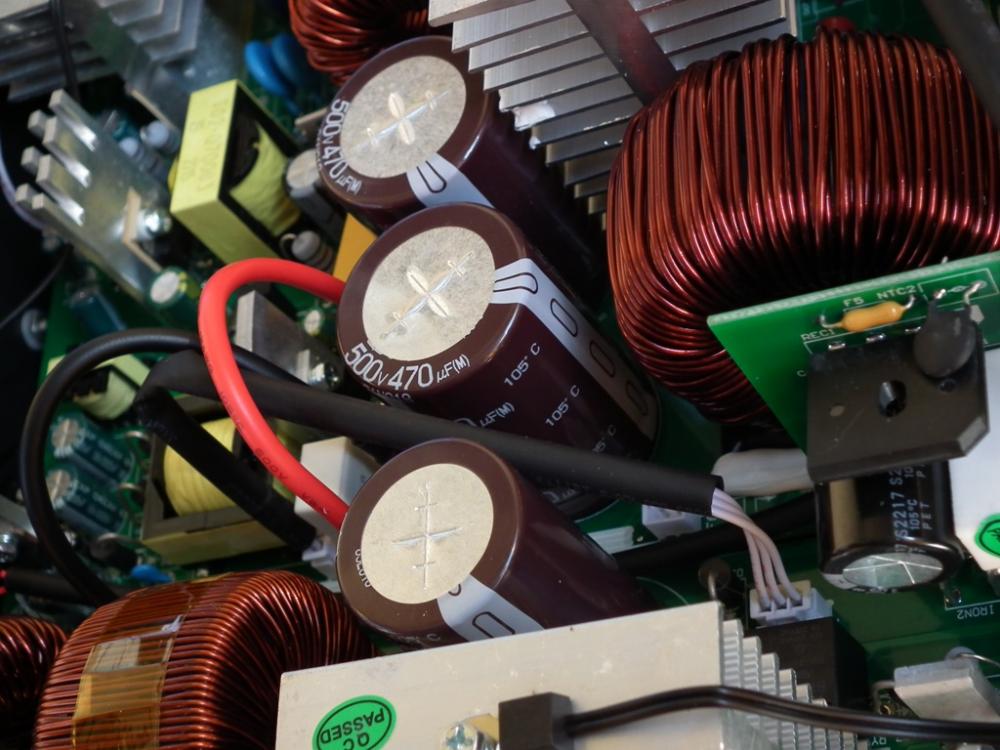
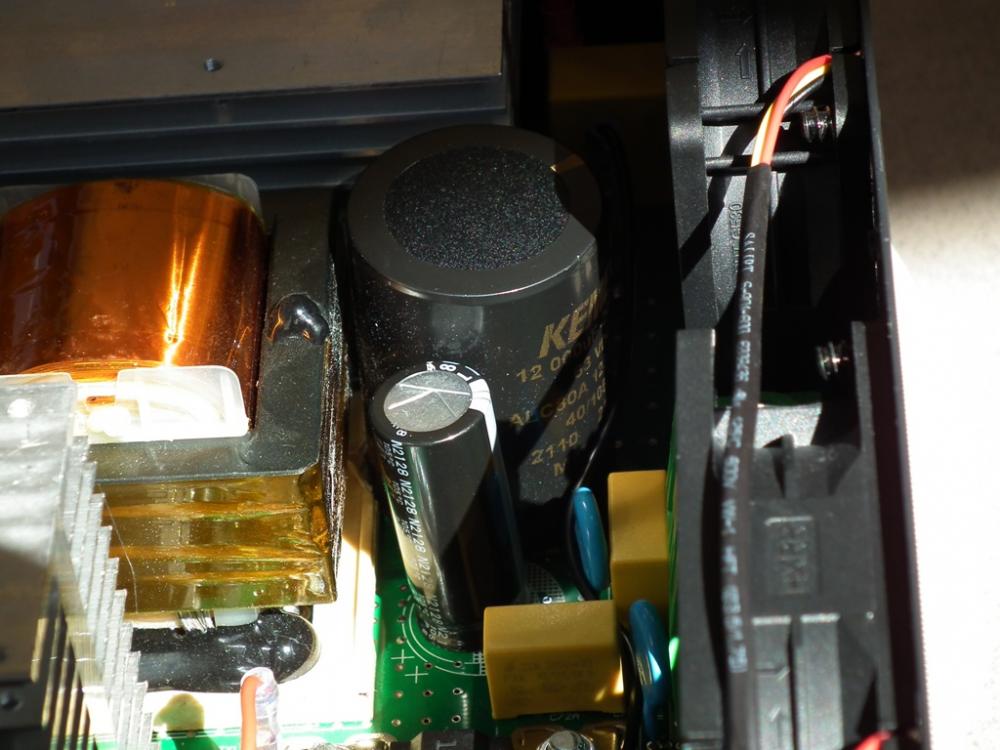

 Description will be later (currently no time).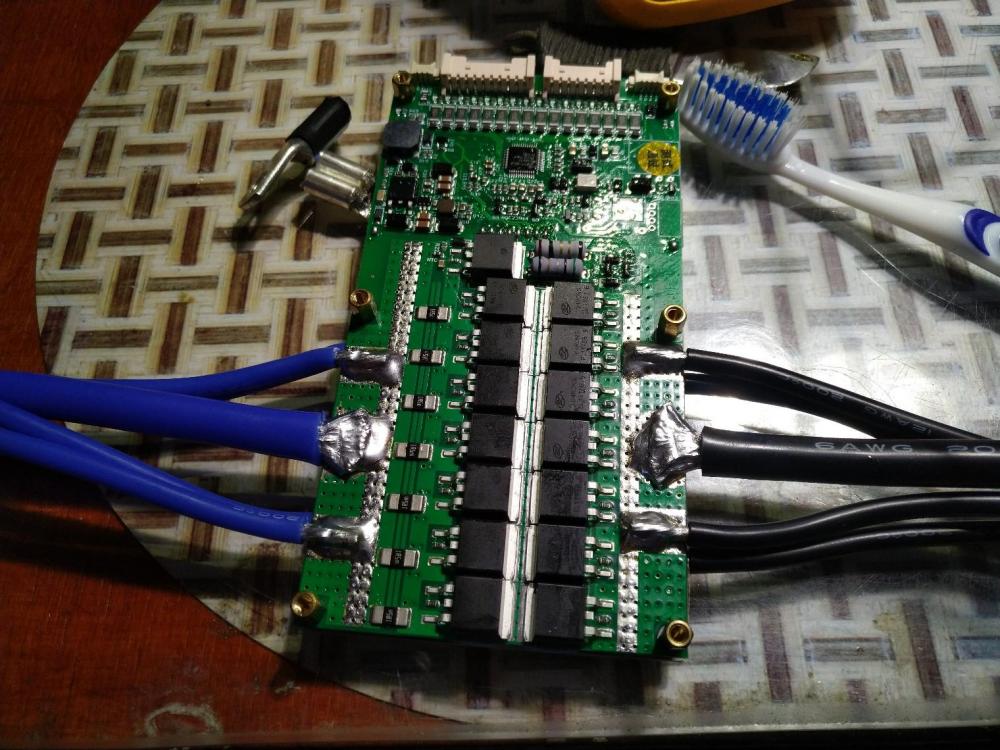
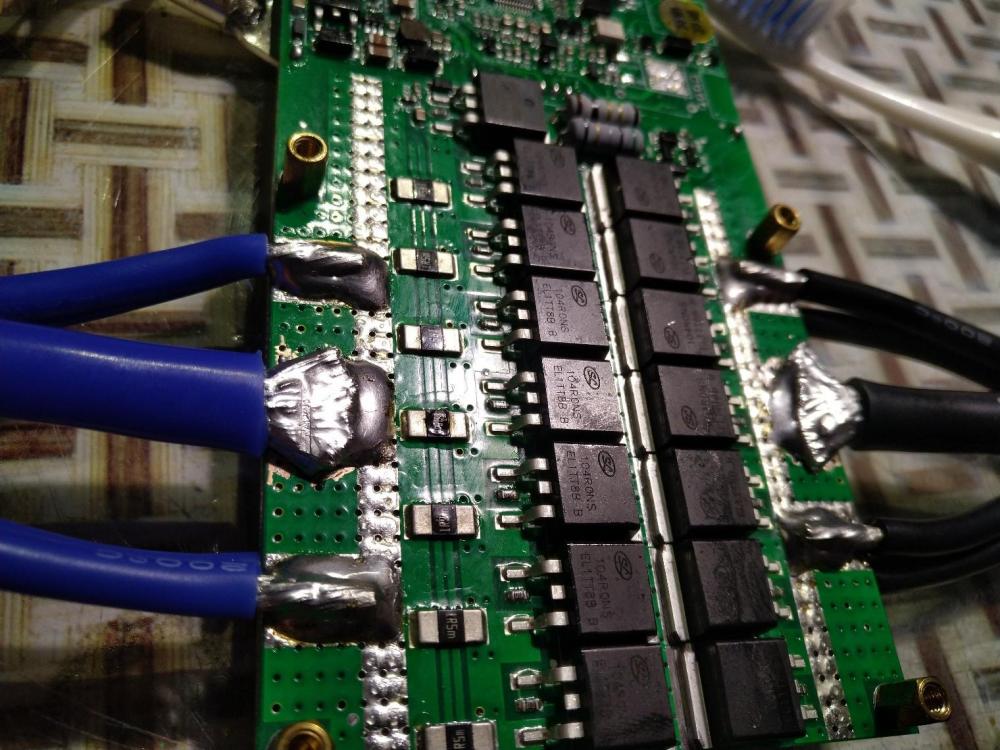
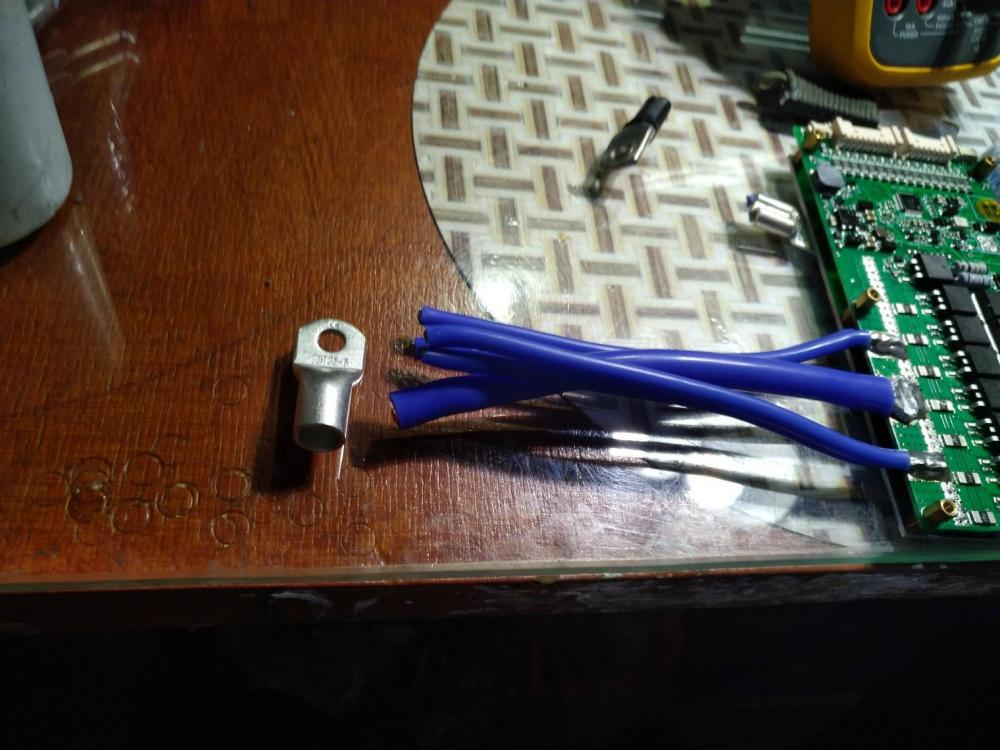
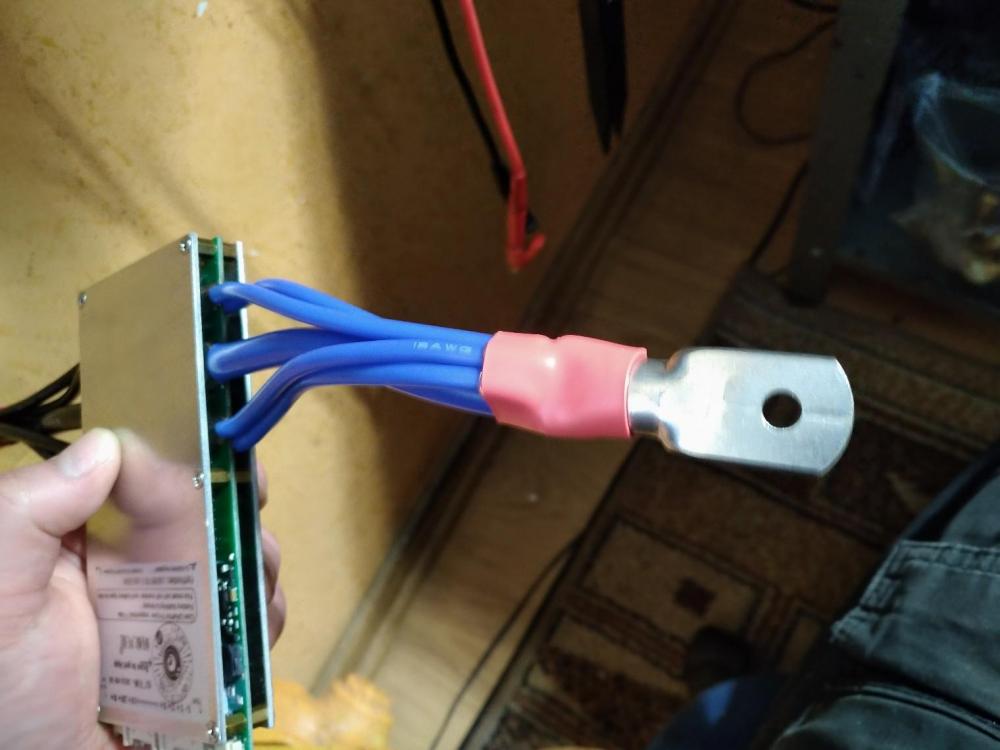
 Anybody knows where I can find VM II 3,2-3,5kW 24V firmware which include 50-58 menu options (time setting and AC charger time intervals)?Hi Columb. Thanks for a quick reply 🙂 Yes, You're right sticker says blue&white but in fact the front cover it is orange&black. There was a sticker with QR code on (MCU i think), I just removed it to take o photo of description On the right side, above screw place was production date (year and month - 10-2021), on the left side only small, round "QC passed" nothing obout warranty voiding Yes, I know these capacitors look cheap and I think about exchanging them with brand ones with low impedance and long life declared Battery terminals I can always remove and add copper bars/wires + outside 2x connectors for 50mm2 cable. There is 150A marked, metal fuse just after terminals.Hi folks. This is my first post so greetings for every user 🙂 Recently i bought 24V 3500W off-grid inverter (link below): https://www.alibaba.com/product-detail/SNADI-5-5KW-48V-100A-MPPT_1600056398800.html?spm=a2756.order-detail-ta-ta-b.0.0.20362fc2vhctHV It cost me exactly 375.36 USD including WiFi module, Alibaba fee and DDP shipping by train to Poland (I needed to wait exactly 3 months 😕 Anyway I think it is a good price for this device. After I received it I tested AC output load 2-3kW (water heater etc. and other inductive and ressitance loads) everything is fine. AC charger module also works well (it can truly provide 80A currento to the battery). My battery setup is 8pcs of Lishen 202Ah LiFePO4 prismatic cells + 150A Daly BMS with BT. Before I've decided to buy this device supplier gave me instruction manual in pdf as You can see below. But in the inverter's settings, there are missing time points and time intervals inwhich AC charging or even AC outputs will operate (numbers 50-53 and 54-58). Last number available in menu is #36. I've already contacted the supplier but currently there is a New Year holiday in China... Is it possible to flash newer firmware and get these options available? Below I attach photos of how it looks like inside (I have many photos showing detalis of components but cannot upload here - 3MB limit). I will try to upload in other place and link here PHOTOS s