SolarIsDeWay
Members
-
Joined
-
Last visited
Everything posted by SolarIsDeWay
-
Thank you... Bi-directional, yes?
-
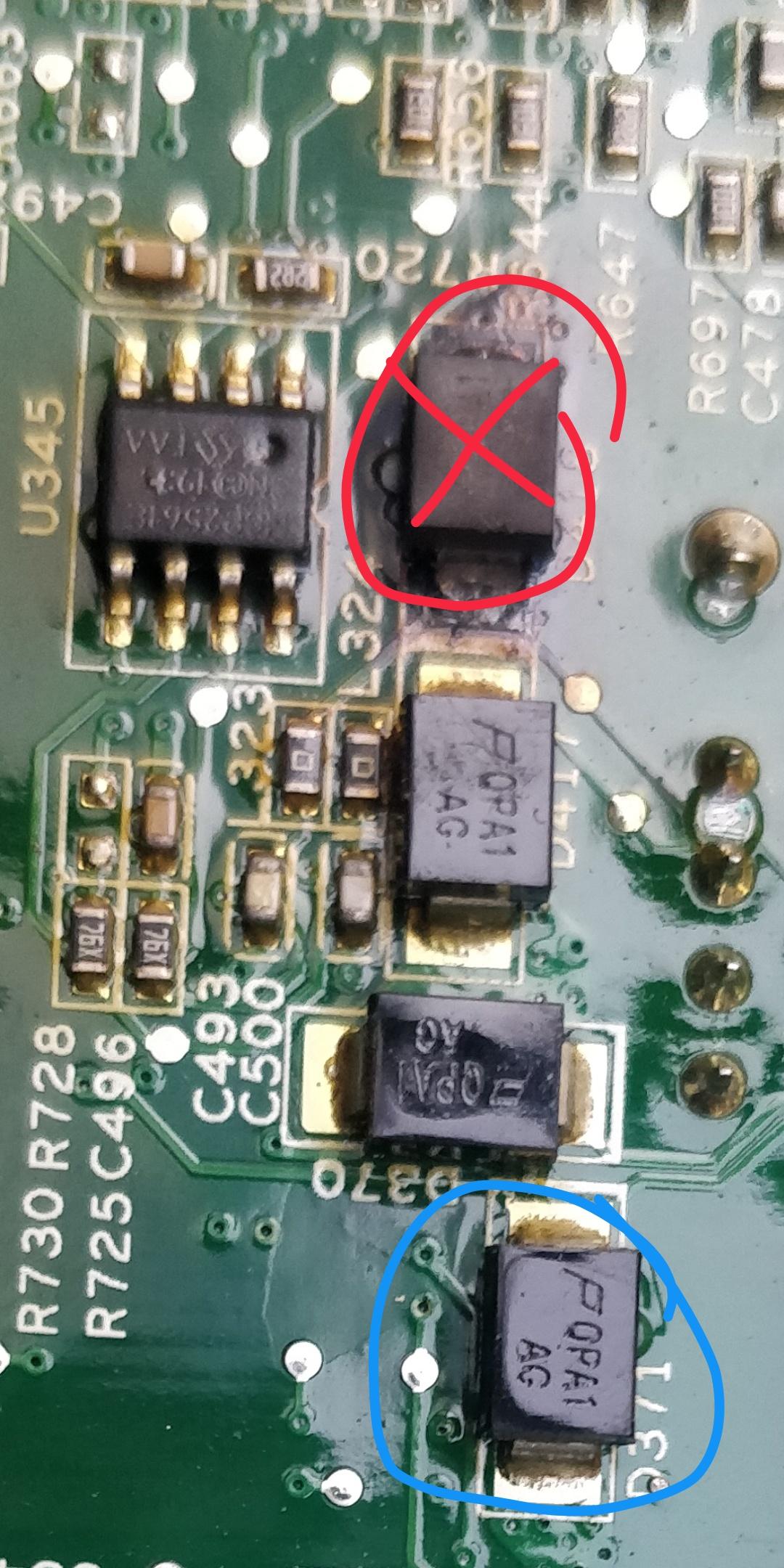
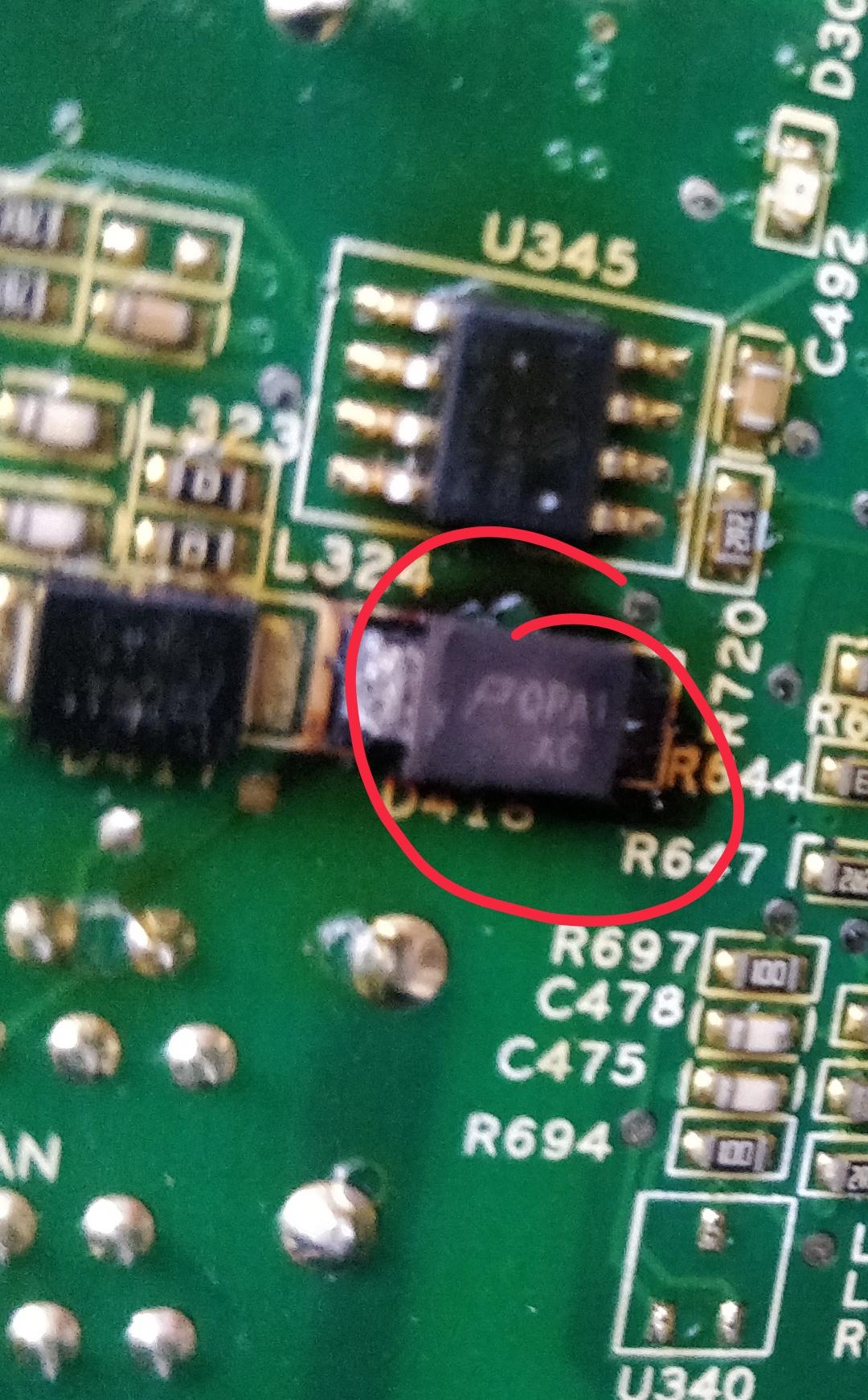
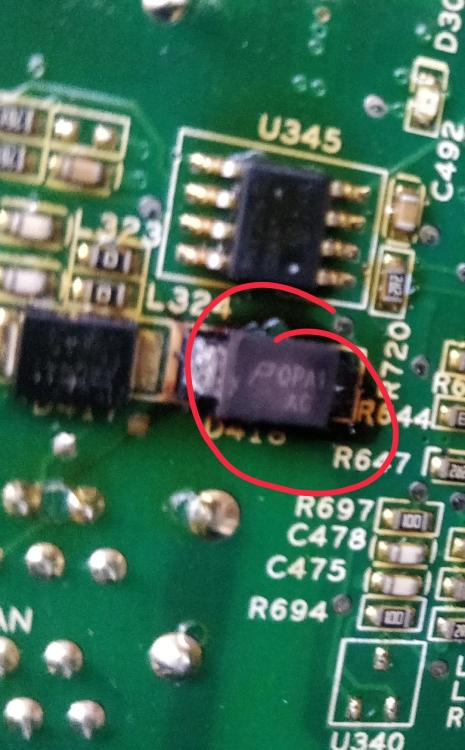
Hi all, please help me identify this 'diode' on a pylontech BMS... thanks

-
good people, has anyone experienced ‘Monitoring Fail’ error with Pbms Tools? How did you resolve it, please?
-
About 3 yrs old. Reached out to Segen, no response wrt to mu need. They were rather quick to open an account 🤠
-
hi, i have a burned PMU, 8 of the MOSFETs are dead. i am desperately (because of ongoing load shedding) looking for a PMU for US3000 OR US2000. I am in Joburg
-
The power supply board in my pylontech battery module is fried. I'm looking for a replacement, I am in Joburg and willing to buy a damaged pylontech module for spares. thanks.
-
Is there anyone with a battery pack using Tian Power BMS? I am looking for the PC configuration tool / software and the recommended RS485 to USB adapter. Thank you in advance
-
Please share software, if you don't mind. Which email address did you use to contact Narada? Thank you.