


add1c7ed55
Members
-
Joined
-
Last visited
Everything posted by add1c7ed55
-
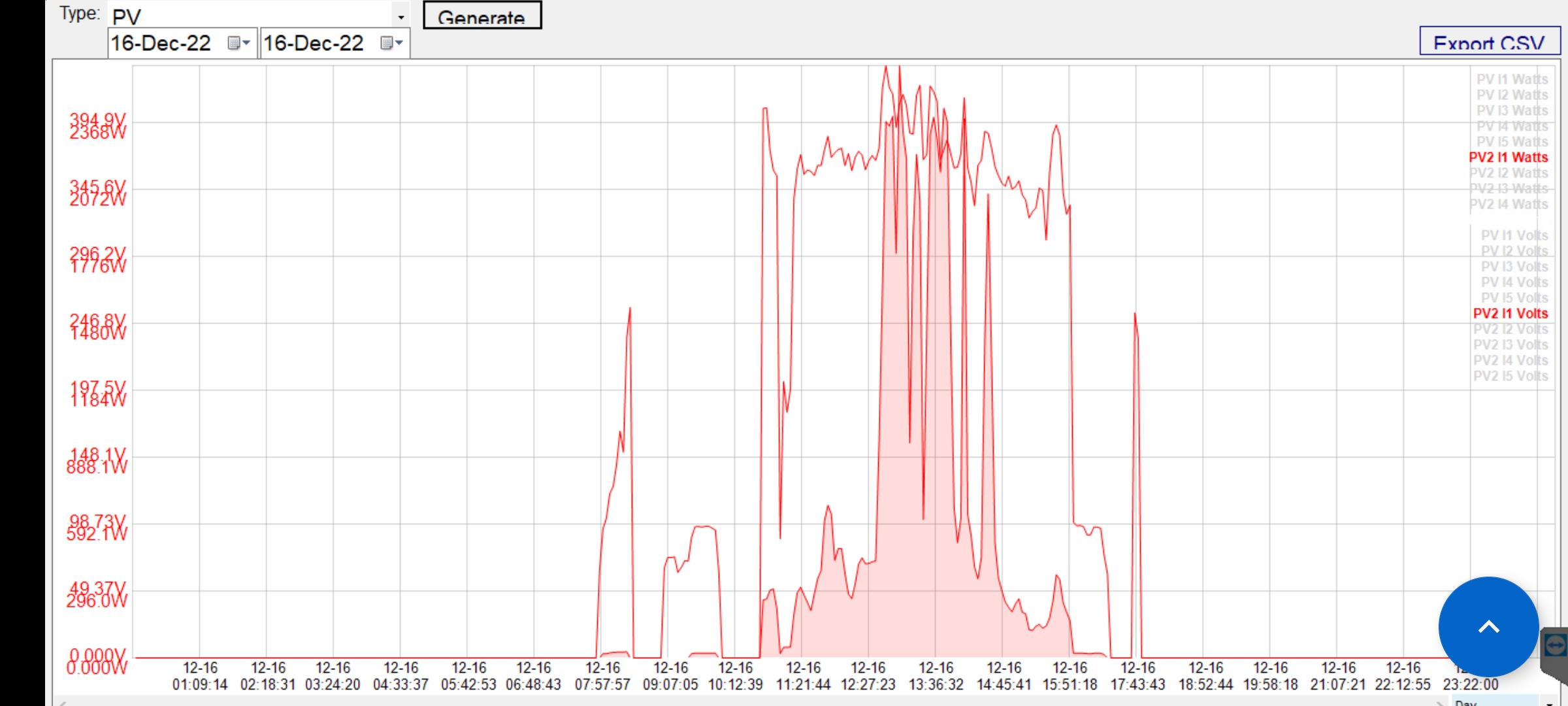
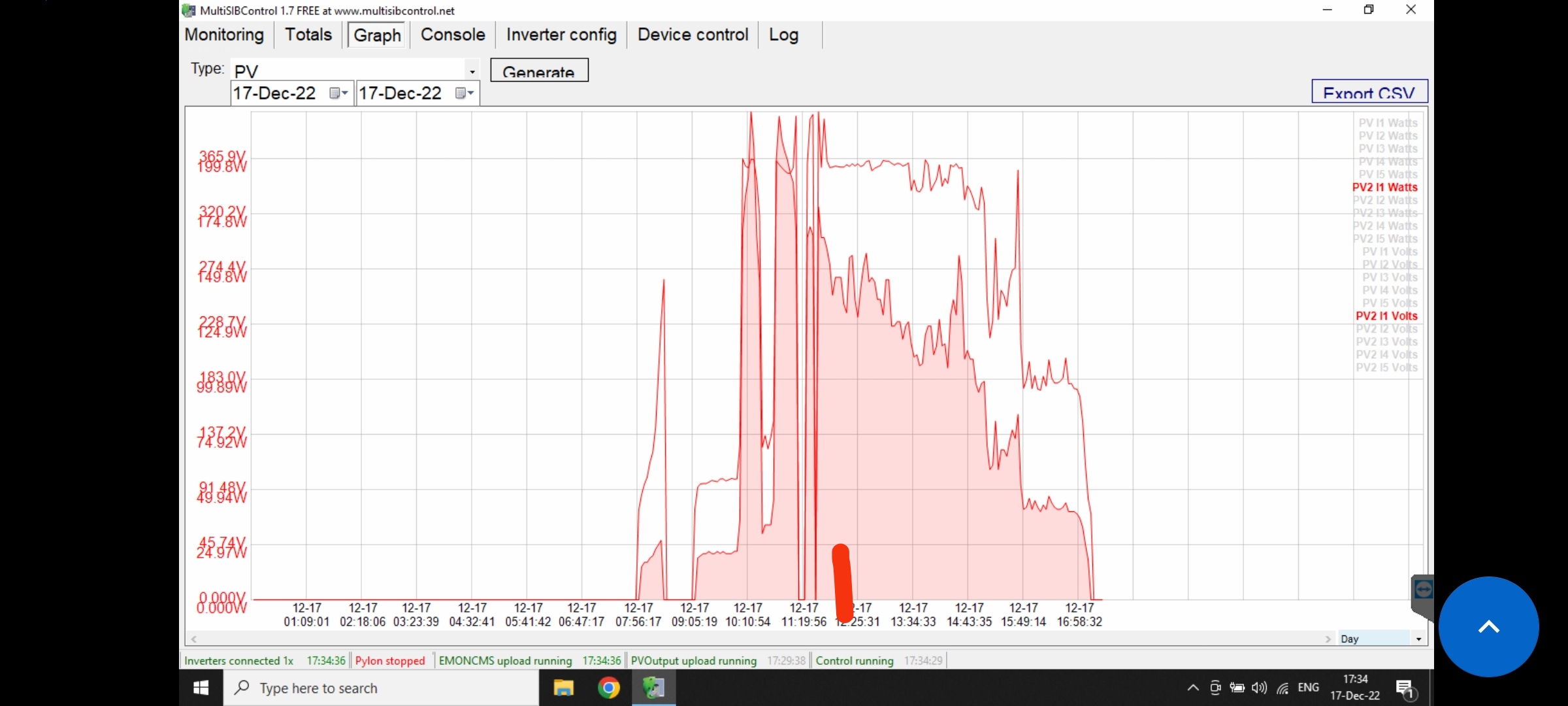
Do think i will be more efficient with 330v ? Pls answer to my 2 questions upstairs.Da. versiunea 200v. Aici in romania, la 15.50 este aproape noapte. Fara lumina solara. Este normal să cobori. Problema persistă, dar funcționează mai bine decât originalul. Cred că este cel mai bun mod... este suficient. Dar am o întrebare, dacă lucrăm cu cablul deconectat, invertorul nu va fi defect în timp? Adică, cred că inginerii care au pus acel conector l-au pus cu un reason? and 2. What happening if disconnect the battery when thw inverter is running? Cauze Georg said that cant work.without batteriesLook, first photo, yesterday, with the connecter in, the voltage goes up and down, 2nd photo, today, where is the red line, there i disconnected the cable, working awesome. The mppt closed with 1 hour late then yesterday.
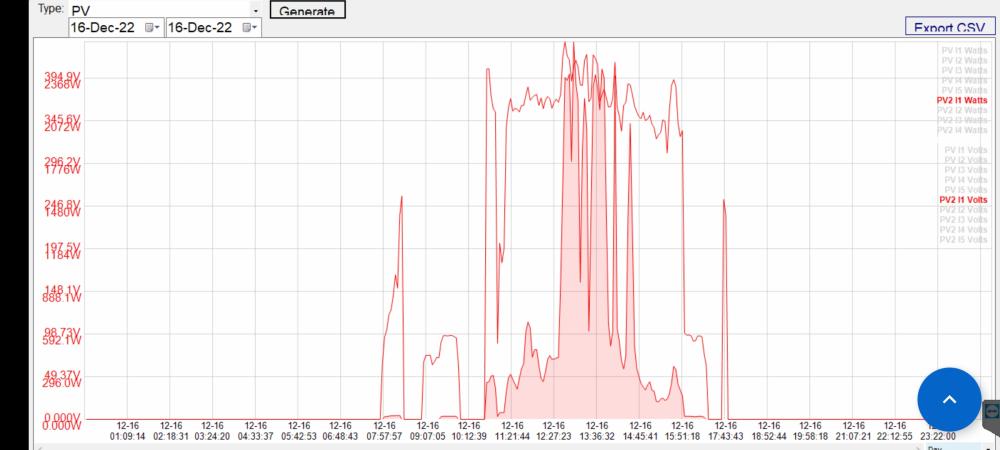
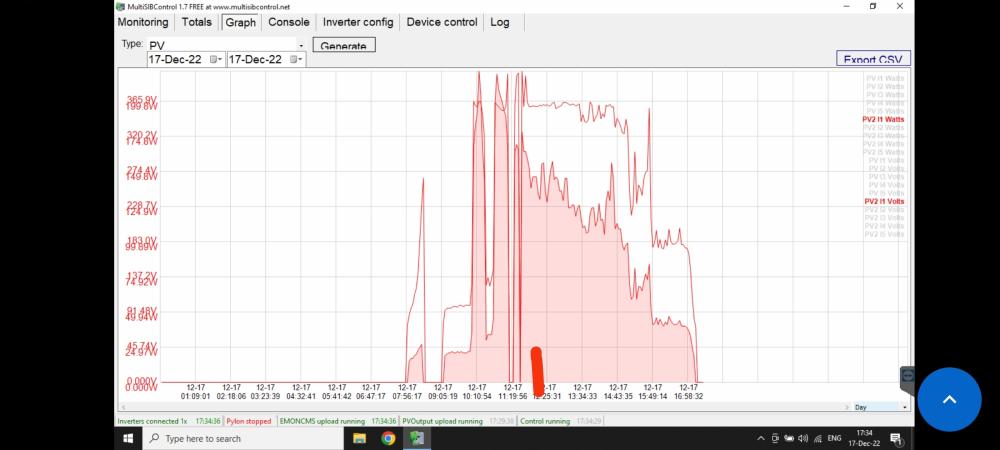 Hi all. Today i disconnected the connector, here is cloudy and i hace 8kw pv installed, production with the cable connected is 250wh, with the cable disconected is 340wh. Tested 3 times. The question is, the inverter can work without this cable long time? Wont deffect Something in it in time?Hello everyone. I have 2 pieces easun sv4 with 2 different firmwares and i cant paralelize them. I found on a profile forum firmware for it, but after flash i have error 32. Can someone help me with a new firmware or somehow to solve the problem???Hi. I have 2 pcs Easun SV IV with different firmwares, i cant paralelize them, has anyone firmware for this inverter to flash ? ThanksIt is opened yet. I turned the fans. I will try. Which will be the negative facts ? Wont be use as a charger and wont turn on only with pressing the button? Other negatives ?I have your patched version yet, it works very good without 90v stuck. With this connecter out what will be better?What will be better with the connecter out?Boys, can u answer to me ? Is there any new improvements or new firmwares that work better for 8k ?With this firmware we need to disconnect that connector or only flash it ? Whats the difference between this firmware and the last one, 92.05 and 90.06 that georg patched? ThanksAnd we that updated with your patched firmware and dont have the 90v issue any more what to do ? Take out that con ecter or not?Hi. My easun smw8k is heating a lot. I turned upside down the 3 fans and i put another 2 8cm fans upside, to take out the hot air, now the cold air enter downside and go.out upside. I think is better, what do o think ? Now stays in 43°C all the time. I will have false temperature ?Hello. Can i Connect the JK bms to multisibcontrol?I updated with succes 46.05 with 112.14 with arena 90.05. All was ok.U didnt need to update the display, only 1st firmware, u upgraded the wrong firnware, for u is ok the firnware that Coulomb made, 92.05 with arenaflash tool. U can try it now, but now u have changed the disply firmware and now i think they dont comunicate.Hi all. I updated more mpp and easun inverters 8kw, and i realised that inverters with 2nd firnware 112.15 works great only with thr firnwares that have arenaflash tool app, and others with 1st 46.05 and 2nd 12.06 works only with reflashtoolx. DONT COMBINE THE FILES BETWEEN THE TWO PATCHES ! Here are a lot of versions for twice inveters made by George and Coloumb.Why u renamed the file ? It works with the 92.04 patched....Flash again 92.04 from voltronic. Will work.Dont know, mine is disabled since i installed itMakes the same.to.me, i have 430voc, and goes under 380v when i have consummer. This is a problem? How can solve it ?


Account
Navigation
Search
Configure browser push notifications
Chrome (Android)
- Tap the lock icon next to the address bar.
- Tap Permissions → Notifications.
- Adjust your preference.
Chrome (Desktop)
- Click the padlock icon in the address bar.
- Select Site settings.
- Find Notifications and adjust your preference.
Safari (iOS 16.4+)
- Ensure the site is installed via Add to Home Screen.
- Open Settings App → Notifications.
- Find your app name and adjust your preference.
Safari (macOS)
- Go to Safari → Preferences.
- Click the Websites tab.
- Select Notifications in the sidebar.
- Find this website and adjust your preference.
Edge (Android)
- Tap the lock icon next to the address bar.
- Tap Permissions.
- Find Notifications and adjust your preference.
Edge (Desktop)
- Click the padlock icon in the address bar.
- Click Permissions for this site.
- Find Notifications and adjust your preference.
Firefox (Android)
- Go to Settings → Site permissions.
- Tap Notifications.
- Find this site in the list and adjust your preference.
Firefox (Desktop)
- Open Firefox Settings.
- Search for Notifications.
- Find this site in the list and adjust your preference.