Skip to content
View in the app

A better way to browse. Learn more.

Power Forum - Renewable Energy Discussion

A full-screen app on your home screen with push notifications, badges and more.

To install this app on iOS and iPadOS
  1. Tap the Share icon in Safari
  2. Scroll the menu and tap Add to Home Screen.
  3. Tap Add in the top-right corner.
To install this app on Android
  1. Tap the 3-dot menu (⋮) in the top-right corner of the browser.
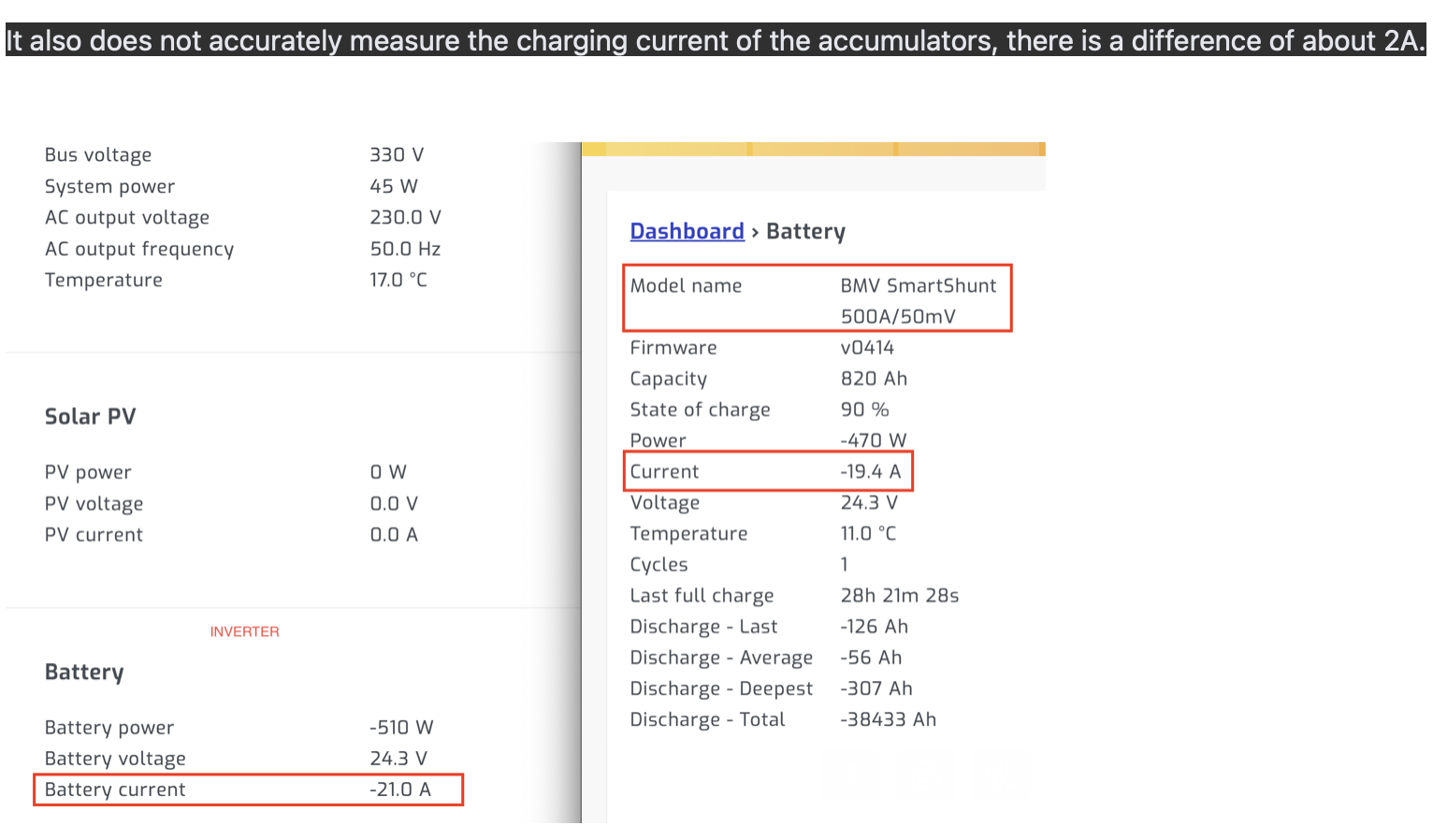
  2. Tap Add to Home screen or Install app.
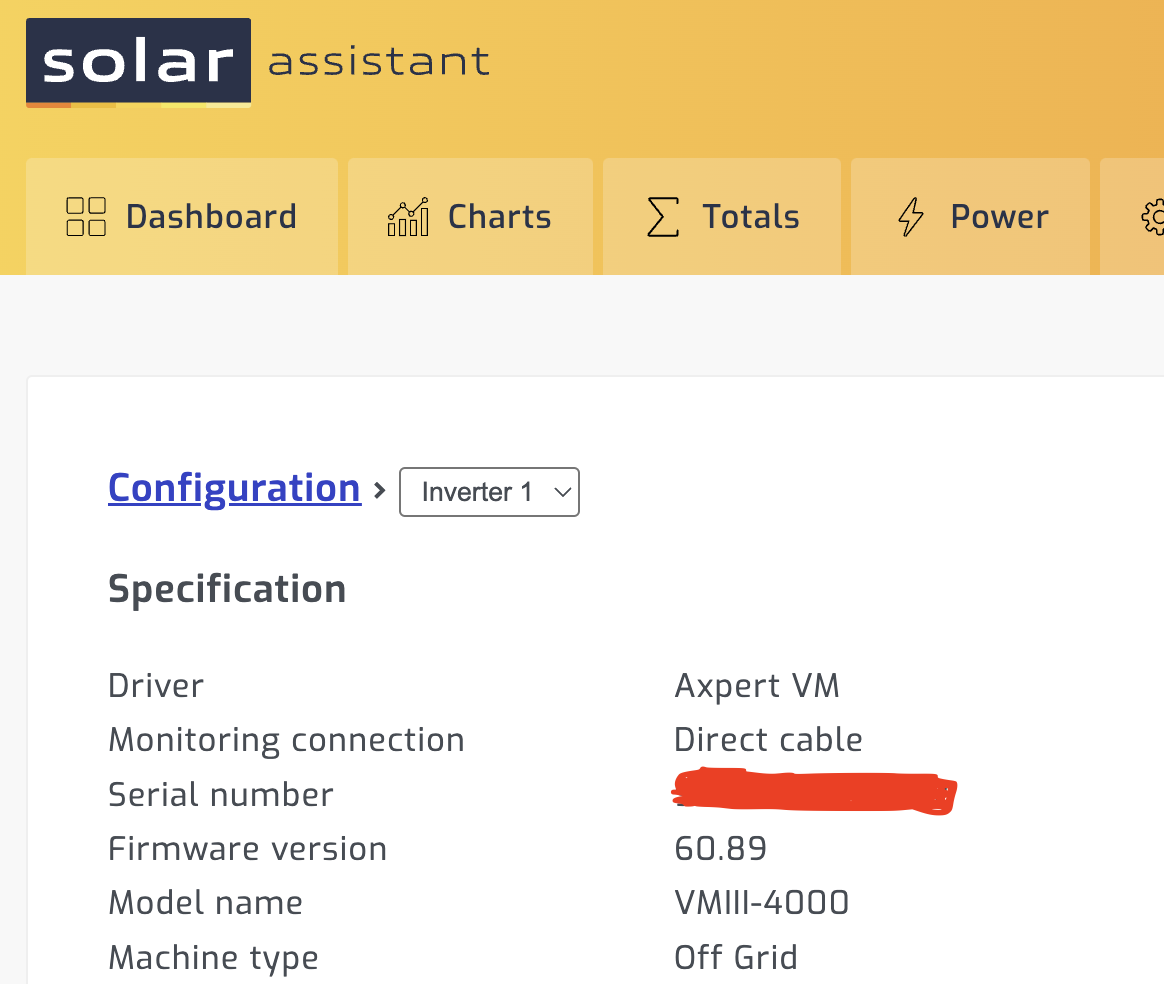
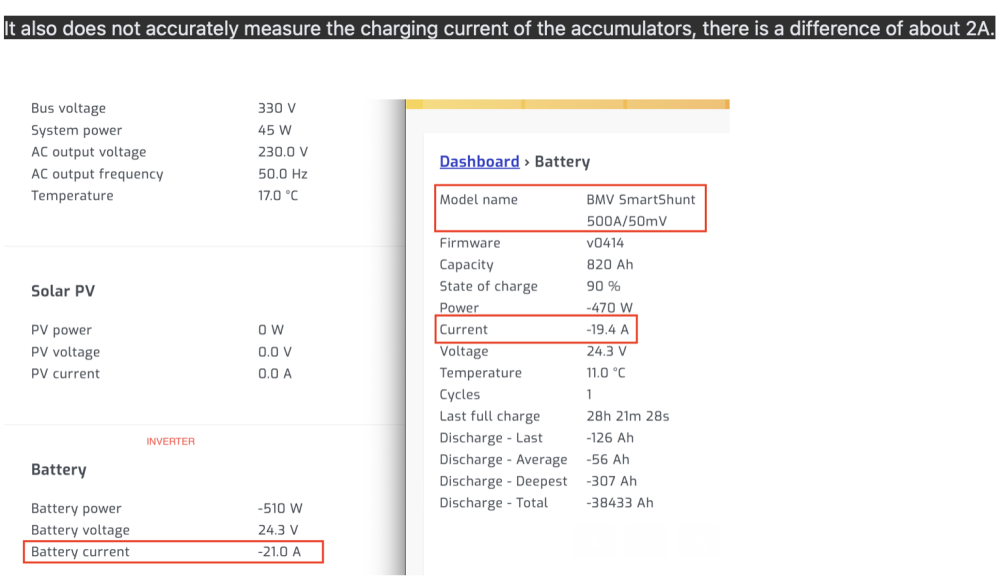
  3. Confirm by tapping Install.

melac

Members
  • Joined

  • Last visited

  1.    Tarek Yag reacted to a post in a topic: Repairing a messed up VM IV Twin 4000
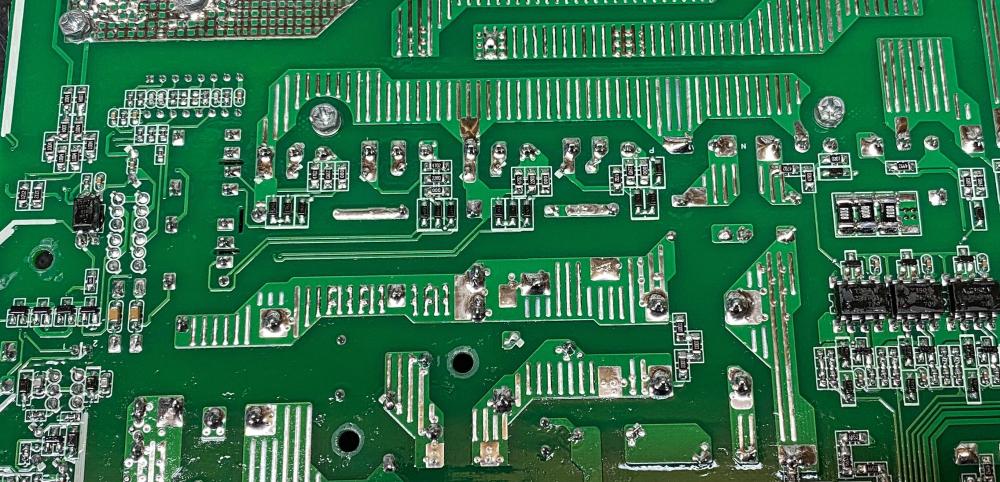
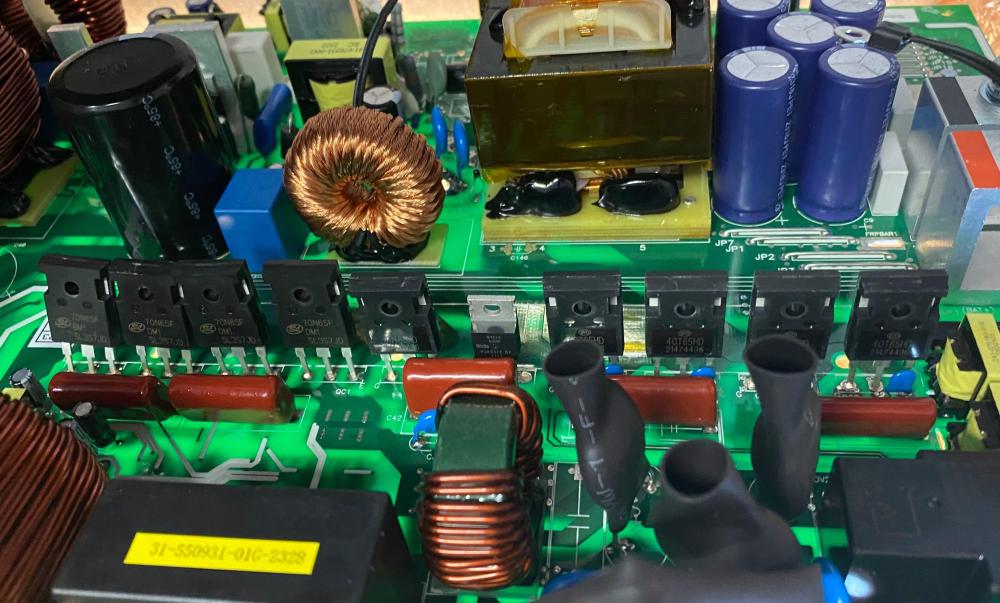
  2. Tarek Yag hello, here are two photos with the original parts. I hope it helps.
  3.    mhd_murad reacted to a post in a topic: Voltronic Axpert VM III Twin 4Kw
  4. Hi mhdite7 , this is the latest version I know of. It works well for me.
  5. Today my MPP Solar 4024MT had similar problems.
  6. Hi @bratpit. Axpert VM III Twin is supported by SA, I use it.
  7. @Coulombmaybe you are right, i corrected the file name instead.
  8. Hi roadrunner79. I posted it a few posts earlier.
  9.    melac reacted to a post in a topic: Voltronic Axpert VM III Twin 4Kw
  10.    Scorp007 reacted to a post in a topic: Voltronic Axpert VM III Twin 4Kw
  11. Previously, the firmware was 60.05. Those who rely on the measurements of the inverter will not notice the errors.
  12. Hello. I have an MPPSolár 4024MT inverter, (Axpert VM III Twin 4Kw) It measured the current of the grid in incorrectly and when it switched to the bypass mode, it charged the battery with a constant 4A if voltage appeared on the PV input, even though the grid charging was disabled. I received a new firmware for this from MPPSolár, which has been fixed. But he has some problems. It measures the current of the battery incorrectly, with a difference of 2A, and still charges the battery from the grid by 1-2 A other than that it works fine. VM_III_Twin_60_89.zip

Account

Navigation

Search

Search

Configure browser push notifications

Chrome (Android)
  1. Tap the lock icon next to the address bar.
  2. Tap Permissions → Notifications.
  3. Adjust your preference.
Chrome (Desktop)
  1. Click the padlock icon in the address bar.
  2. Select Site settings.
  3. Find Notifications and adjust your preference.