


Raj35
Members
-
Joined
-
Last visited
Everything posted by Raj35
-
Hi so I have a SunSynk 8k and most of the house is on the essential, except thee oven which i put on thee nonessential load and I feedback to it while solar is available , how ever I have a Axpert King connected to it with a hubble AM2 to power up the geyser and any nonessential I need and the Axpert is charged with the solar from the Sunsynk.
-
Maybe test thee neutral and earth and check the voltage between them.
-
After 39 cycles battery is performing very well, get close to 14kwh from it cut off voltage 49.5v no stress on them.

-
-
6 Artsolar panels 400watt facing NE at 35° , 6 facing NE 5° tilt , 3 Canadian facing NE 35 ° and 3 facing NW 35°. The 6 Canadian are 445w I have seen 2800watt from them.
-
Hi just some light from my side I have the Sunsynk 8Kw and 7.5kwh panel is more than I require Voc are around 260v of 3 strings. My 14kwh pack is charged by 12pm and my usage is around 1.5kwh. So depending if you feedback to grid or have a 30kwh pack then more panels would be good. After 12pm my solar panel are on relax mode as my meter does not allow feedback. Generation stars around 7am and end around 4 to 5pm.
-
@Moffat Around 80 cycles installed on the 12/09/2021 SOH 100%. Discharged to 40%. Removed on the 08/12/2021
-
Item: Hubble AM2 Age: 4 Months from the Power forum store Price: R23000 Payment Method Accepted: Cash / EFT Warranty: Yes Packaging: Yes Condition: Like new Location: Durban Reason: Upgraded to bigger pack Shipping: Yes at buyer cost Collection: Yes Link:
-
@Antonio de Sa I thought you had no bms at all, so there is one internal that's fine system should operate fine
-
@Antonio de Sa without bms, just becareful, something I tried after 55.8v the cell become a runaway train. I have tried it some cells can reach 3.7v
-
Just a thought , my charge/float is 55v cut off 47v.
-
Hi I did weld that myself between playing with my 4year old and escaping into my lair while she asleep I sat till the am sorting this out.
 Cell have been connected, will share an update later on connection.
 @Gnome appologies been busy at work I have made a battery stand nothing to fancy
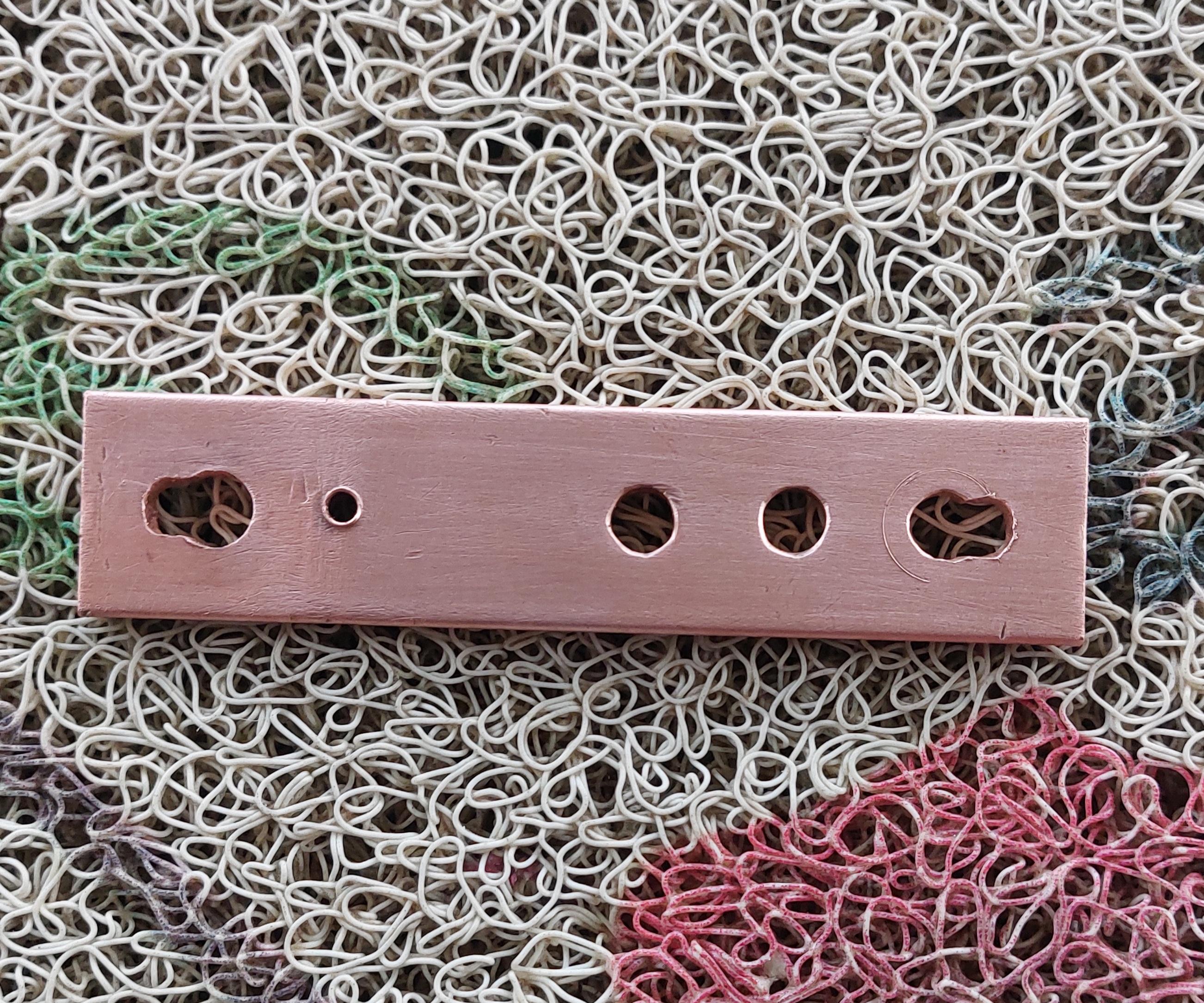
 @Gnome the active bms has a switch function which I'm going to use to trigger on and off maybe put something to trigger remotely when need. The copper busbar I had lying around so I used what I had , I saw a video of Andy aswell he used aluminum which is also great.Link bar for pack 31mm x 3mm copper taped and heat shrinked
 @JoeyhZA it's not everyones cup of tea if you good with DIY and hands on then that a plus and also time is a requirement. I have them for more than a month and only working with it now@Gnome he posted the pro and con,s on his DIY pack. The price of a 15kwh battery would set you back 75 to 80k depending on the brand.My current calculation is around 50k so it depends on one self.@Brickman prices are hectic especially freight below is the quote from Shenzhen Basen Technologies to your door but it a chance to take. My first order was from another store it was a nightmare 😫 I thought I had lost my 40k on Aliexpress with much fighting and providing evidence I won the dispute and they refunded my money 😦
 @Gnome @Brickman 87Dream put me in touch with Thomas who had them for sale. They are from Shenzhen Basen Technologies.




Account
Navigation
Search
Configure browser push notifications
Chrome (Android)
- Tap the lock icon next to the address bar.
- Tap Permissions → Notifications.
- Adjust your preference.
Chrome (Desktop)
- Click the padlock icon in the address bar.
- Select Site settings.
- Find Notifications and adjust your preference.
Safari (iOS 16.4+)
- Ensure the site is installed via Add to Home Screen.
- Open Settings App → Notifications.
- Find your app name and adjust your preference.
Safari (macOS)
- Go to Safari → Preferences.
- Click the Websites tab.
- Select Notifications in the sidebar.
- Find this website and adjust your preference.
Edge (Android)
- Tap the lock icon next to the address bar.
- Tap Permissions.
- Find Notifications and adjust your preference.
Edge (Desktop)
- Click the padlock icon in the address bar.
- Click Permissions for this site.
- Find Notifications and adjust your preference.
Firefox (Android)
- Go to Settings → Site permissions.
- Tap Notifications.
- Find this site in the list and adjust your preference.
Firefox (Desktop)
- Open Firefox Settings.
- Search for Notifications.
- Find this site in the list and adjust your preference.