rafa2
Members
-
Joined
-
Last visited
-
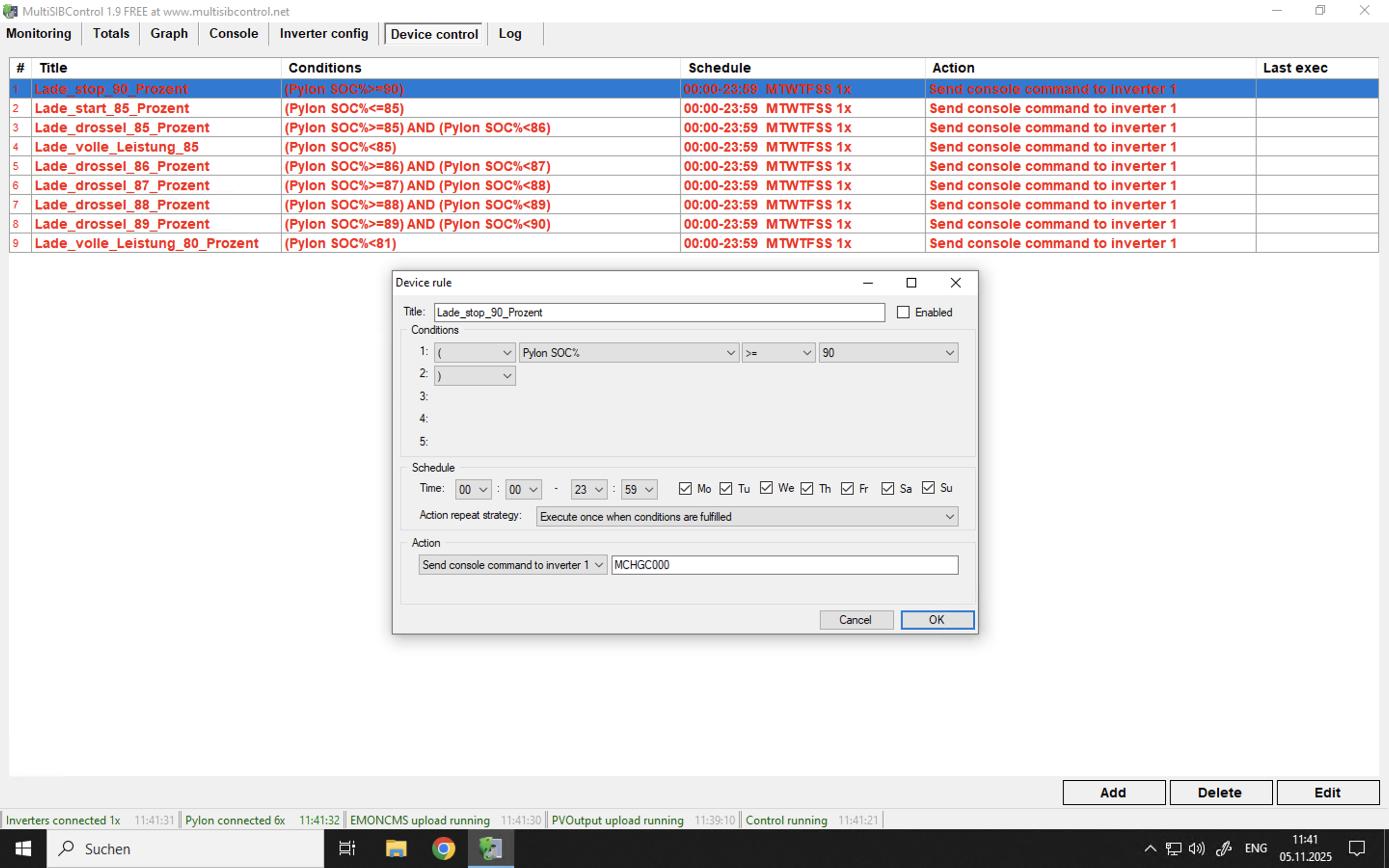
Hello, I am using MultiSIBControl to manage my Axpert Max II Duplex 11KW inverter in conjunction with Pylontech batteries. Communication between the software and the inverter generally works (receiving (ACK confirmation in the console), but I am encountering issues with the implementation of SOC-dependent charge current limitation. The control objective is to achieve a gentle, stepped charging of the Pylontechs in the upper range (Hysteresis 80% to 90% SOC) while keeping the AC charging permanently deactivated. 1. My Setup Inverter: Axpert Max II Duplex 11KW ; Main CPU Firmware Version 00063.04 ; Secondary CPU Firmeware Version 00022.21 Battery: Pylontech (BMS communication active, but AC charging deactivated via Menu 16 set to "SOL") MultiSIBControl Version: 1.9 (Assumed) 2. Implemented Control Logic (Stepped Charging) I have set up a precise, non-overlapping chain of rules to control the total charge current: SOC Range Rule Title Action Command Action Repeat Strategy < 80% Lade_volle_Leistu_80_Prozent MCHGC090 Execute once 85\% to < 86\% Lade_drossel_85_Prozent MCHGC045 Execute once 89\% to < 90\% Lade_drossel_89_Prozent MCHGC025 Execute once >= 90\% Lade_stop_90_Prozent MCHGC000 Repeat every 1 minute 3. Observed Problem: Momentary Charging/Flickering The issue affects both the 0A Stop Rule and the Throttling Rules: On Charge Stop (SOC≥90%): MCHGC000 is sent, and the charge current briefly drops to 0A (ACK confirmation received). Within < 60 seconds (before the next repeat command arrives), the inverter ignores the 0A command and increases the charge current to an internal default value (approx. 50A or more). Since charging resumes, the condition SOC≥90% remains fulfilled. The MCHGC000 command is sent again after 1 minute, the current drops to 0A, and the cycle immediately repeats (flickering). During Throttling (85% to 90%): The throttling commands (e.g., MCHGC045 at 85%) are also only implemented very briefly. Shortly after sending the 45A command, the charging jumps back to the internal default value (approx. 50A), undermining the fine-tuned throttling. 4. My Question Is there a recommended "aggressive strategy" in MultiSIBControl for this known issue (overriding of external MCHGCnnn commands by the internal firmware/BMS logic)? Should a Mode Change command (e.g., PSB) be used in the Lade_stop_90_Prozent rule to inhibit the WR's charging function at a higher level, thereby resolving the flickering? If so, which mode commands are recommended for "Stop Charging" (at ≥90%) and "Re-enable Charging" (at SOC<80%)? Thank you in advance for your support. Rafa

-
-
Hello, I bought two used cell blocks and I assume that the V10 block is also defective because the cells are unequal, as can be seen in the picture 0.240% this morning it was about 5%, the SOC has dropped from 47 to 6. Should I disconnect the battery? I don't want to damage the other pylons...


-
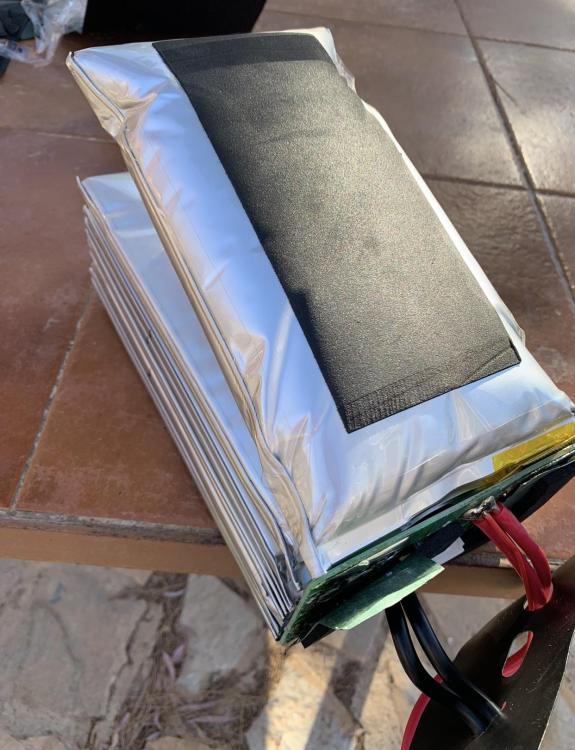
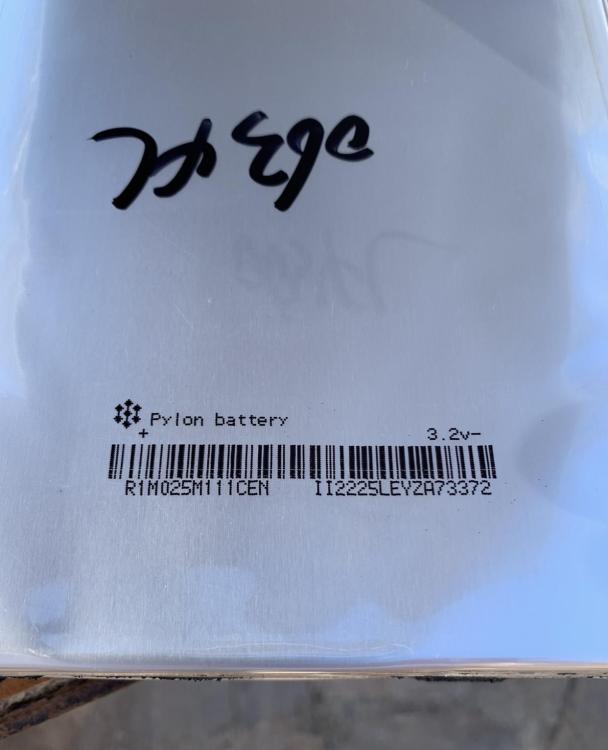
I opened a pack of cells. I assume I can replace the cells, right? If I can get them somewhere.

-
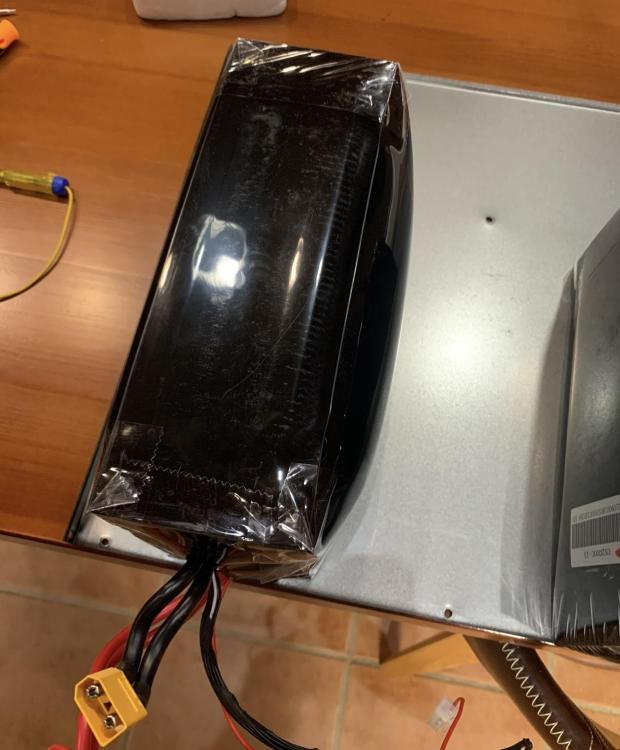
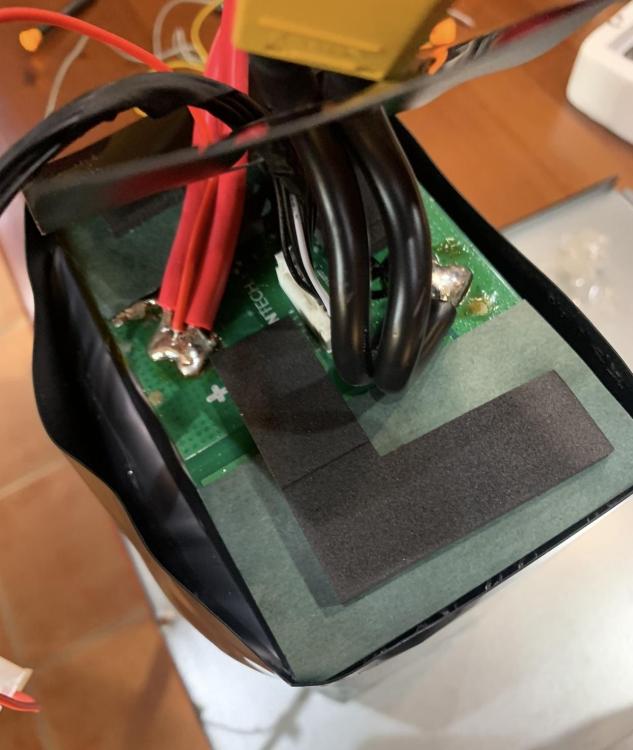
Hello, after a month my dealer told me that Pylontech does not accept a guarantee for the swollen cells because of overvoltage... Do you have any idea where I can buy two cell packs or does anyone have two cell packs for sale? Kind regards Rafa edit: The last two photos are for fire safety purposes only.




-
Thanks, I won't do the firmware update until I have the other inverter here at home, I don't want to sit here without power. edit: The update worked, thanks again!
-
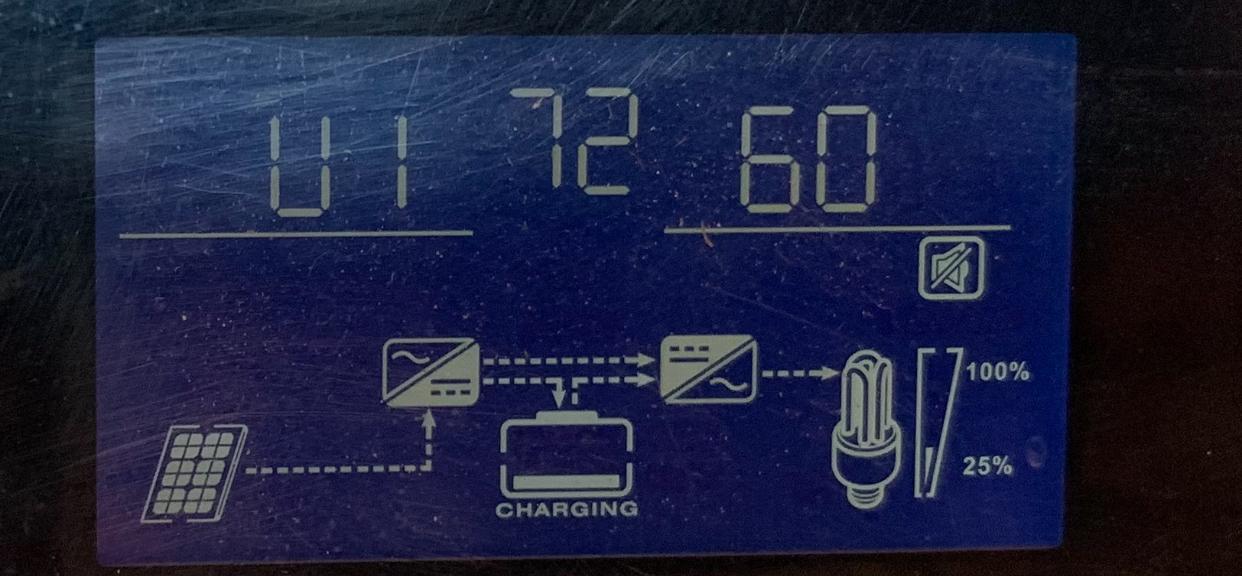
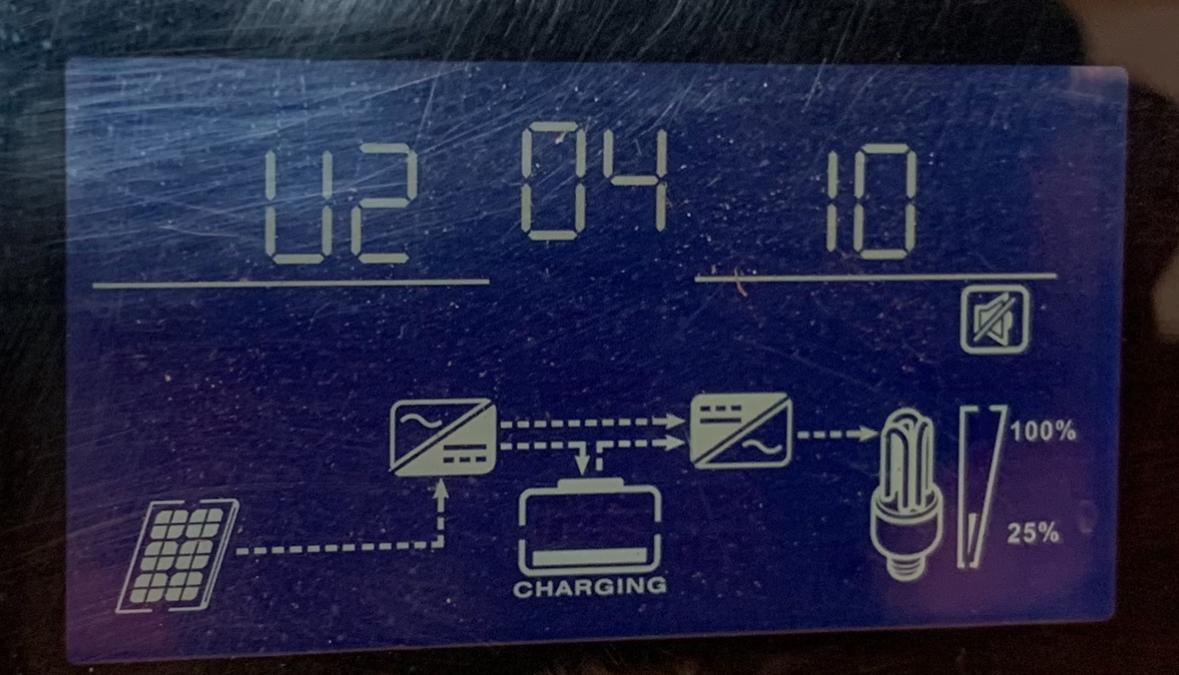
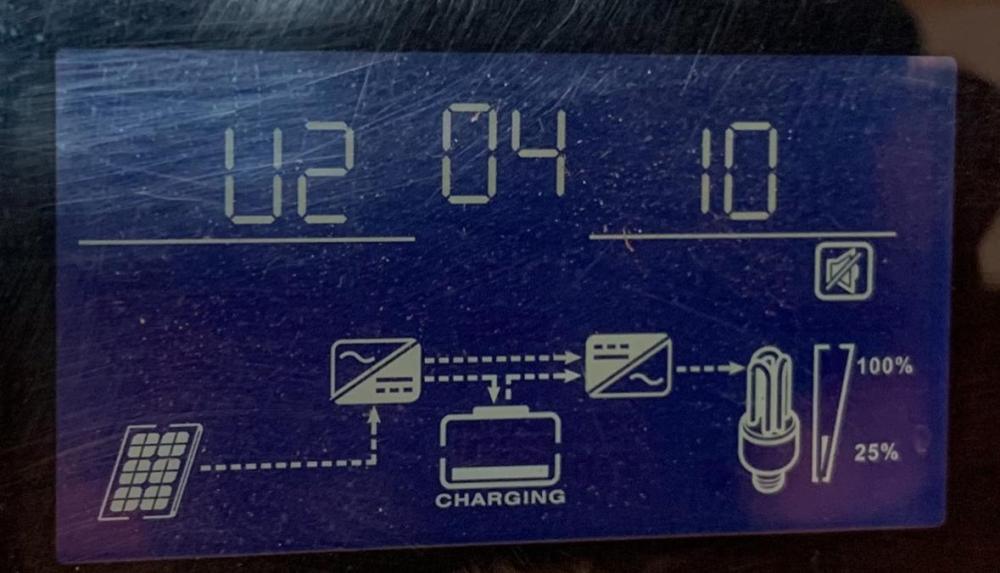
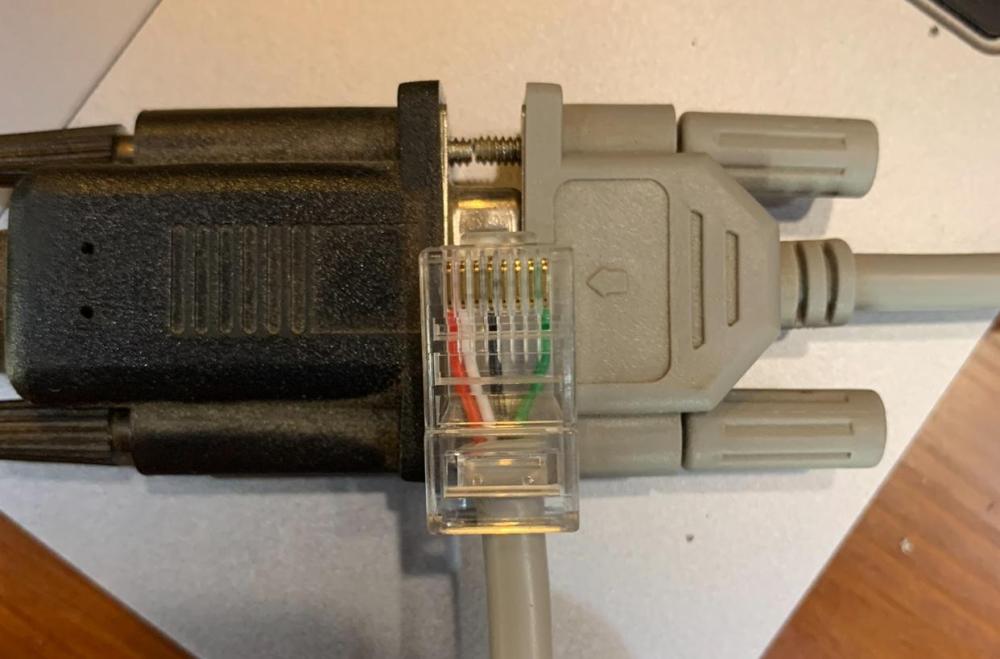
Are these photos enough for you? Because I have no communication with the inverter and solarpower because I don't know if I built this cable for my new inverter. INVERTER CHARGER Model Name: Inverter 5KVA-48-PAR-A Color: Silver and Black Operating Temperature Range: 0~ 55°C 92931608100959 Inverter Mode: Rated Power: 5000VA/4000W DC Input: 48VDC, 93A AC Output: 230VAC, 50/60Hz, 22A, 1Ф AC Charger Mode: AC Input: 230VAC, 50/60Hz, 35A, 1Ф DC Output: 54VDC, Max. 60A, Default 30A AC Output: 230VAC, 50/60Hz, 22A, 1Ф Solar Charger Mode: Rated Current: 80A System Voltage: 48VDC Min. Solar Voltage: 40VDC Max. Solar Voltage (VOC): 145VDC

-
first of all thank you! I'm not sure why the US5000 went on alarm. Unfortunately, one of the US2000Cs is swollen and no longer charges properly. Since the US2000C was on the minus and the US5000 on the plus, I can imagine that this had something to do with the fact that the battery that was swollen only had one diode on in the morning, the remaining four or so.


-
This is an old inverter (approx. 2014 model), it only has the USE in 5. I hope that the shop will repair my new one quickly. How are your dip switches set up? Because I think the dip switches are compatible with my new Axpert 5KW 48v Mppt 80A/500V VM III...
-
the second setting is no longer current. it was just to compare.
-
So the settings are current, the dishwasher and the oven ran today without the generator starting: 02: 50V, 05:USE, 11: 50V, 12: 48V, 13: 51V 16: SNU, 26: 52.5V 27: 51.8V 29: 46,5V Unfortunately, last night the generator started with these settings: 02: 80V, 05:USE, 11: 30V, 12: 48V, 13: 51V 16: SNU, 26: 53,21V 27: 53.1V 29: 47,5V

-
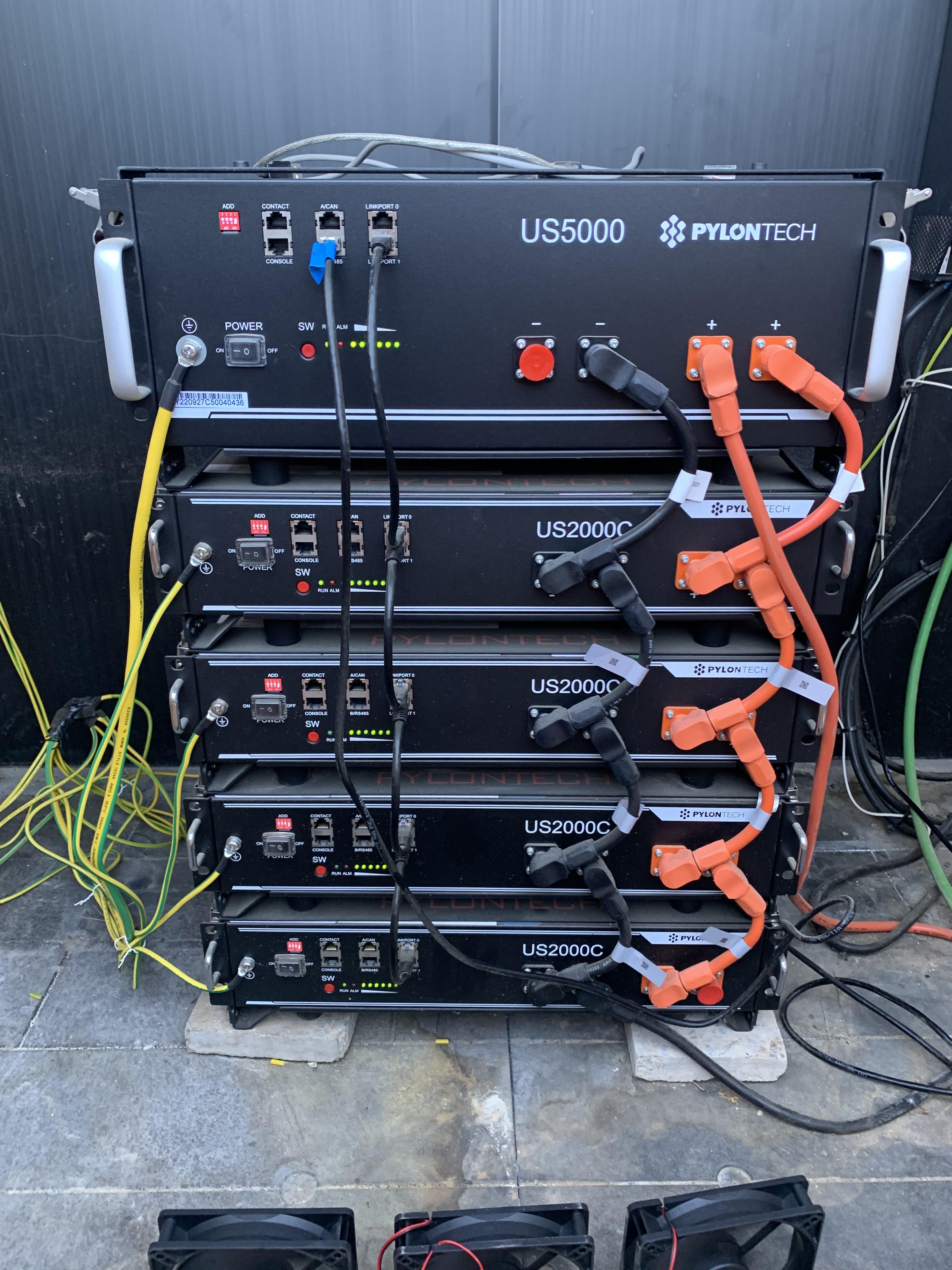
Hello folks, Unfortunately, my almost two-year-old inverter broke and it was sent in for warranty. Now I have connected my old inverters and unfortunately the US5000 went on alarm this morning with these settings: 05: USE 12: 48V 13:51V 26: 53.2V 27: 53.1V 29: 46V and when I switch to setting 29 to 47.5 the diesel generator continues to operate at high load. These batteries are connected 1x US5000 and 4x US2000C I would be very happy about your tips and kind regards from Spain.