vandyh
Members
-
Joined
-
Last visited
Everything posted by vandyh
-
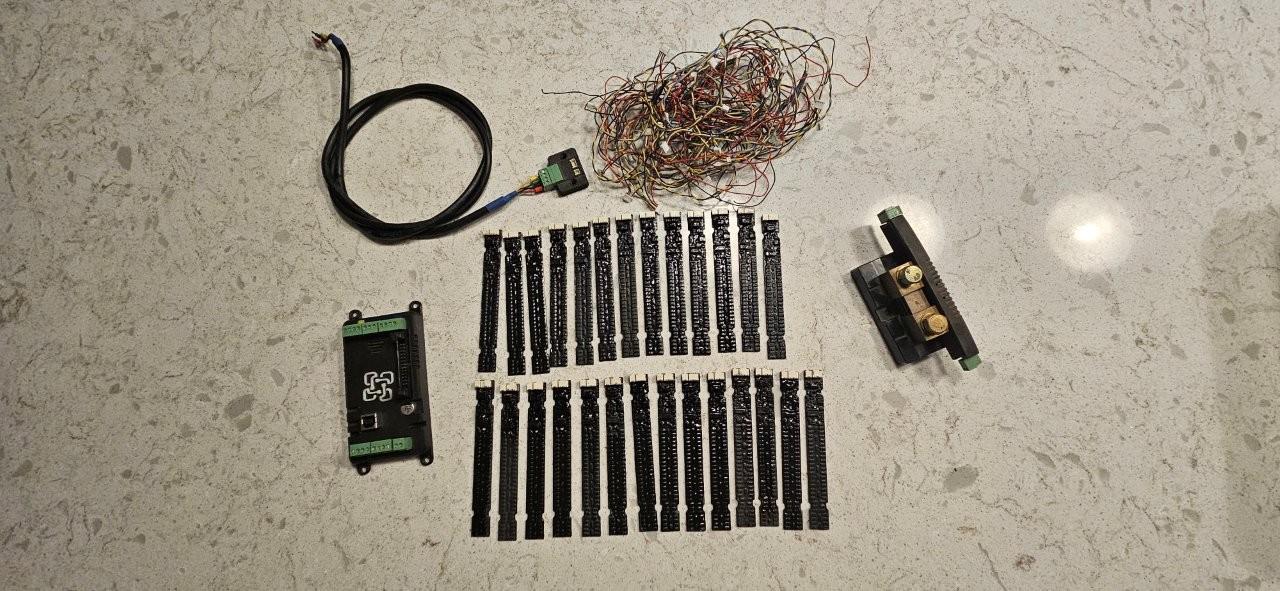
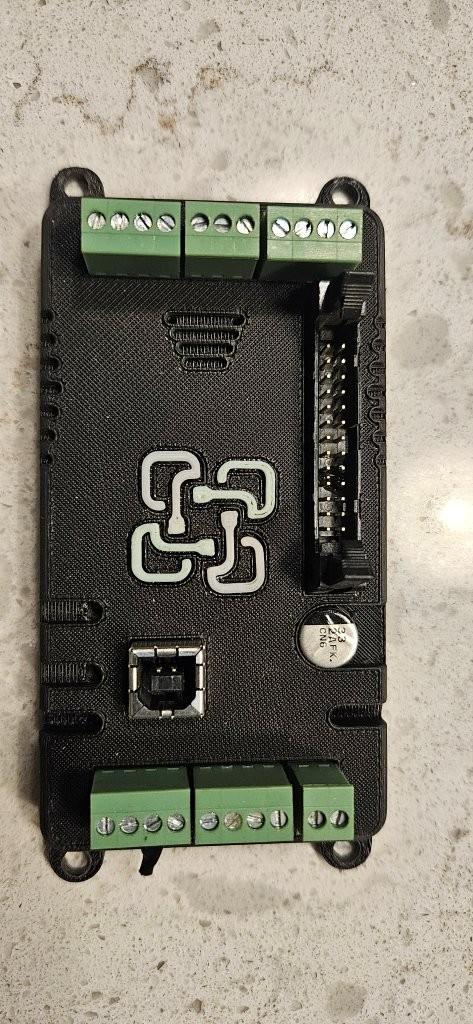
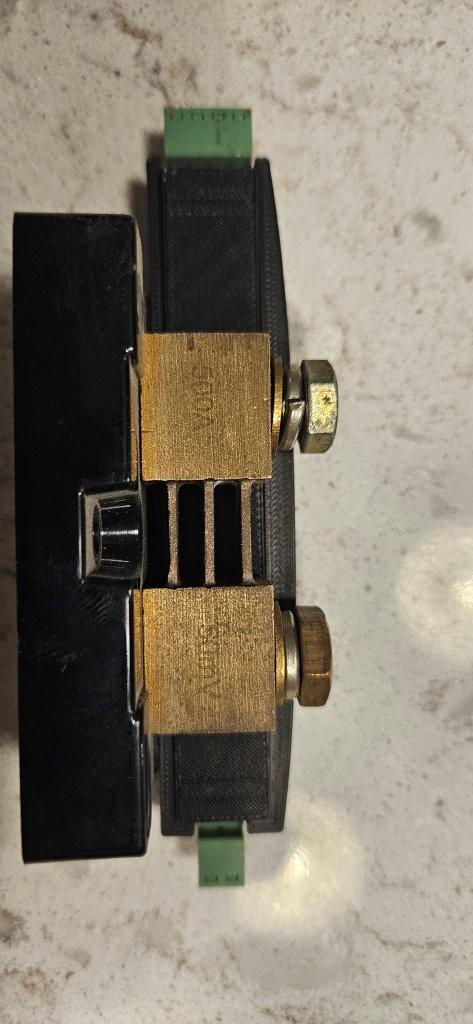
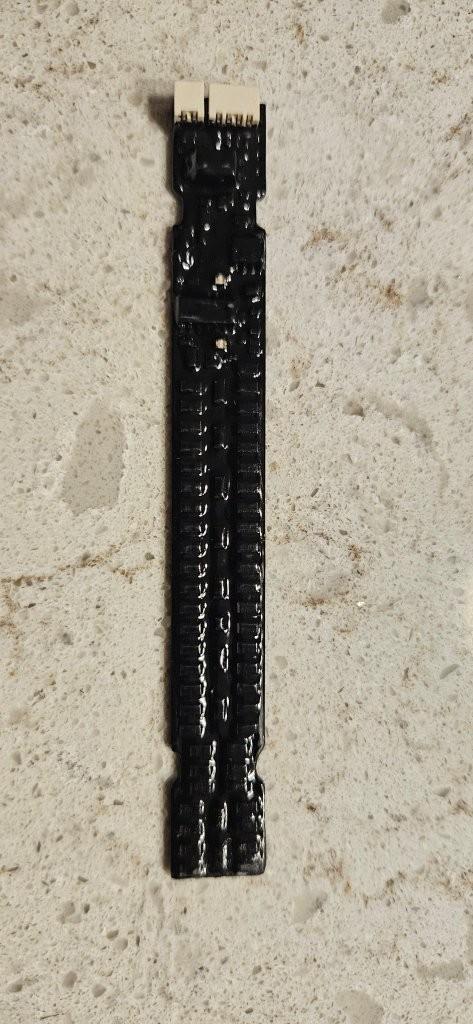
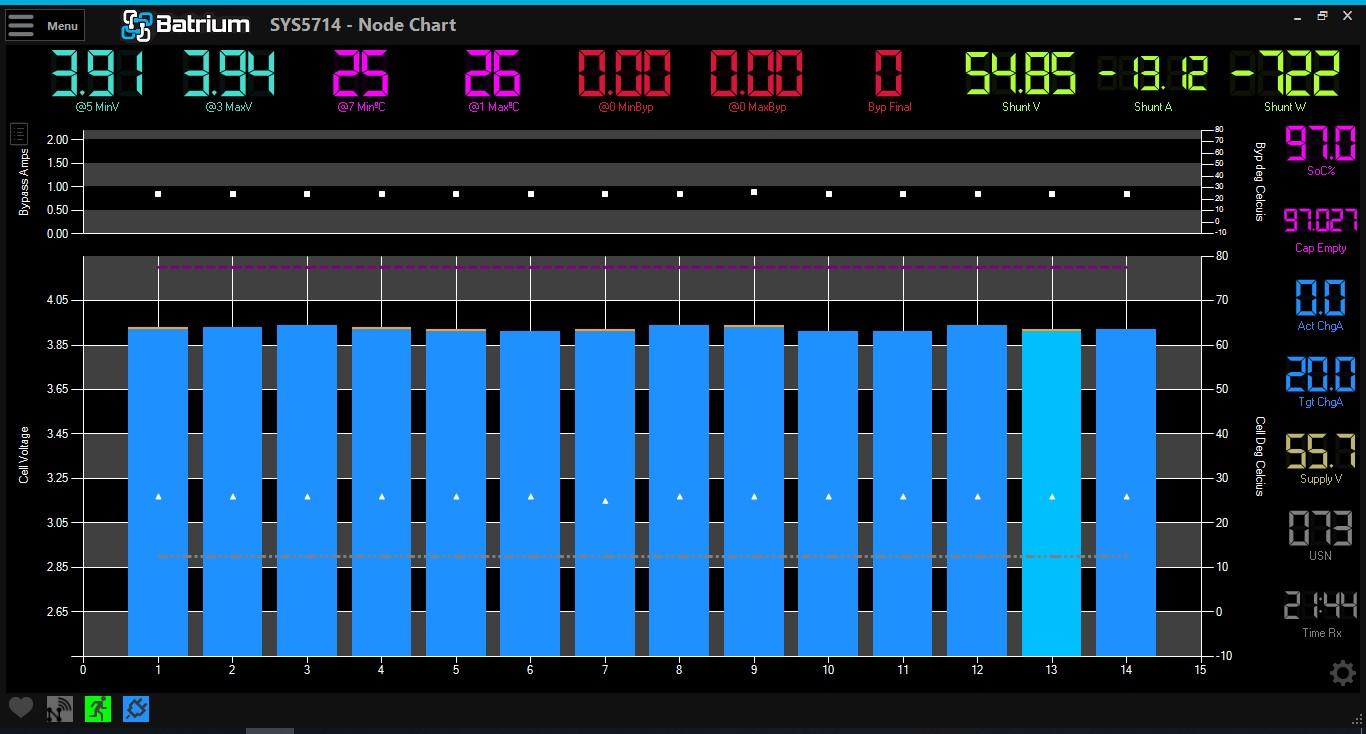
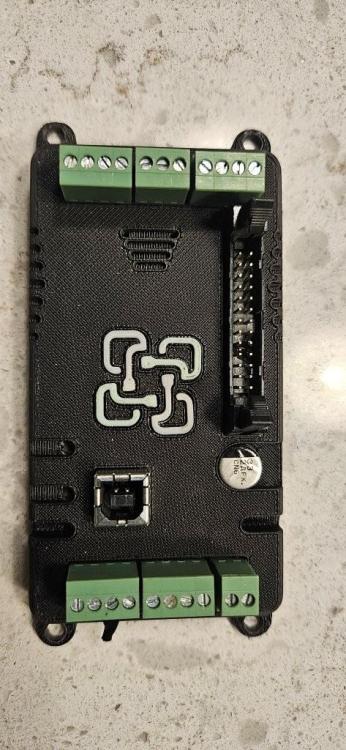
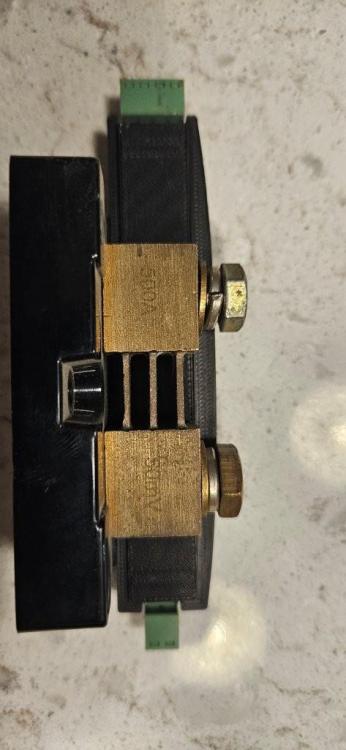
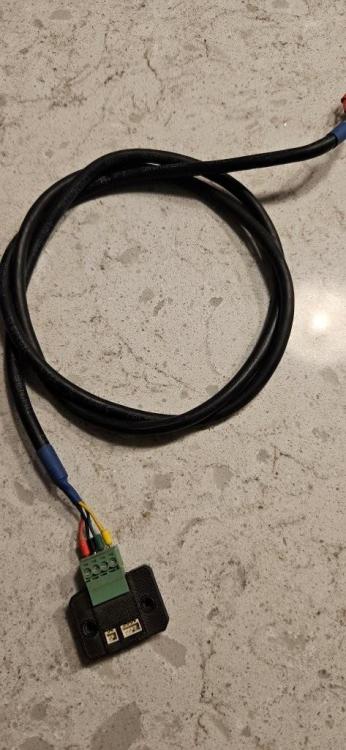
Item: Batrium WatchMon4 BMS + 27 Cell Monitors + 200A Shunt Age : ±6 YEARS Price : R3,000 Payment Method : EFT Warranty : NONE Packaging : N/A Condition : EXCELLENT Location : EDENVALE Reason : UPGRADING Shipping : COLLECTION Link: https://wiki.batrium.com/product/watchmon4



-
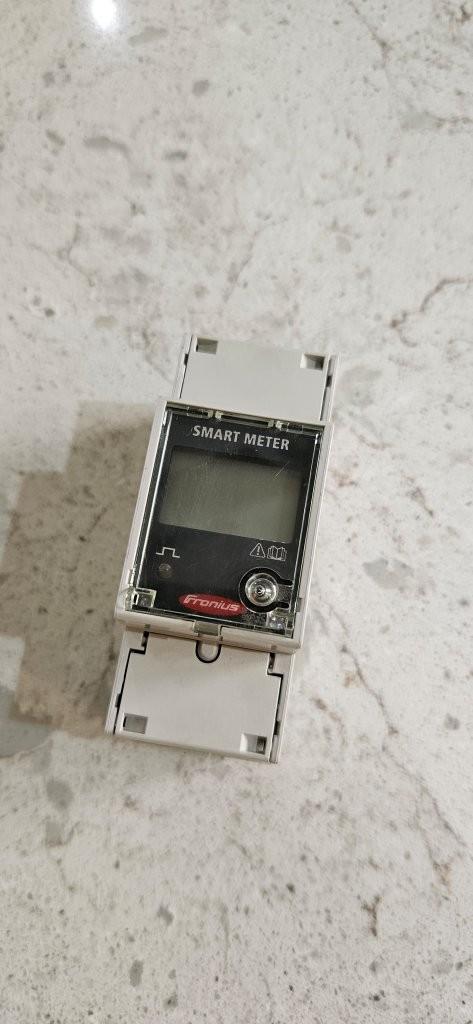
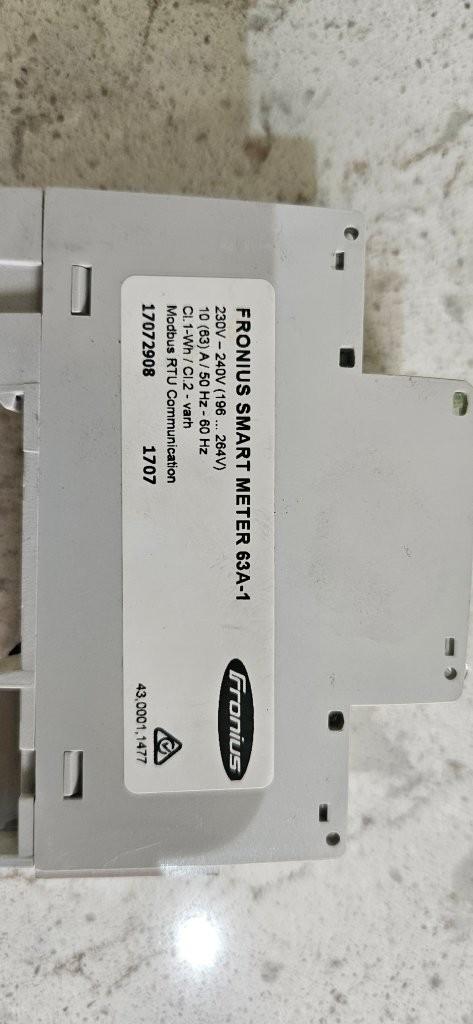
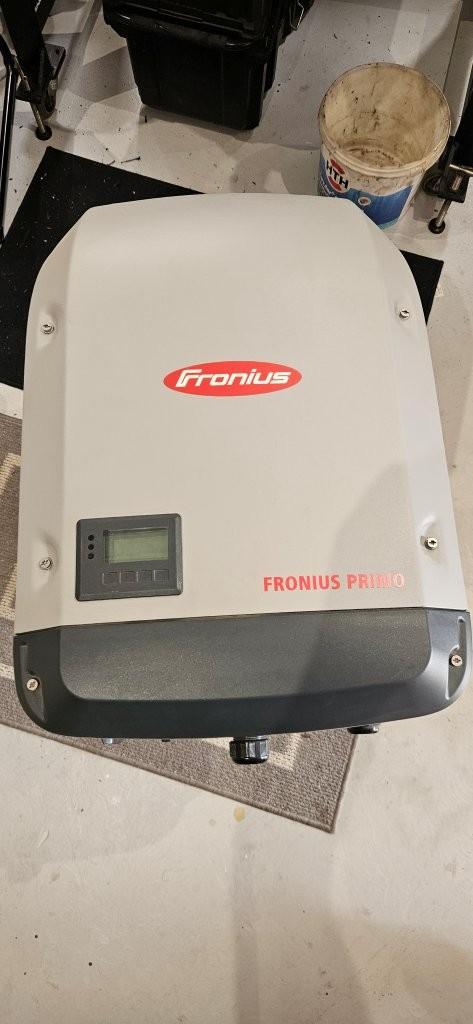
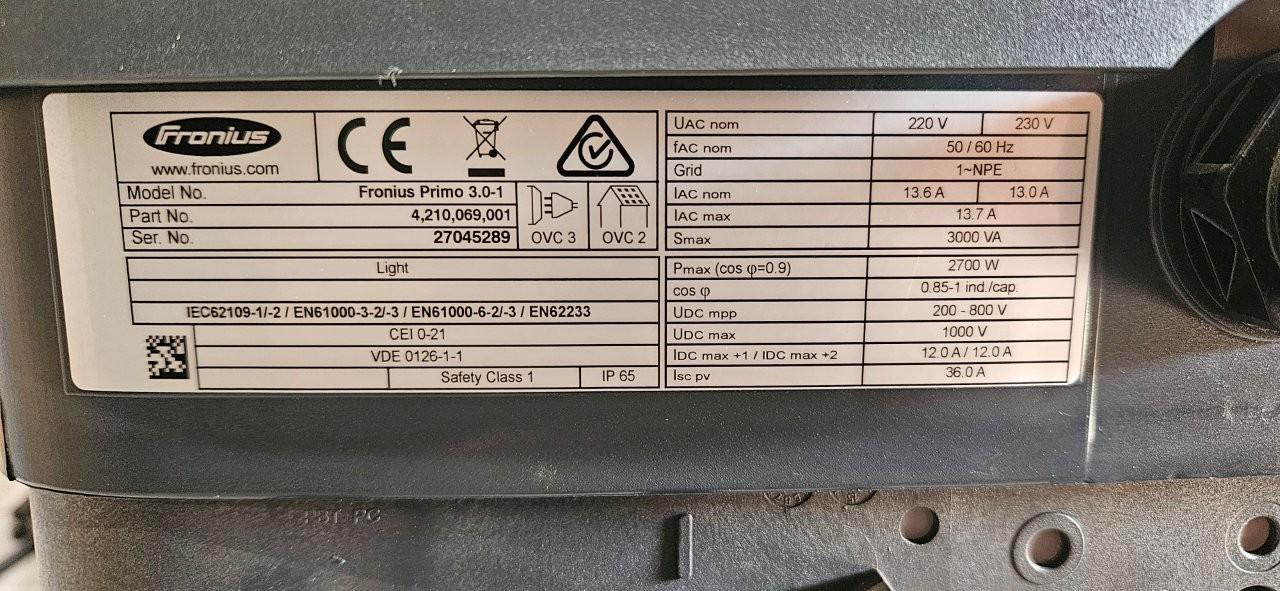
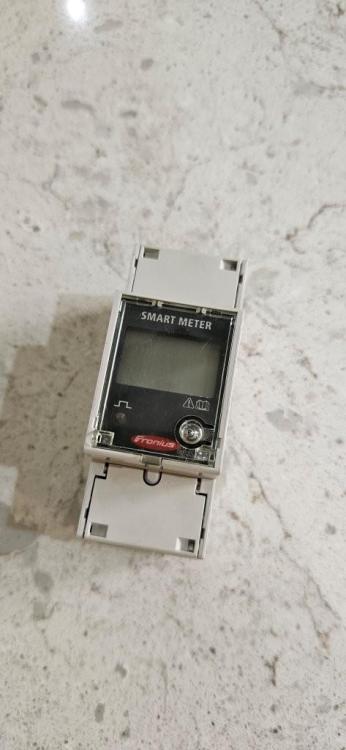
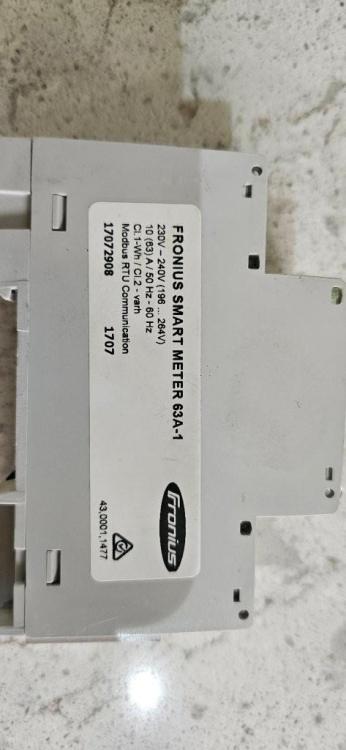
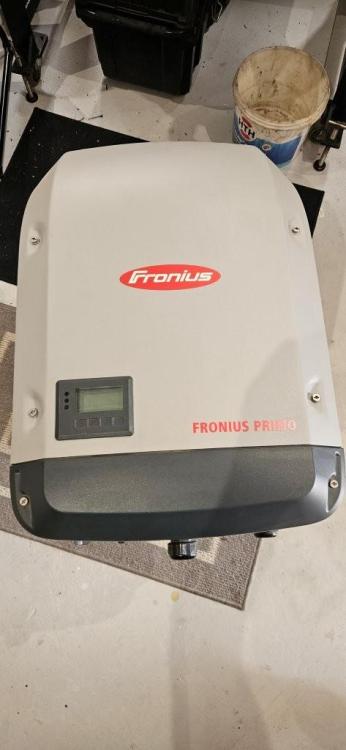
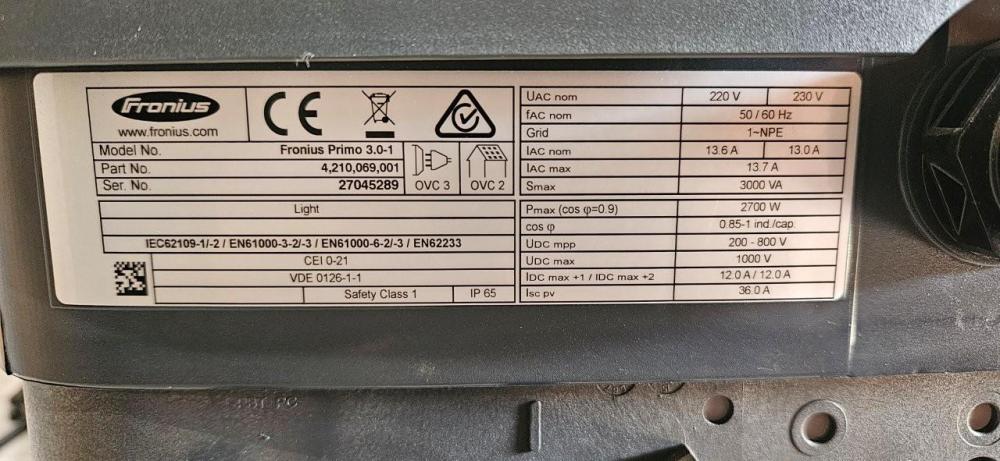
Item: FRONIUS PRIMO 3.0-1 + SMART METER Age : 8 YEARS Price : R4,000 Payment Method : EFT Warranty : NONE Packaging : N/A Condition : EXCELLENT Location : EDENVALE Reason : UPGRADING Shipping : COLLECTION
-
Gents, The unit will be replaced with the 48V version of the Easysolar to accommodate a power-wall. Yes there is an invoice available with the remainder of warranty carried over. There is nothing wrong with this unit, it's only the 24V that is an issue. HvD
-
I'm selling on behalf of someone. in service for less than a month. Please send PM if interested R19,000 Neg.


-
You are lucky to have this code. I've just been to the agents who sells the Fronius here in SA and they told me it is not so easy to get the Profi menu code from Fronius. Special request and and.
-
It sees it as a power failure from the grid and then reconnects a minute or 2 later. Will check the error...
-
I will hookup my power analyser and capture the event. post it here. Changing setting in the Fronius requires special access codes.
-
Very neat cable installation, I like!
-
One can of cause open up the alternator and find and common the two 0V legs on the V-O-V winding (provided they are not connected directly on the alternator's casing internally). Not sure if it will be accessible without loosening some winding.
-
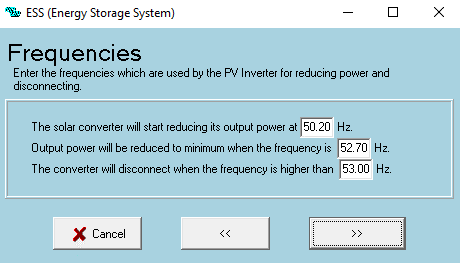
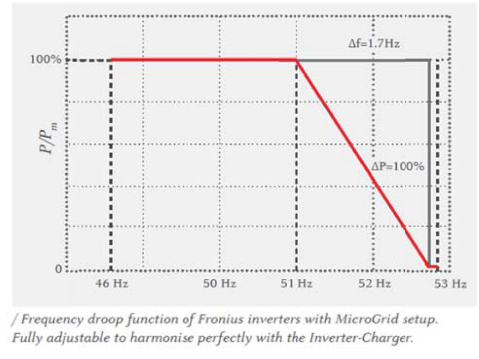
Pictures shows the default Multiplus ESS settings with the Fronius frequency range. I've sent the default 50.2Hz to 51Hz, not sure if this is correct. My Fronius works when there is a pwer failure as a MG, but trips out when the mains returns?
-
To get v2.09rc you have to go to Menu > Tools > Software check > Options tab, select Alpha on the release option. Mine works, but it is not runningfor a long time so I am still making adjustments.
-
Thanks, I understand the workings
-
Have you tried installing the Alpha release v2.09rc?. (Maxine recommended it for known CAN-issues)
-
Ok great. Can you please clarify the following settings: "has DC system" (I see no change when enabling this) and SVS & STS
-
Hi, I've made my own battery pack of 18650 cells (60P x 14S) around ~5.2kWh Batrium WM4 + 14 cellmons + shuntmon2 ESS system with Multiplus with Fronius Primo on AC_out My limited charge power set to 1.2A and seems to work fine and allow sufficient cooling to the longmons. What shunt lockup are you referring to? My system works good with the DVCC setting switched on, but now the inverter on LED keeps on flashing while supplied by mains. I see that this happens when the shunt reads negative (when it consumes power), but I will always draw a few Watts as I have a DC bus to power the watchmon and Venus GX

-
If you can afford to go the Lithium-ion route, you will never use lead-acid again. I've started out by building my own packs with only using recycled 18650 laptop cells and the result is totally different.
-
So we don't need to disconnect the RJ45 between inverter and Venus when running the VE.config? firmware v28.xx
-
ok, I got feedback from Batrium and they acknowledged that the sign must be negative during discharging. Watchmon Toolkit v2.09rc does take care of this.
-
The shunt is installed as per instruction and is correct, one can only reverse the shunt direction in the software WatchMon software if needed. I am not sure about changing the CAN-bus data as there is no options on the software. I will send a request to the Batrium's support team and see what they recommend.
-
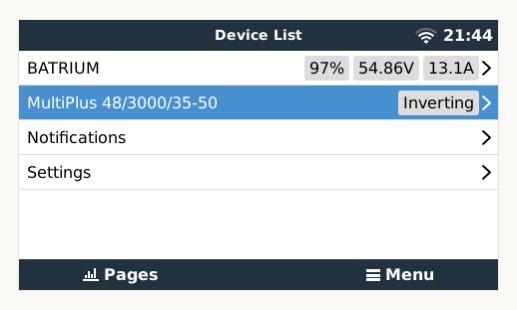
I have a Batrium BMS connected to a Multiplus via CAN-bus in my setup. When the inverter discharges (inverting mode) the battery direction is in the positive direction on the remote console and in the negative direction on the Watchmon. To my understanding, both should be negative during discharging. Please advice.

-
Where do you get to know all these things? 🤔 Many thanks! let me explain my system. AC-coupled system with Multiplus, Fronius PV inverter connected on AC-2 and Batrium BMS connected to Venus GX via CAN-bus. Simple So, I've managed to set both ABS & FLT voltages the same to 58.1V (just in case the BMS looses connection) With the DVCC enabled (with SVS & STS disabled) the BMS control shows ON. I assume that only the BULK charge LED on the inverter will light up with these settings. I'll run it for a while and see what it does.
-
Where do you get to know all these things? 🤔 Many thanks! let me explain my system. AC-coupled system with Multiplus, Fronius PV inverter connected on AC-2 and Batrium BMS connected to Venus GX via CAN-bus. Simple So, I've managed to set both ABS & FLT voltages the same to 58.1V (just in case the BMS looses connection) With the DVCC enabled (with SVS & STS disabled) the BMS control shows ON. I assume that only the BULK charge LED on the inverter will light up with these settings. I'll run it for a while and see what it does.
-
-
Does the DVCC option have any other effect on the system other than the battery voltages? So I can then set the ABS and float voltages on the veconfigure to 60 & 60.75V receptively as per the Batrium and Victron connection guide as it will be referenced by the Batrium with DVCC enabled?
-
Yes I can increase the ABS time, this can work