-
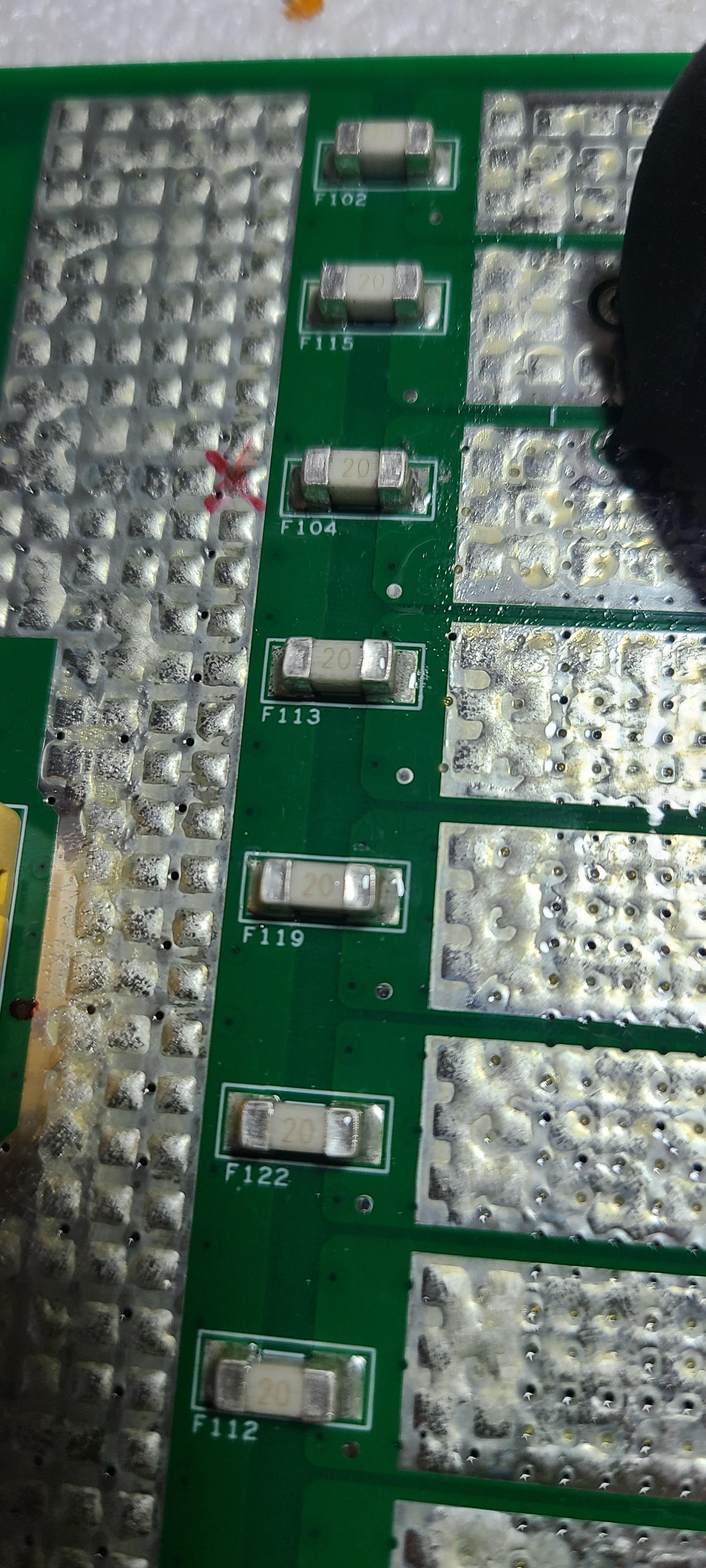
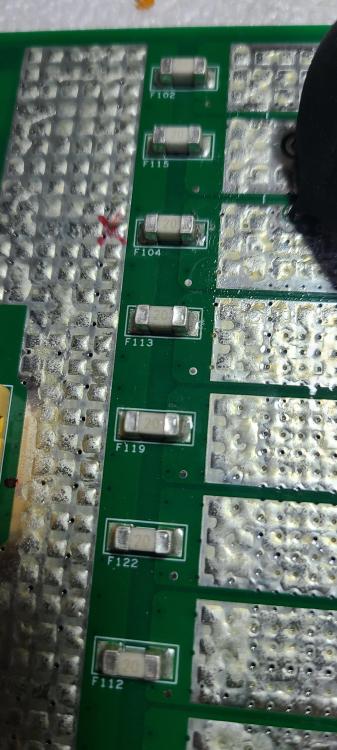
During the installation of PYLONTECH UP2500/24v batteries, an error occurred where two batteries were connected in series. This resulted in a problem with both batteries: an alarm sound and a red and yellow light illuminating. The batteries were opened to inspect the BMS (Battery Management System). Two blown fuses were found in one of the BMS components. The circuit connected to the fuses was inspected, and no faulty components were found. The blown fuses were replaced, the BMS board was installed inside the battery, and the battery was powered on, but the problem persists. I hope to find a solution to this problem..Note: The replaced fuses are number F03 on the top of the board and a corresponding fuse on the bottom of the board.. Thank you.
-
-
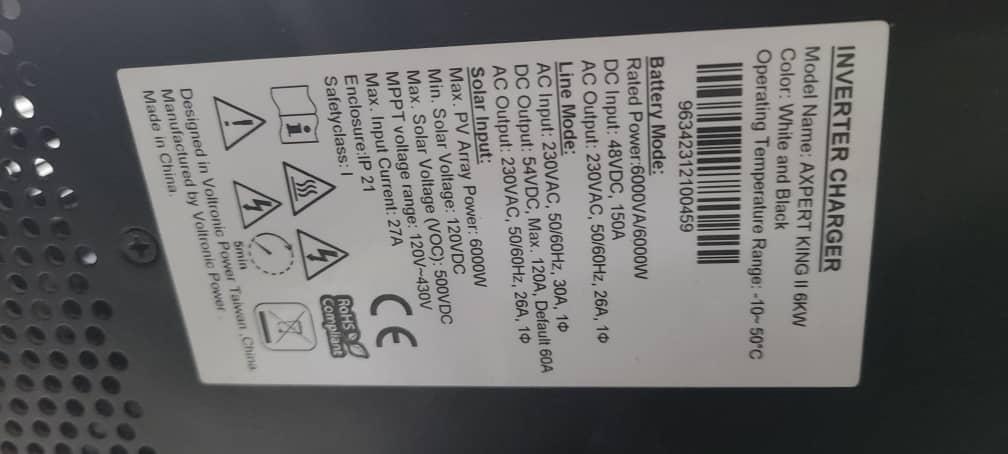
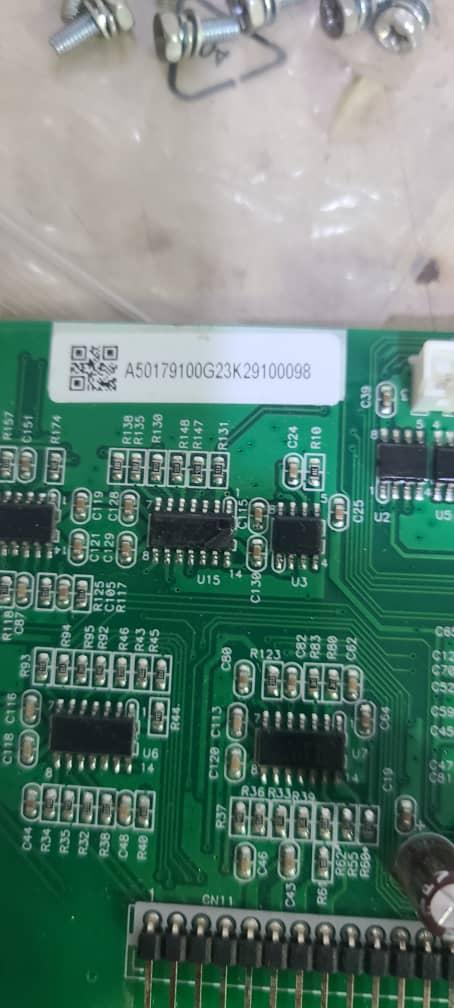
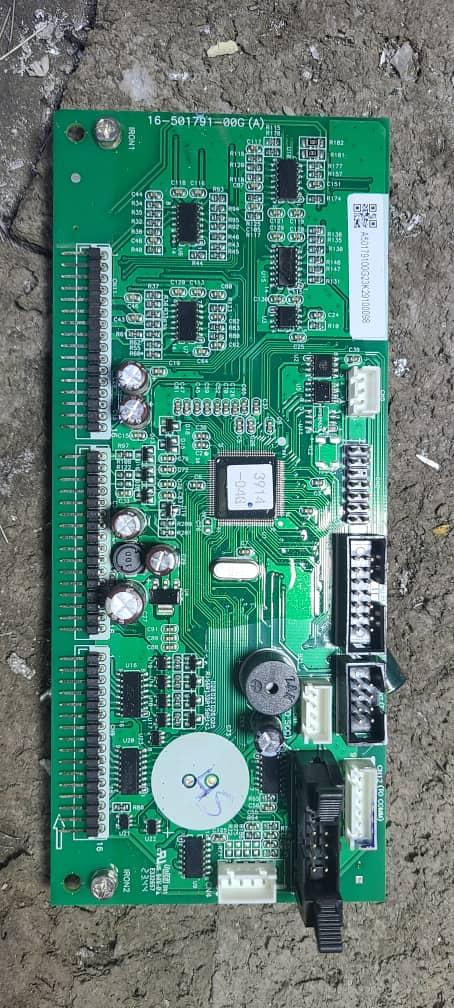
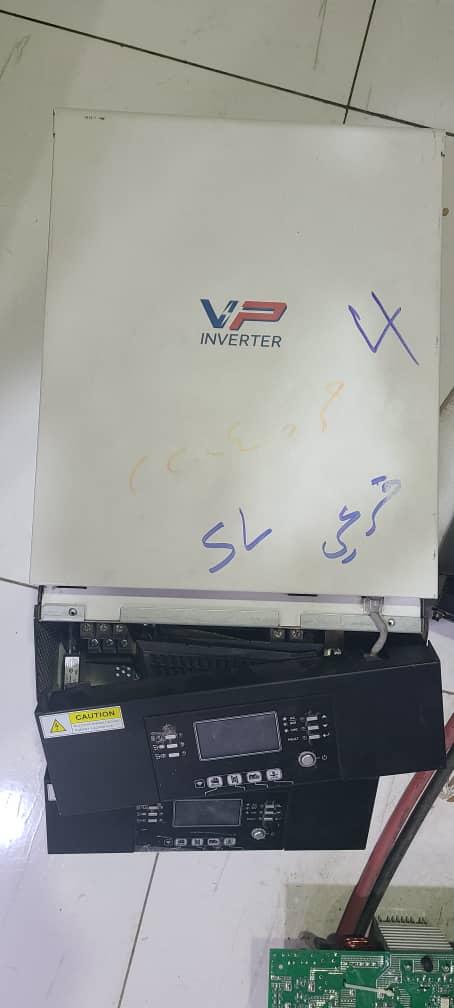
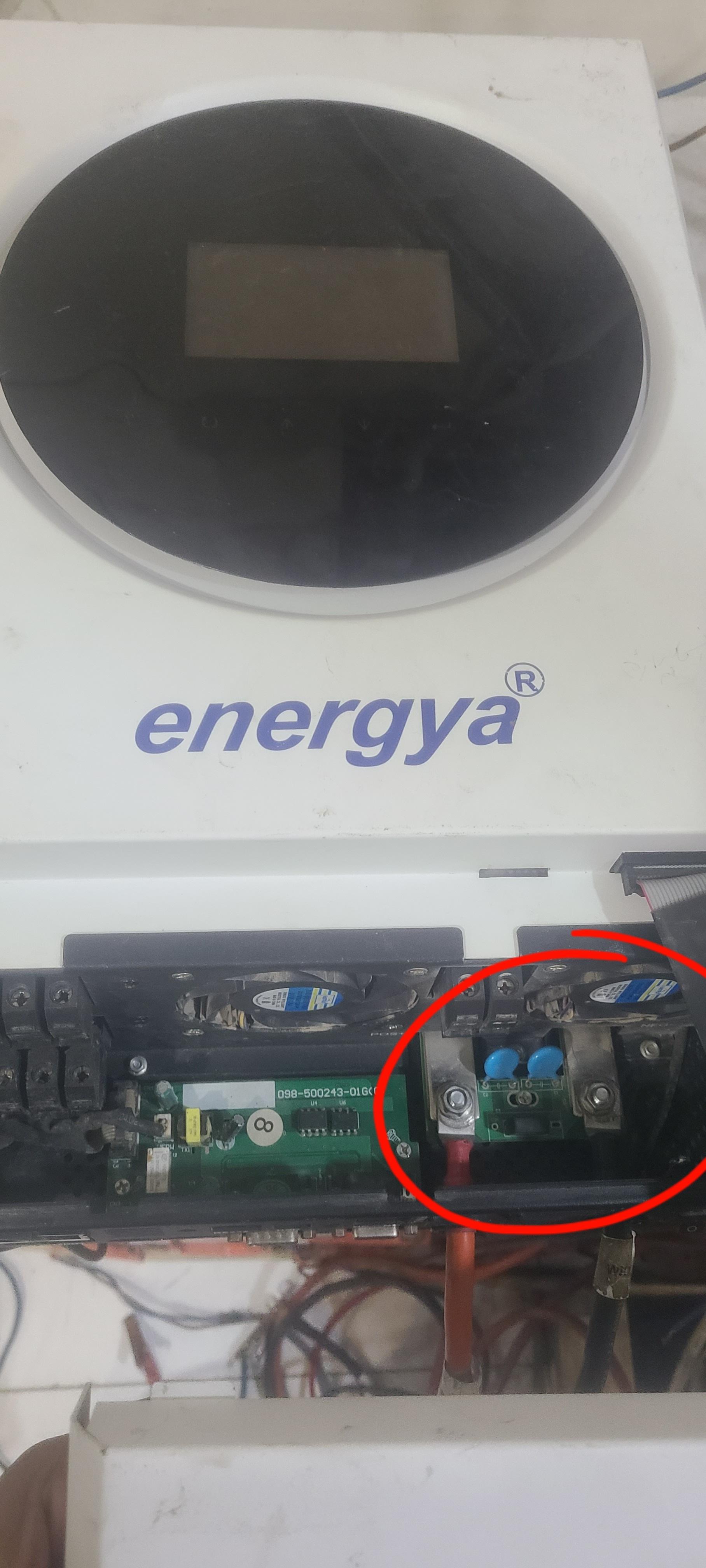
Hello everyone. I'm an electronics engineer and I need help. I have five interconnected devices. The problem is that a lightning strike damaged two of them, causing them to shut down and displaying a code 32 error. Upon inspecting the devices, it was found that the problem is with the control board. I tried to repair the board but haven't been able to yet. Note that when I turn on the devices, they boot up but display the code 32 error. Attached are pictures of the model and the control board.
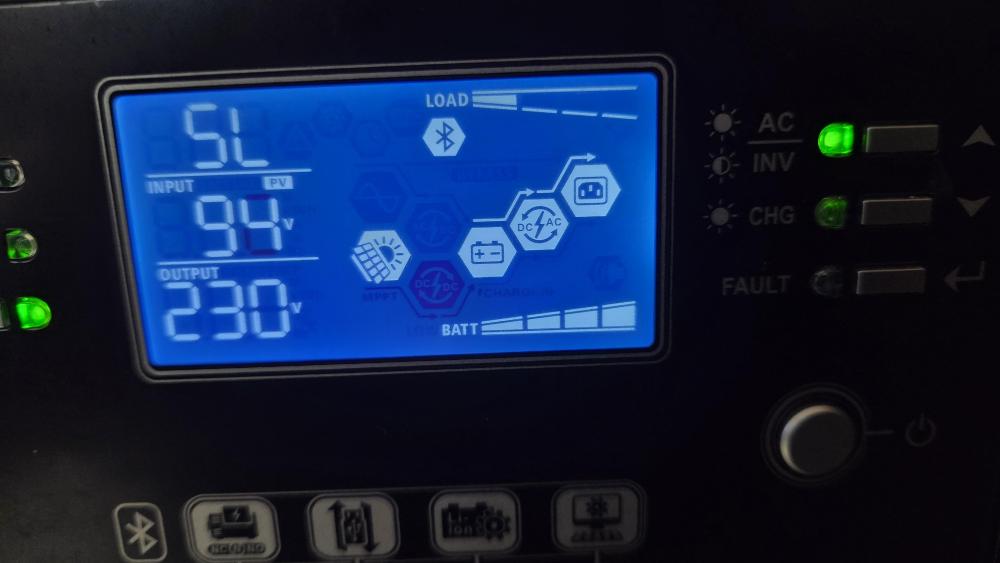
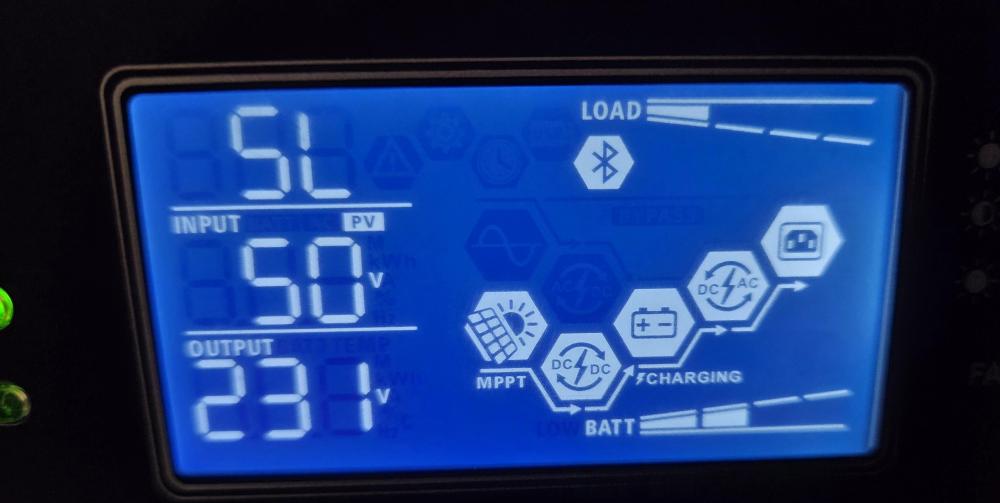
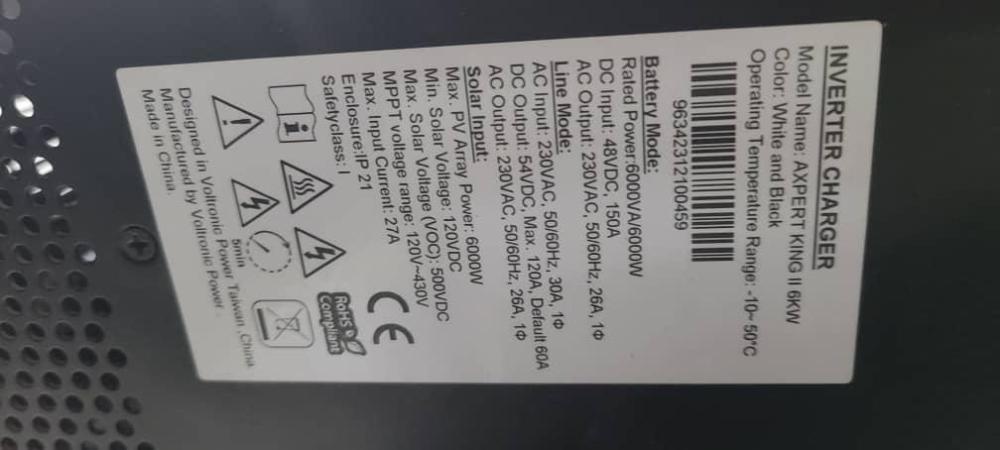
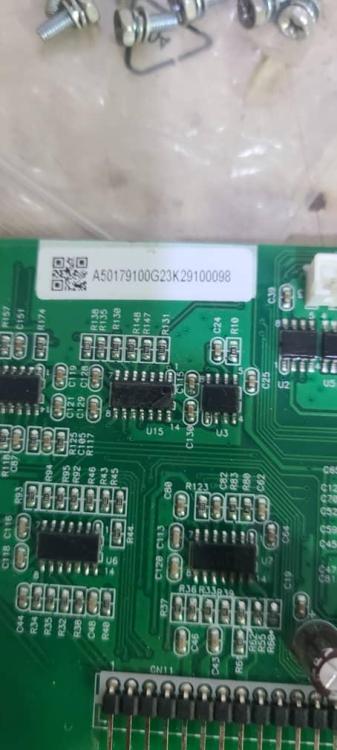
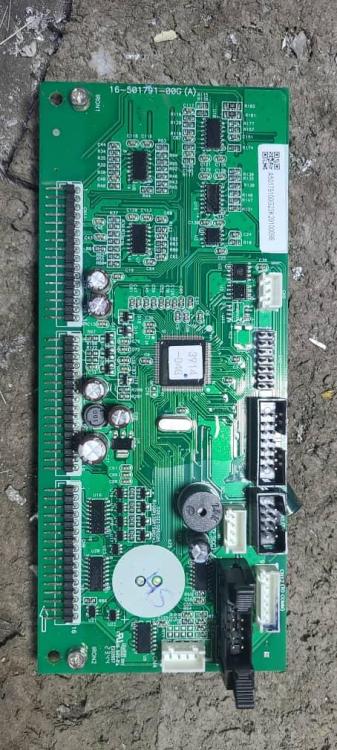
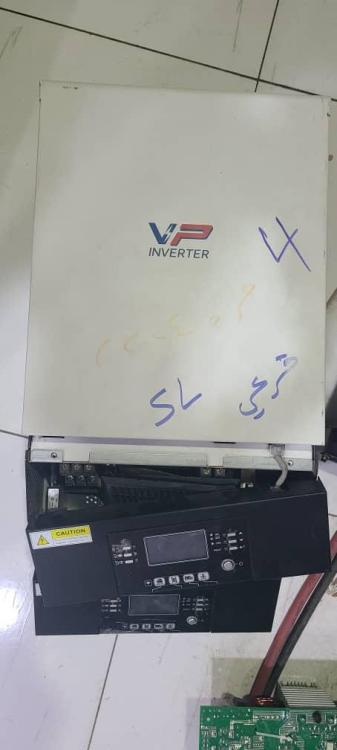
-
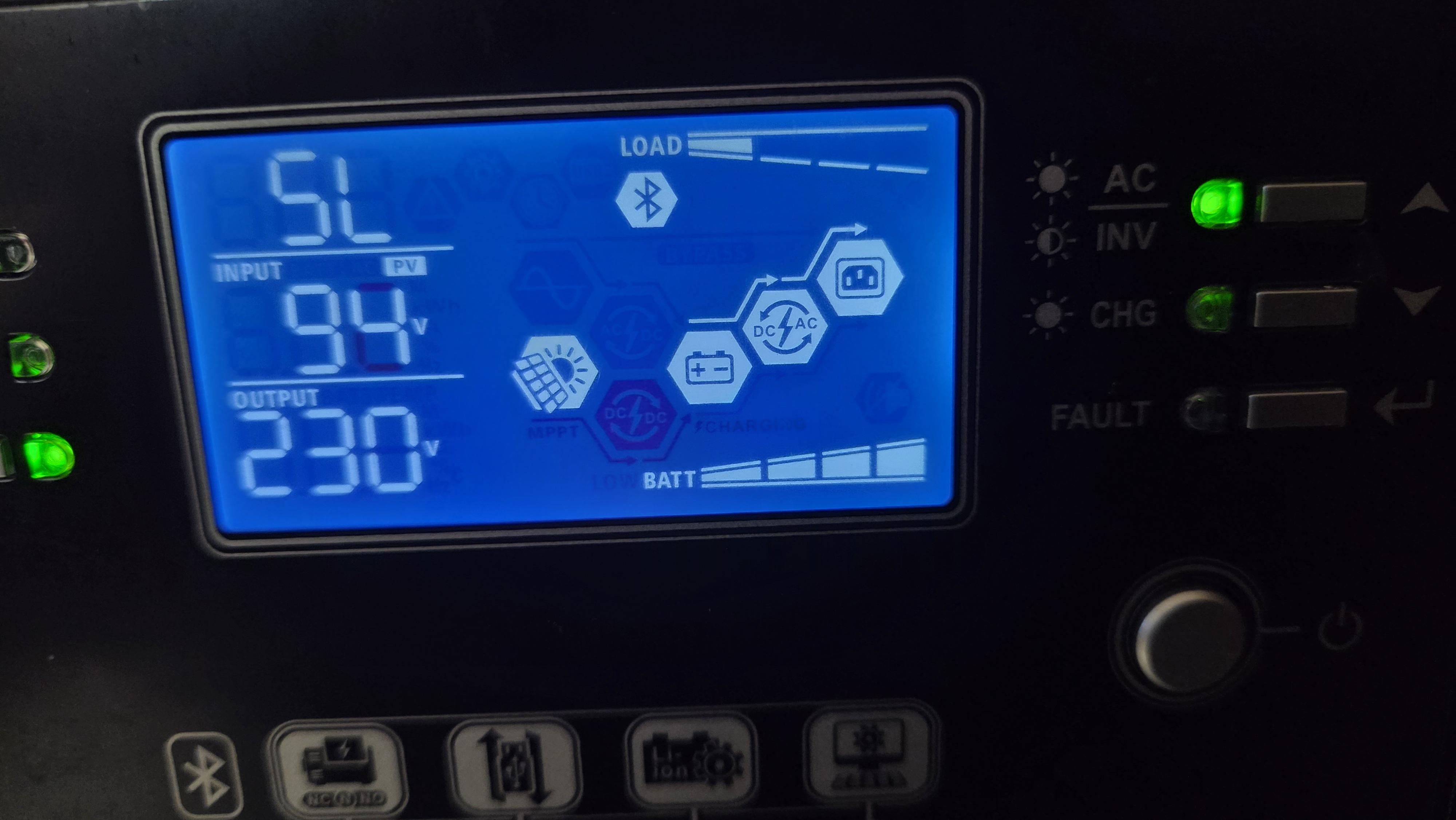
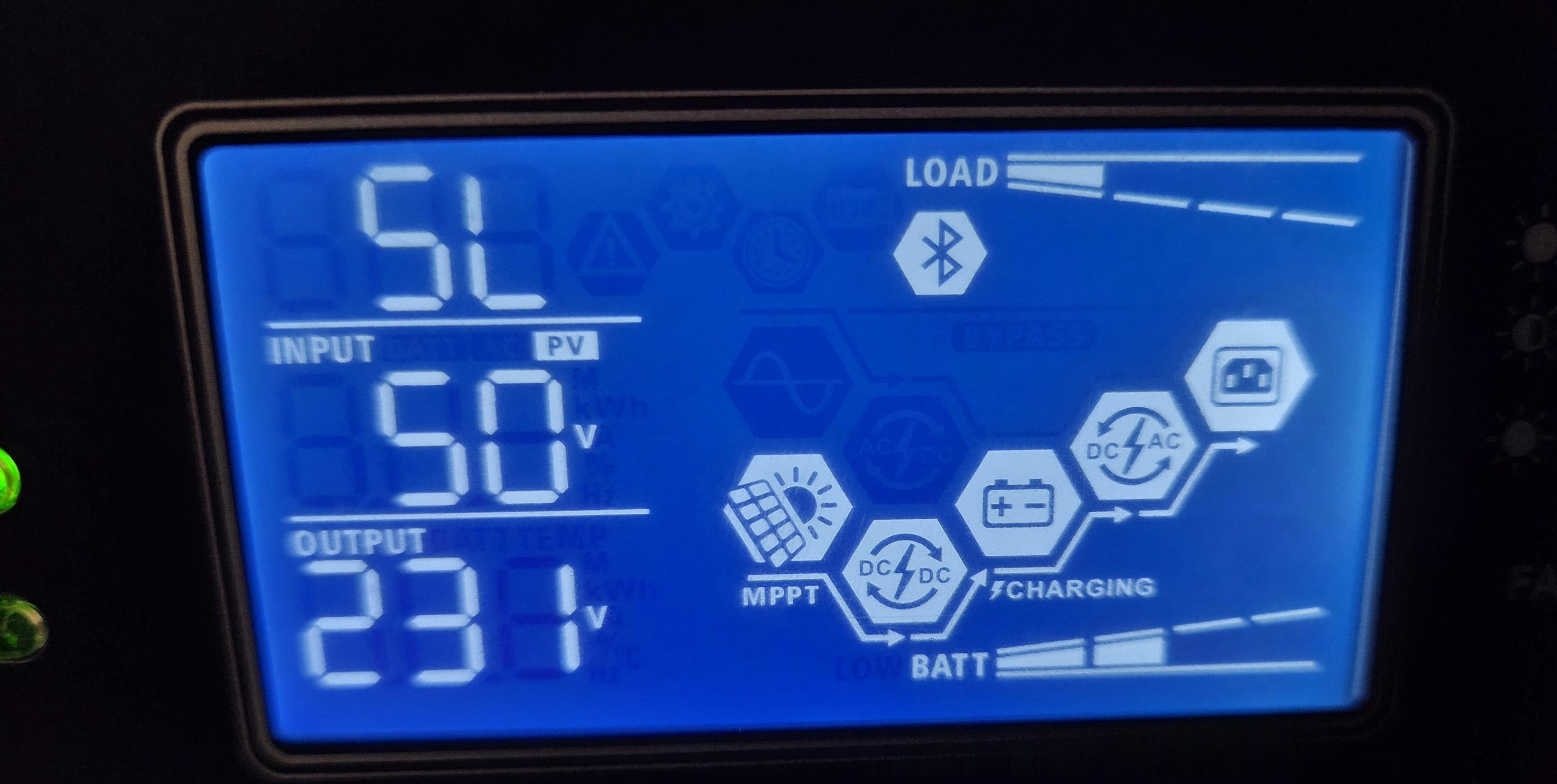
Hello, I have this device and I want to update its firmware. My problem is that when I press the Enter key and navigate to code 29, the battery voltage shows 48 volts, and I can't control the remaining battery percentage. I want an update that allows me to control the percentage at which the device shuts down. The current firmware on the device is U17404/U22225. I need a suitable, modern presentation program that supports SoC% for settings 29. Thank you...

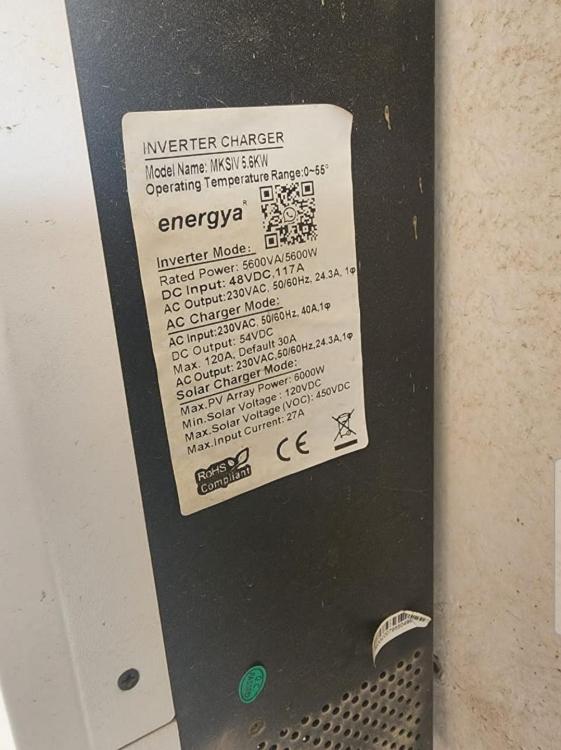
-
Hello, I have this device and I want to update its firmware. My problem is that when I press the Enter key and navigate to code 29, the battery voltage shows 48 volts, and I can't control the remaining battery percentage. I want an update that allows me to control the percentage at which the device shuts down. The current firmware on the device is U17404/U22225. I need a suitable, modern presentation program that supports SoC% for settings 29. Thank you...
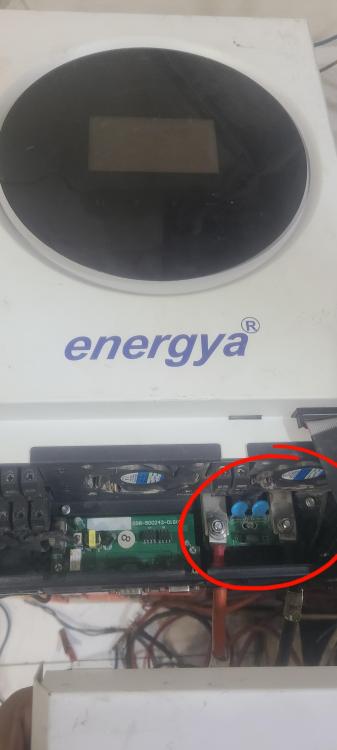
-
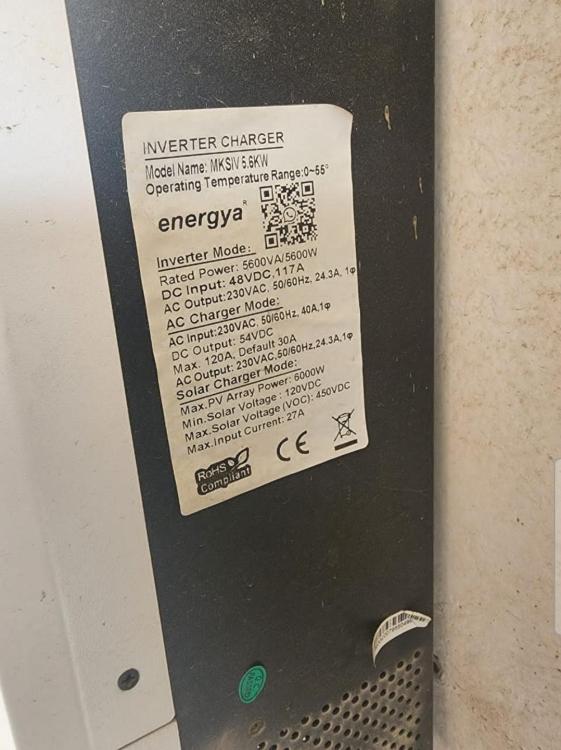
Is it possible to use it on the MkS IV 5.6KW version?
-
Do you have the U16013 update?
-
Hello, the device has been updated but the problem hasn't been solved...the problem is still the sama.. anyway, thank you...
-
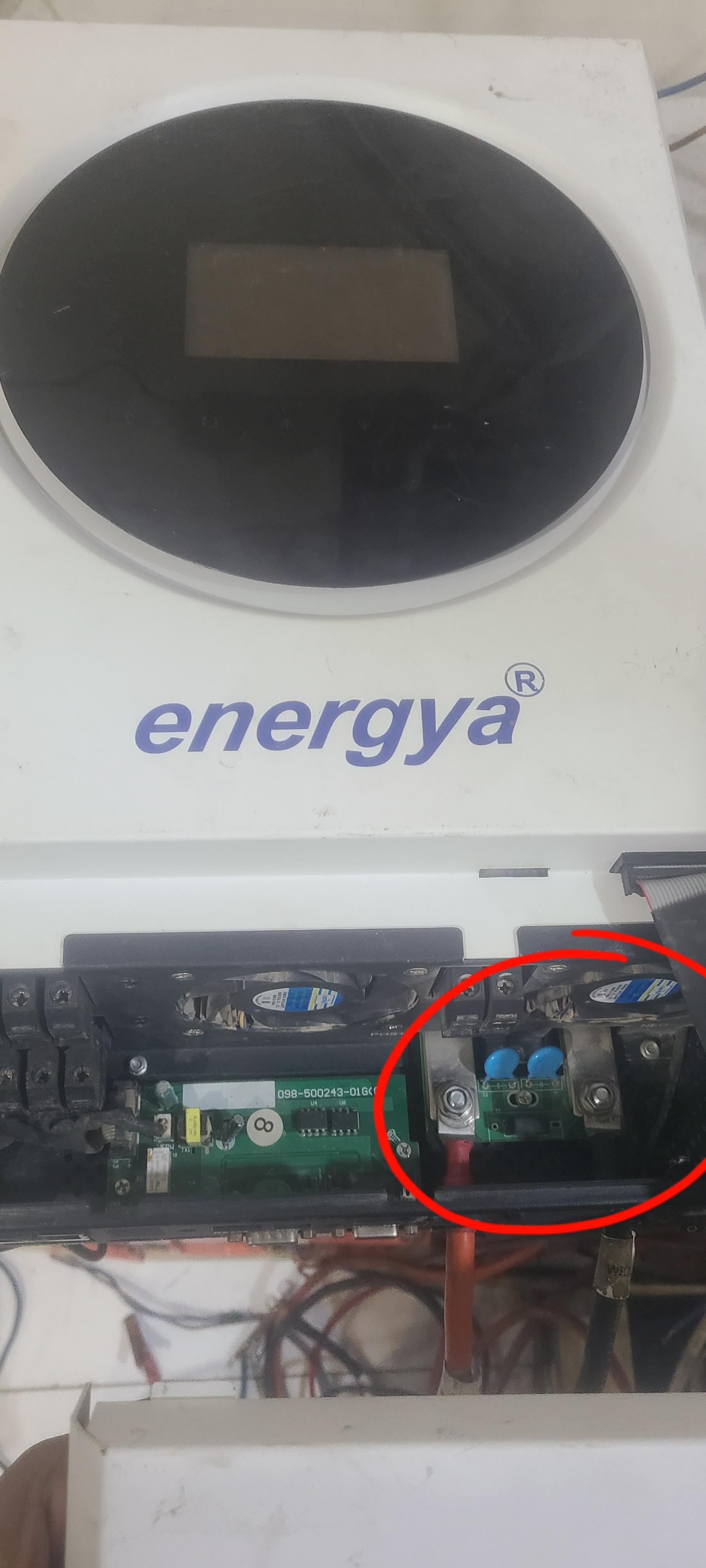
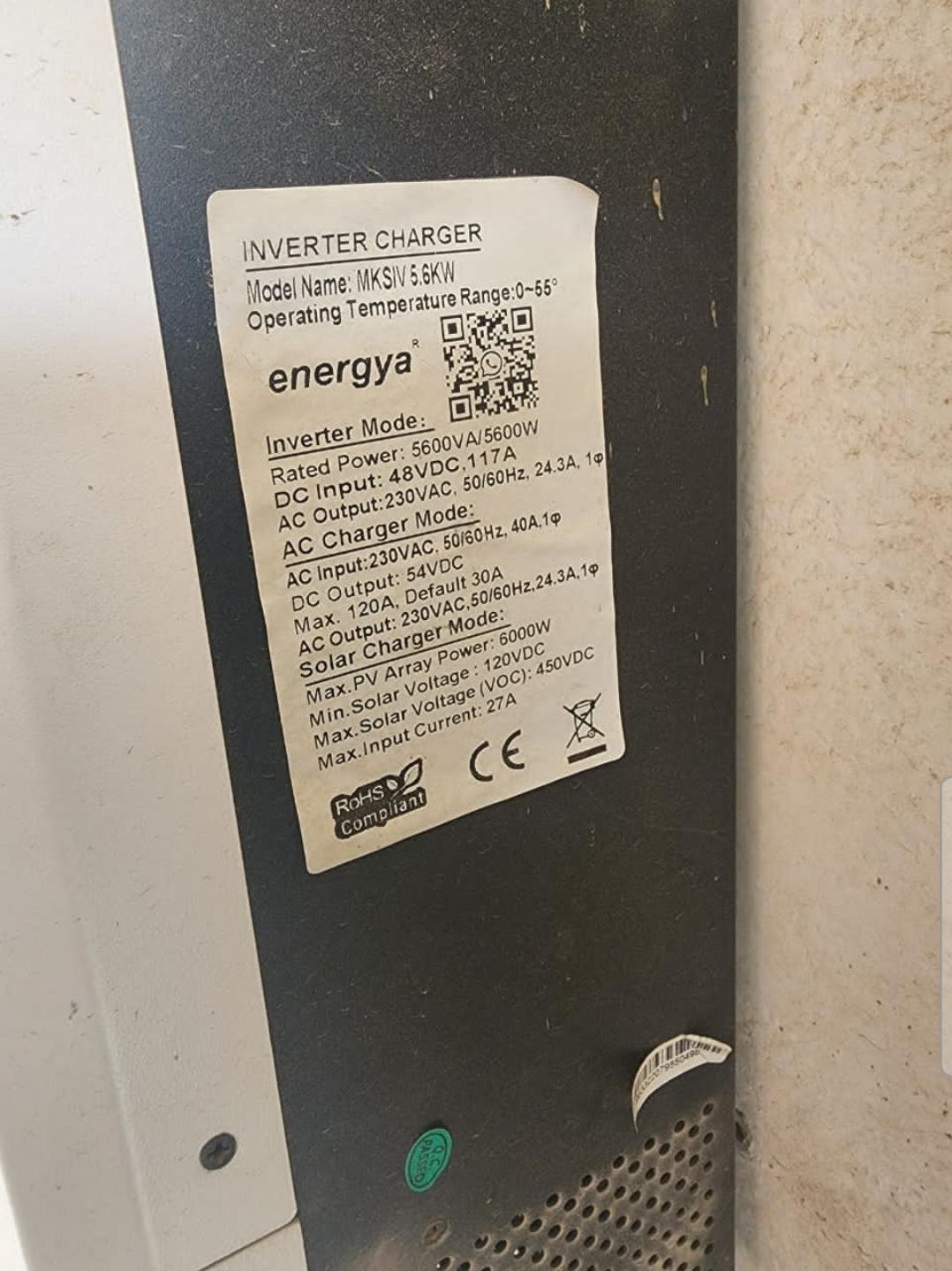
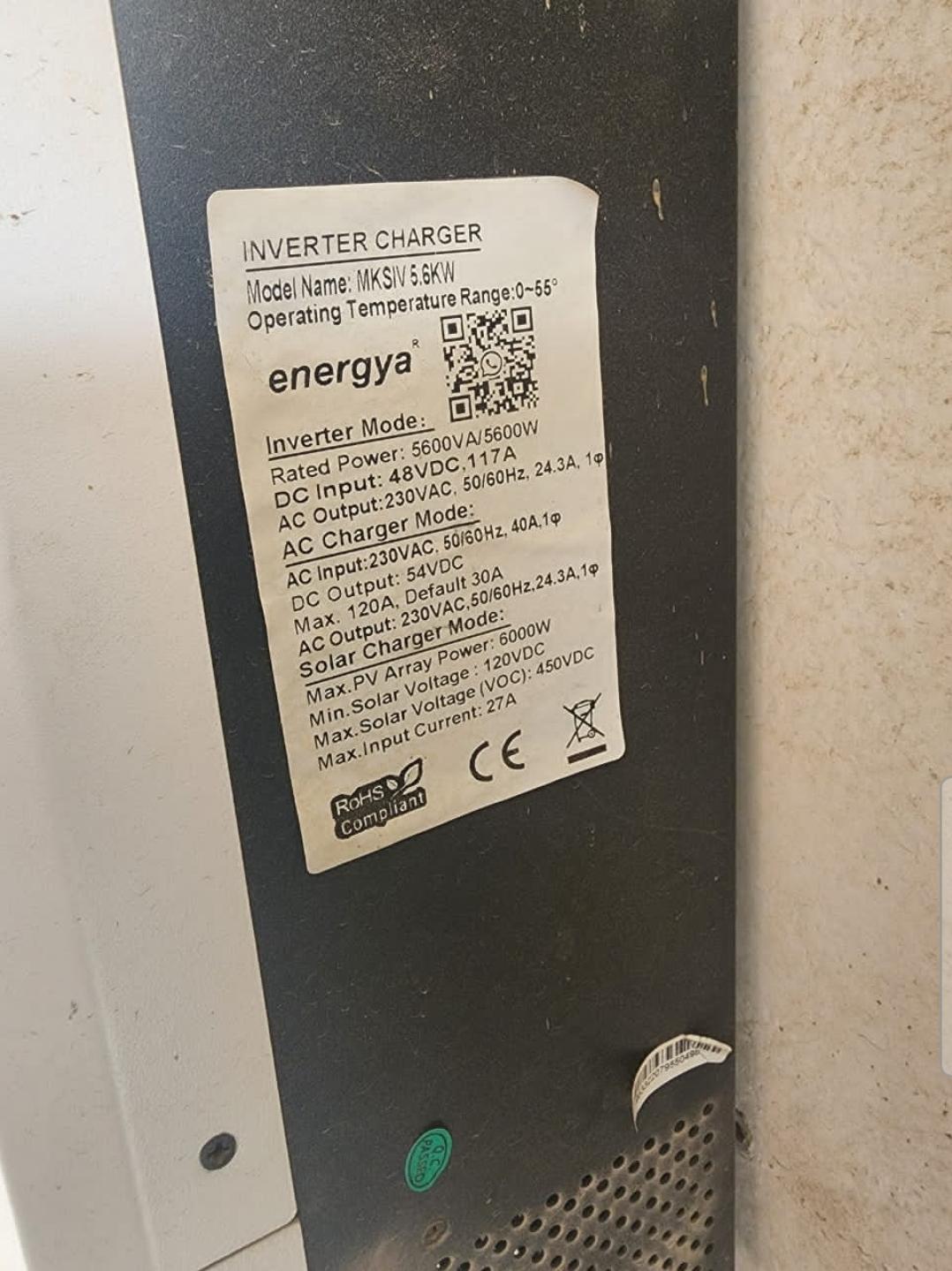
Please... I am looking for update programs for this device, model Energya/// MKSIV 5.6KW, noting that the device does not recognize lithium batteries.
-
"I am facing an issue with my energya MAX-8000 inverter connected to 5 Pylontech UF5000 batteries. The system runs the loads from the batteries until they reach 42V, at which point the batteries shut down. The next day, when the sun rises, the batteries remain in a disconnected state. To initiate charging, I have to manually press the reset button on the batteries. The inverter recognizes the batteries and the installation is correct; however, I suspect the device might need a firmware update, as I am able to edit setting #29 on the device."