JohanM
Members
-
Joined
-
Last visited
-
Not sure, I will try to buy a cable the weekend to pull the data.
-
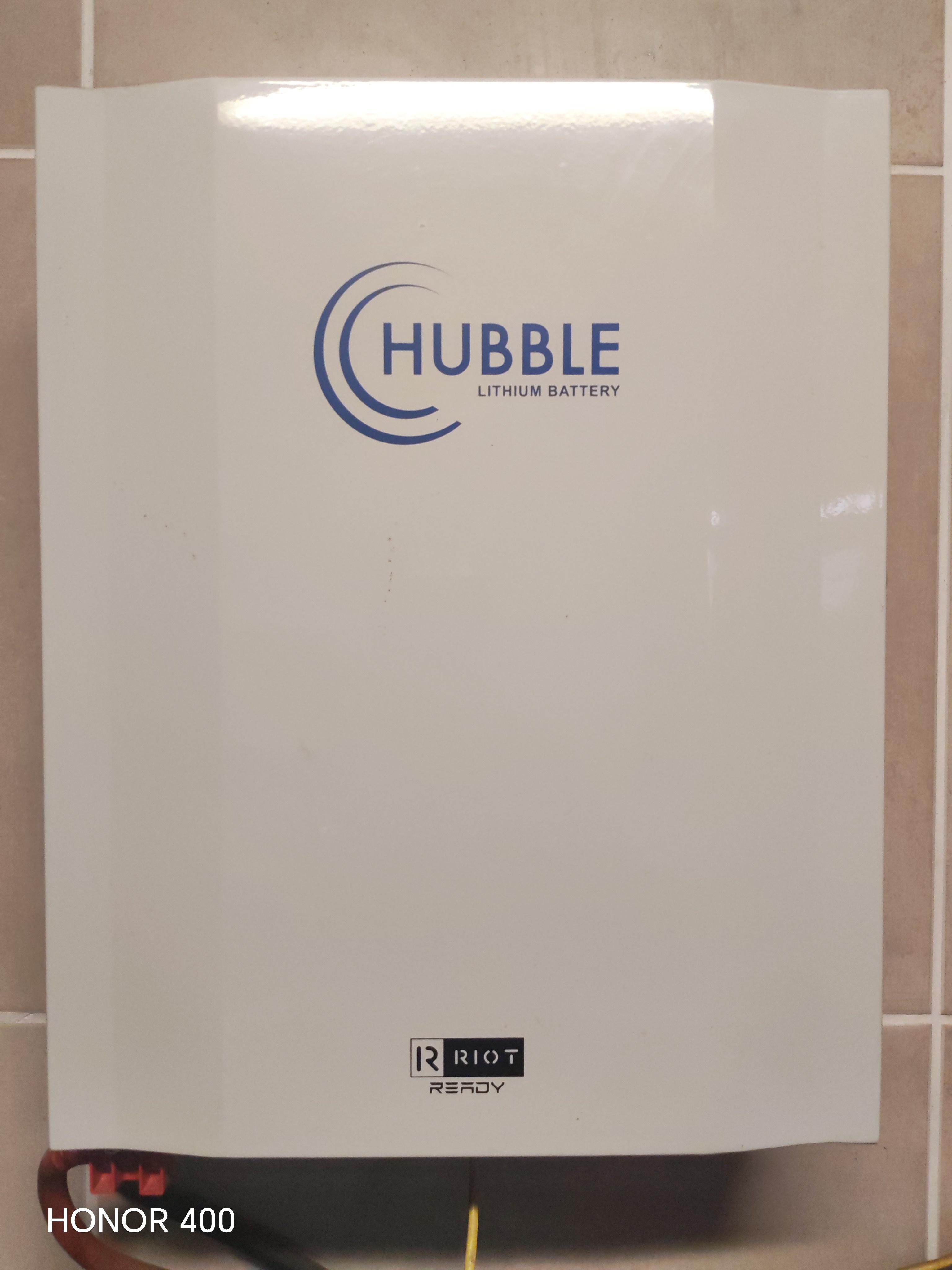
Hi Battery 3.8 years old Based in Boksburg Still fitted and in use, looking to upgrade to an 15kw. R9000, collection
-
Thanks, cant believe we just managed for 2 years with the problem, now I cant wait to get one fitted.
-
Hi Hope someone can help with more info. I bought a house about 2 years ago with a heatpump already installed. The problem is when taking a shower water will get cold very quickly and the next person need to wait about 45min before its hot again. We have getting used to it for the past 2 years, but I came across a post somewhere saying when installing a diverter valve will keep water warmer for longer. My question is can just add the diverter/loading valve to current plumbing or is there something to watch out for? Also do I need to add a non return valve to the cold water pipe? Advice will be appreciated.
-
-
-
-
Just an update. Hubble replaced me with a brand new battery. So very happy with that. Does seems that they want to keep customers happy, think they must just find a way to improve the process.
-
-
-
Had the same problem with mine. Like system32 said bpmstools is the best way to check. Mine had 2 bad cells, still sitting in repairs for 5 weeks now, so good luck.
-
Agree, I also wont support them anymore, one of my friends wanted to buy a hubble, I convinced him to stay away. Send my battery in last month for repairs and still waiting.
-
Don`t think you can go wrong with Pylontech. Hubble is just costing me money, I had to go sit in a PUB just to watch the Grand Prix 😂 Got hold of the manager at Hubble, the guy that needs to send the battery to Cape Town is in hospital, as soon as he is back they will work on it. At this stage I wont even buy Hubble if it is on 50% discount.
-
-
-
Just an update with my experience. Took the battery in to Hubble, spoke to Shaun, very helpful. He said he will look at it same day, send in to Cape town for cell replacements and should be back in the week and I will get a sms at every step of the process. Haven`t received any messages so assume they haven`t started yet. Tried phoning them but is number one in line for about 20min before I gave up. Sorry to say, but wont recommend Hubble to anyone.
-
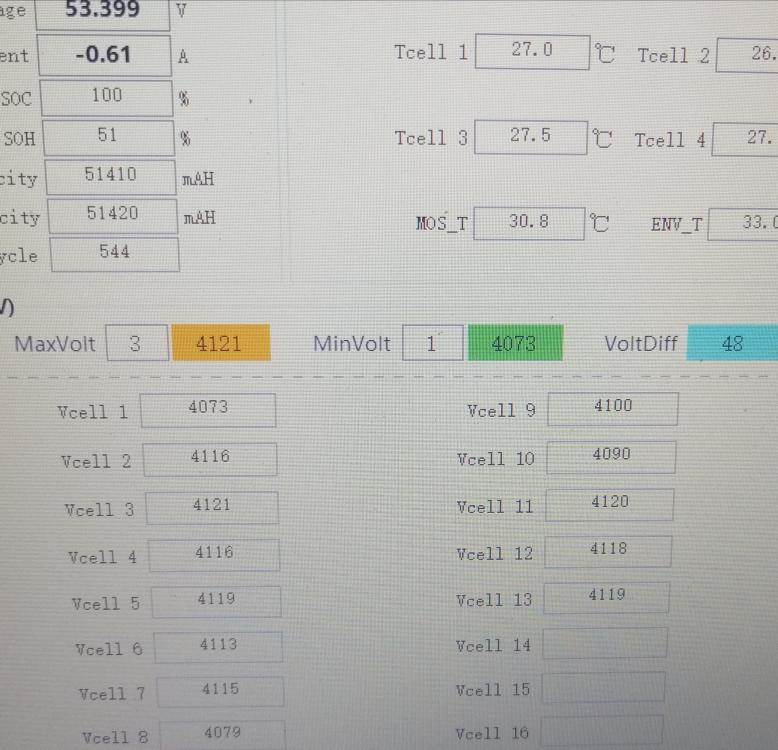
7 and 8 looks to be the problem cells

-
Thanks, this is now fully charged, will monitor the discharge. Will do a couple of cycles, if not working I will send it in.
-
Busy charging, but SOH is concerning?

-
Giving up now. Did the firmware upgrade, did a discharge with BMS disconnected. Battery charge normal until 48% then jumps to 100% (53.6v) and don't take any charge. Plugged CAN in, battery discharge 2.6kw soh=20% volts 48.8V
-
-
Left it on charge whole day yeterday, this morning Volts was 53.1V, still leaving it on charge for the day. Will test discharge tonight again. Think the best thing is to log a call with Hubble and ask them to do a firmware upgrade and test.