Johan Conradie
Members
-
Joined
-
Last visited
Everything posted by Johan Conradie
-
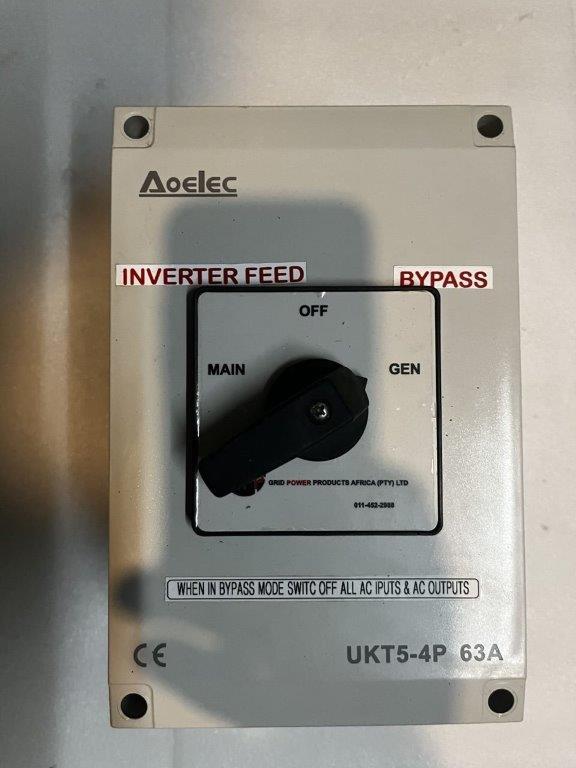
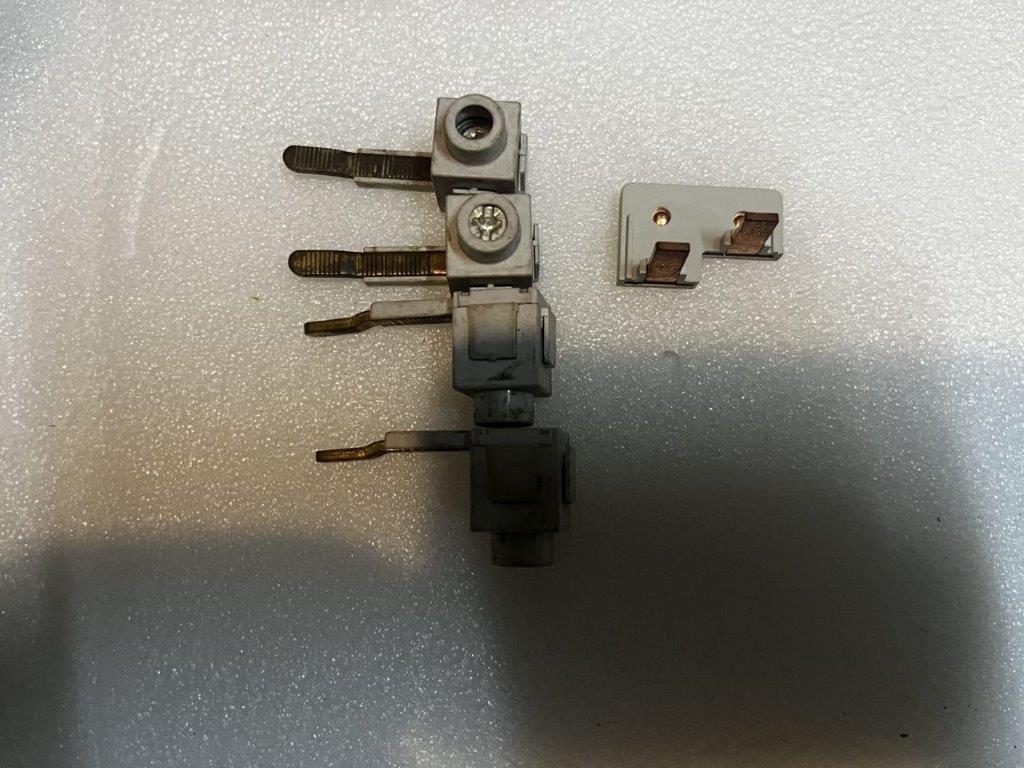
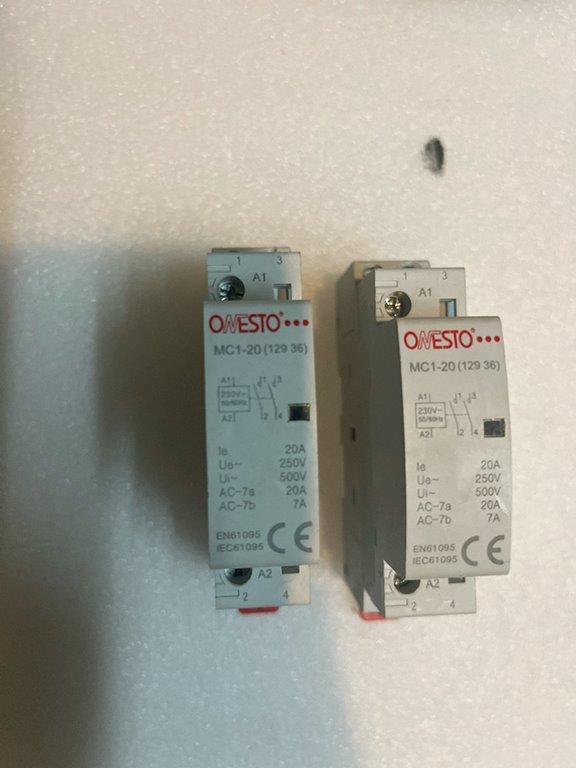
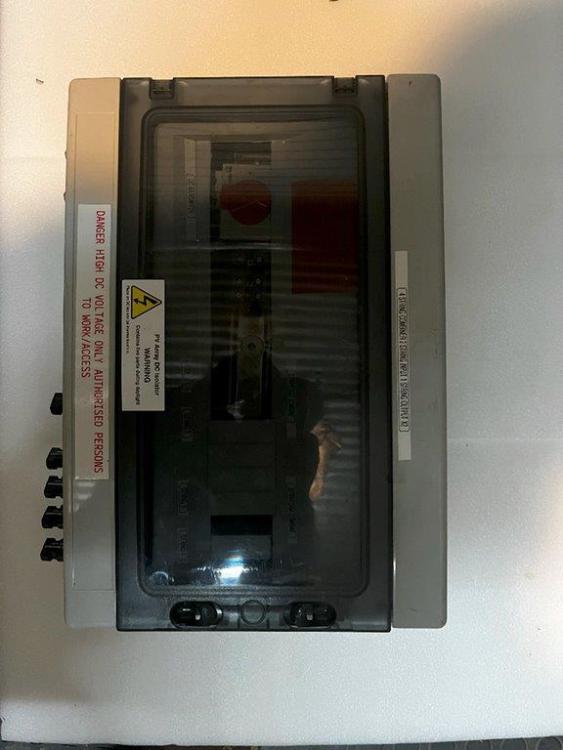
I had to upgrade the solar system I have. The result is that a Growatt Solar Inverter 5kW 48V SPF5000 (+dongle), plus a few fuses, fuse holders and combiner box(es) are for sale. As with any second-hand electronic item, I cannot supply any guarantees. Shipment via The Courier Guy may be negotiated. I will consider any reasonable offer around R7,000-00. This is, except for the wiring enough to do a near complete setup plus some spares. 20240905_151152620_iOS.heic






-
Hi, I seem to be missing some of you photos in this interesting fix. Please post all the photos? Thanks!
-
Hi, there is a timer function for the SPF 5000 series. First set real date and time, settings 37 to 42, then setting 49. See pages 20 and 21 of the manual.
-
Hi, It seems that Growatt, sadly, has taken this remote functionality off applications. It was very handy. They are continually changing and innovating. Let us hope it is available again soon.
-
Hi, I use the Desktop application - website. I have also set email reports to "on" - works well. ± 6 minutes delayed reporting.
-
Good Morning I have a relatively decent setup. Growatt Shine app gives decent info - well enough for the basic user. The Desktop version is also packed with enough info, well at least for me. The things is this: It remains an issue throughout the house - how much is the system generating and how much remains in the batteries? Specifically the kitchen: Do I use the electric kettle or the gas? Is it microwave or electric oven or gas? It often feels like I am driving a car without the ability to easily see the speedometer and the fuel gauge. The gauges are there, but they are stuck under the bonnet. Stop get out, check how fast you were going. Check the fuel. Get back in drive on. I would have thought someone would have designed these gauges to be on the home wi-fi system - small and visible many other rooms in the house? Some small unit to stick next to a light switch? Maybe I am too forward thinking? Maybe someone has? Maybe an idea that someone can build? 🙂
-
I think it was 2 x 330w.
-
Good morning. Still available. I can unfortunately not answer any of your technical questions, since I am not qualified to do that. It was part of a 24volt system and I know that it worked (works) very well. I upgrade to a 48 volt system with a much bigger inverter. I still have the manual too. I can courier anywhere.
-
The password on Shineapp is: growatt+today's date like growatt20210528. On a laptop it is just the date 20210528.
-
I have a Growatt 3 Kva inverter and a Pylontech US3000C installed in a very remote location. The 3KvA Growatt cannot connect, as far as I can establish to the Pylontech for BMS. This option is available on the newer and larger 5 Kva Units. The Growatt gives me basic information via the WiFi Dongle. Information received do not include the SOC nor daytime consumption. ICC (Raspberry Pi) does not talk to Growatt at all. Anyone out there with a suggestion / solution on how to get better information form the system online?
-
20210525 (yyyymmdd) seems to work only on the web / computer based version, but seemingly not on the IOS app.
-
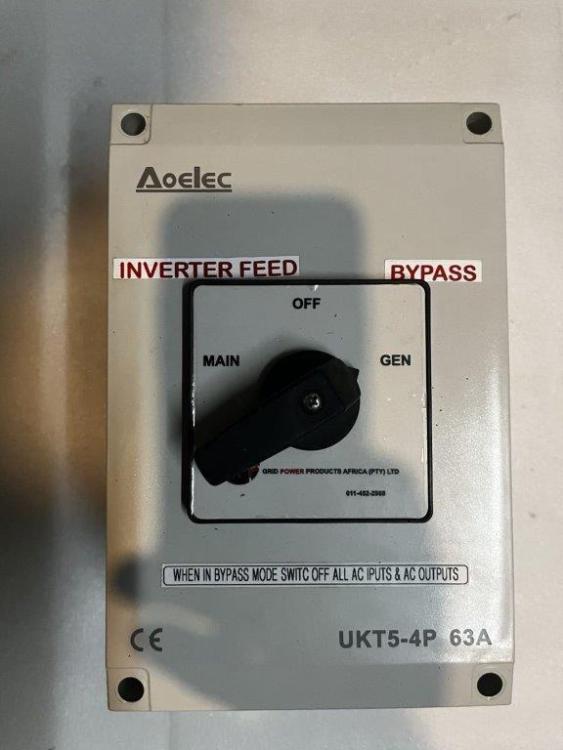
I have the following for sale. R1,000-00 onco. I can courier any where in the country. Reason for sale: Upgrade solar system


-
I have this monitor for sale. New ± R4,000-00. Selling for R2,000-00 (o.n.c.o.) Will be able to ship in RSA. Reason for selling - upgrading systems.
-
I have this inverter for sale. New about R5,000-00 I suggest R3,000-00 is a good cash price, (o.n.c.o.) Will be able to ship in RSA. About 1 year old. Reason for selling: Upgrading of system
-
Hi, I am trying to find out which "language" / Software Growatt 5000 ES uses. I used to have Axperts, monitored by ICC software (https://centurionsolar.co.za). This doesn't talk to the Growatt. I presume it is different kind of software. ICC will write this into their software. All I need is to find out what language the Growatt is speaking. Thanks
-
Hi, so how do we get in touch? :-)
-
Dear All, I have figured out how to access the data (CSV) from the internet server, with the help of CenturionSolar. I have to admit: All that data means absolutely nothing to me. I know where my abilities begins and end. The reason for the installation of the monitoring software was to get enough data to analyze and then ask for advice on what changes should be made and what should be added to the current configuration. The aim is to go off grid. Are there any interested people out there that can (or want to) read the data and give me an indication of the road ahead, please?
-
Thank you all for the advice and thoughts. I think I will start with the supplier (Centurionsolar) on Monday and see if they can read the data. They might then also be able to say what is missing to go off grid. (My gut says batteries, but it may also be 3 x 300 watt PV's) 😀
-
I added a Raspberry Pie to my solar system. System consists of 2 x 5KvA Axpert Inverters, batteries and a PV array. The Raspberry came with pre-installed ICC software. It was a simple plug and play. Extremely easy. Thanks you to https://centurionsolar.co.za/?gclid=EAIaIQobChMIo_eY3Ofc5gIV0ed3Ch3ElQQqEAAYASAAEgKPD_D_BwE for the easy setup. With a few tweaks, here and there, the software is monitoring the usage (consumption) and electricity generated by the PV array. I can control the inverters very accurately with the software. It is also useful when calculating where to spend money on, i.e. more PV’s or more batteries and so forth. I am new to Raspberry. My questions are: Does the software should create a data file on the raspberry? If so where? File name? Can it be exported and viewed on another windows machine?
-
Hi, the screen says COMM1 has been opened, but it does not do the update. Since I have really too little knowledge and a forum is, as you say a difficult place to sort these issues out: I am fearful of breaking / bricking. I will do some re-wiring and spread some of the load in order to balance both inverters out. That way I will be able to use the ± 10Kva available but in a different way. I thank you kindly for the time you have spent with me. Sad that it did not work out. Rather safe than sorry. Best wishes.
-
Hi, the inverter is, as far as I read your posts I have a clone (52.30) 😞 If that is really bad or not, I am not sure. So, I bought the cable. It connects fine. I have set it to COMM1. Up to there, everything worked fine. Then, the sad message: "Cannot open serial port". Ouch. Any other magic suggestions?
-
Thank you for the time you took to give me a complete and seemingly uncomplicated answer. Newbies have a lot to learn 😉 I really appreciate that. I have downloaded the firmware and I have bought a cable (hopefully) the correct one. 1st May is the day to sit and do this. 🙂
-
Hi, looking for Flasware Tool and version 7270c for axpert, please
-
Chris - I am completely new to this. Please help: I have two Axperts - 5kva (4000w). One is using firmware 52.30. The other 72.70c. The obviously do not want to talk to each other in parallel. I need to upgrade the 52.30. That much I have figured. I think. I need reflashing software? Where do I get that from? Then I will need to connect to the unit. My laptop does not have a serial port. There is a cable - one end looks like a printer and the other USB. Can I use that? Thanks