Saliegh
Members
-
Joined
-
Last visited
Everything posted by Saliegh
-
🙂
-
completely agree with this. The only value that it adds is SOH, which I am interested to know how it does that calculation. It used to report on the battery cylces too... that seems to have been removed. Great job Hubble R&D team
-
As with most of these types of devices, they are triggered by certain events (at least with the schedule functionality in the app), e.g. turn on at 8am, then off at 12pm. If your device does not have power at 8am, and is powered on at 10am, it will not power on. I have one of these astute devices, and they work so well!
-
I have the 5kW too. Running COMM:e419 - MCU:3162
-
I am running on a much different firmware version from that. Which SunSynk inverter do you have?
-
This is quite a broad question. You should provide for info, e.g. what wifi module are you using. Some might say that you should be posting a question in the appropriate topic too 🙂
-
Hey Sc00bs. Can you share this flow please?
-
Muffled out by adding a where clause. Should have thought about doing this before trying to delete the data 🙃
-
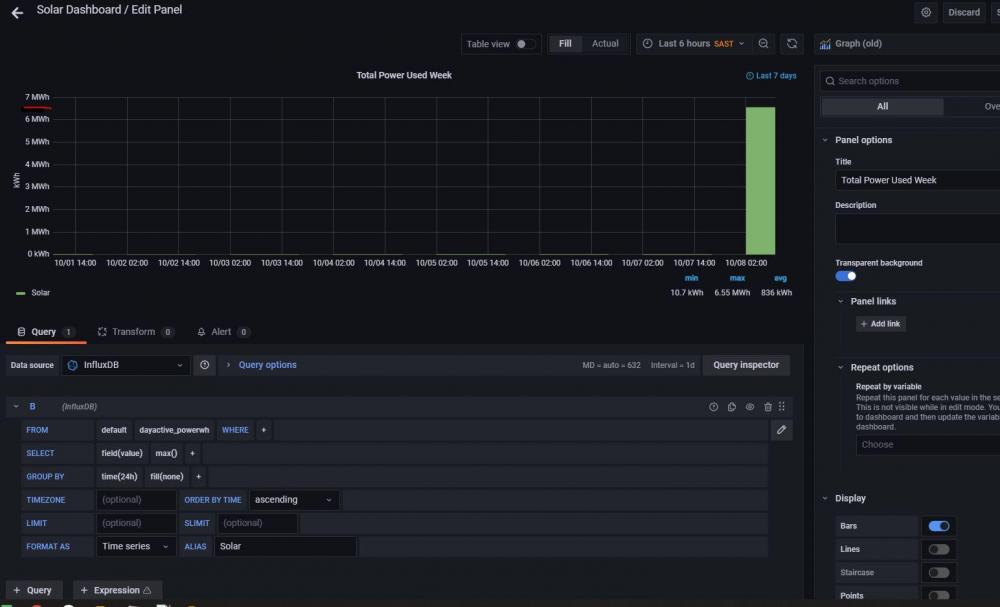
Anybody else experience this? Data collection has been normal, until this morning when I saw 7MWh of solar generation for the day
-
Is there any value to this if you have HA and implemented the logging and visualization tools? I think I read about remote config changes, which sounds interesting, although I know some here are already doing that with HA NR flows
-
If you running HA, you can setup a NR flow that can monitor grid frequency, and use the notify API to send a notification to your mobile fone.
-
Hey @GreenMan. I did not test that scenario. I have HomeAssistantOS running on the NUC P.s. Sold (The WaveShare one)
-
So I found both RS485 to USB converters that I bought work perfectly. I'm going to sell one of them. If anybody is interested, the advert is available here

-
Item: RS485 to USB 3 Pin converter (I have 2 to pick from) Age: 2 weeks Price: R100 for the un-cased one, R150 for the Wave branded one Payment Method Accepted: Cash Warranty: none, however, I will demo them for you Packaging: OEM Condition: perfect Location: Cape Town Reason: I bought 2 as I was not sure which would work with the NUC. Turns out they both work perfectly. Shipping: Sure, but probably not worth it unless you are desperate and cannot find stock Collection: preferred Link: https://www.robotics.org.za/RS485-3P?search=usb to rs485 - 3 pin https://www.robotics.org.za/W17286?search=wave usb to rs485 industrial converter


-
PR submitted. It's been too long since I used GitHub 🙂
-
Yeah, I've PM'd him about this. The repo should be updated to support gitflow too for new developments
-
Anybody else experiencing a bad request and reference error? I just downloaded the latest flows from @jacauc github page, and got the attached error. It should be ok to move v1value and v2value declarations to the top of the script, right?

-
The solution to the original question is that the cable leading to the USB-RS485 converter should be plugged into the BMS485 port on the 5kW SunSynk inverter.
-
Warning... Appreciation post Thanks to @Bloubul7 for doing all the leg work to get this going and maintaining it. Many others too have contributed, appreciate all the collaboration and efforts. Thanks to @Sc00bs for making time on a Sunday night to debug this with me. Glad I was not the only one stumped (lol). The follow up WhatsApp messages also made me feel like the support in this community is great. Thanks to @RhysMcW for adding the missing piece of the puzzle. So in summary, what got me across the line that maybe not in black and white here (Deployment on a NUC) Hardware I bought 2 RS485 converters (WaveShare and this). I got it working with the latter. Have not tested the Waveshare yet. When wiring, follow @Sc00bs instructions. What you need to do in addition, is wire up the ground. That would be the green and green/white. With the 5kw Inverter, use the BMS485 port, NOT the RS485. Software Deploying HomeAssistantOS onto my NUC SSD was most easily achieved by running a live (Boot from USB) version of Ubuntu. Instructions here From Supervisor menu, install Add-ons Node-Red InfluxDB (database engine) Create the db Create a user (db_user) Mosquitto Broker Graphana (for Dashboards) Setup datasource To the db that you created in [2] above Use the IP address of the machine, not localhost in the http url Authorize with the user that you created in [2.2] above From Configuration menu, install Integrations Mosquito Broker. I've just got my HA integration with solar solution working, thanks to you guys. I pledge to help out where I can. I am pretty new to all the software and hardware mentioned here, so still learning. Will be trying to modify the Grafana dashboards for my use case. Also want to build in some automation around turning SonOff devices off when the grid is down (I've seen mention of this on this thread). Baby steps...
-
hey @innesleroux. Can you share how you got this to work?
-
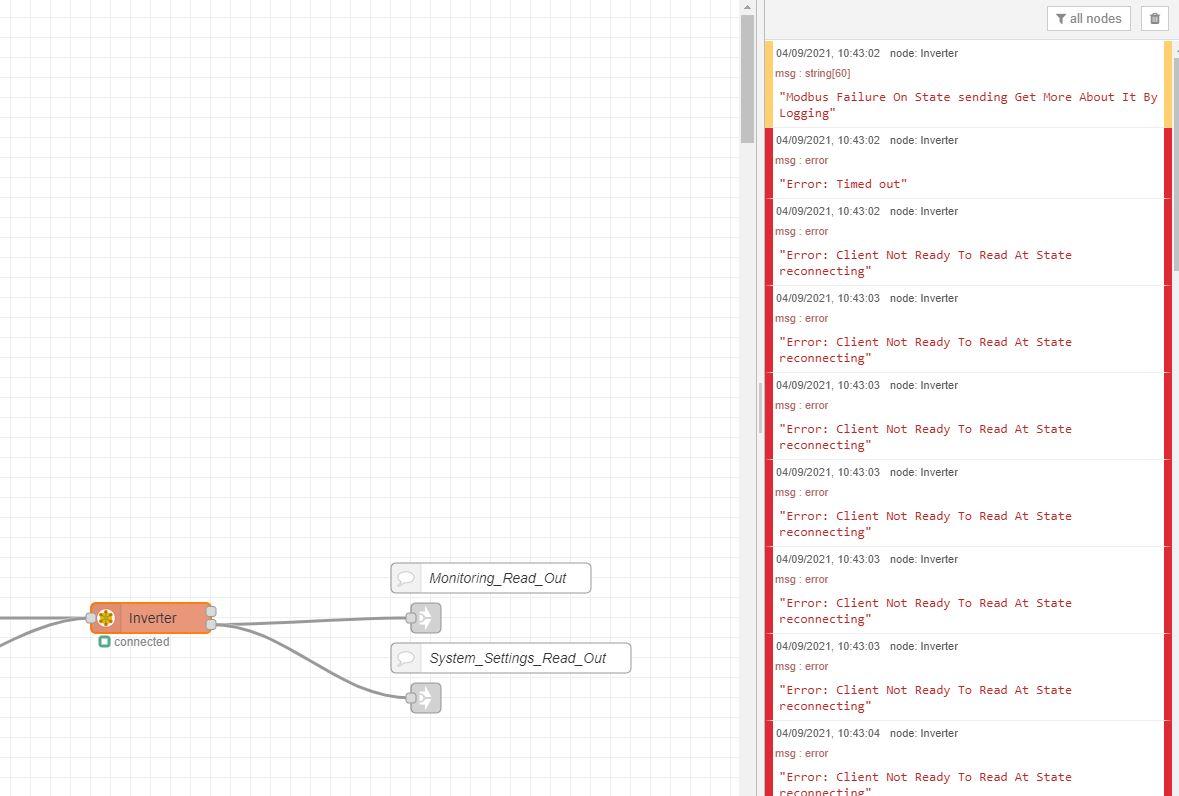
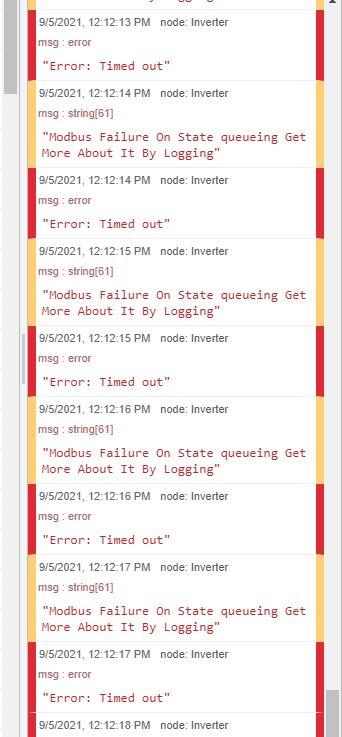
redid the cat5 wiring, and now getting queueing error. Any idea?
-
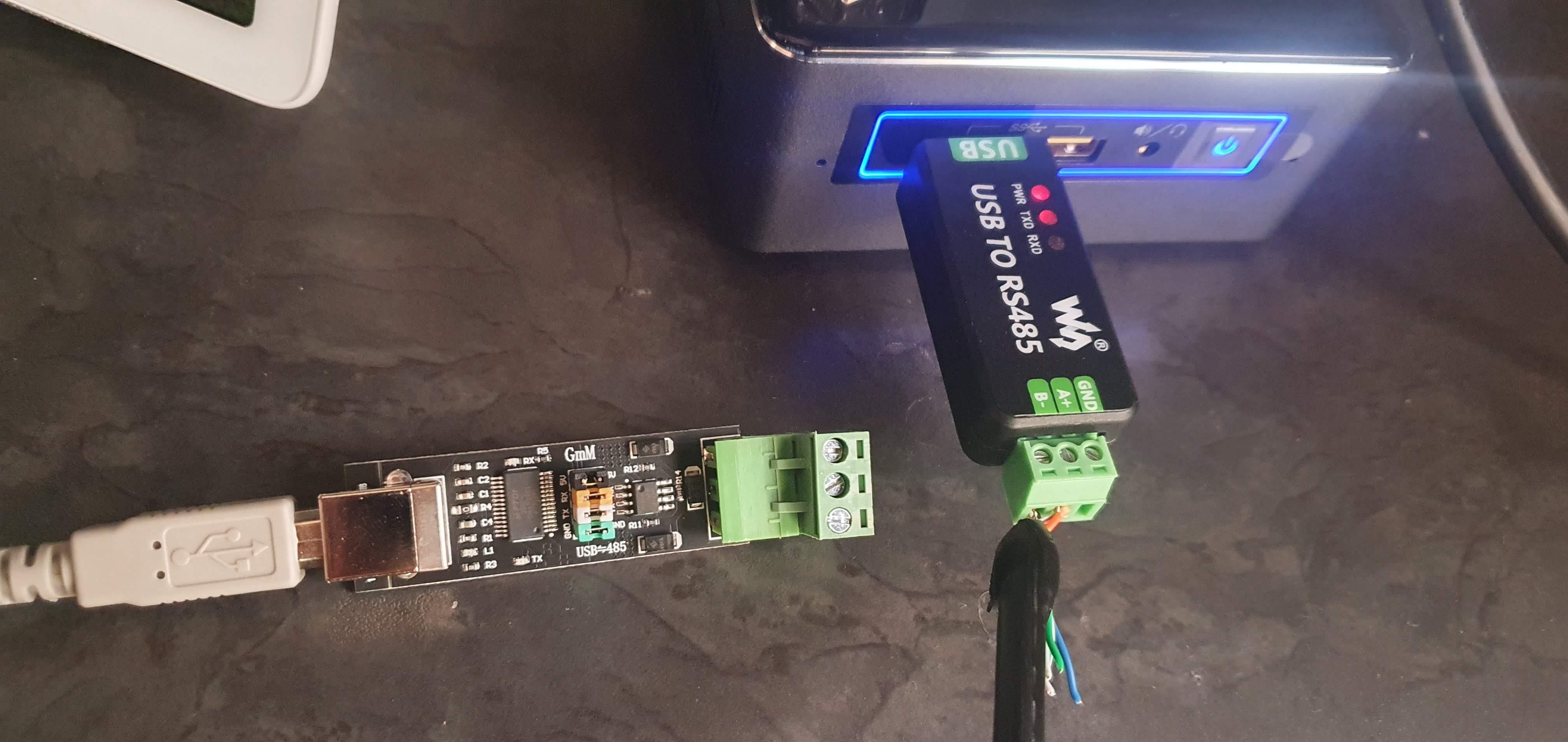
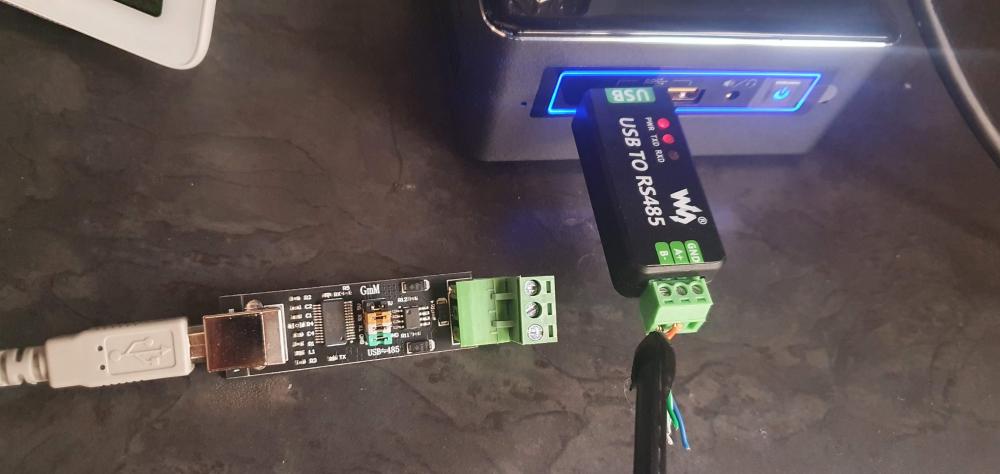
Yeah, that's my next step. The connection at the rs485 to usb component looks sound, I even swapped them. I've attached a pic of both devices that I tried. Gonna go get some more rj45s now...
-
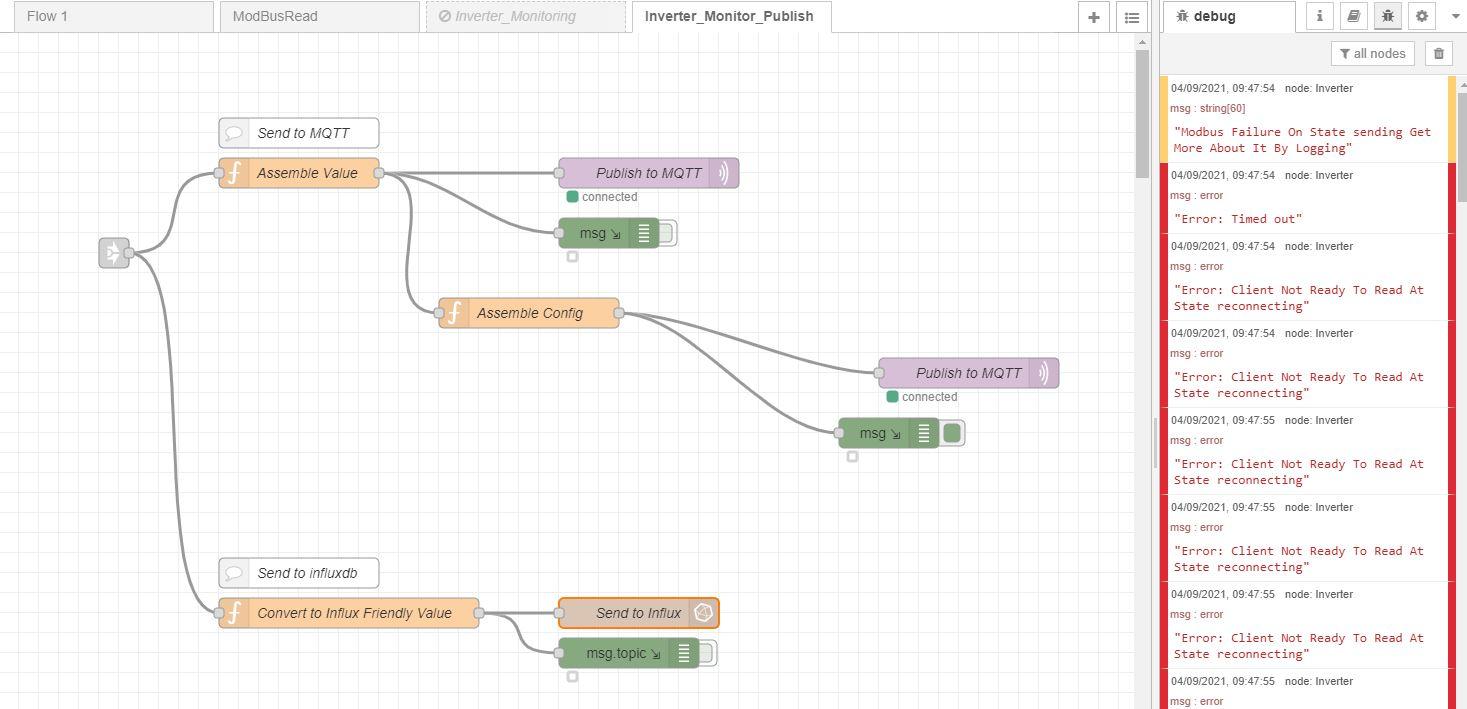
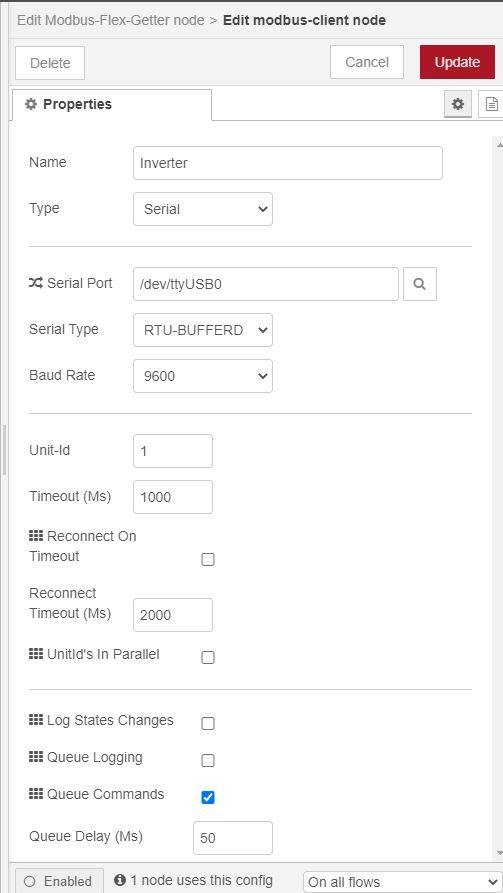
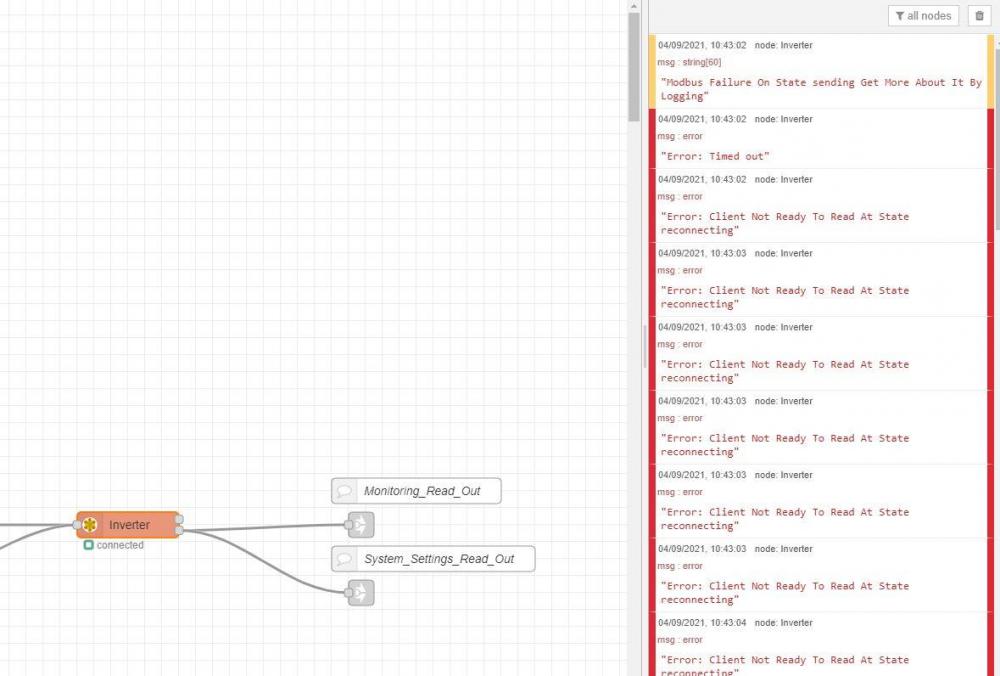
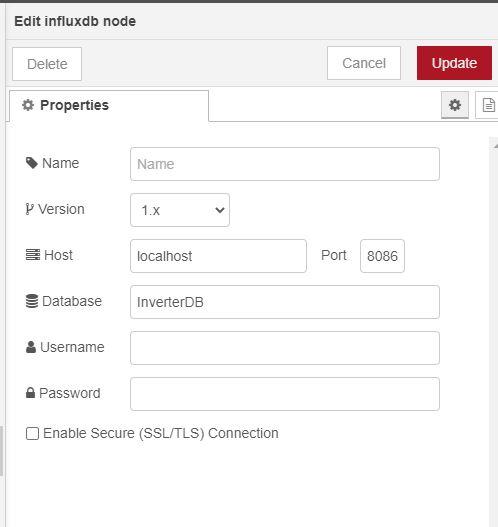
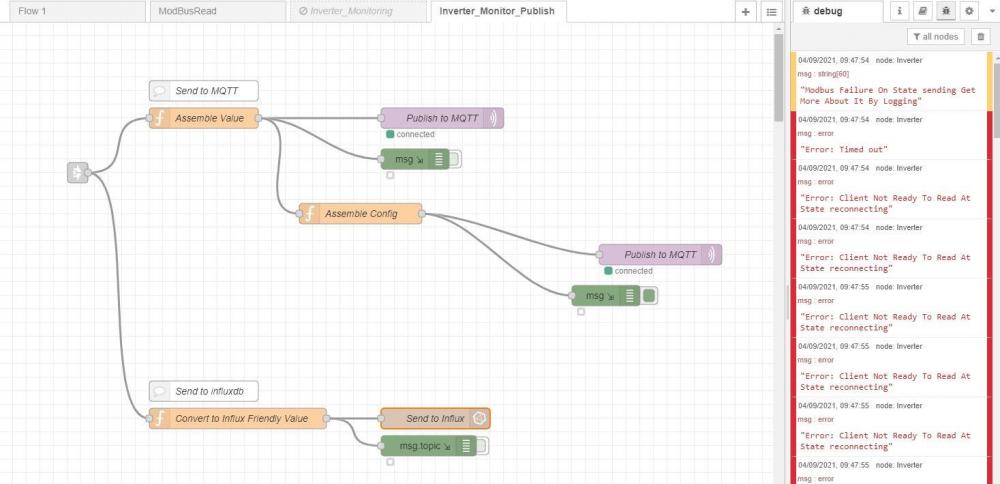
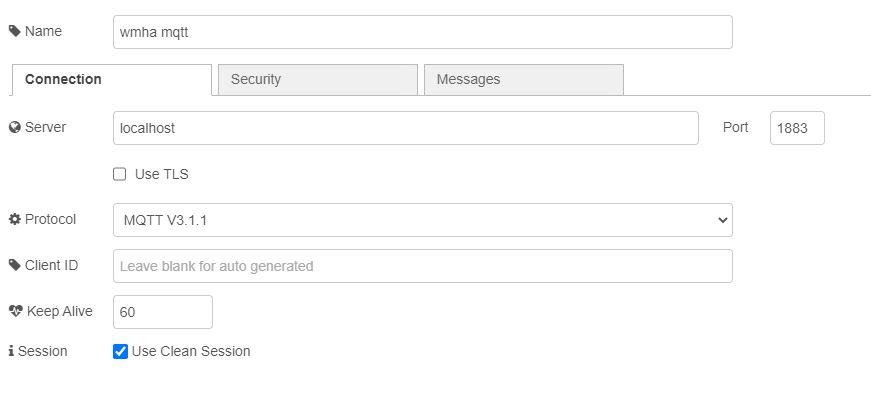
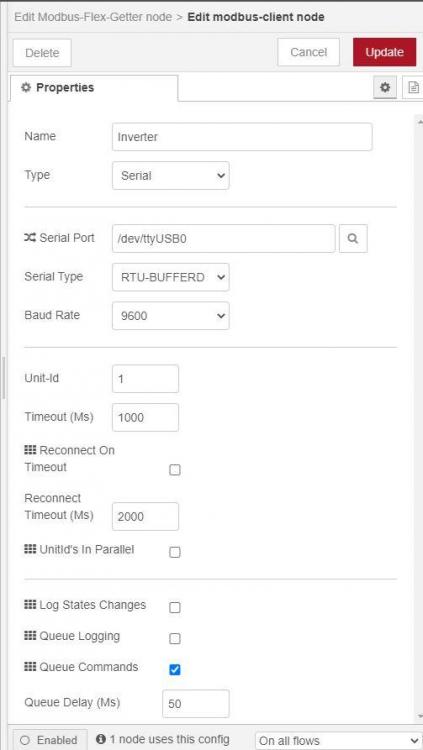
nice to see that @dawolfgot his issue sorted in no time. I'm hoping I can leverage some of the expertise here. I imported @Bloubul7's read flows, and made some config changes, viz. Serial Port set to /dev/ttyUSB0 on modbus-client Added mqtt-broker, as the one included was pointing at a fixed IP (192.168.1.100) no username and password set updated influxdb node no username and password set I also created a database in InfluxDB called InverterDB, but did no other config. When all the flows are active, I get the attached error. When I disable Inverter_Monitoring, no error. Any idea where I am going wrong?
-
The live OS was the easiest way to install HA OS on my SSD. I do not require the USB anymore.
-
What other converter options are tried and tested?