


Anarchy05
Members
-
Joined
-
Last visited
-
Sorry for the multiple posts, my wifi has its issues
-
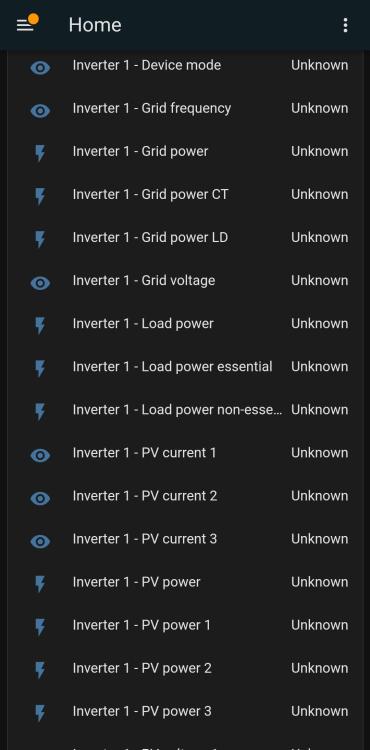
Solar assistant almost gives you the same, less any adjustable settings, and mine seems to have stopped working after +-3 days,the response is only around every few minutes, whereas lxp-bridge pulls it locally so its updated within seconds.
-
Solar assistant almost gives you the same, less any adjustable settings, and mine seems to have stopped working after +-3 days,the response is only around every few minutes, whereas lxp-bridge pulls it locally so its updated within seconds.
-
Solar assistant almost gives you the same, less any adjustable settings, and mine seems to have stopped working after +-3 days,the response is only around every few minutes, whereas lxp-bridge pulls it locally so its updated within seconds.
-
Or batt code 12, read somwhere thats for revov
-
Hi, try setting 12
-
Sorry got a bit busy lately, I think ai know the issue, the location or background settings has never been an issue, I think my wife is using my login details as she forgot her own, so a different device but same login. That would explain it. Will test and report back. Phone Samsung S21,OneUI 4.1 Android 12, location limited to g-maps only
-
Is this the correct place to complain that the app keeps logging me out everytime its closed on my phone? Will you guys be able to request a "keep me signed in" button or something? Ive been a huge sonoff fan since 2017, and in these many years have only experienced one server downtime so never use alternative apps to operate it, but this issue is starting to make me look at alternatives as its super annoying having to log in everytime first before adjusting my fan speed.
-
-
Try botshop, robofactory or seweb.co.za
-
-
I also had this issue a while ago with a king that refused to talk to up5000 batts, turned out the battery firmwares needed upgrading and comms started working
-
I have a victron Bluesolar 150/45 thats been lying here. Not sure of age but it was used for about 2 months maby Edit: Sold the mppt!
-
Hi, Can I take it if the above does not? Kind regards Edit: It would have to be shipped to me though
-
How does one participate ? What would such a use review consist of?
-
-
This is a wild gamble, but I have read your post and have a theory, these inverters, well the older ones like mine have a bypass enable and disable setting, it somehow decides that when drawing too much current from the batteries, to protect it it bypasses, my theory is that this is what is causing yours to do this, and this setting is based on your charging current to the batteries, so I think if you were to set this to a high value it might not do this. But then you risk the battery. The guys who know the firmware might know how these calculations are done.
-
Hi, Just for interest sake? Are these MKS II versions as I had experienced this same effect on those. They run perfect for 10mins and then gives me that fault. They run perfectly in single mode though so eventually sold them both and got 2x MKSI inverters. What I did notice is it had something to do with the mppt, as the issue would only occur when solar is available


