
CobusK
Members
-
Joined
-
Last visited
Everything posted by CobusK
-
Jip, that is why the installed position of the external CT is of such importance
-
The 100% reflects the SOC at a specific time, thus 100% Batt capacity is available.
-
Hi, just a clip from the manual Zero export to CT:
 Hi Phillip, yes it is, you can set the parameters in System Work mode
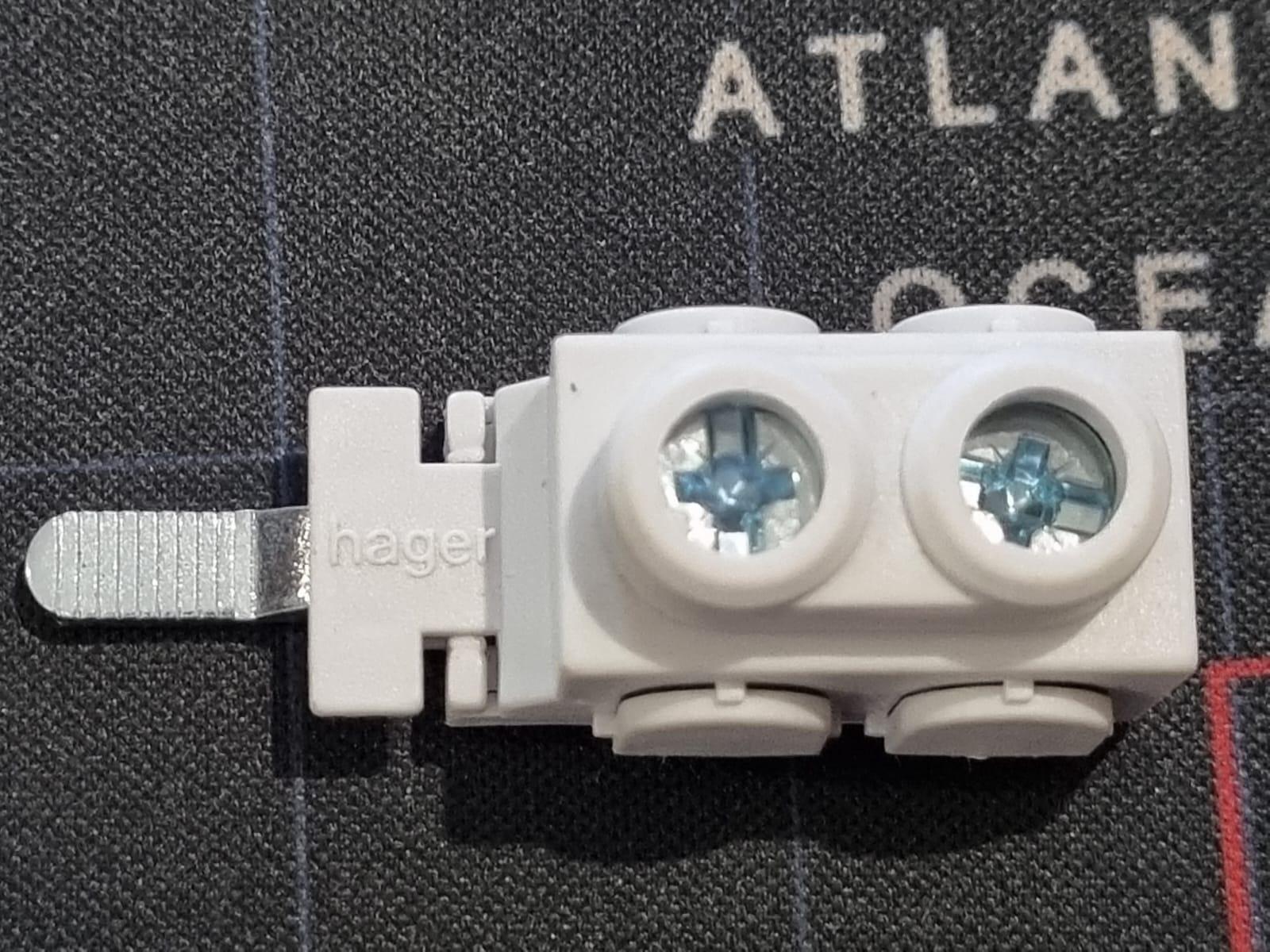
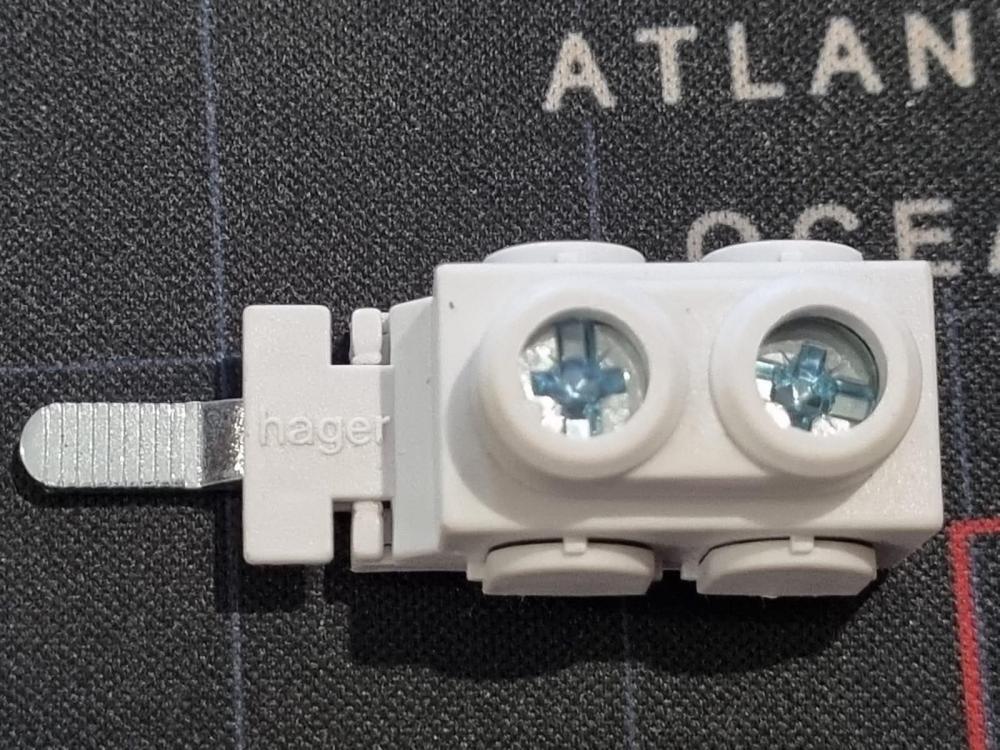
 If the budget isn't a major factor (just kidding), I would split up the panels between east and west and incorporate adjustable frame structure with tracking. (Just me being courageous here 🙂 )Hi, sorry there is no model number on this product. There are two types of these terminals. This one with connecting wires perpendicular to the prong whilst the other is a linear connection. It accepts 16sq.mm wire
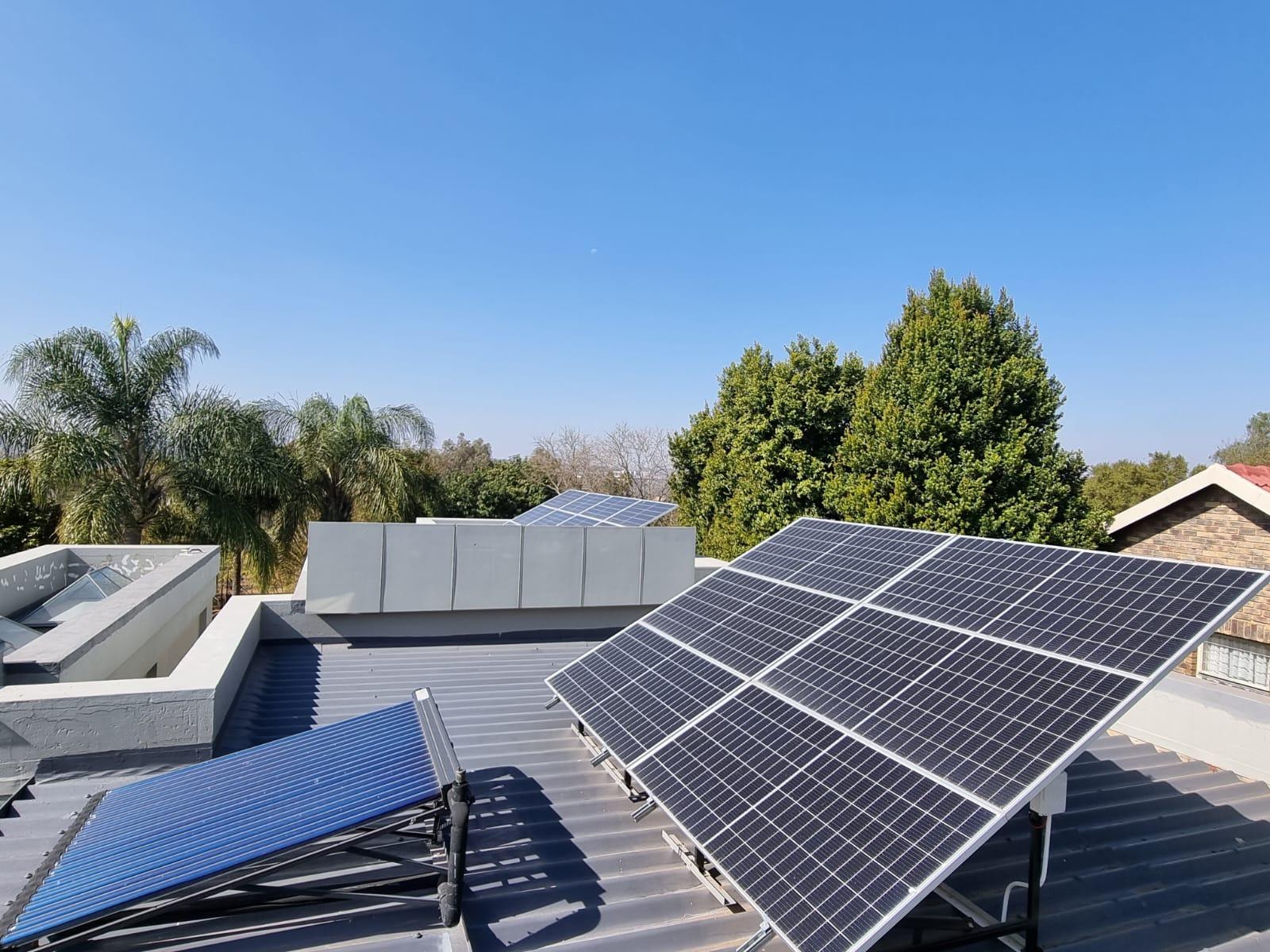
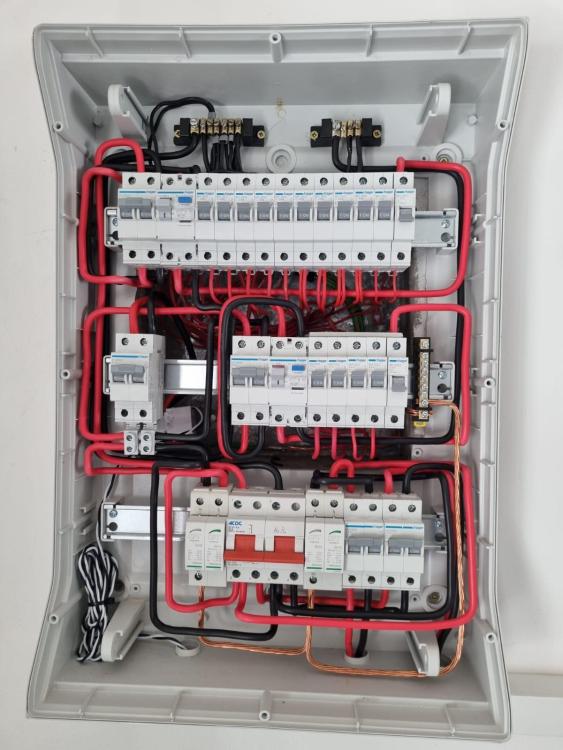
 ... bringing more enthusiasm and excitement to this forum! Thanks!!I would recommend to add an additional loud siren in the vicinity of the panels as well.Outdoor passives on the frame structure (DT) Dual Technology - Microwave and IR. Program your alarm panel as 24hr guard zone, communication on and 'Bell on alarm'. You can add LED spot lights on a pulse module that will effectively blind their night vision. Hopefully they will experience a mishap in trying to get of the roof🙂 Depth behind is forgivingHager product, I found them at Frontline in SomersetEasy access behind the main MCB 🙂One of my installations of a single split DB in Somerset
 I think it is a good start. Real world usage will show if the percentages you applied, are going to suit your lifestyle. Just remember to consider the Grid Charge options as well, especially on cloudy days and when you really going to need the Battery backup when the grid is down.Good Morning Mine updated this morning. Excellent service from Deye China, not even 10 hrs since my e-mail request HMI: Ver 0000-C364 and MAIN: Ver 0-6024-07DFOn my installation i used an external relay to achieve bonding only in islanding mode.This approach is the same then as an external relay with AC signal to anchor the NC contacts between N and E in islanding mode.'Om te meet is om te weet' If you measure potential between the N and E bars on both non-essentials and essentials whilst the grid is on, it confirms bonding (150mV) As soon as grid falls away and islanding takes place, potential voltage between N bar(Essentials) and E, climbs from mV to 70-80V, thus indicating 'no bonding'. . Deye installation manual indicates AC signal to external relay to achieve bonding in islanding mode. I presume that, based on the measurements, that permanent bonding on essential side, at the inverter, would serve the same function as an intermittent bonding when in islanding mode. Thus, permanent bonding, or using AC signal for relayed bonding in islanding mode, depends on the interpretation of the regulation. Both will achieve the same purpose.DoneSmart load acts as ' Hybrid essential 'As long as it sees the grid (Grid always on), it will stay on. As soon as the grid falls away, it reverts to the SOC parameters. Just be mindful of the power setting in the dialog.If the PV is producing well, then the SOC will be at 100%, so to answer the question, yes. Otherwise the Smart load is controlled by battery parameters as determined by input on SOC values and ,Always on' if grid availableHere is a link to compare Dyness and Pylontech : Dyness Vs Pylontech Comparison - Solar Energy Warehouse