Brian_SA
WD POWER HYDRO ELECTRIC
-
Joined
-
Last visited
-
-
Hi @alec_s If you disconnect the AC out from the inverter and just have the AC in and Batteries connected does it still happen? Meaning if it does, that excludes all your AC output connections and the problem lies on either AC in side or the inverter. Also, there is a "grounding" testing setting in the solar power app for the inverter if I remember correctly? Maybe changing this setting could help??
-
-
-
 Douw G. Gerber reacted to a post in a topic:
Can I connect a hydro-electric generator to a Axpert inverter?
Douw G. Gerber reacted to a post in a topic:
Can I connect a hydro-electric generator to a Axpert inverter?
-
Antonio de Sa reacted to a post in a topic:
Can I connect a hydro-electric generator to a Axpert inverter?
-
We use an ESP32! All the rest is a trade secret!😆
-
Antonio de Sa reacted to a post in a topic:
Can I connect a hydro-electric generator to a Axpert inverter?
-
We use the PID control to feed the power through to the inverter once we have the voltage stable on the ballast load. We control on voltage and ensure once the voltage is rectified we don't overshoot the max MPPT rating.
-
Tim, your statements are false and i disagree with you. I am a Hydro Engineer based in south africa. Efficiencies add up through a system by multiplying each one together. Let me give you an example from our hydros we supply: Overall efficiency = Turbine x Generator x hydraulic(pipeline) x electrical losses(inverter, rectification etc.) Typical calc: Turbine at 90% x Generator at 90% x Hydraulic line at 95% x Electrical losses 90% Therefore overall efficiency is 0.9*0.9*0.95*0.9= 69%
-
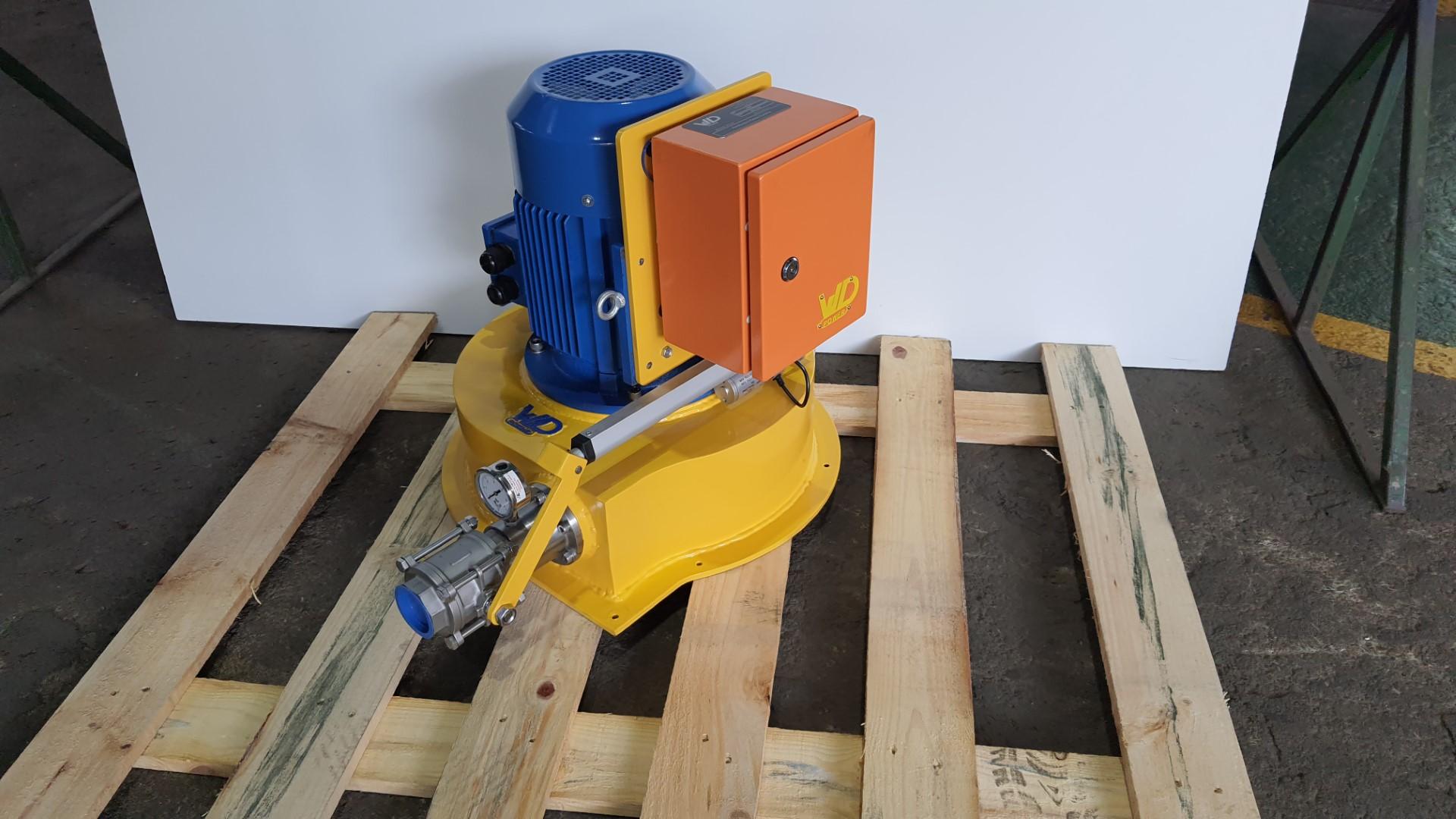
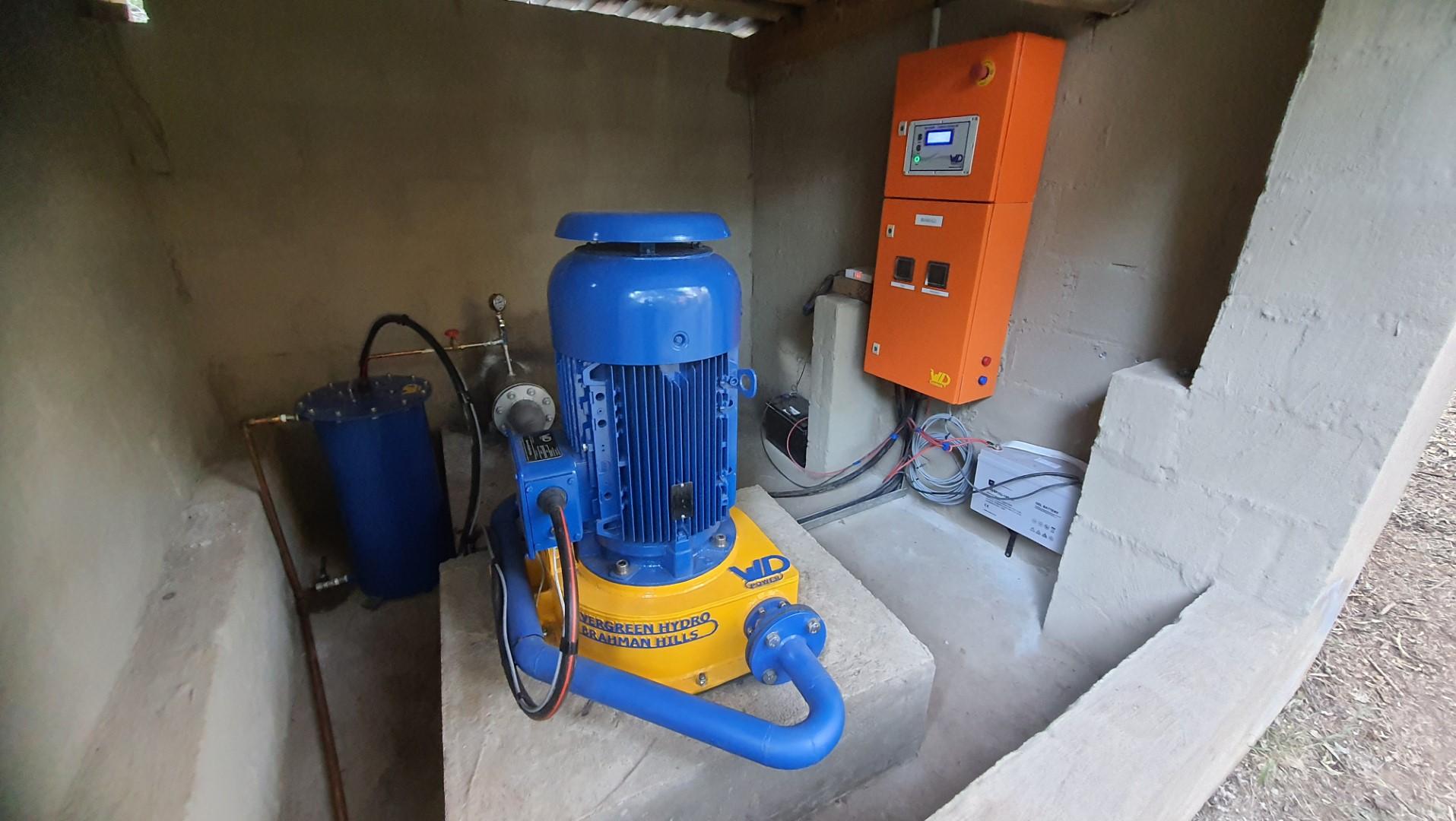
we do, feel free to DM me. WD Power... locally manufactured hydro units.
-
Hi Cassie, this can be done. but you need a special PID controller for the setup. The best way is to tie into the mppt dirctly after rectification. the volatges do go high and i think that the axpert have a low voltage mppt. it is tricky but can be done.see my above post of our micro hydro's we have done this with before. awesome small machines. Im not sure of the flow he has, but at 150m it will be a pelton turbine he will need to install.
-
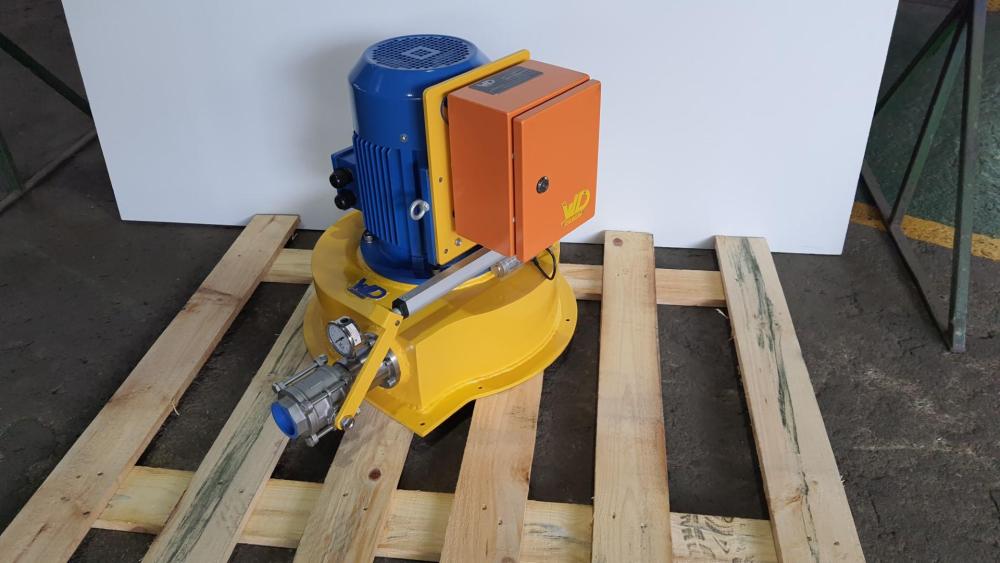
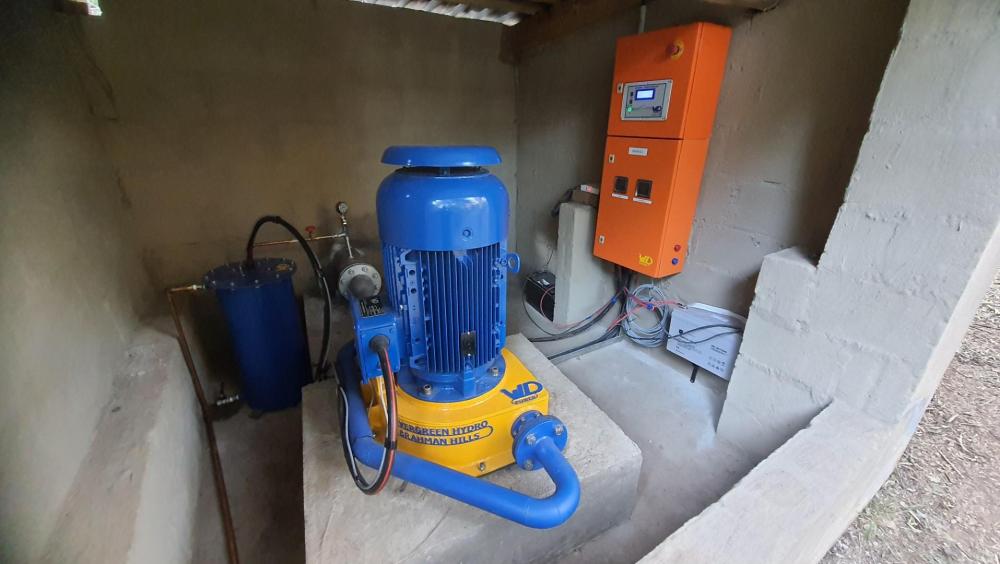
see some of our micro turbines. we have built a special controller to tap into any inverter. the inverter basically thinks its a 24hr solar panel.
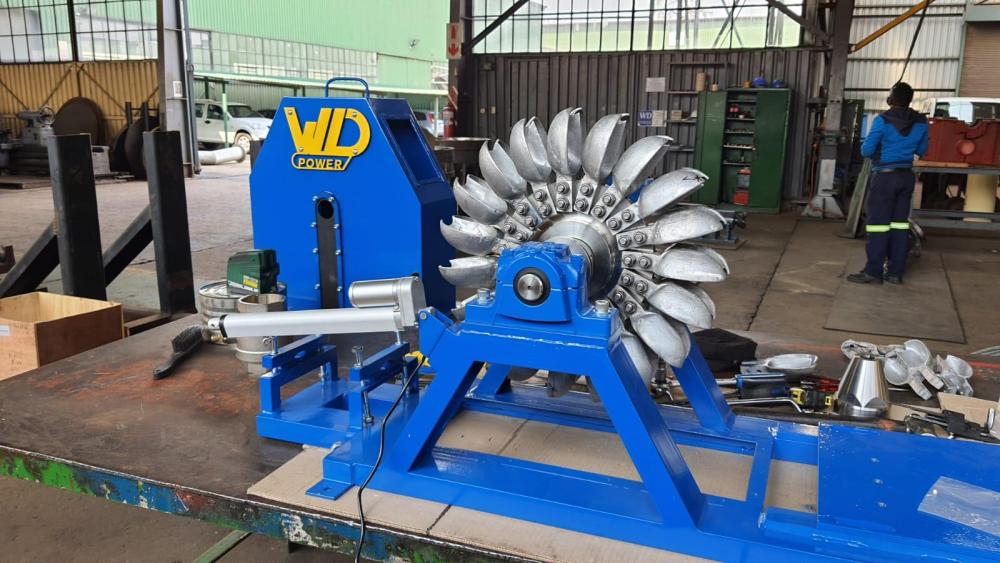
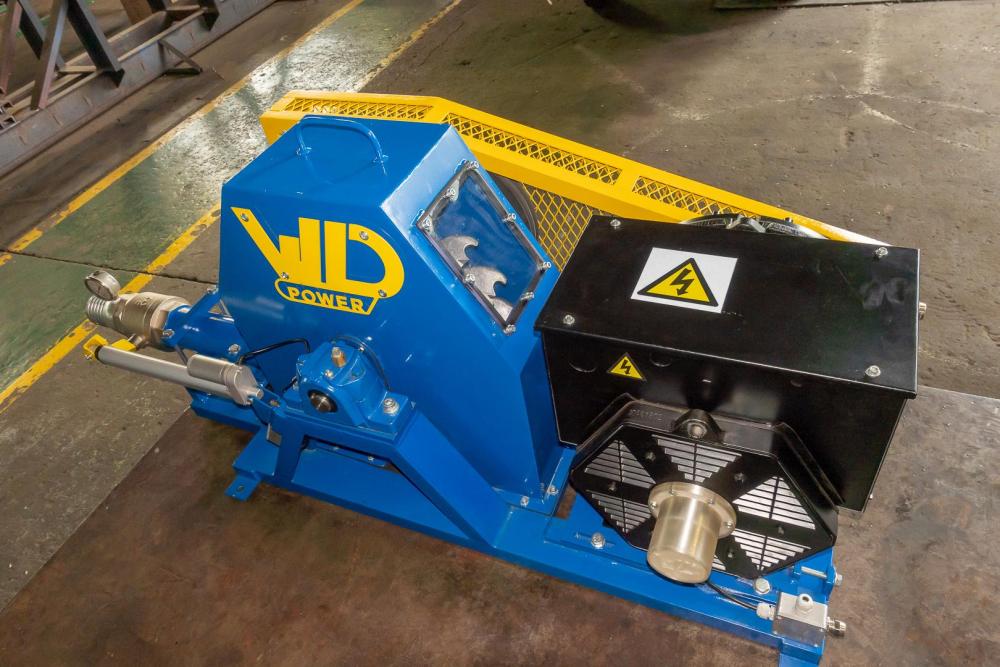
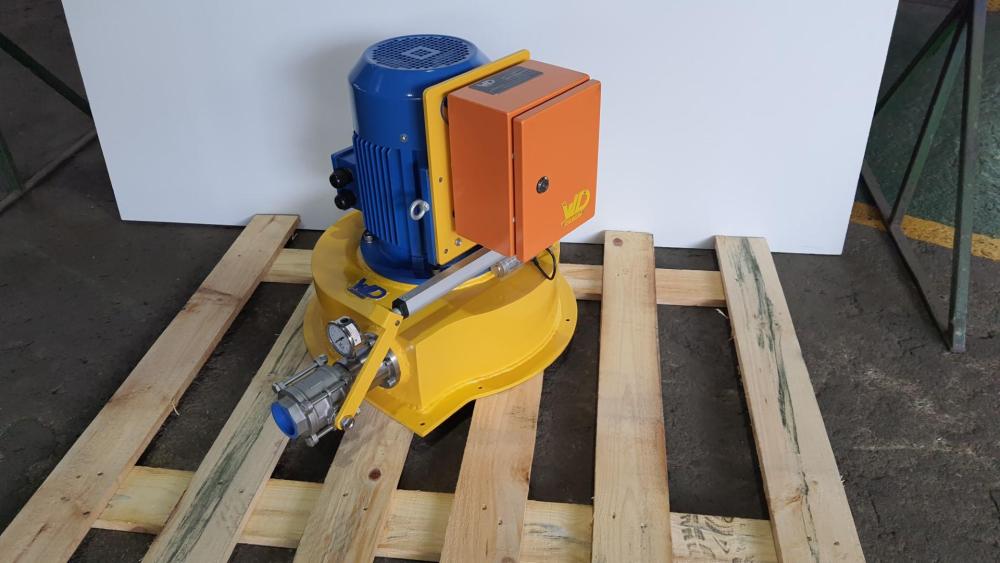
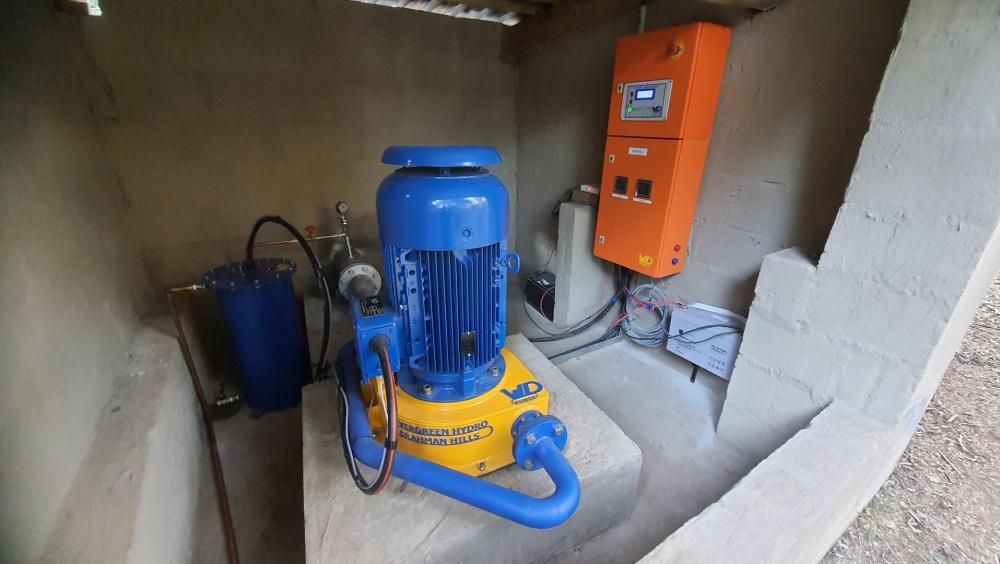
-
@Cassiei have controllers that can do this sort of thing. we supply micro hydro turbine to the sa market
-
@Tsa I am using solar assistant software on a Raspberry Pi unit. Yes, all the battery info is displayed on the solar assistant software app.
-
Hi All I know this is an old thread, but was wondering if you can solve a dilemma im having with the Narada batteries. I have noticed that the narada batteries are not holding a constant voltage during the SOC cycle and actually start at the set voltage and drop to around 42v at the end of their cycle. Is this common with these batteries. Im helping my friend that has this battery, we are monitoring through solar assistant, the battery code is 45NPFC200, very strange as i only find data sheets for 48NPFC200, not 45?? His is linked to a growatt 5000es inverter. Even on the 48NPFC200 data sheet they have tables showing output in hours and the voltage reduction to 42v. I myself have dyness batteries and see they dont ever drop voltage below 48v through a cycle. Was just wondering if you guys are experiencing this as well.
-
Hi @Johandup I control my geyser with a red pole wifi switch that can be bought from Takealot, works like a bomb: https://www.takealot.com/red-pole-energy-geyser-smart-wi-fi-switch-energy-monitor/PLID91347311?gclid=Cj0KCQjw48OaBhDWARIsAMd966DlKWq87z8_4O7dEOg49c4MU5uesKg2i6G8TgYPxc9eb1wJncpb9fUaAgenEALw_wcB&gclsrc=aw.ds It does not have a temp probe, but i suspect you could just add another sonoff at your geyser that will measure the temp and make them talk to each other by creating an automation or a scene? here is the sonoff: https://sonoff.tech/product/diy-smart-switch/th10-th16/ You should just be able to make a small housing on the geyser tank and pratley stick it on. Its crude, but should work. i think i will be trying this soon enough. 😄
-
I agree with @Bobster., rather look for a new property that has something installed already you can build on, or is well positioned for a good solar setup, i.e. North Facing, possibly already has a generator bypass on the DB. To assembly and disassemble is not an option imo. Also, at 20kWh per day, which is similar to my consumption, a 5kW hybrid with 1x 3,5kWh Li batteries for some light at LS and a few PV panels should get you far, especially if the DB is done and so on in the new place you find. 100k should cover it.
-
-
Hi Steve and others on this thread. I decided to go have a peak at the ''grid relay'' function when in off-grid mode. The manual says as follows when using grid relay(off-grid mode I & II): PV power will provide power to the load first and then charge battery. Feed-in to the grid is not allowed under this mode. At the same time, the grid relay is connected in Inverter mode. That means the transfer time from inverter mode to battery mode will be less than 15ms. Besides, it will avoid overload fault because grid can supply load when connected load is over 5KW. the manual says as follows when not using grid relay(off-grid mode III): 1st Load, 2nd Battery PV power will provide power to load first and then charge battery. Feed-in to the grid is not allowed under this mode. The grid relay is NOT connected in Inverter mode. That means the transfer time from inverter mode to battery mode will be about 15ms. If connected load is over 5KW and grid is available, this inverter will allow grid to provide power to the loads and PV power to charge battery. Otherwise, this inverter will activate fault protection So it seems you will have the grid as backup in both cases, the only difference is the transfer time involved, if I understand correctly. If you want the transfer time to be less than the 15ms, you will have to accept that the grid will always be connected and pulling around 70watts of power in my case and oddly supply the load fluctuations in power at short bursts. As for my setup, I have no problem with the grid relay not being connected, this allows my grid to have 0 power consumption from the inverter line as long as my batteries are sufficient and no overload occurs. It might be different for each individual here, especially if you export to the grid, which I have no experience in. Cheers!
-
Thanks Steve I have 2 units, will connect the second soon so I do not worry about overload, 10kW is plenty for me. I just seen a lot of people have been complaining of the constant grid usage, so it's a good starting point to see if it works for you, if you rely on the grid constantly I suppose you have to live with the reference load from the grid. Another way I have read is to set the grid compensation power to the same as your inverter load, it balances it out to practically 0, but then you still have the fluctuations present when your loads vary all the time, but at a stable load it basically stays at 0. Thanks
-
Hi Guys I have infinisolar and had this headache...but finally solved it on my side. My inverter was constantly pulling 80watt from the grid and fluctuated a bit with loads, but the grid was always being used. What worked for me is to set the inverter in "Off Grid III" when the grid relay is not connected in inverter mode. You still have the grid to support you and to top up the battery when required. So you won't be without power in this mode, and you won't used the grid at all as long as your PV and battery can support you. Let me know if it works for you as well.