


Sam79
Members
-
Joined
-
Last visited
-
Does anyone truly understand the second backup and smart port setting and the logic of the settings?
-
Hi Mark, do you have any assess to the automations? I see there are some interesting developments coming soon with forecasted PV yields, a step toward AI of simple inverters. I'm afraid there aren't enough Solis inverters out there to benefit solar assistant in developing with Solis. I see many other inverters which have come along after that have been updated with automations.
-
If you haven't come right yet, try SamSam, they are a dutch based solar company that have just set up shop in Cape Town. Very honest, reliable and only do things the right way. SamSamSamSam | Impact with energyChoose SamSam and personally contribute to a better world. It's a choice that benefits not only you but also the Earth and your fellow human beings.
-
I'm not sure how tech did it. But ivd since stopped using solar assistant as there isn't any automation available on the app and connecting go SA would block the Solis cloud from functioning.
-
-
Mine is the same..been 100 percent
-
Watching to see if you get the answer go help us both...I only use the solar assistant as it's real time and my wife can understand hhe display. Solis is a bit to complex for the untrained eye..
-
Hi Mark, hopefully someone will come back to you. I've connected my solis s6 via the wifi dongle to solar assistant but that blocks the Solis cloud from receiving the data. Also just to note that solar assistant at this stage doesn't have power management functions.
-
Hj guys has anyone got any feedback of doing this? I currently have a bl3.6 (which is a rebranded Greenrich) but the prices of the greenrich up5000 is so good at the moment I'm thinking of increasing my battery capacity. The price of the bl3.6 is the same as the up5000. Thanks for any advice...
-
Hi guys, is it possible to raise the battery undervoltage setting on the Solis s6 inverter? I had an issue a few weeks ago with the bad weather causing the battery not to charge for 3 days and the voltage slowly dropped until the battery shut down. I've since changed the force charge setting to prevent this in the future. However I'm wondering why the under voltage protection on my inverter is 2 volts lower than the battery cut off (44V)?

-
S6 pro 5kw single phase
-
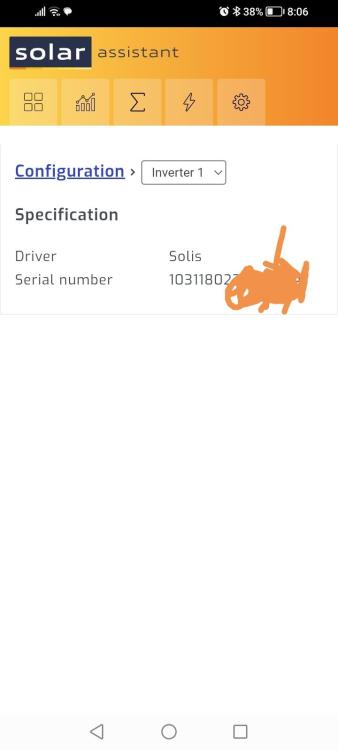
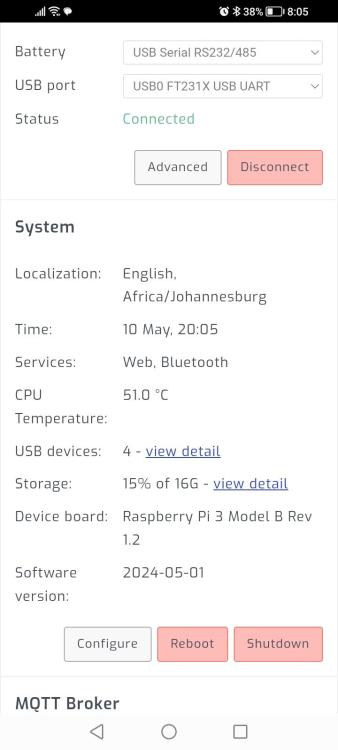
so I'm on the beta version and have had Sa tech look into getting me connected but at this stage I can connect but with out the functionality of adjustments..

-
-
On the beta version you can add time slots and then the charge/discharge is controlled by this function. Ie. at 4pm the battery must be @ 80% soc if not it will move to grid, at 5pm it must be at 90% soc etc... and you can add as many time slots as you want..
-
Following for info, let us know how you get on. I assume you've received a quick response from all parties. Sounds like your in good hand to get it resolved..
-
Hi guys, Hands up who has a solis s6 pro and is using solar assistant. I'm hoping a few of us.. I have my setup reporting but as of yet there is no ability for the user to adjust the inverter setting or for solar assistant to based on solar assistant setting. One of the best features of SA to my mind is the time. Of use/soc setting.. Hopefully SA will see the value it working on this and making it available as a feature soon..
-
-
Are you not just better off getting another battery to absorb the extra pv and discharge at night to off set it?


